Add more Magic Brush credits
Review picture-edit credit packs and check the balance in the image editor.
Follow along at your own pace.Watch on YouTube
Prefer to read? Let’s walk through it.
Everything you need, one clear step at a time.
1Review the available edit packs
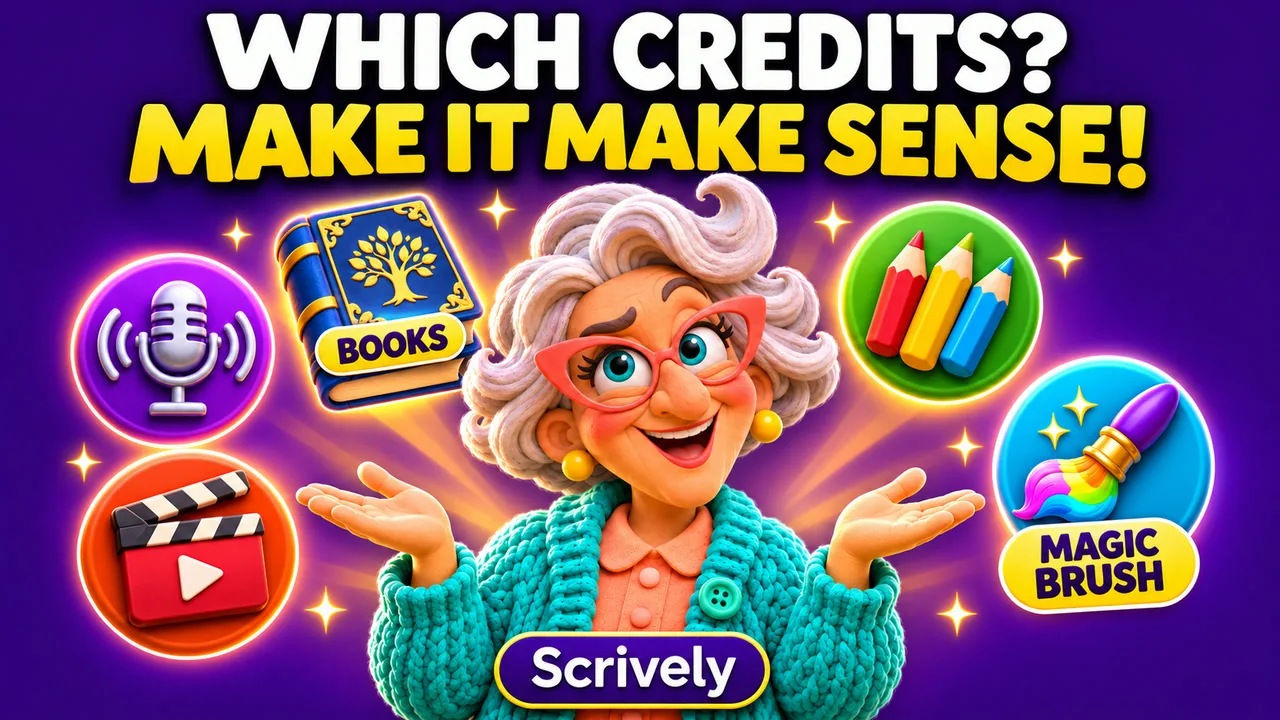
Select Magic Brush where your remaining credits are shown. Compare the packs and prices, then open the purchase details for the pack you want. Check the total and account before completing payment.
2Return to the illustration
Once the credits are available, reopen the intended picture editor and check its displayed balance. Use that balance for picture edits; general book-creation credits apply to a different action.
You’re ready for the next chapter.
Try it in your own book, or explore another guide below.