
What would you like
to create today?
Find your answer. Learn a new trick. Make a little magic.
A guide for every part of your story.
Short videos. Clear steps.
Learn whichever way you like.
Getting started
A little guidance for your first story.
3 tutorialsCreating a book
Turn photos, ideas, and drawings into books.
37 tutorialsCharacters & artwork
Create a cast that feels just right.
25 tutorialsEditing & page design
Fine-tune the words, pictures, and layout.
27 tutorialsAudio & StoryMovie
Bring stories to life with sound and motion.
27 tutorialsSharing & printing
Download, share, and hold your story.
34 tutorialsYour account & library
Find your books and manage your account.
21 tutorialsA little extra help
Get unstuck and keep your story moving.
20 tutorialsYour next little breakthrough
194 helpful tutorials, all in one place
 1:08
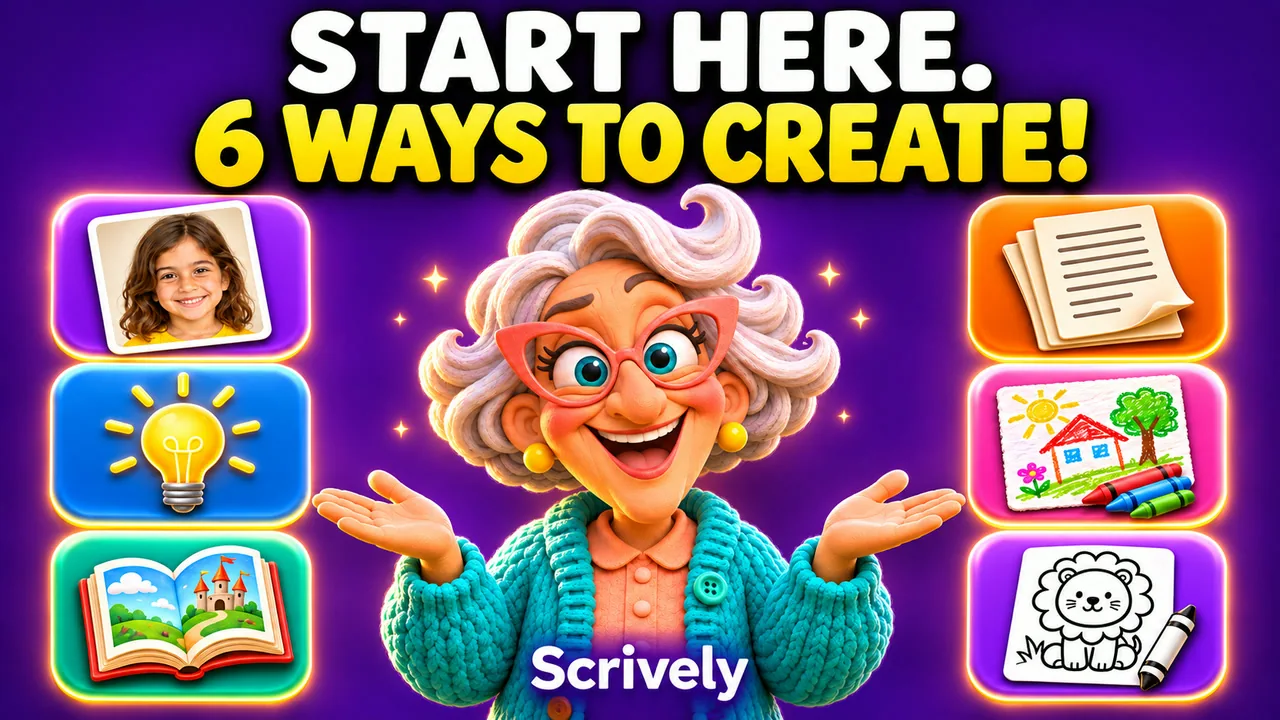
Find the right way to start your book
Have a photo, a story idea, or a drawing? There’s a starting point for each.
 1:19
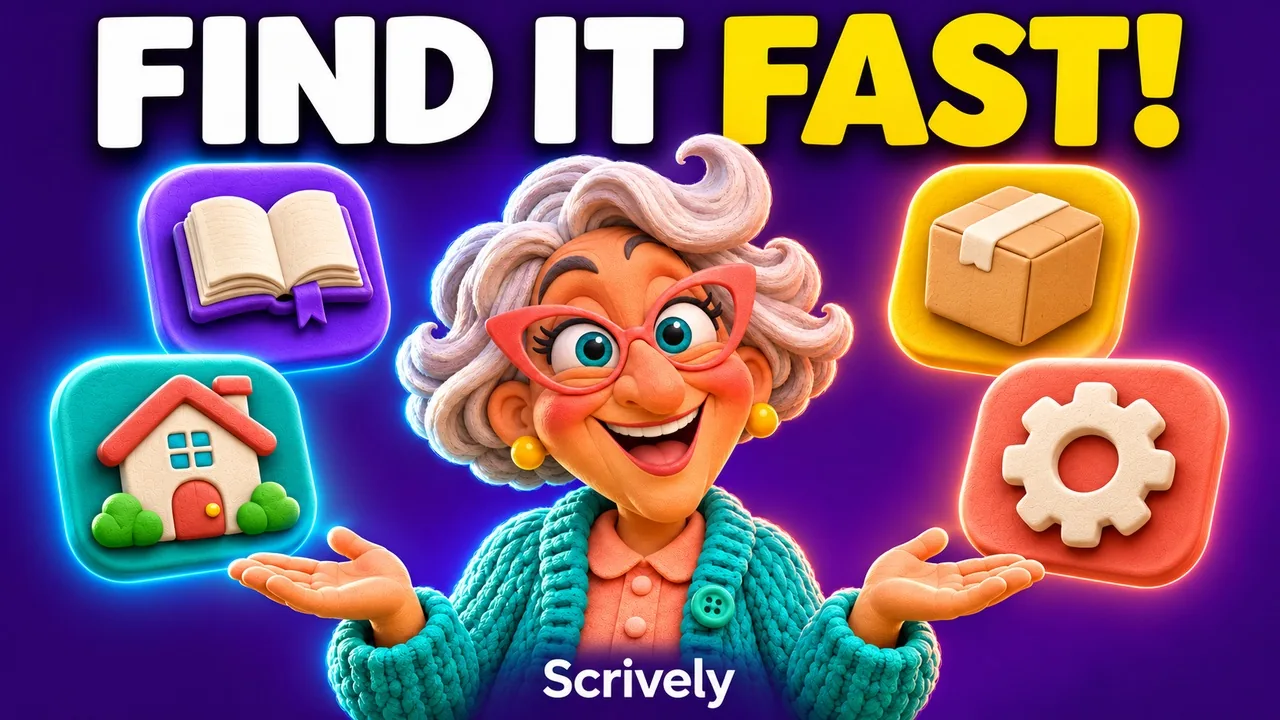
Find your books, orders, billing, and settings
Get familiar with the main places you will use around Scrively.
 1:27
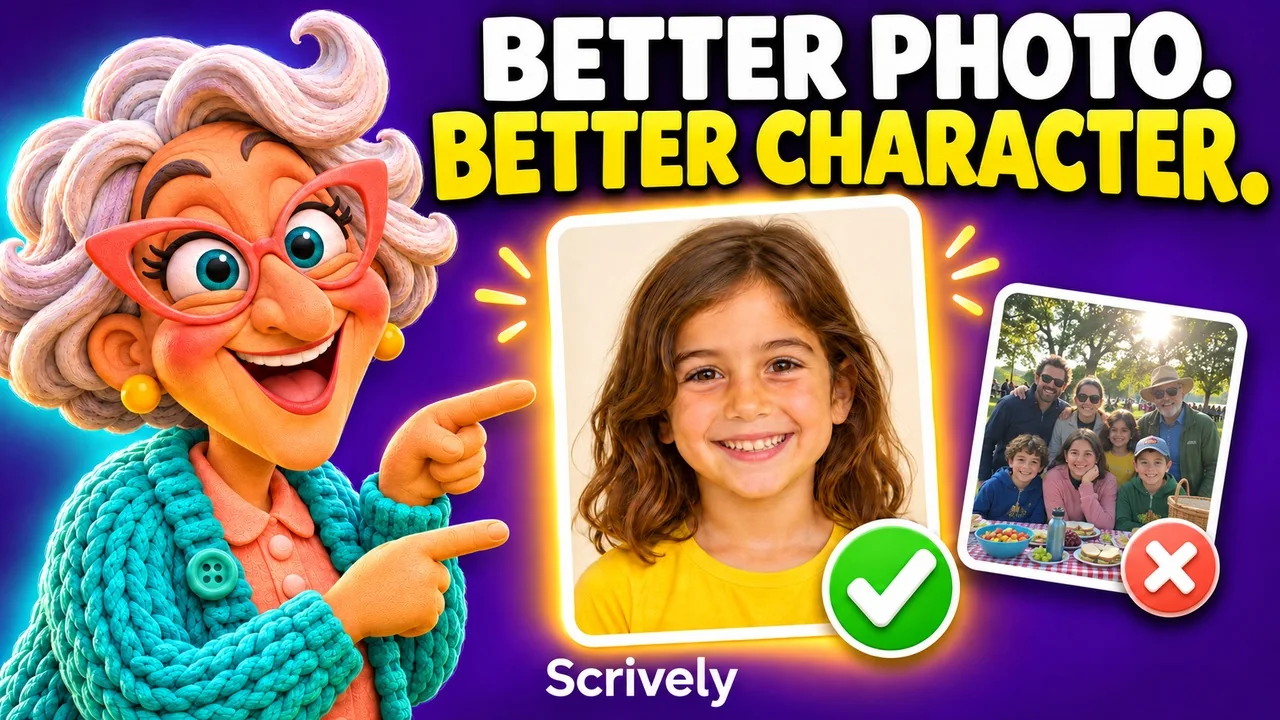
Choose a clear photo for your character
Give Scrively a good view of the person you want to turn into a storybook character.
 1:38
Make a personalized book from a photo
Turn a favorite photo into an illustrated adventure starring your child.
 1:00
Add a dedication while your book is being made
Give your story a personal opening with a short note and a familiar name.
 1:22
Check progress when a book is still generating
See what Scrively is working on and return to your saved draft without starting another book.
 0:30
Pick up an unfinished book
Find your saved draft and carry on from the step where you left off.
 1:07
Find your way around the book editor
Get to know the tools for pages, text, illustrations, and book-wide changes.
 0:59
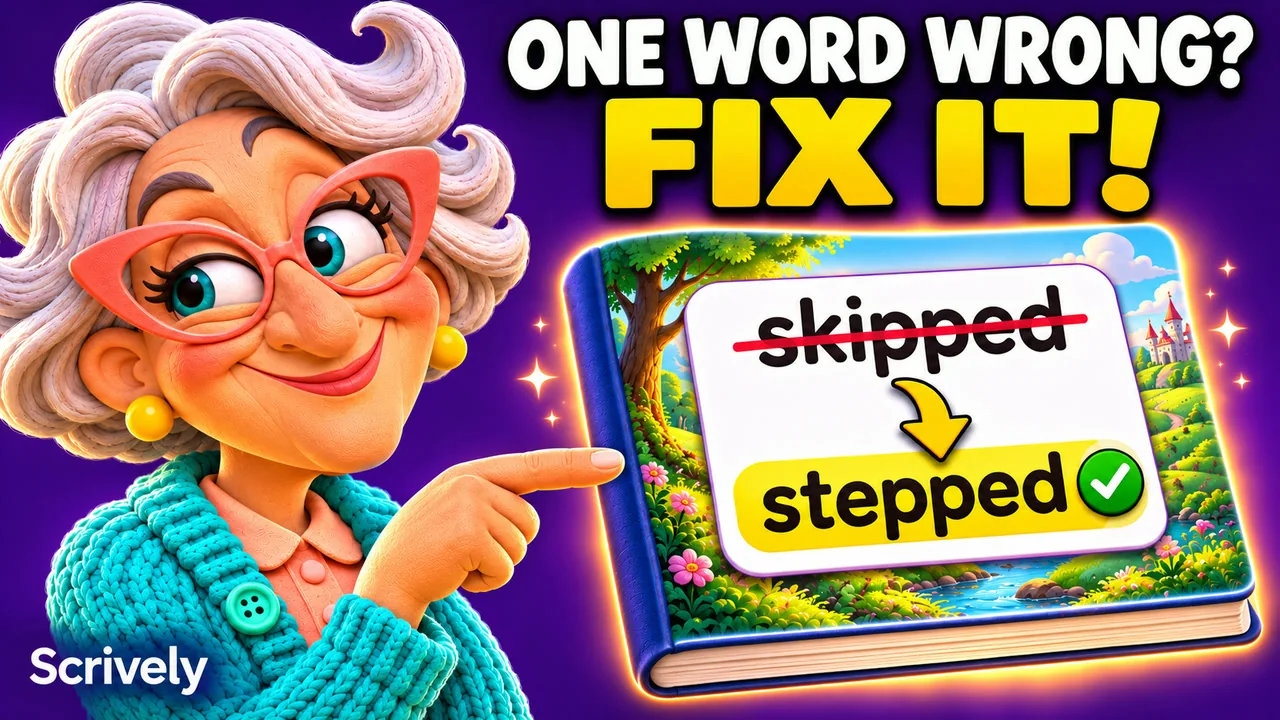
Edit your story without starting over
Correct a word or update a passage while keeping your existing illustrations.
 0:50
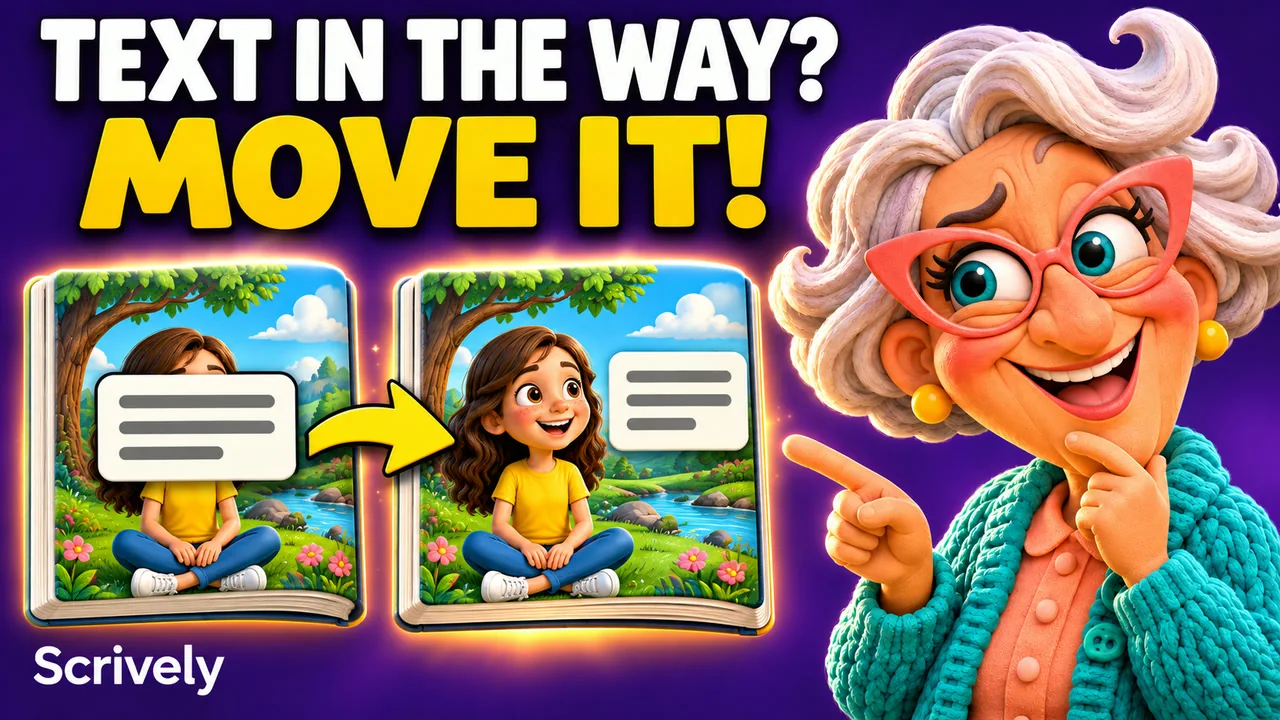
Move text away from a character's face
Reposition a text box so the words are easy to read and the illustration has room to shine.
 1:05
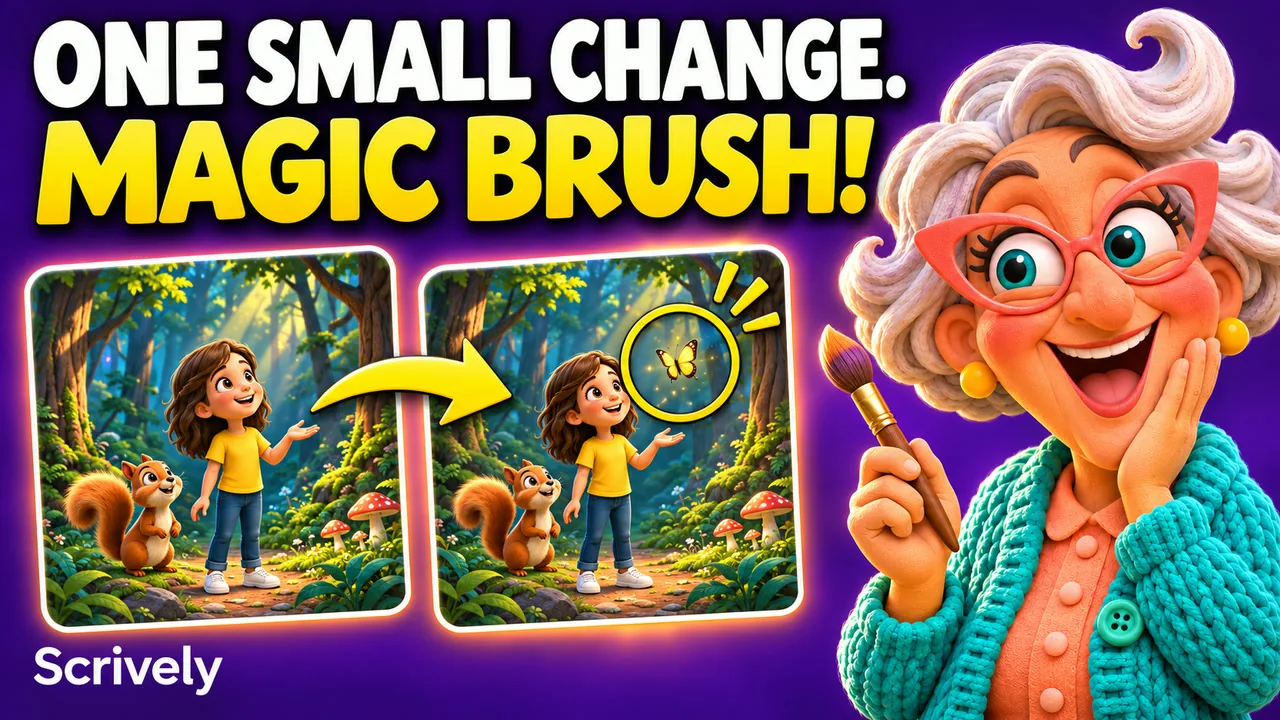
Change one illustration with Magic Brush
Describe a specific change and keep the parts of the picture you already love.
 0:53
Share your book with a reading link
Let someone enjoy your finished story through a link you can send yourself.
Every great story starts with a question.
Still need a hand? Our friendly support team is here for you.