
What would you like
to create today?
Find your answer. Learn a new trick. Make a little magic.

Audio & StoryMovie
27 tutorials found
 1:23
Find your way around Scrively Studio
Discover the tools for narration, music, sound effects, and interactive reading.
 1:13
Choose and preview an AI narrator
Listen to voice samples and choose a narrator that fits the mood of your story.
 1:05
Add AI narration to one page
Try your chosen narrator on a single page before recording the whole story.
 1:11
Narrate your entire book with an AI voice
Assign a narrator across the story, save the audio, and check it from beginning to end.
 1:15
Set up your microphone for narration
Make a short practice recording before reading a whole page.
 1:25
Record your own voice for a story
Read a small passage, review the take, and attach it to the matching sentences.
 1:02
Save narration and hear it in your book
Turn narration assignments into saved audio and check what your reader will hear.
 1:11
Browse and preview background music
Find a track that supports your story's mood before adding it to a page.
 1:14
Add background music to a page
Choose a track, set its start and stop points, and listen to it beneath the narration.
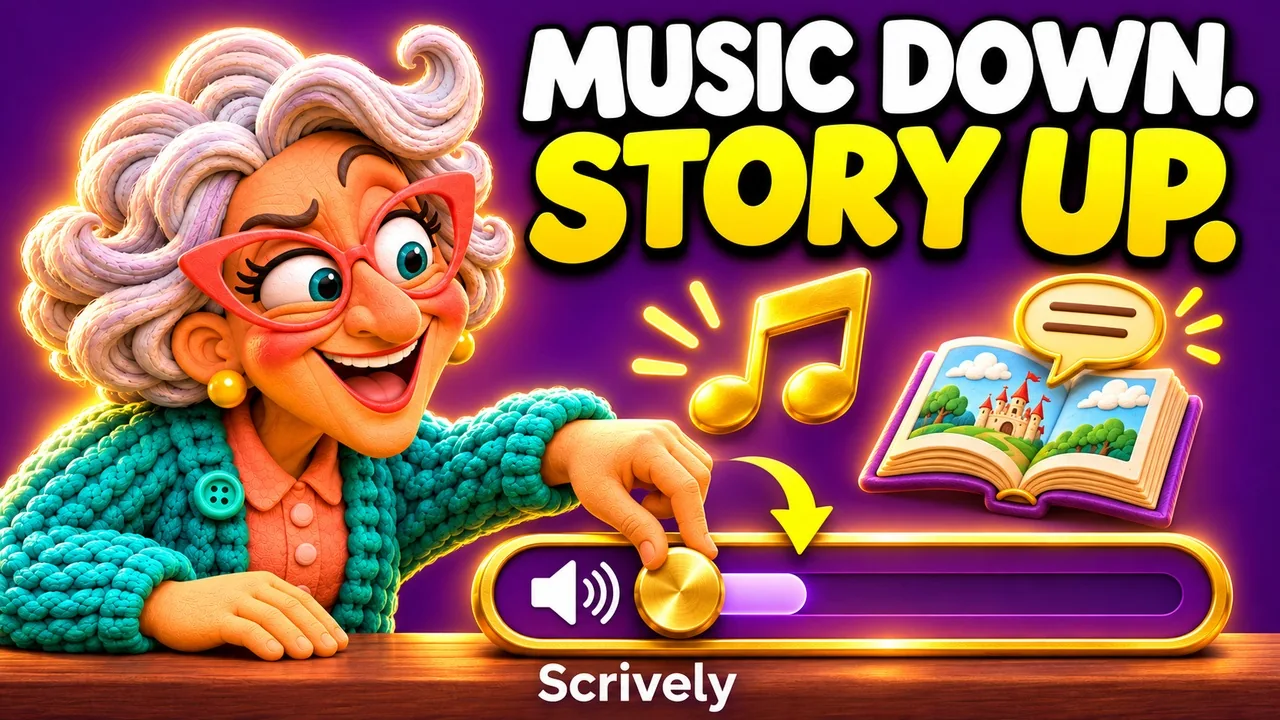 0:59
Balance music volume with narration
Keep the story easy to hear while adding a little atmosphere underneath.
 1:07
Browse and preview sound effects
Find a small sound that fits the scene before placing it in your story.
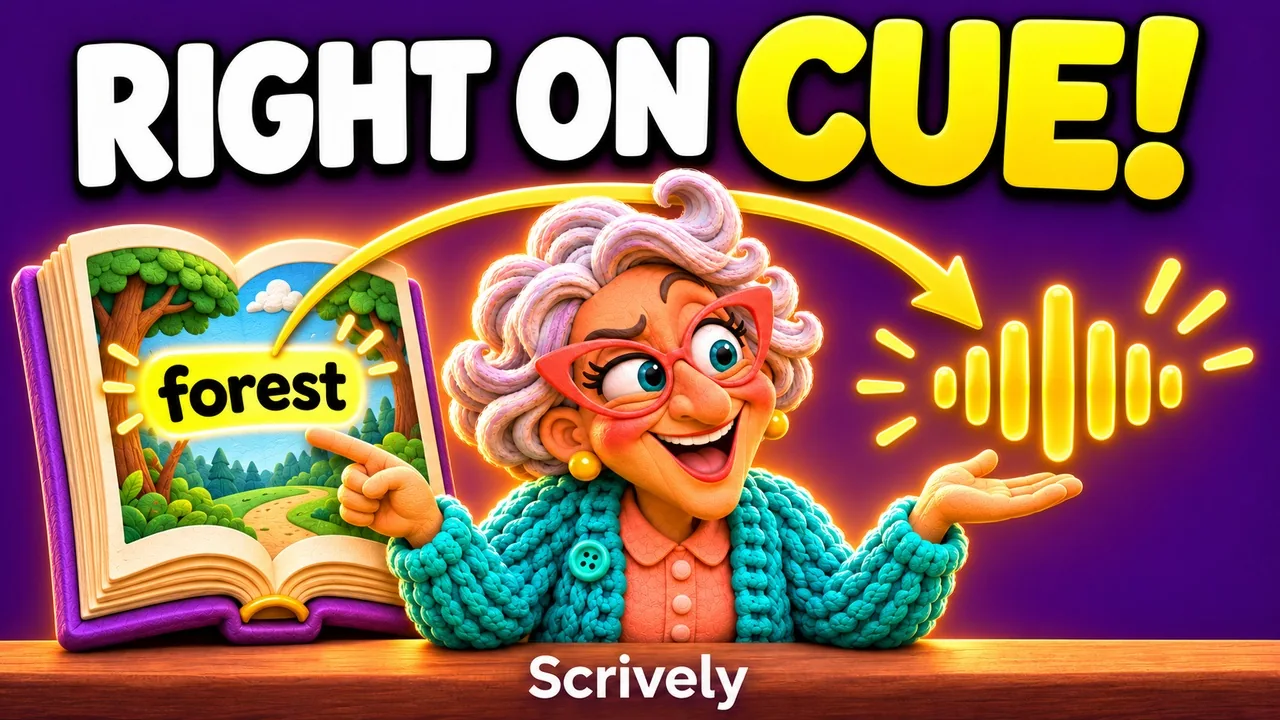 1:12
Time a sound effect to a story word
Make an effect arrive at a meaningful moment in the narration.
Every great story starts with a question.
Still need a hand? Our friendly support team is here for you.