
What would you like
to create today?
Find your answer. Learn a new trick. Make a little magic.
Results for “first book”
13 tutorials found
 0:42
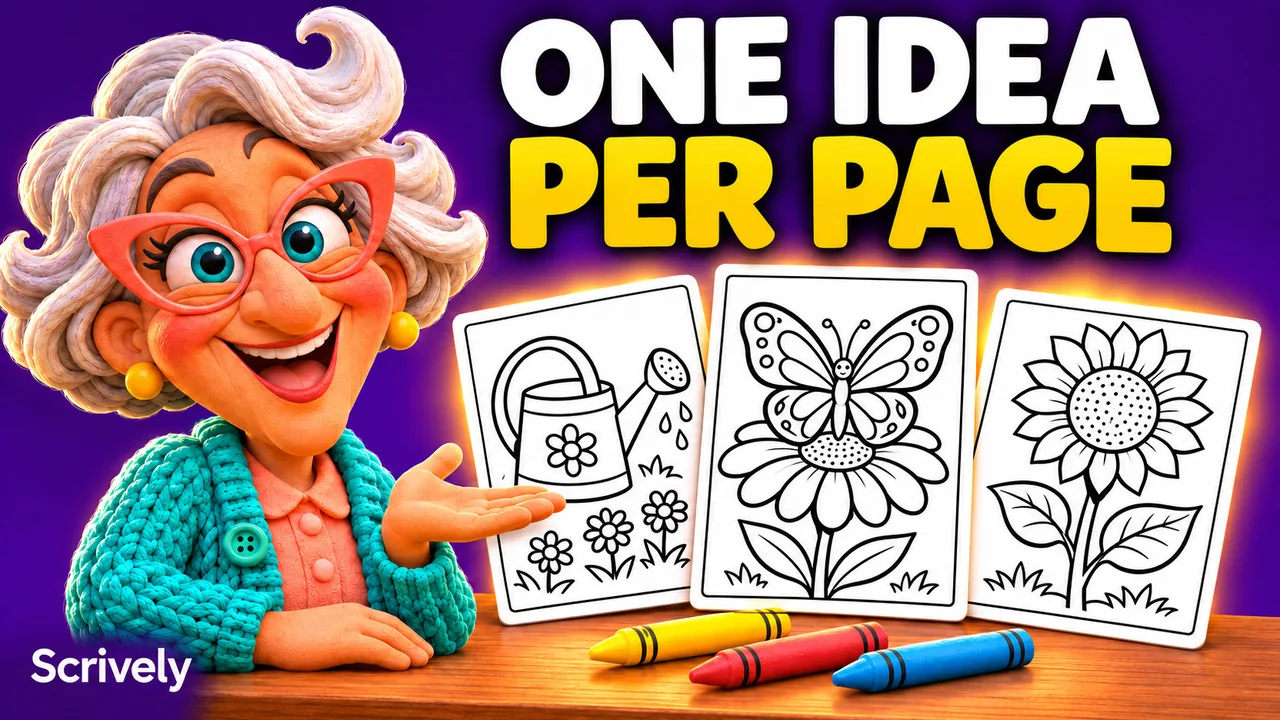
Plan a coloring book one page at a time
Use a separate line for each scene you want to become a coloring page.
 0:44
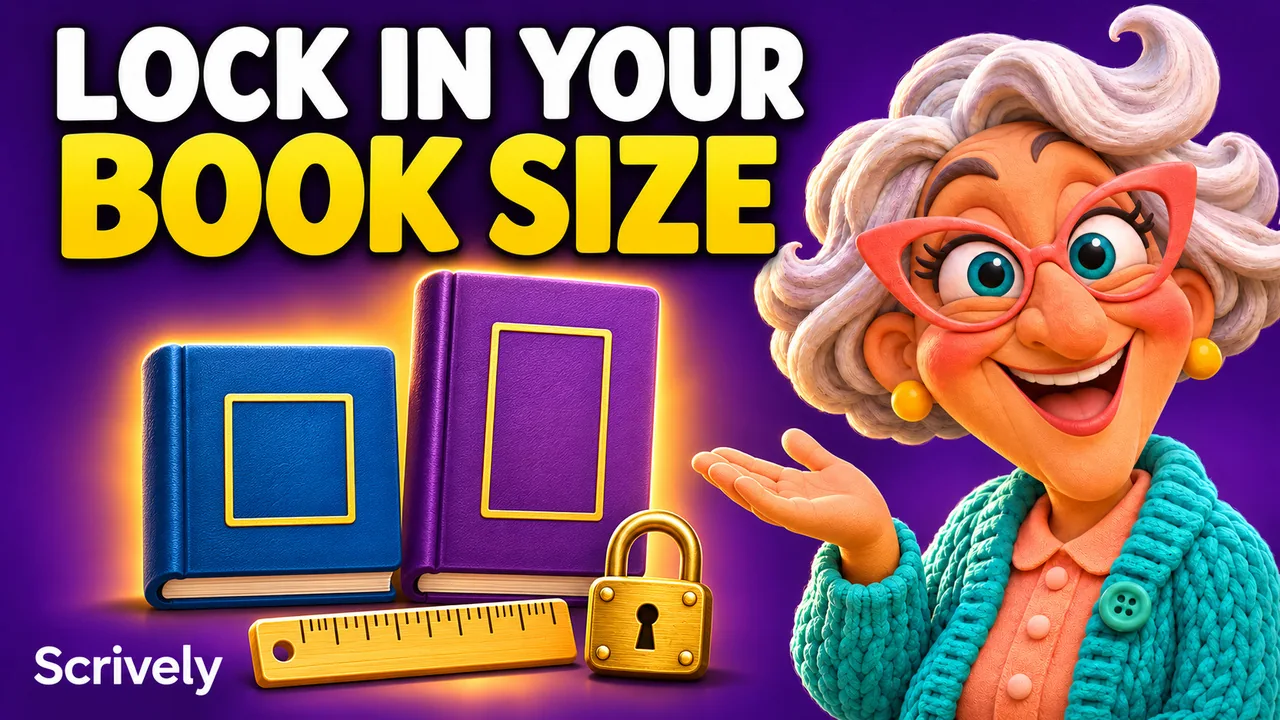
Understand locked book size and layout settings
Find out why the format is chosen during setup and how to make a different edition.
 0:34
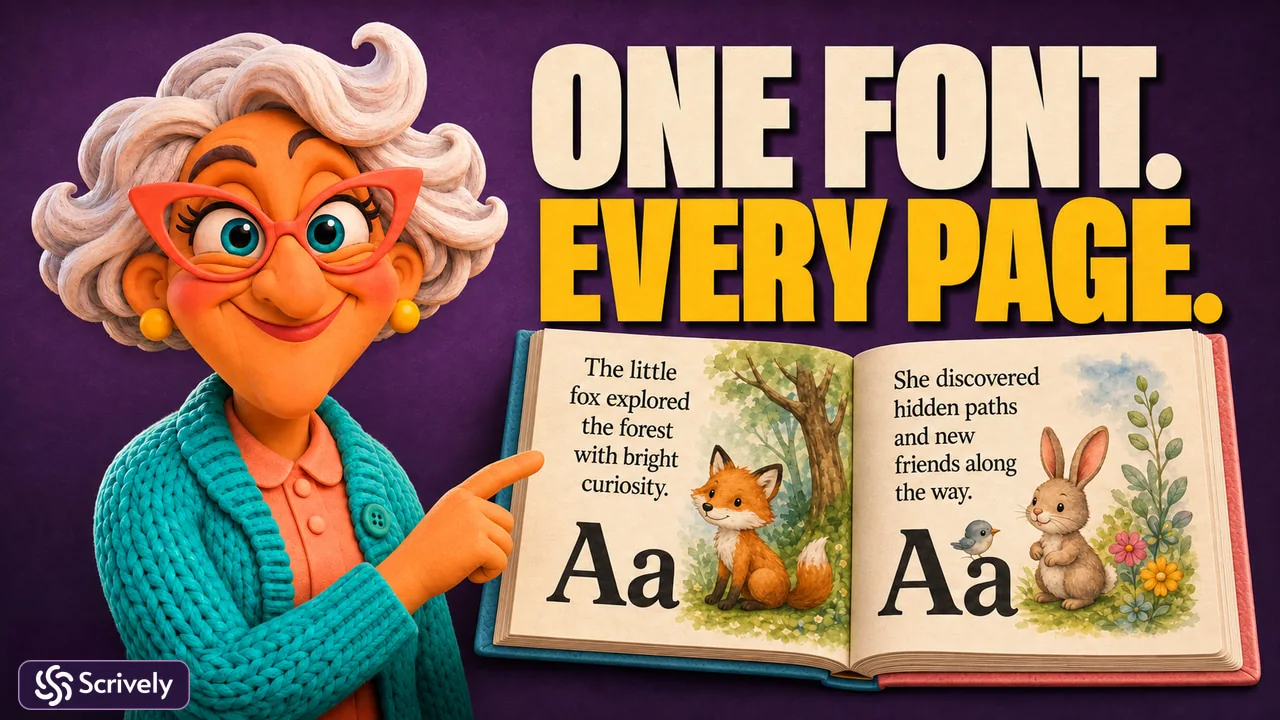
Change the story font across the book
Apply a shared font and check how it fits both short and long passages.
 0:36
Try buttons and choices in a shared book
Check where each interaction takes a reader and test every available path.
 0:56
Troubleshoot a book with no sound
Check reader playback, your audio output, and the specific page's saved narration.
 1:31
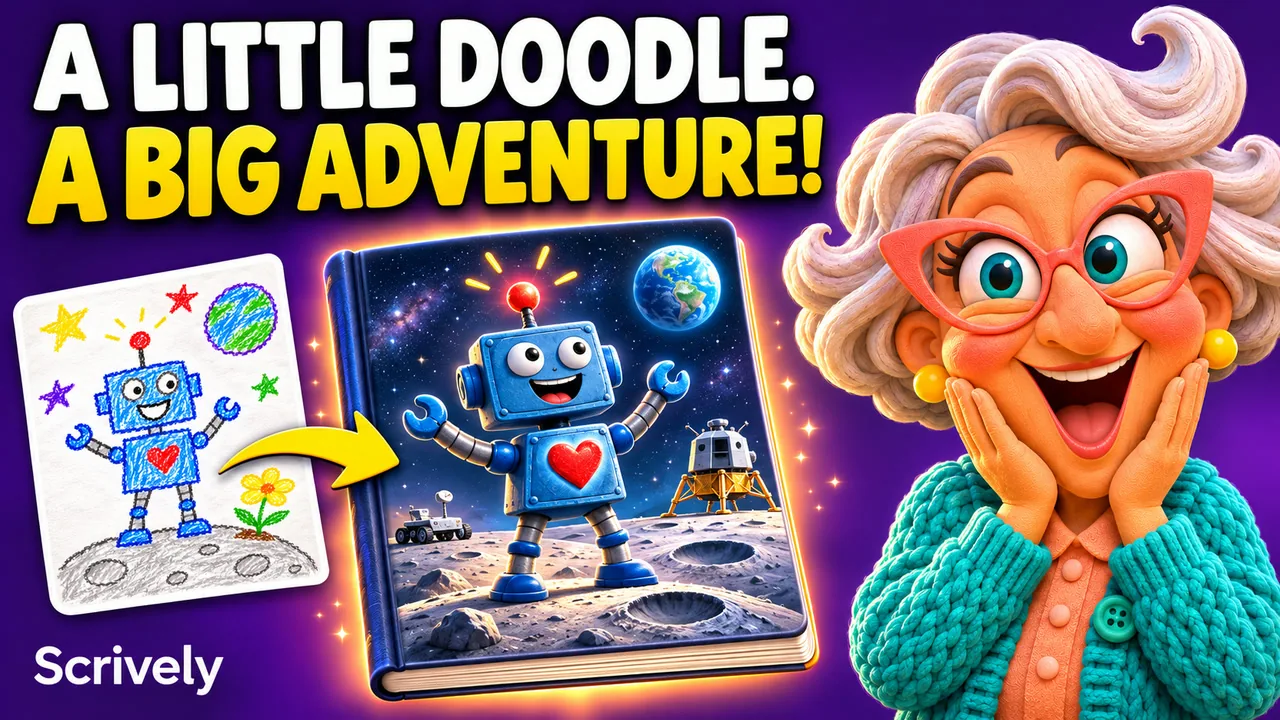
Turn a child's drawing into a storybook
Give a hand-drawn character a story of their own, from the first upload to the finished book.
 0:33
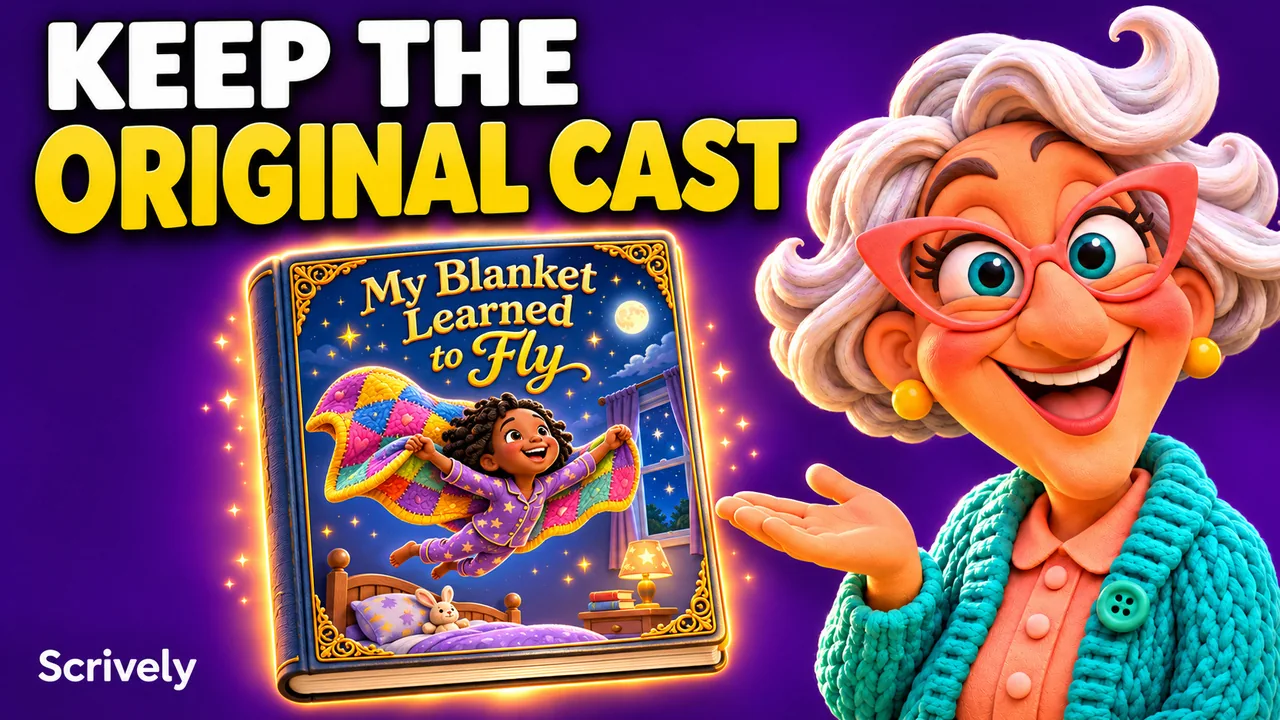
Keep a template's original characters
Create a copy of a library story with its existing cast.
 0:45
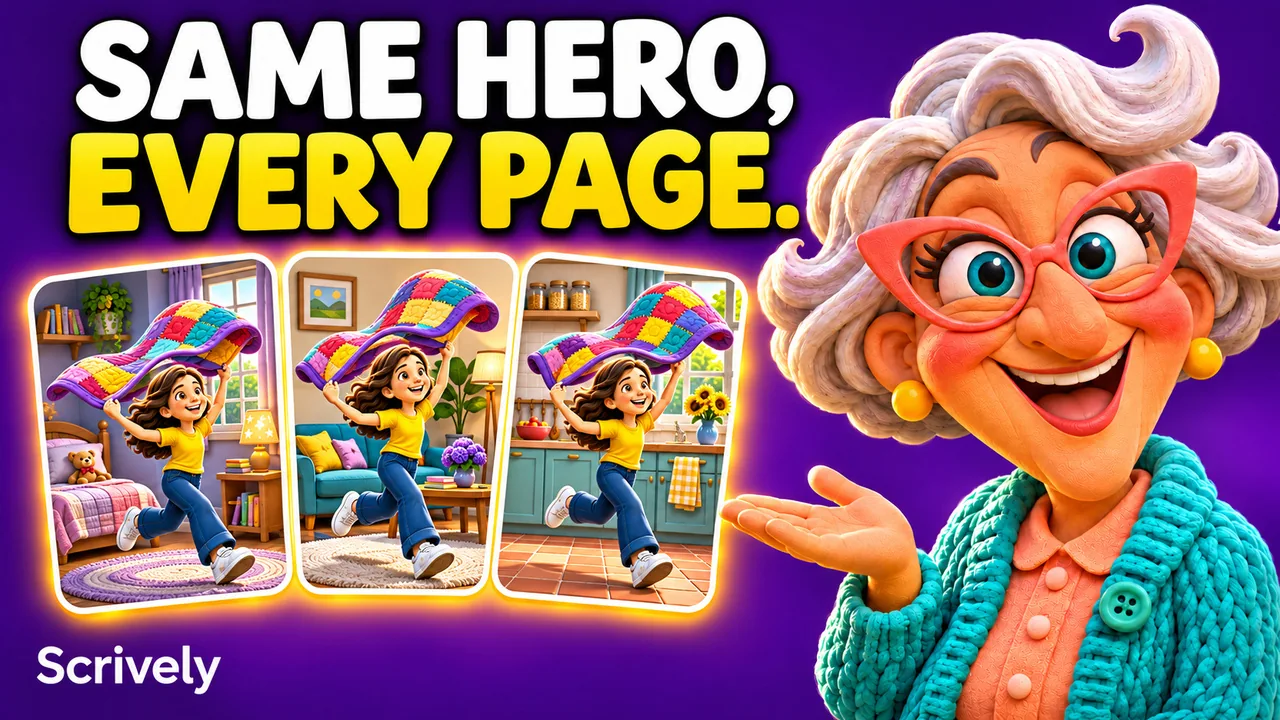
Check a personalized story for character mistakes
Review names, pronouns, and visual consistency across the finished book.
 0:53
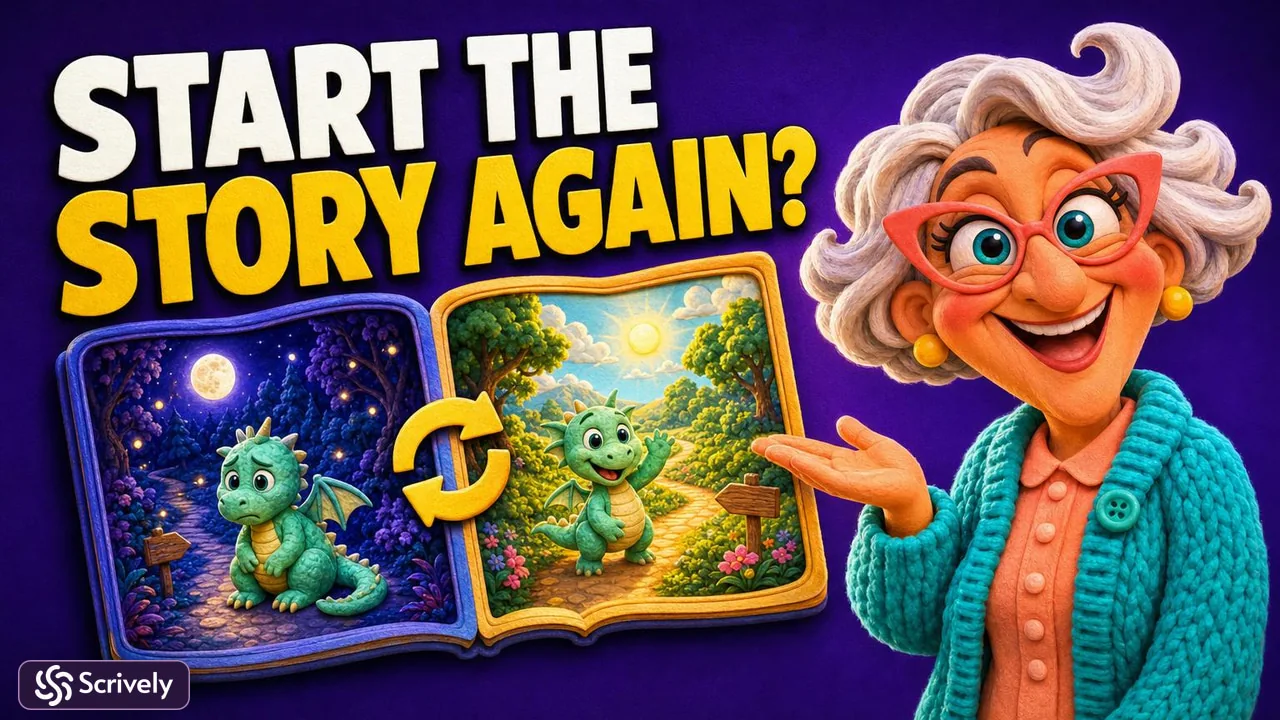
Regenerate a story with a different idea
Keep a copy of the first version and review what the reset will replace.
 0:38
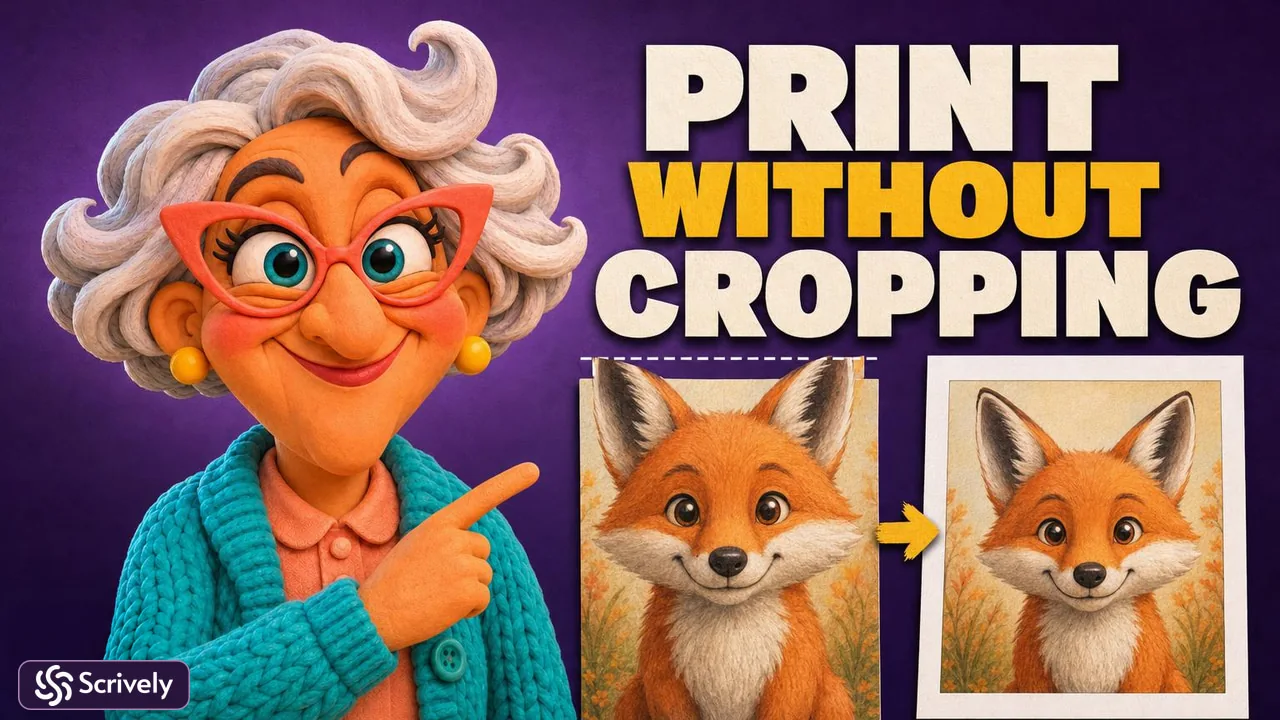
Print a PDF without clipping the edges
Compare print scaling and test one page before printing the whole book.
 1:13
Choose and preview an AI narrator
Listen to voice samples and choose a narrator that fits the mood of your story.
 1:03
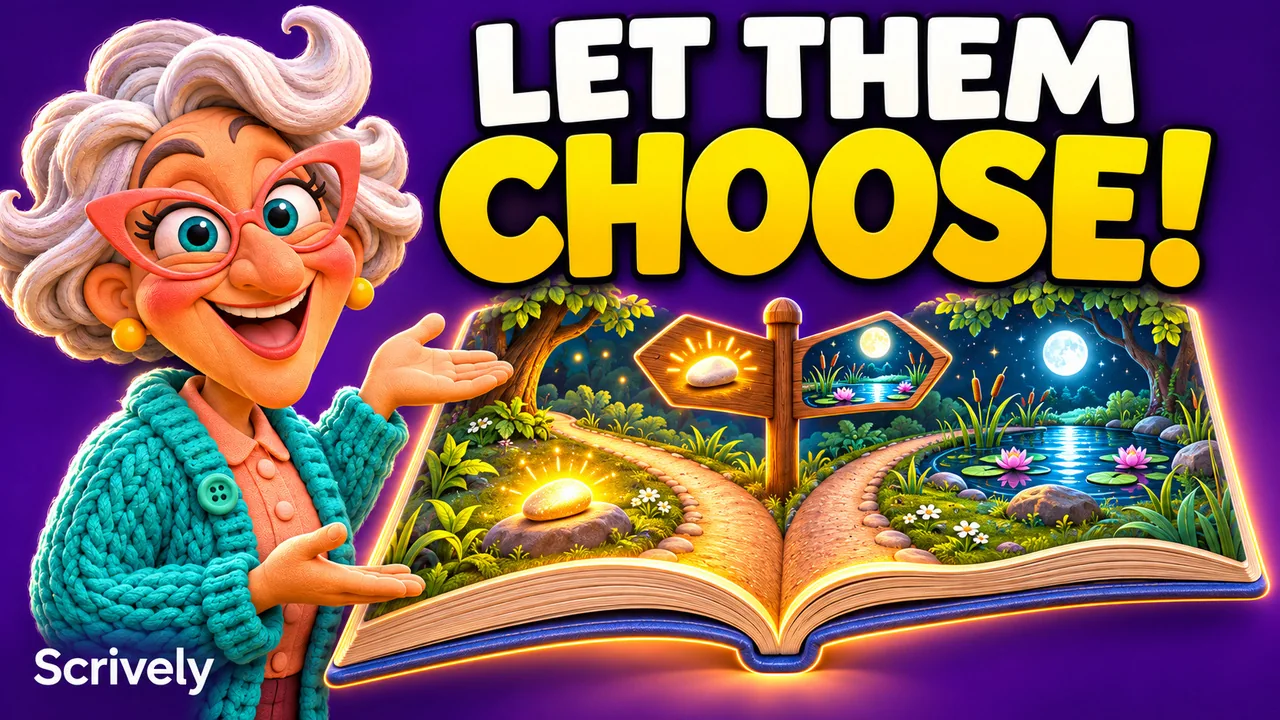
Create two choices in a branching story
Let readers choose a route and check that each choice lands on the right page.
Every great story starts with a question.
Still need a hand? Our friendly support team is here for you.