
What would you like
to create today?
Find your answer. Learn a new trick. Make a little magic.
Editing & page design
27 tutorials found
 1:00
Add a dedication while your book is being made
Give your story a personal opening with a short note and a familiar name.
 1:07
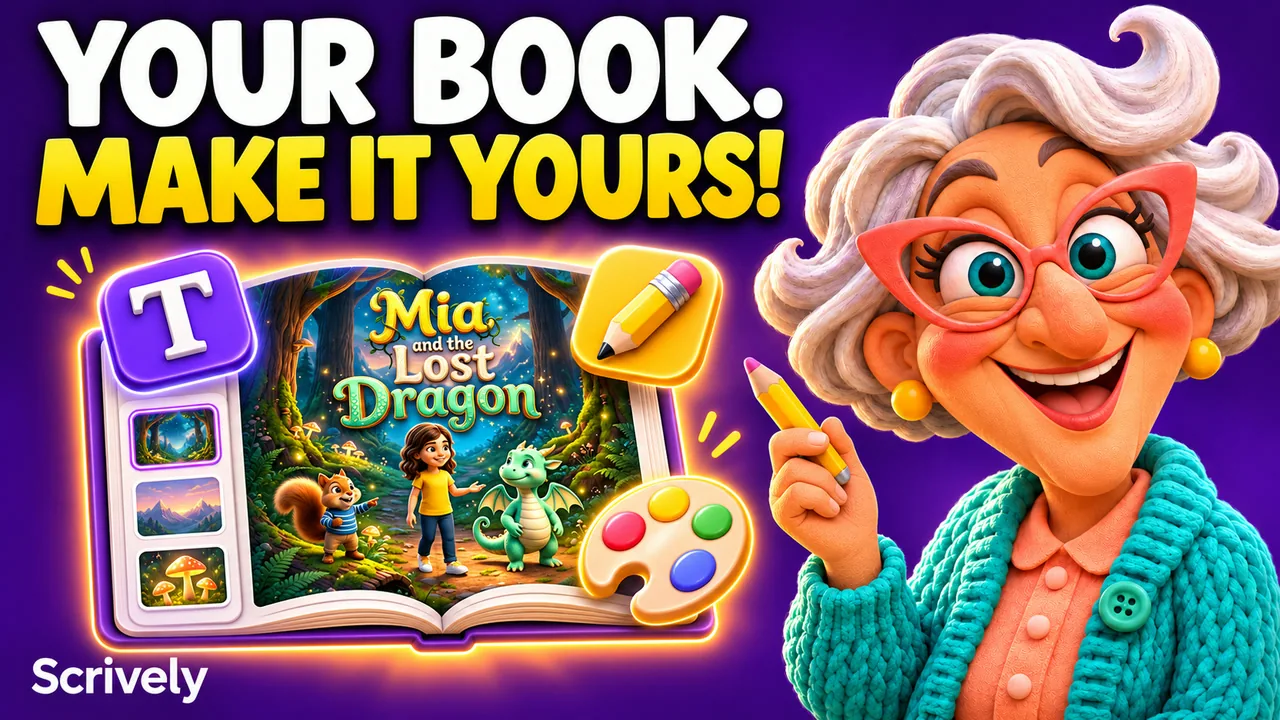
Find your way around the book editor
Get to know the tools for pages, text, illustrations, and book-wide changes.
 0:59
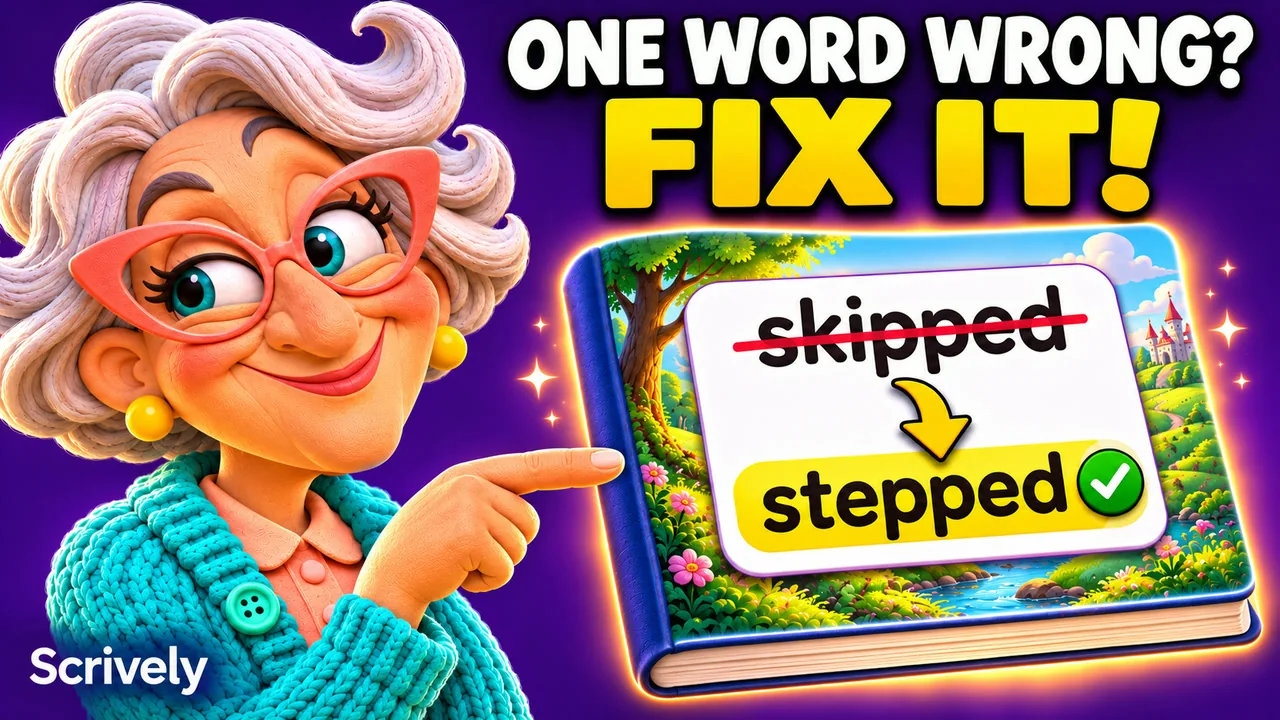
Edit your story without starting over
Correct a word or update a passage while keeping your existing illustrations.
 0:50
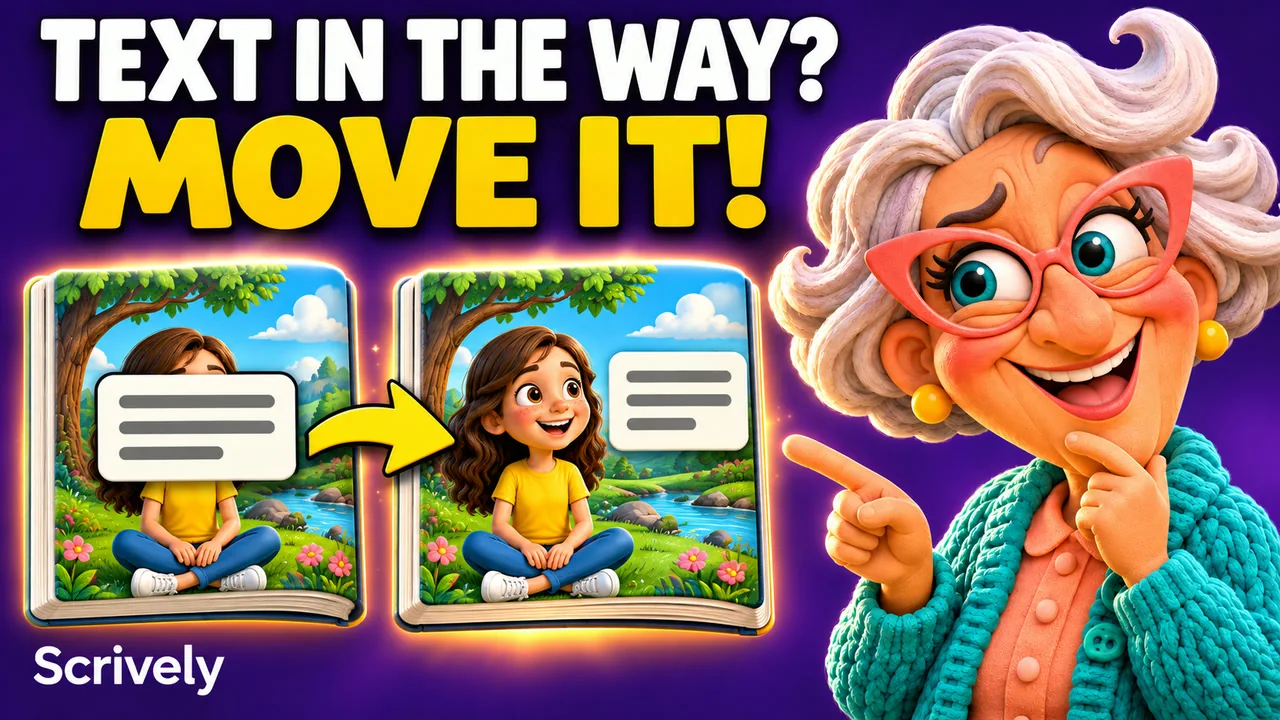
Move text away from a character's face
Reposition a text box so the words are easy to read and the illustration has room to shine.
 0:54
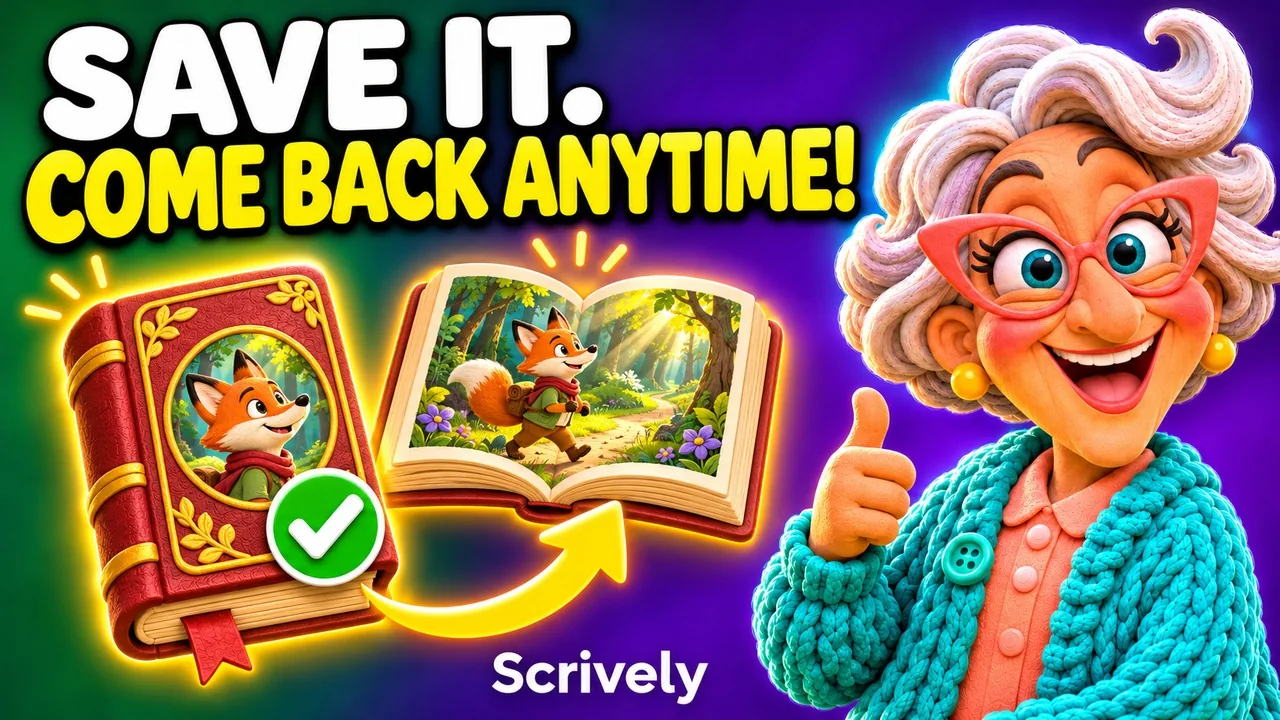
Save, exit, and reopen your book
Finish an editing session and return to the same book when you are ready.
 1:01
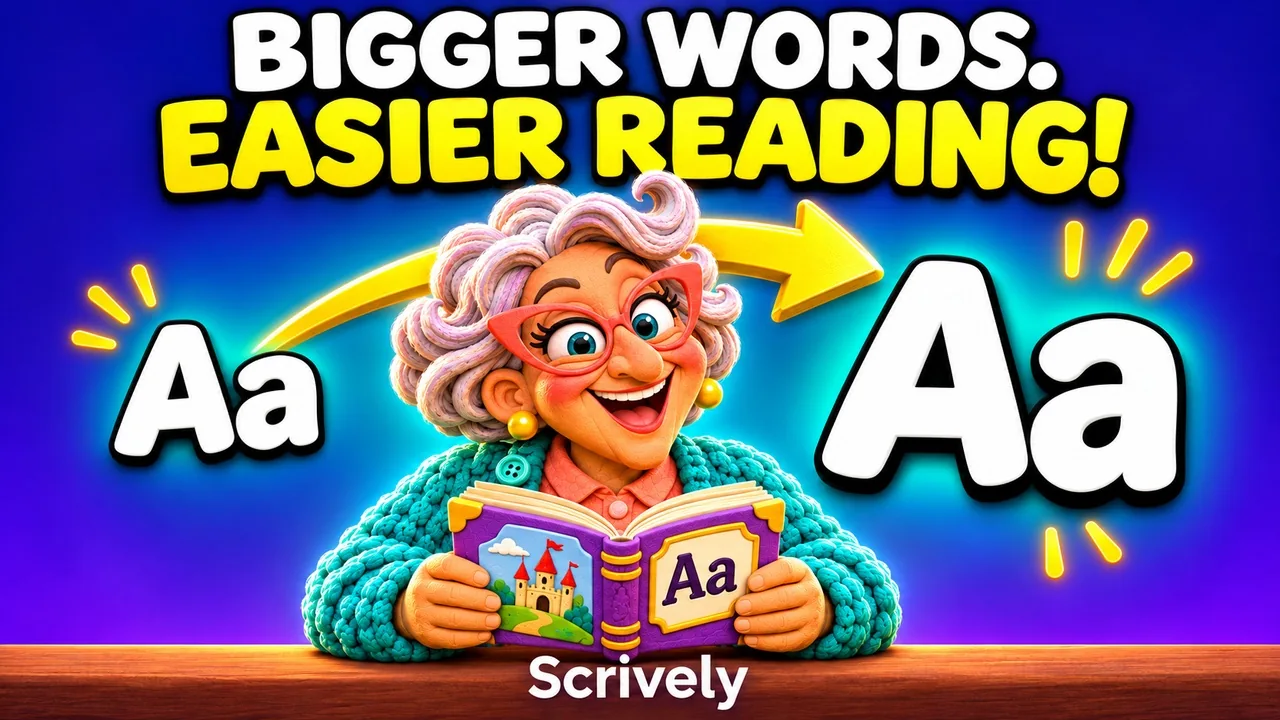
Make story text larger without crowding the page
Adjust a text box in small steps and check the complete paragraph in the reader.
 0:58
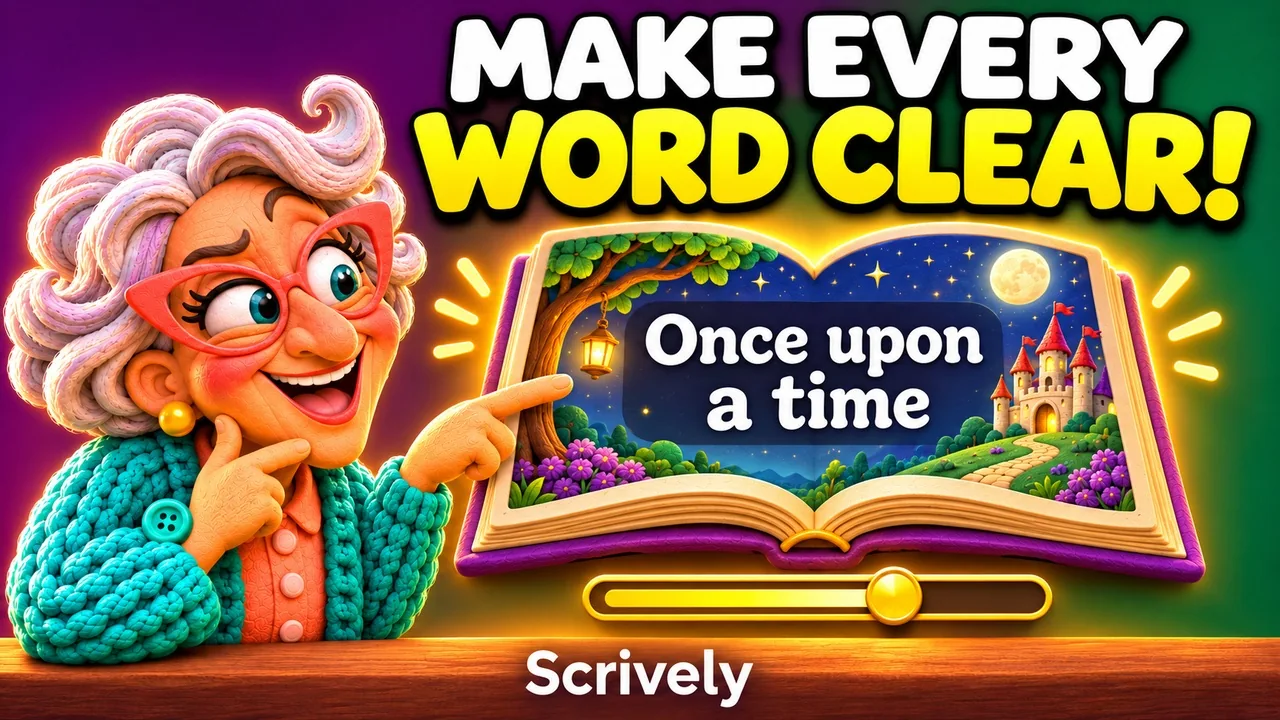
Add contrast behind your story text
Use a text background to make words easier to read over a busy illustration.
 0:56
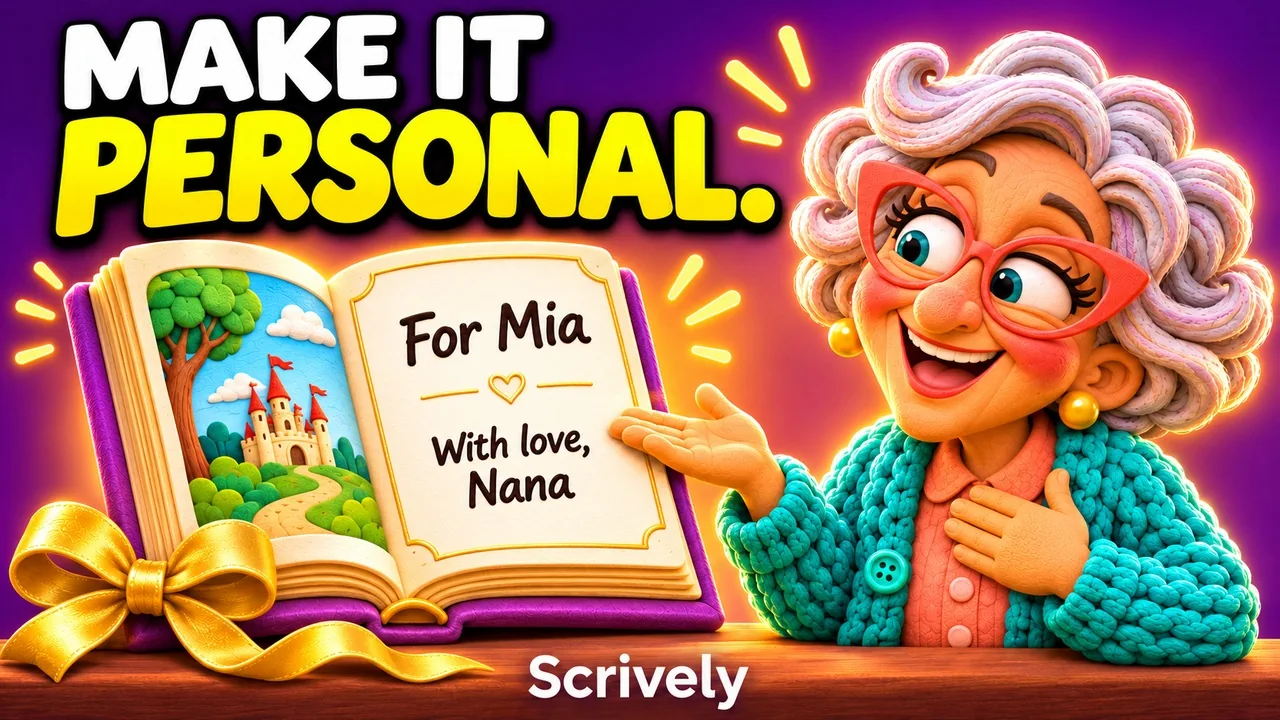
Edit the dedication in your book
Update the recipient, message, and sign-off to make your book feel personal.
 0:45
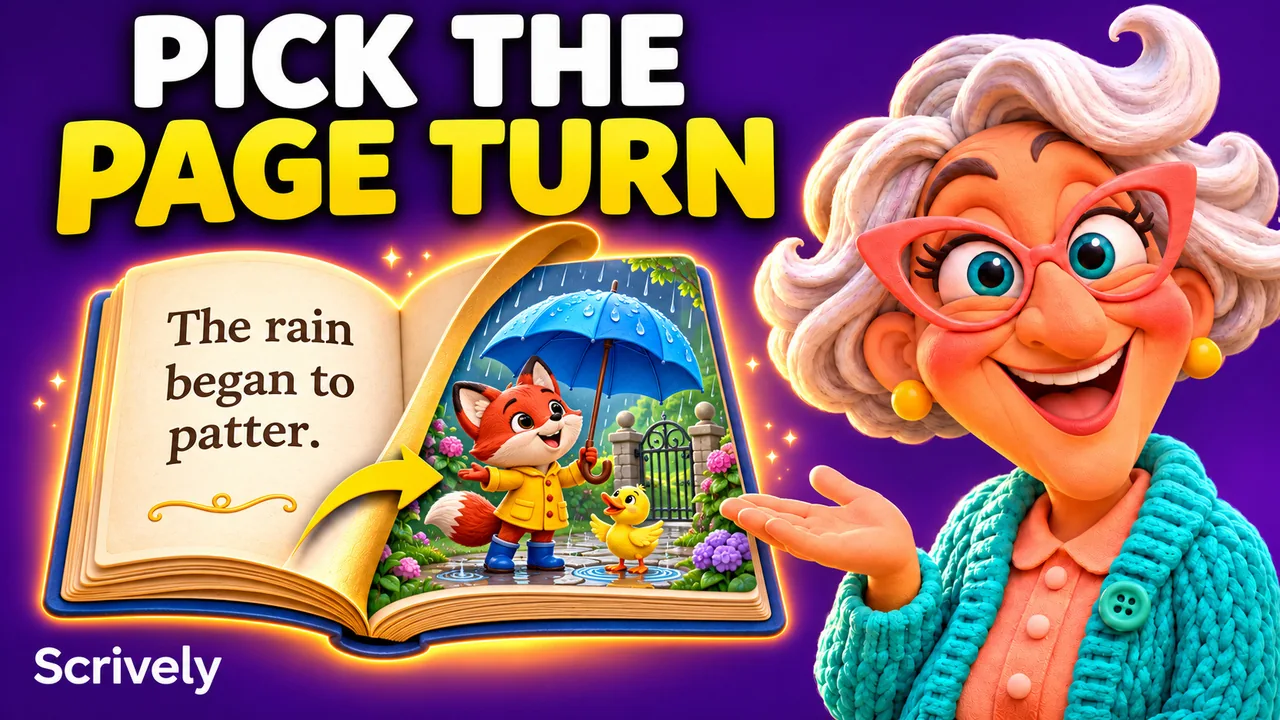
Move a page break in an uploaded story
Shift a sentence to the next page and check the transition without moving the illustrations.
 0:59
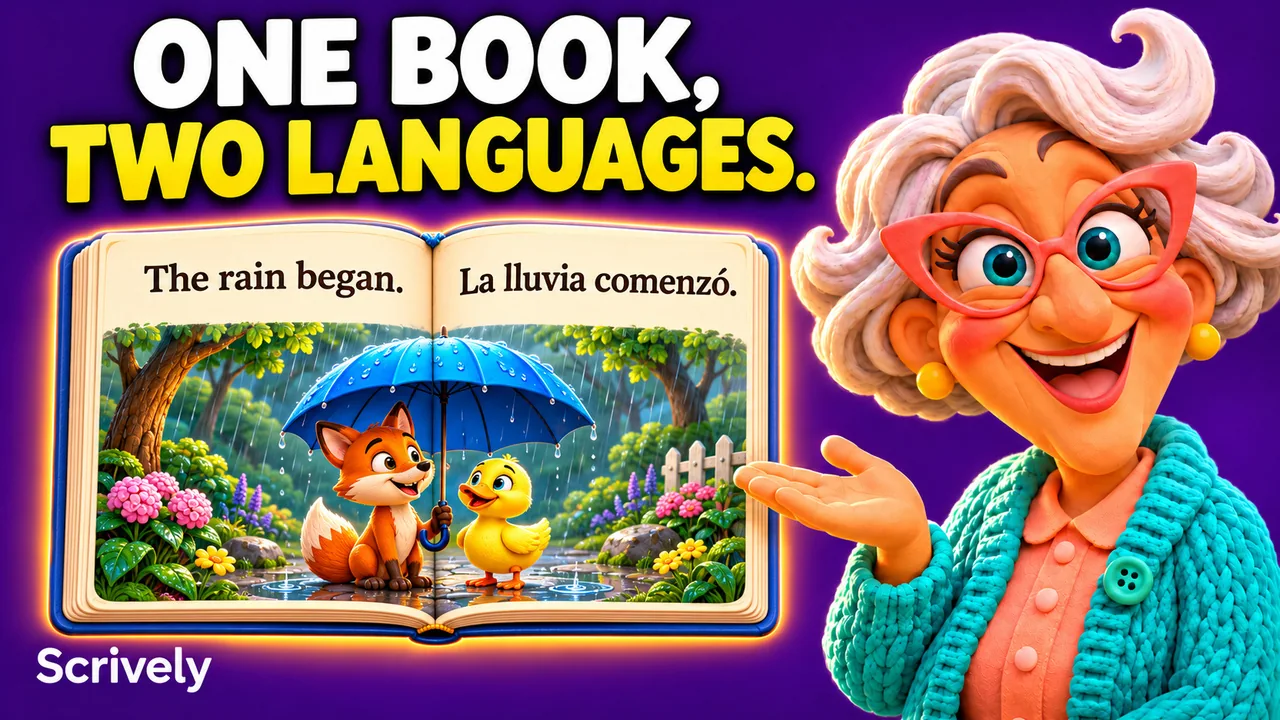
Translate an existing storybook
Translate the written story and check any lettering that is part of the artwork separately.
 1:12
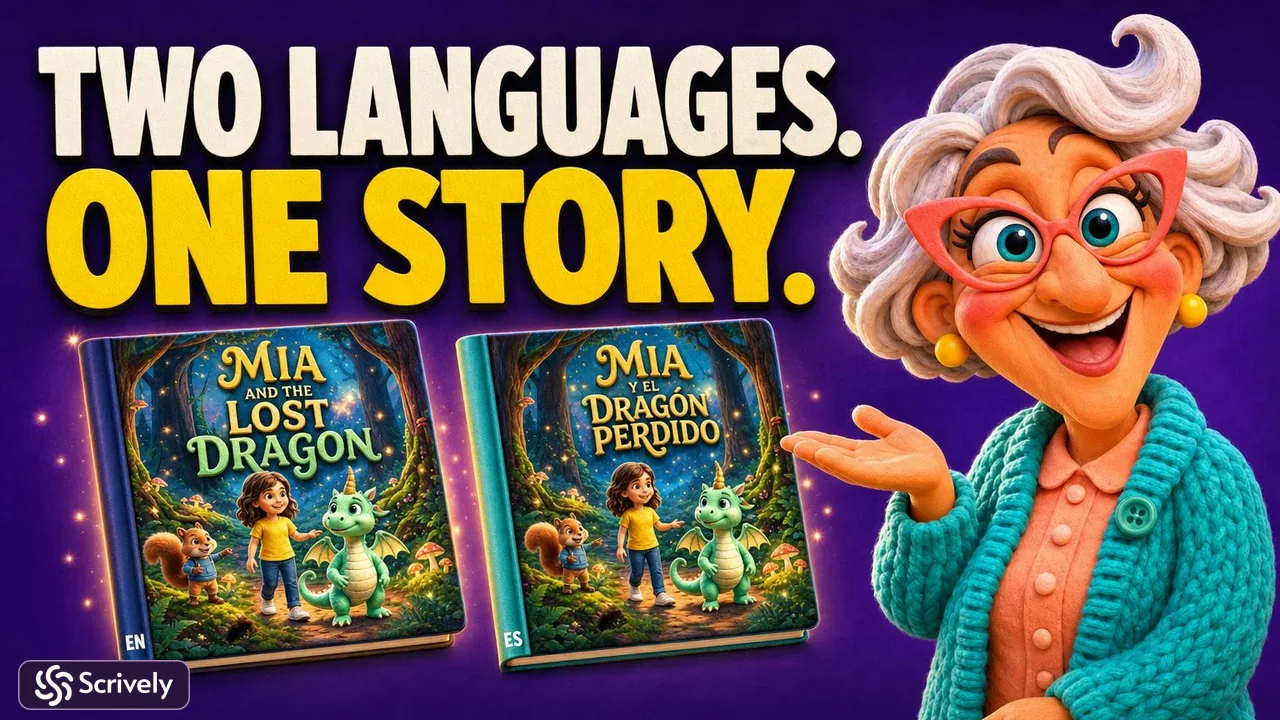
Translate a copy and keep your original book
Create two editions so you can keep one language and share another.
 0:53
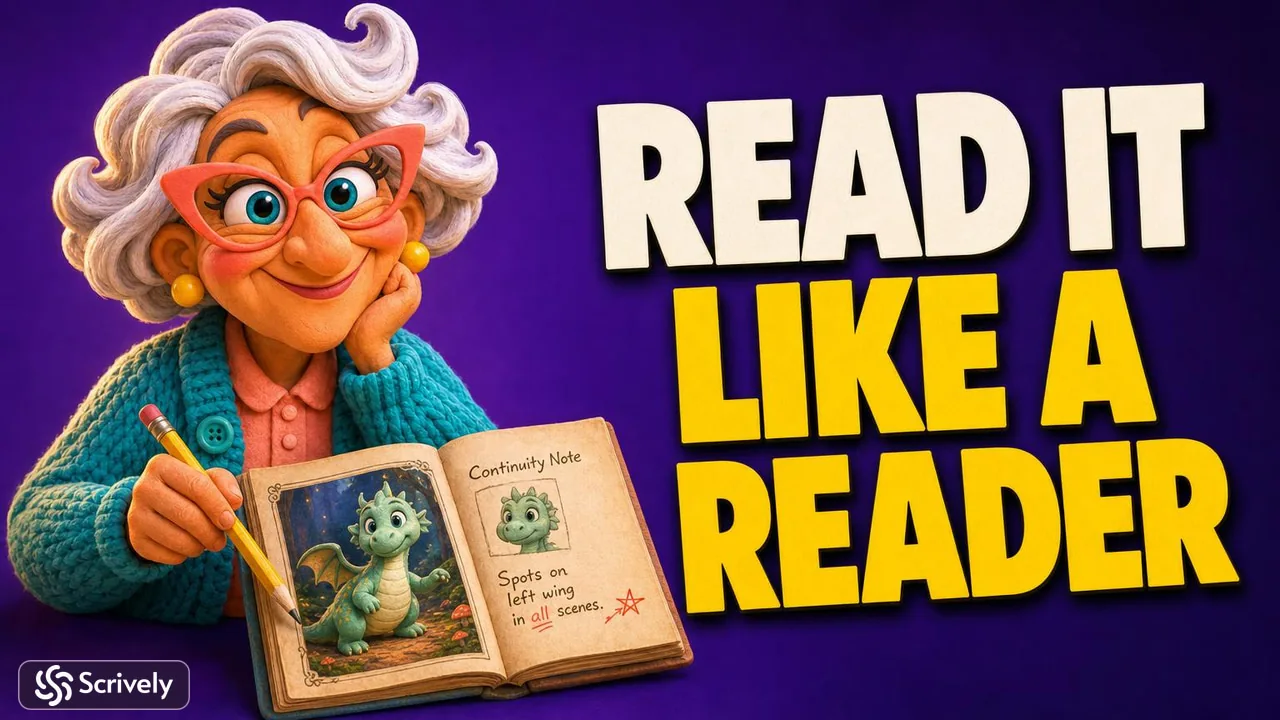
Review your story before polishing the pages
Check the beginning, middle, and ending, then make a focused editing list.
Every great story starts with a question.
Still need a hand? Our friendly support team is here for you.