
What would you like
to create today?
Find your answer. Learn a new trick. Make a little magic.
Creating a book
37 tutorials found
 1:38
Make a personalized book from a photo
Turn a favorite photo into an illustrated adventure starring your child.
 1:37
Turn your own idea into a storybook
Start with a simple premise, build your cast, and turn the idea into an illustrated book.
 1:24
Personalize a story template with your child
Choose a ready-made adventure and make your child part of the story.
 1:23
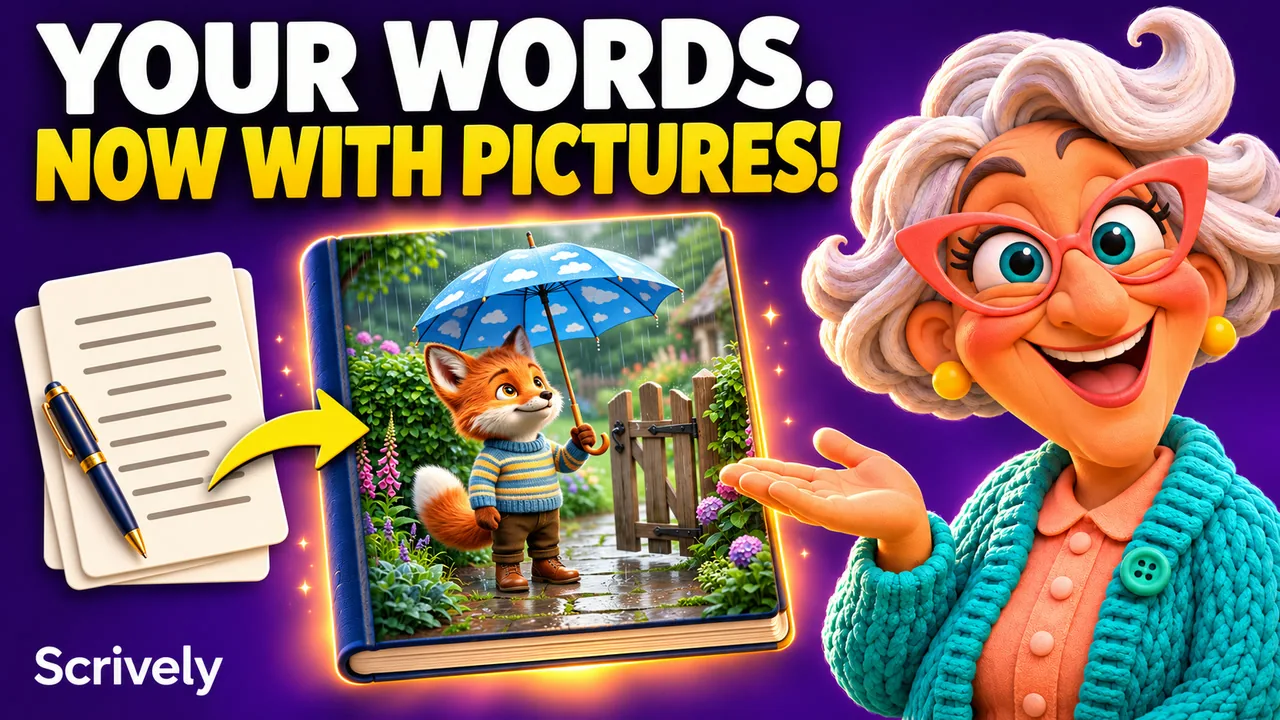
Make an illustrated book from a story you wrote
Import your manuscript, check the characters, and turn your words into illustrated pages.
 1:31
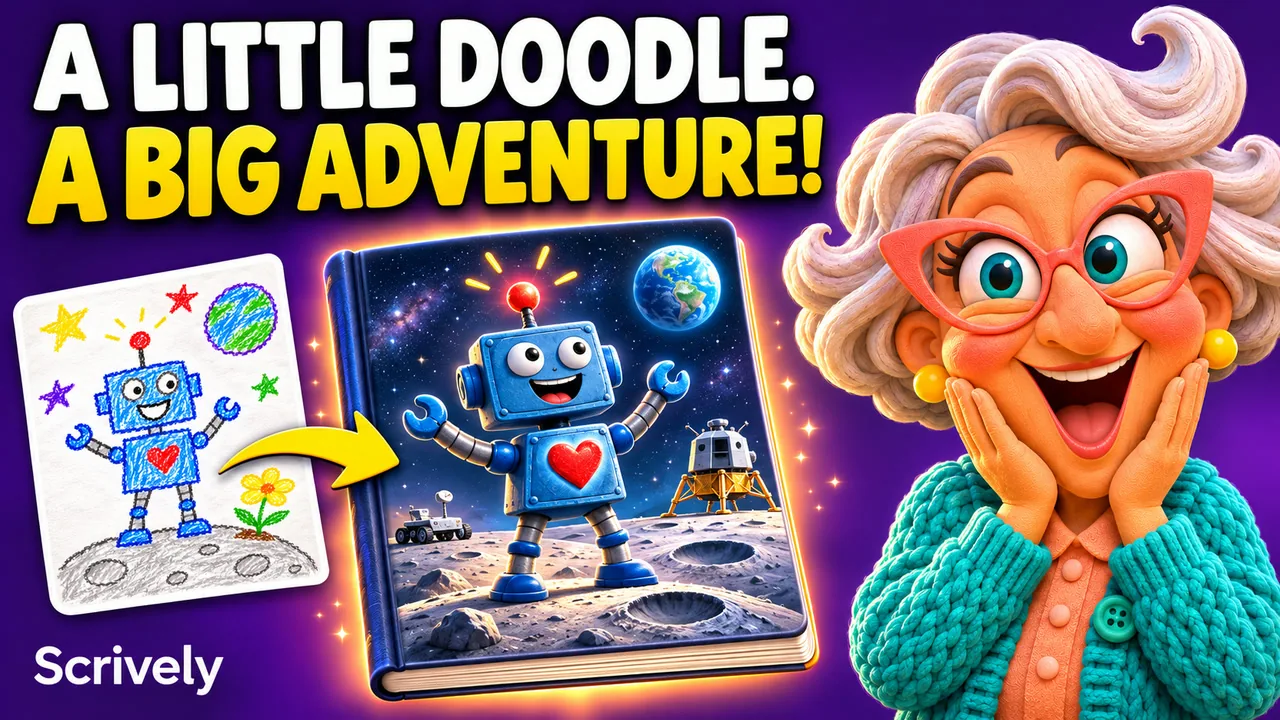
Turn a child's drawing into a storybook
Give a hand-drawn character a story of their own, from the first upload to the finished book.
 1:12
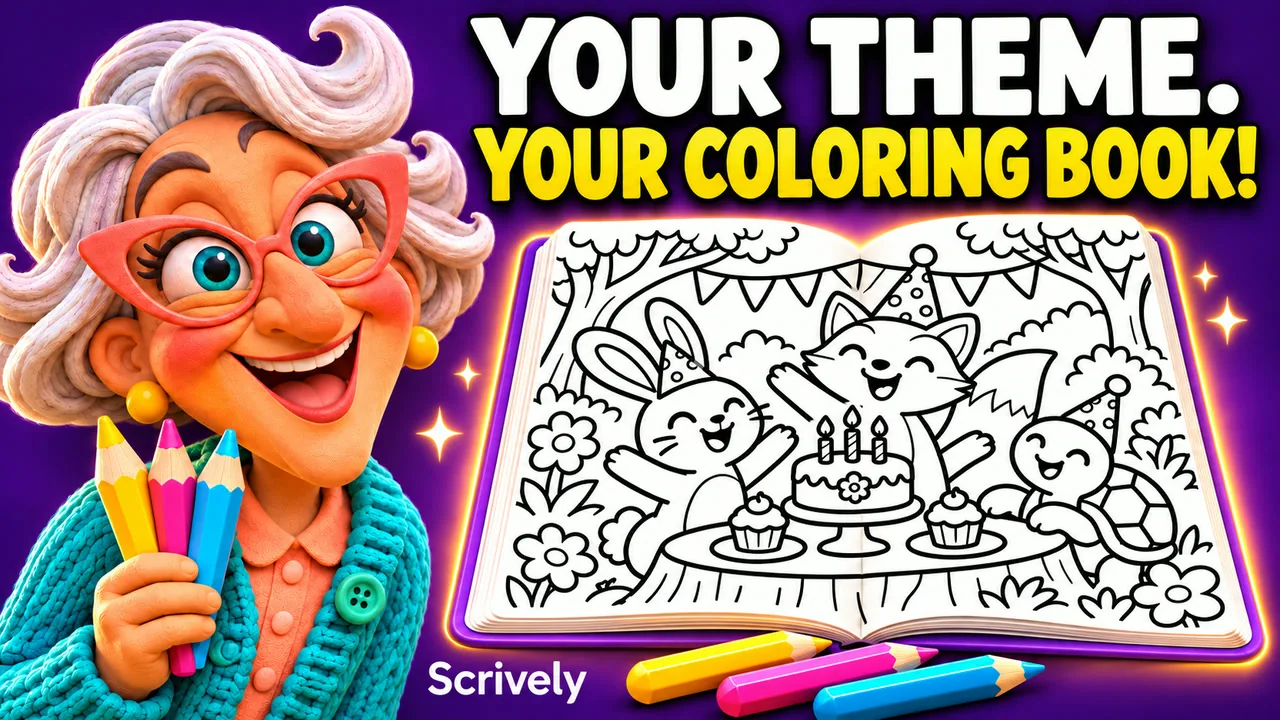
Create a coloring book from scratch
Choose a theme and make a collection of original pages ready for coloring.
 1:17
Choose your Quick Kid Book settings
Adjust the reading level, story length, mood, and format before creating your book.
 1:21
Write a useful story idea in two sentences
Give Scrively a hero, a setting, a goal, and a problem to build an adventure around.
 0:59
Choose a reading level for your book
Set a starting point for the language, then check the finished story for your reader.
 0:52
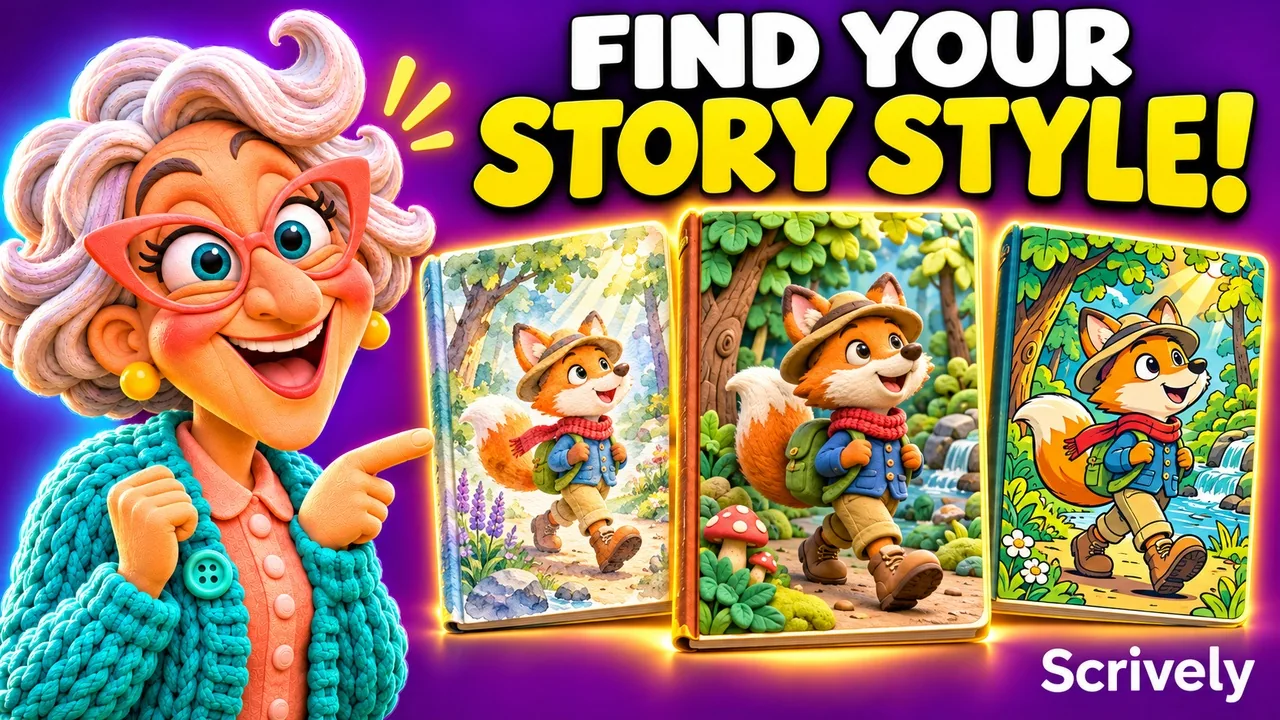
Preview and choose an art style
Look inside the sample books and find the visual style that suits your story.
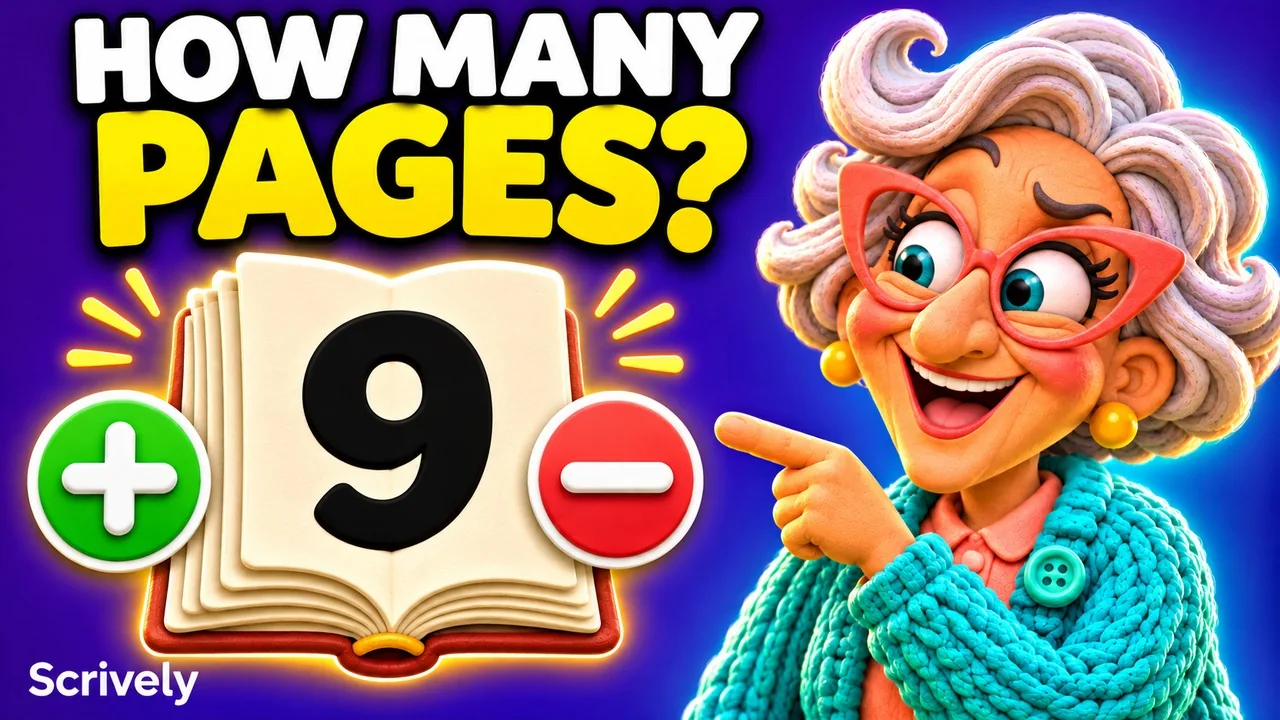 0:53
Set the number of story pages
Choose a comfortable length for your story before it is created.
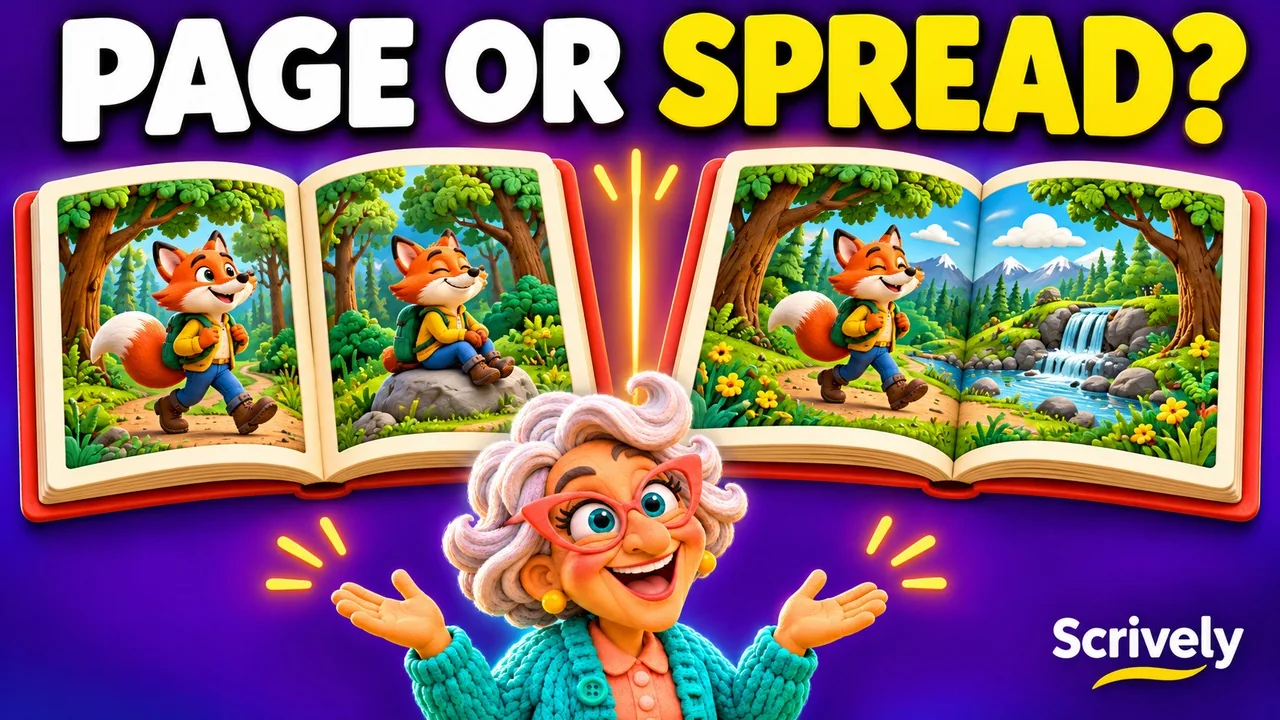 0:58
Choose one picture per page or per spread
Decide whether your book should have separate illustrations or wide scenes across two pages.
Every great story starts with a question.
Still need a hand? Our friendly support team is here for you.