
What would you like
to create today?
Find your answer. Learn a new trick. Make a little magic.

Sharing & printing
34 tutorials found
 0:53
Share your book with a reading link
Let someone enjoy your finished story through a link you can send yourself.
 0:57
Download your book as a Quick PDF
Save an easy-to-open copy for offline reading or home printing.
 1:34
Preview a printed book and check the total
Review the binding, delivery details, print proof, and price before placing an order.
 0:57
Make a shared book private again
Change a book's reading-link access while keeping it in your library.
 1:10
Use print guides to check safe areas
Keep important words and faces comfortably inside the areas that survive printing and binding.
 1:31
Inspect and correct your printed cover proof
Enlarge the cover, fix anything too close to an edge, and approve a fresh preview.
 1:17
Track a printed-book order
Find the order's current stage and open carrier tracking when it becomes available.
 0:58
Find PublisherPad and check access
Open publishing tools for the correct book and choose the edition you are preparing.
 1:11
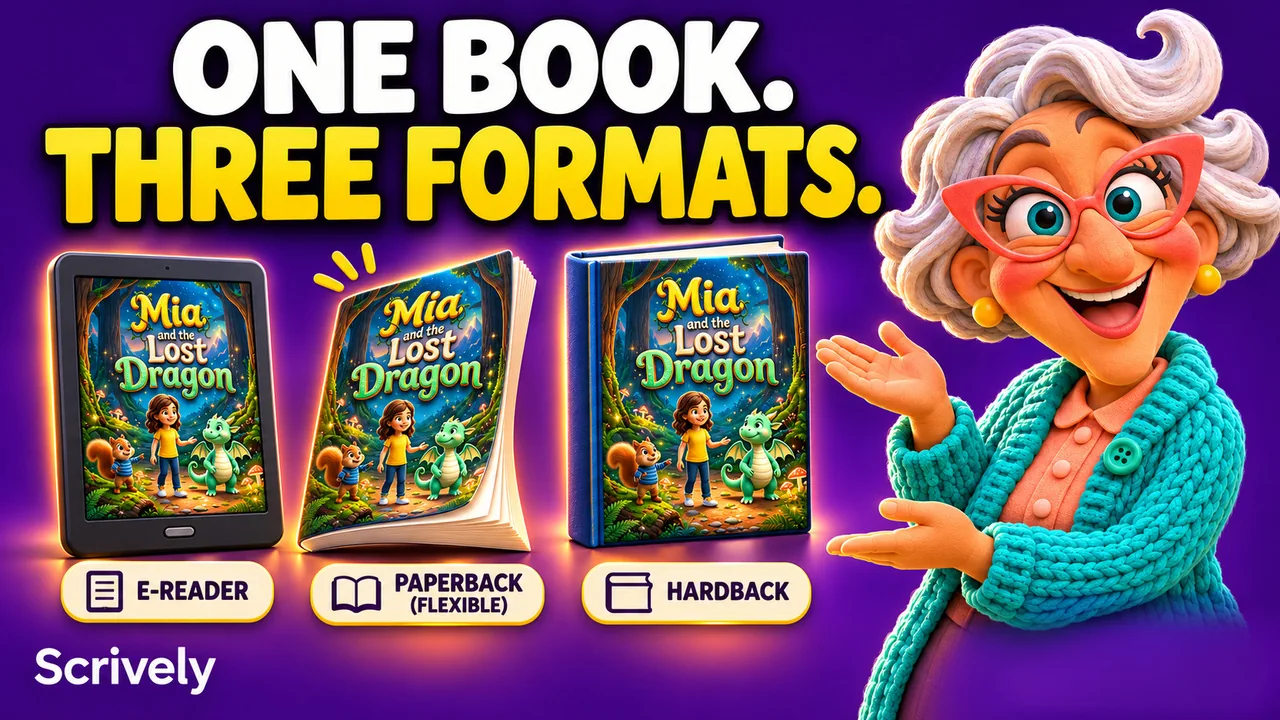
Choose the right PublisherPad files
Understand the separate downloads for Kindle, paperback, and eligible hardcover editions.
 0:37
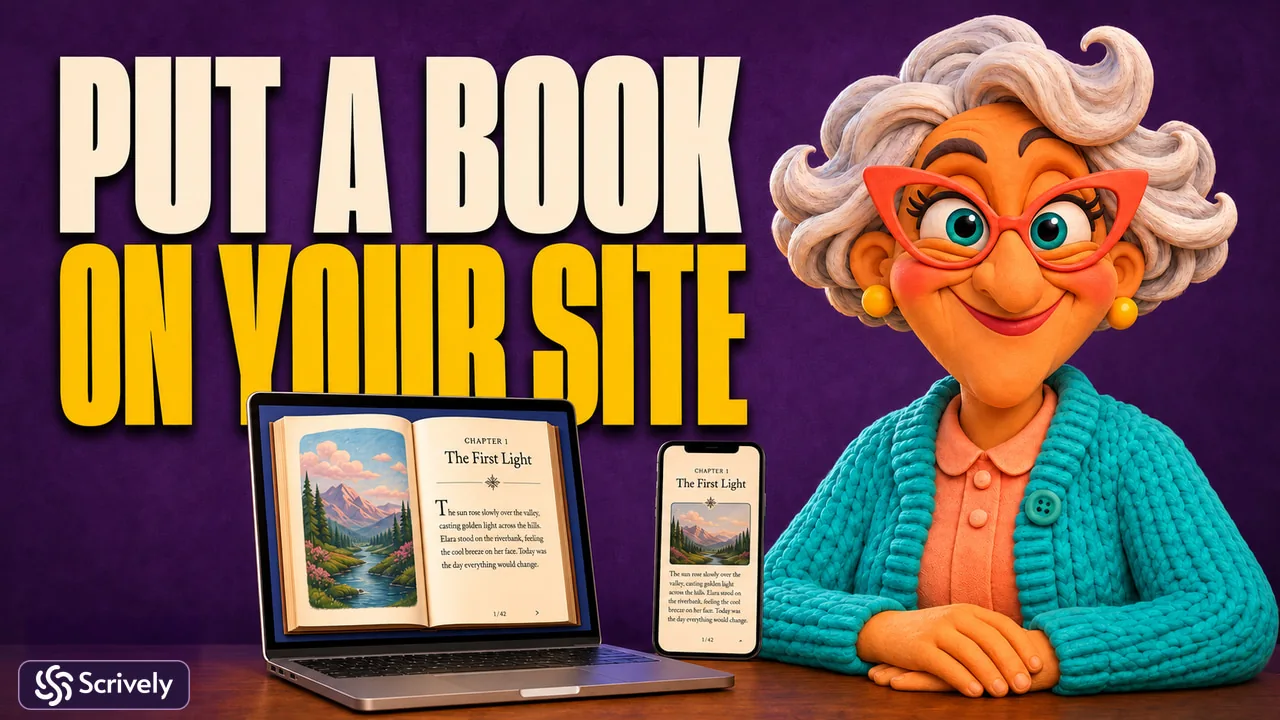
Embed your book on a website
Place the reading experience inside a page and check its controls on desktop and phone.
 0:38
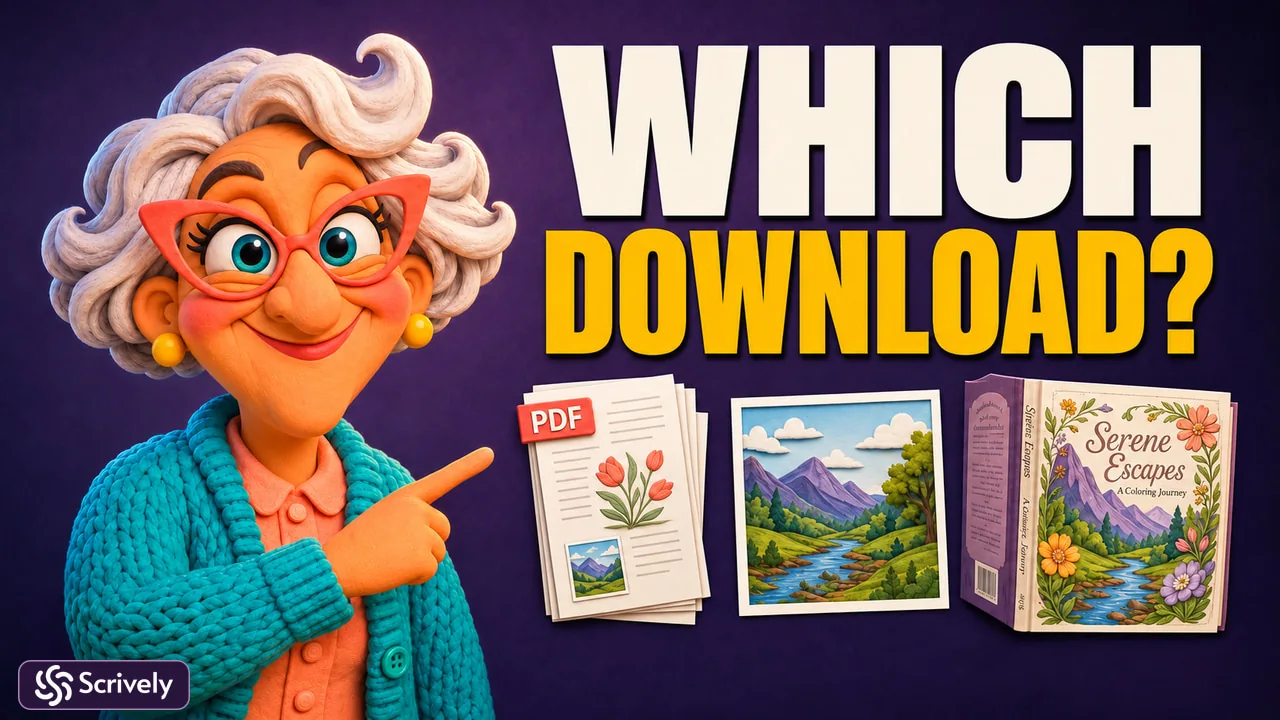
Choose a PDF, illustration, or publishing download
Start with the file's purpose so you download the right version.
 0:43
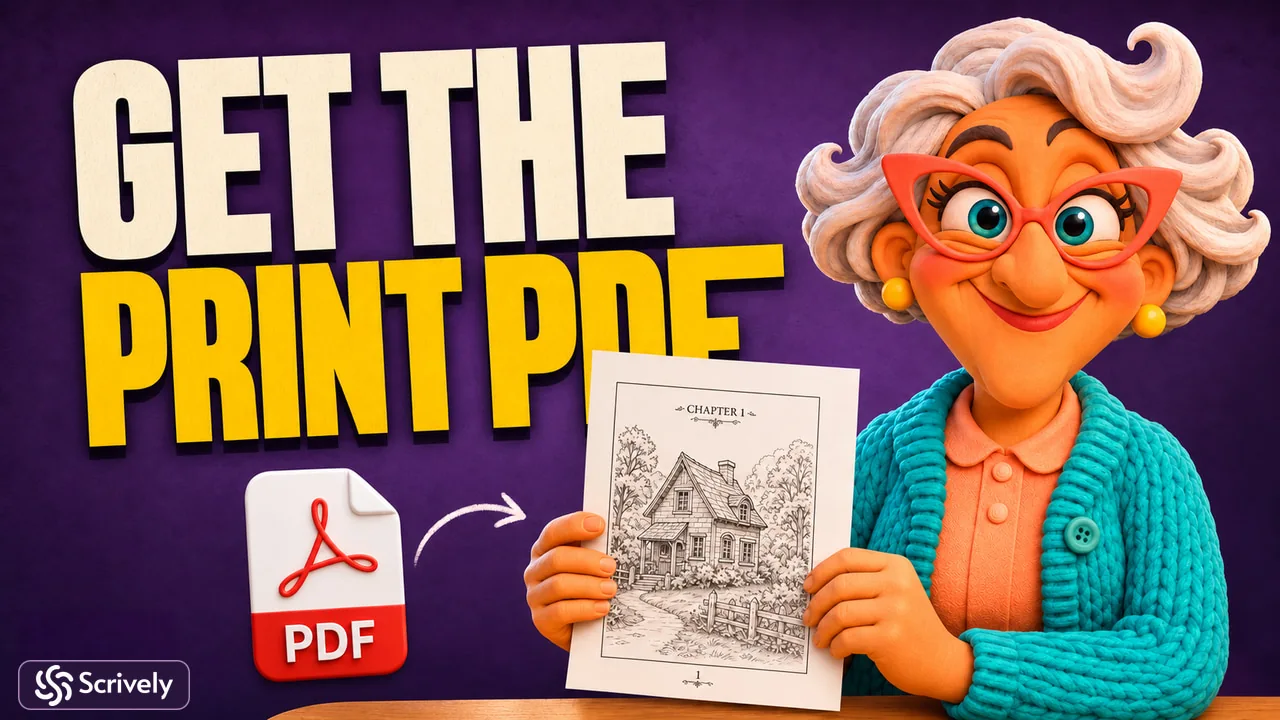
Download and inspect a print-ready PDF
Check the dimensions, interior pages, and file contents before sending it to a printer.
Every great story starts with a question.
Still need a hand? Our friendly support team is here for you.