
What would you like
to create today?
Find your answer. Learn a new trick. Make a little magic.
Characters & artwork
25 tutorials found
 1:27
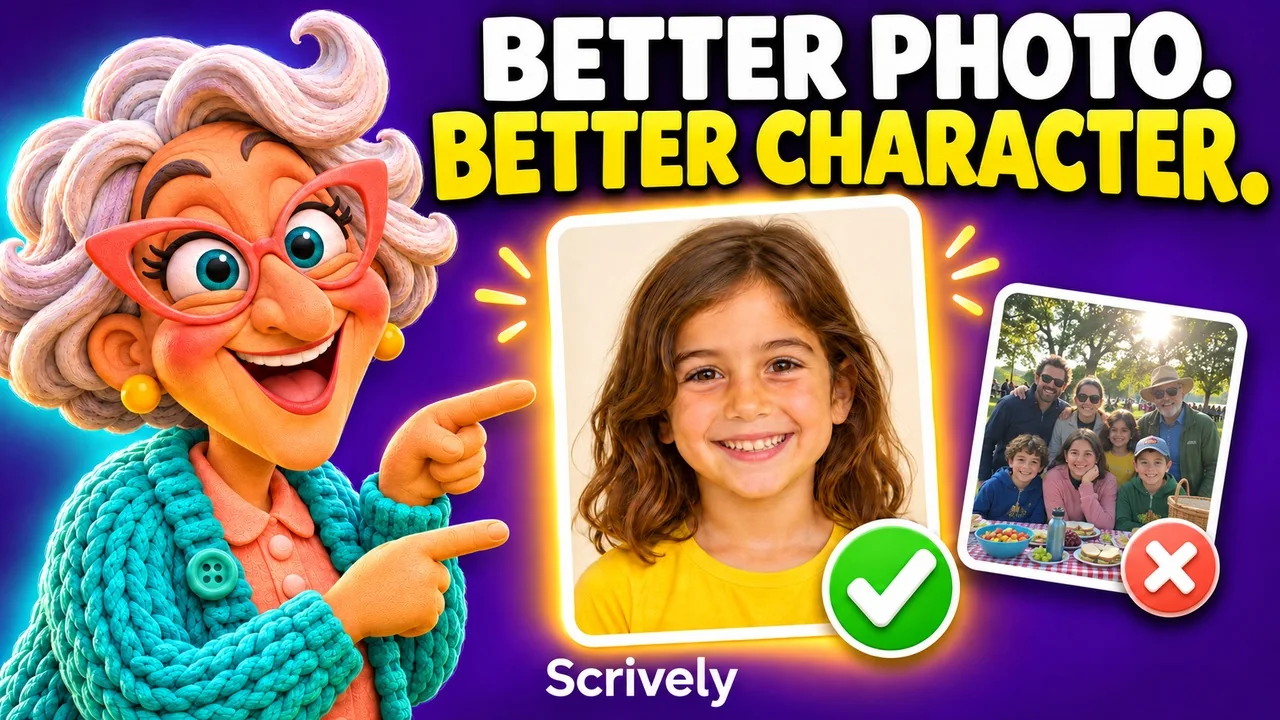
Choose a clear photo for your character
Give Scrively a good view of the person you want to turn into a storybook character.
 1:05
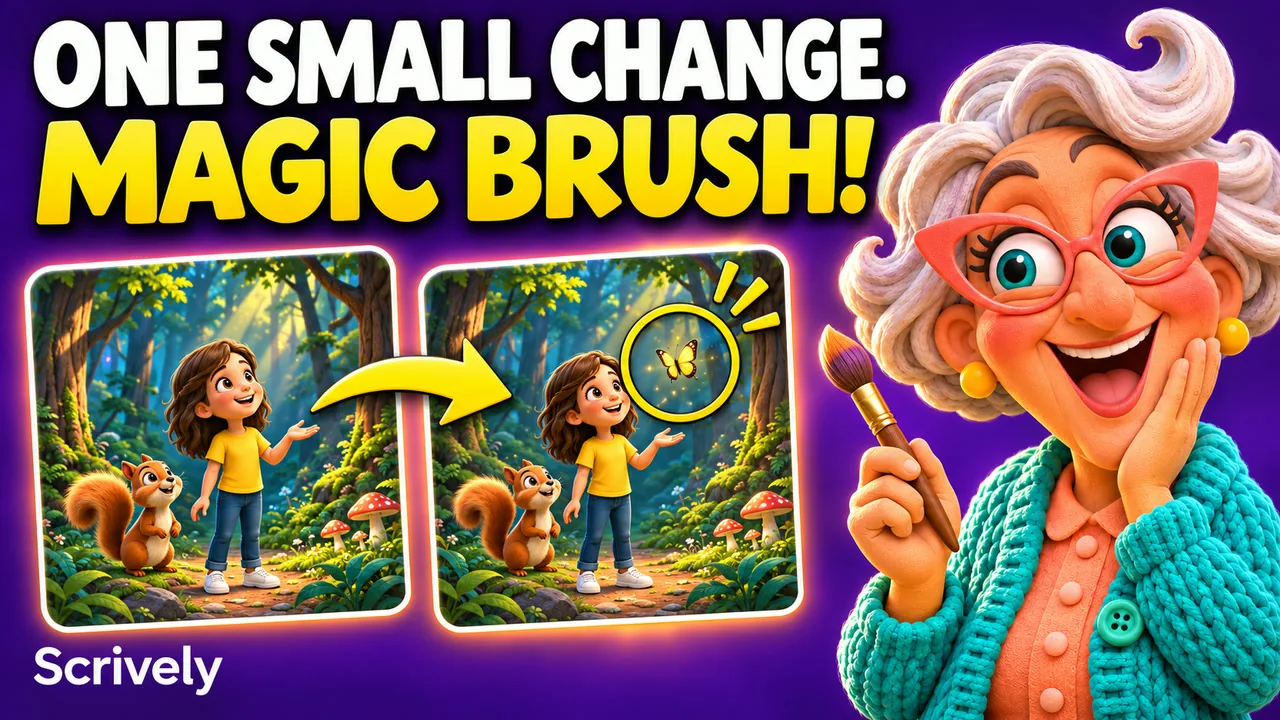
Change one illustration with Magic Brush
Describe a specific change and keep the parts of the picture you already love.
 0:38
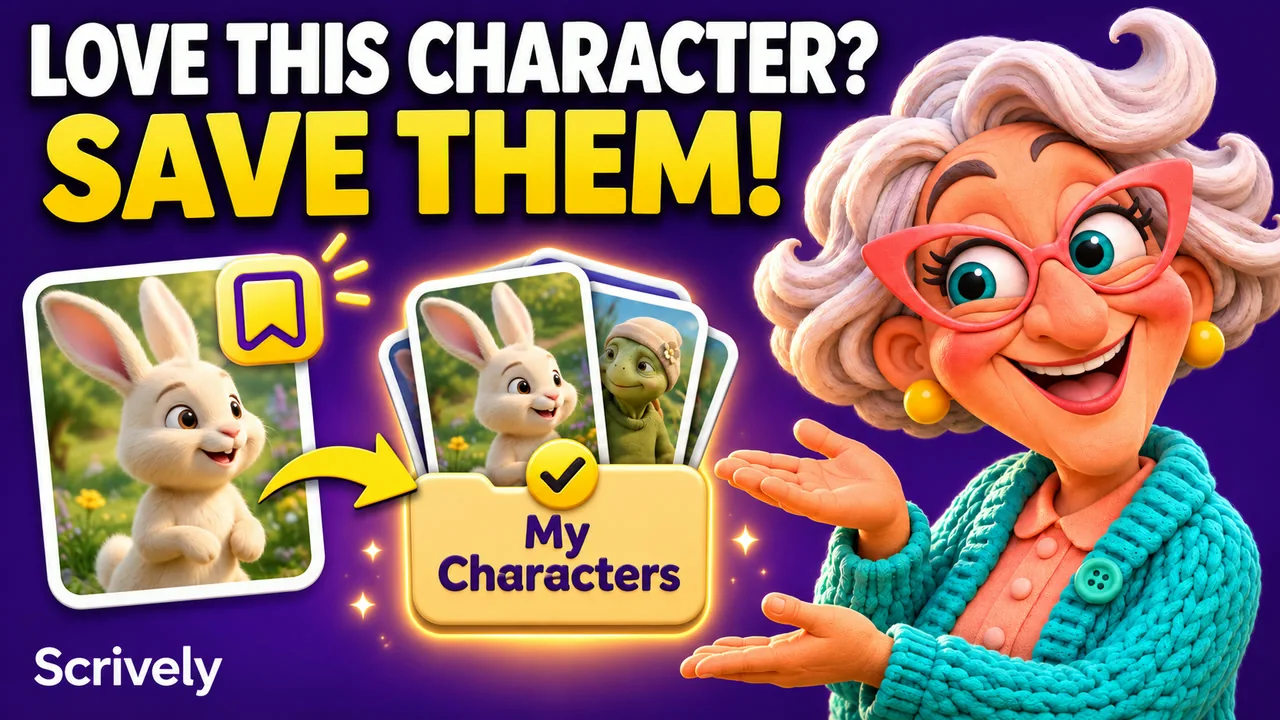
Save a character for your next book
Keep a favorite character in My Characters so you can bring them back in another adventure.
 0:44
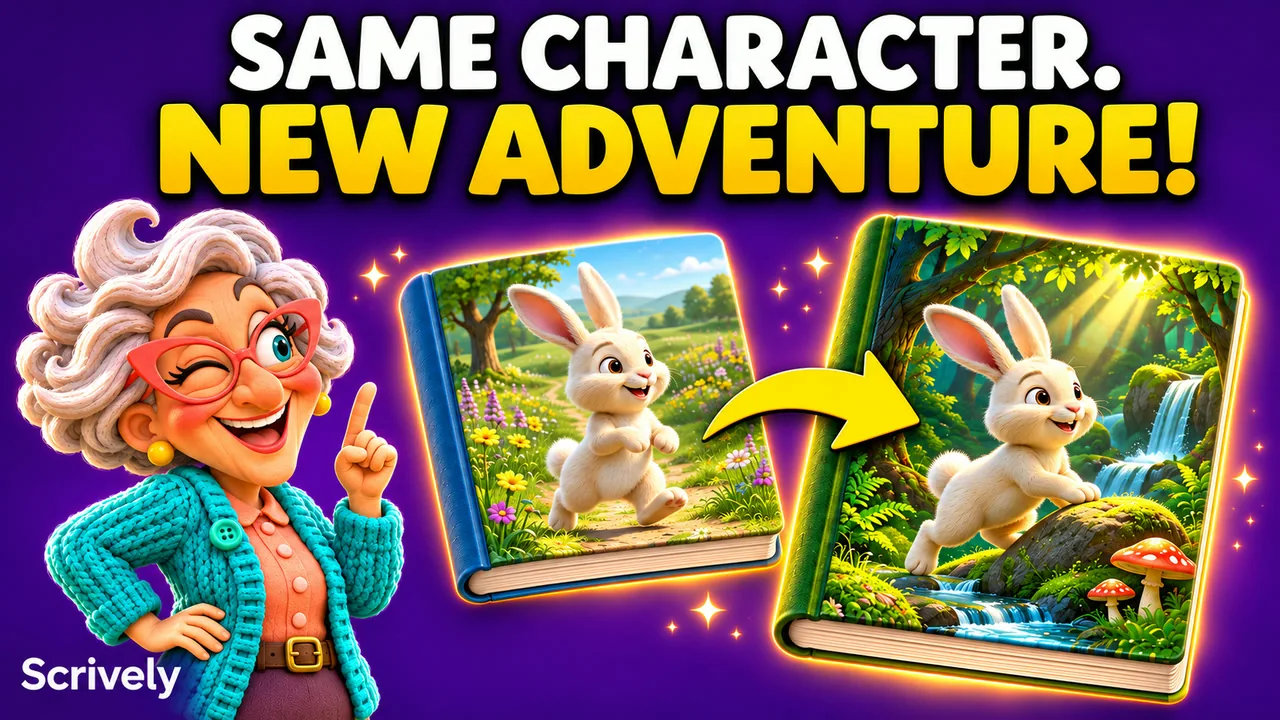
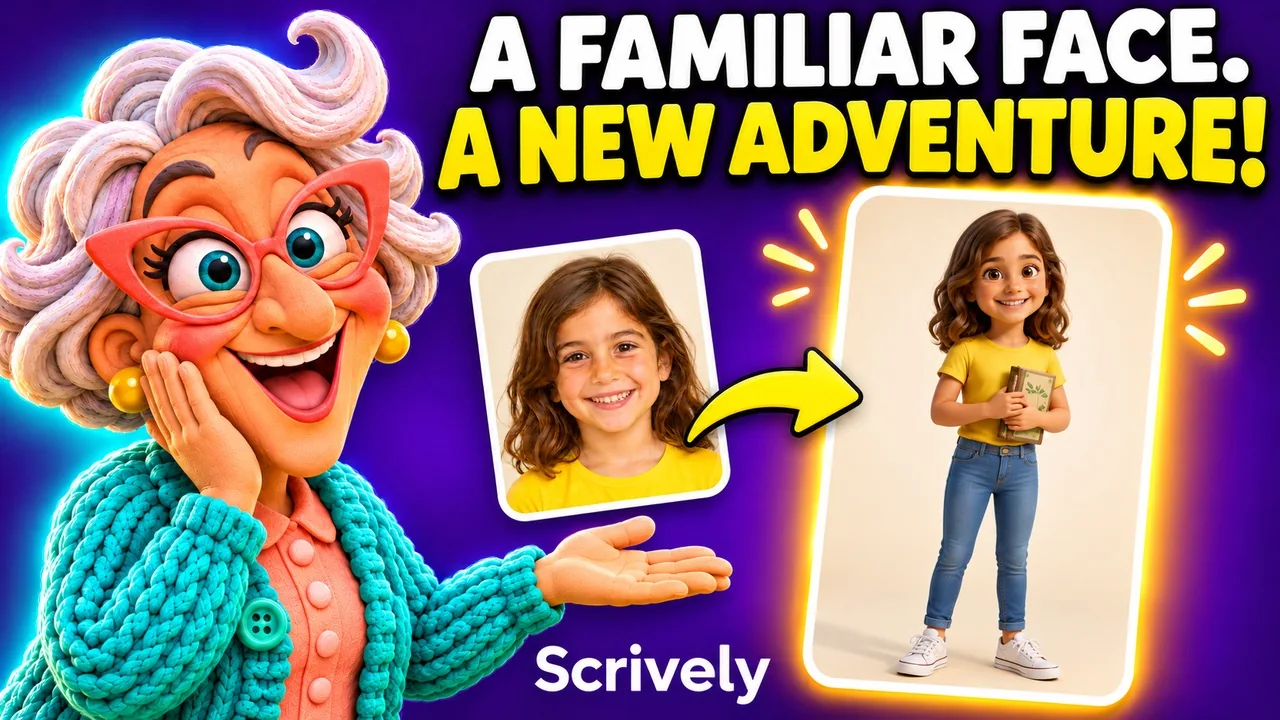
Use a saved character in another book
Bring a familiar face into a new adventure without starting the character from scratch.
 0:55
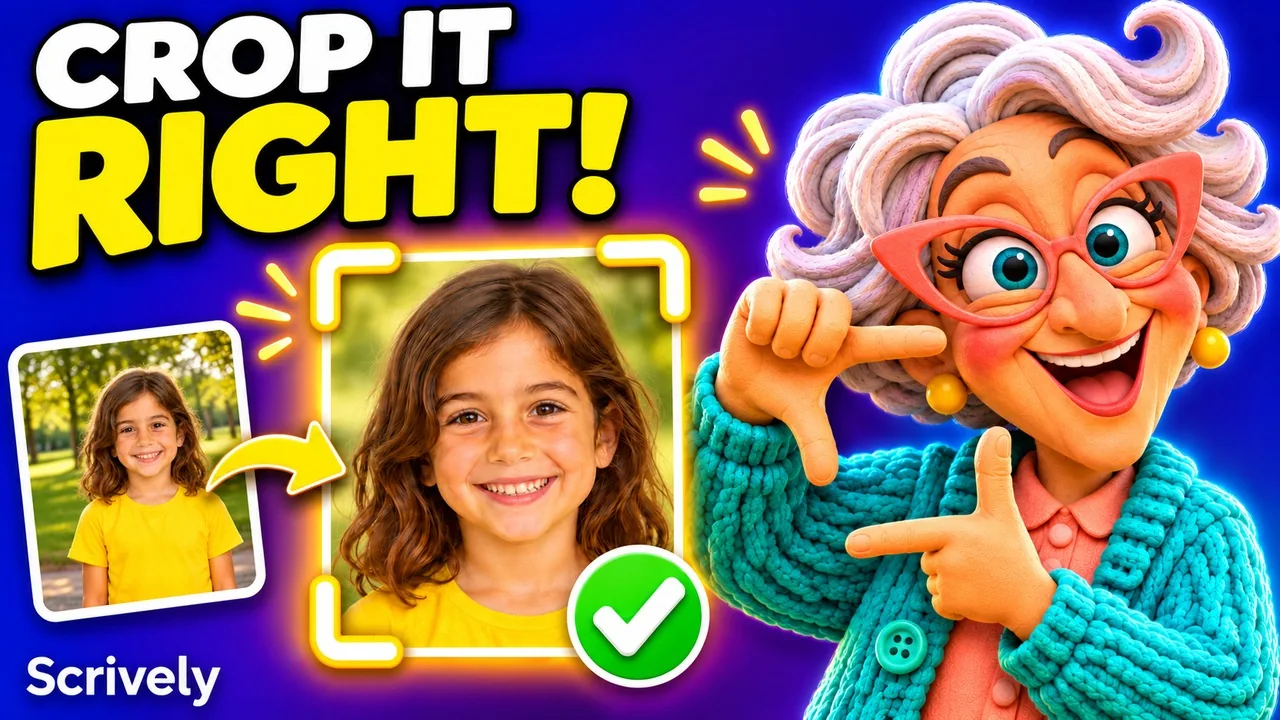
Upload and crop a character photo
Frame the right person clearly before you start making the book.
 1:07
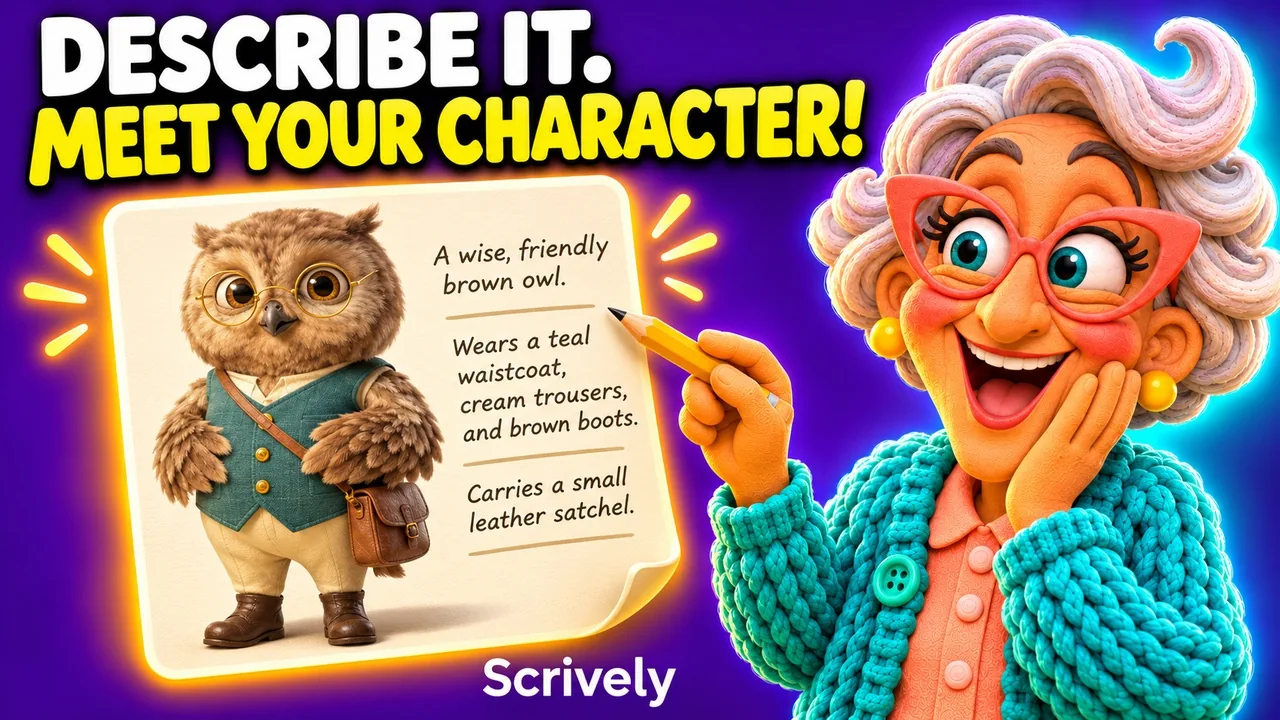
Create a character from a description
Turn an imagined person, animal, or creature into a character for your cast.
 0:51
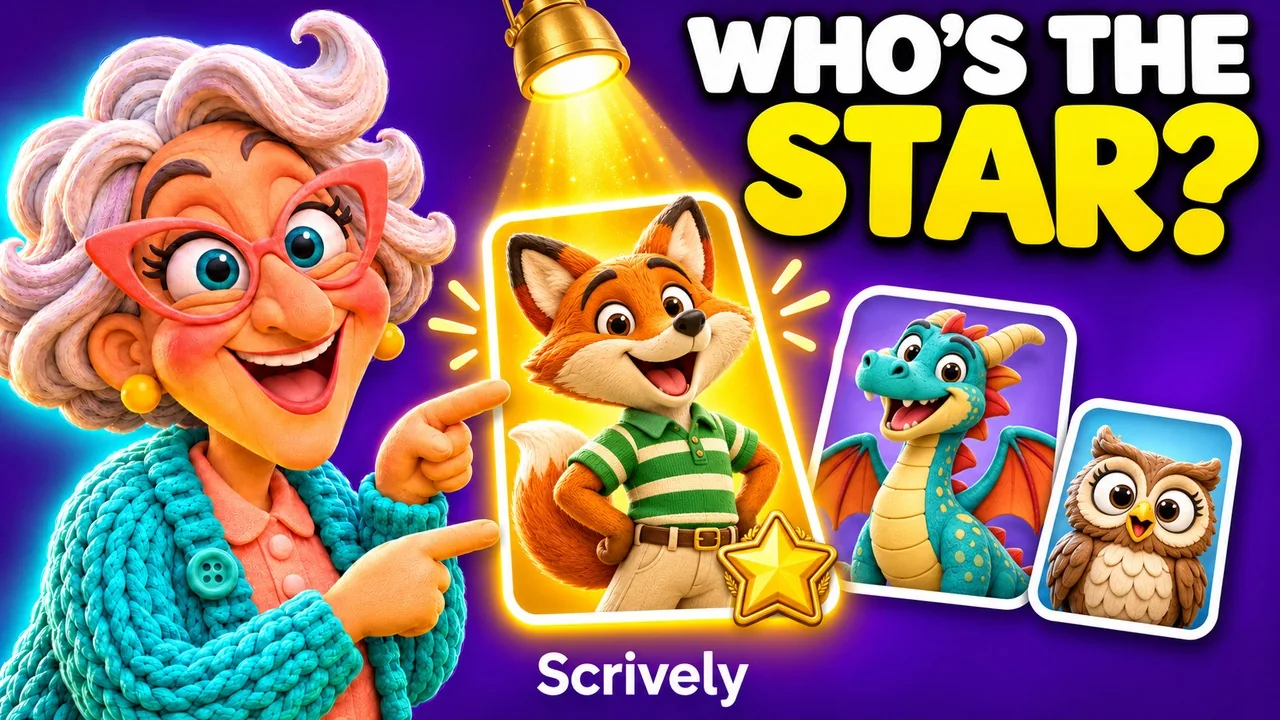
Choose your star and supporting characters
Give each member of the cast a role before writing the story.
 0:48
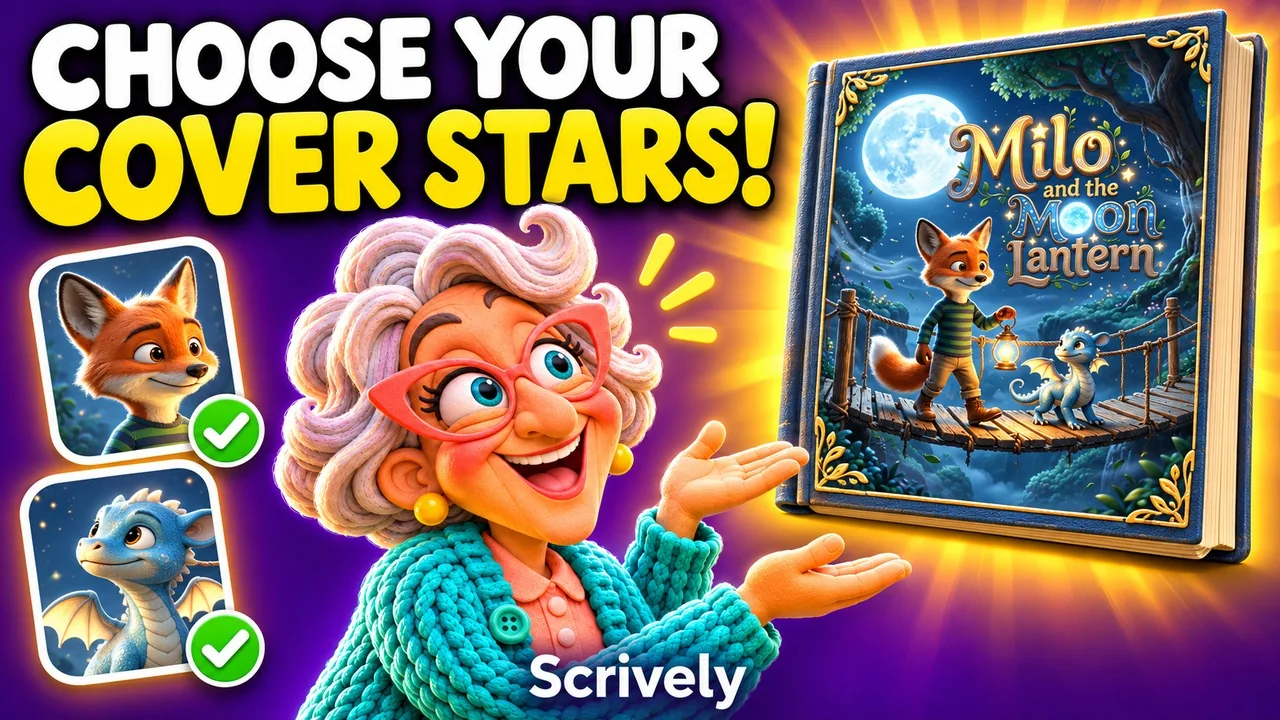
Choose which characters appear on the cover
Keep the cover focused while leaving your full cast available for the story.
 1:10
Add a character to your cast from a photo
Bring a familiar person into the story and check their illustrated portrait before continuing.
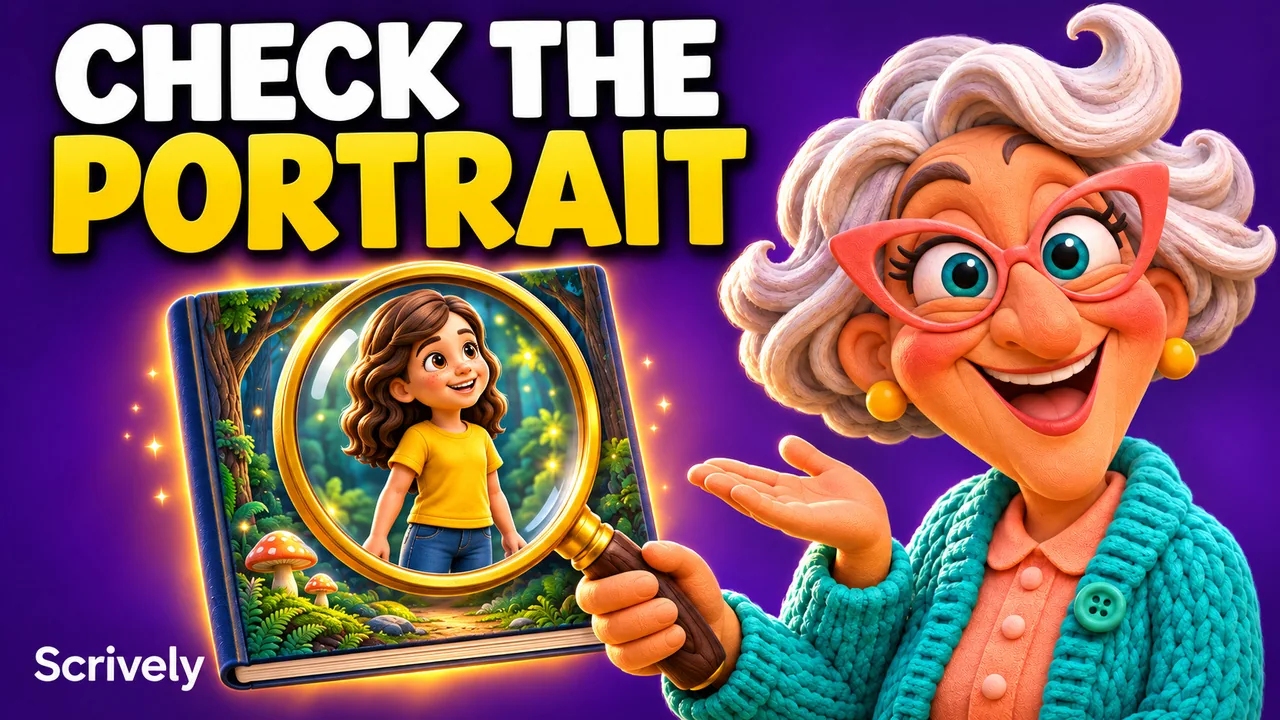 0:33
Review your child's cartoon portrait
Check the likeness and outfit before using the portrait to guide a whole book.
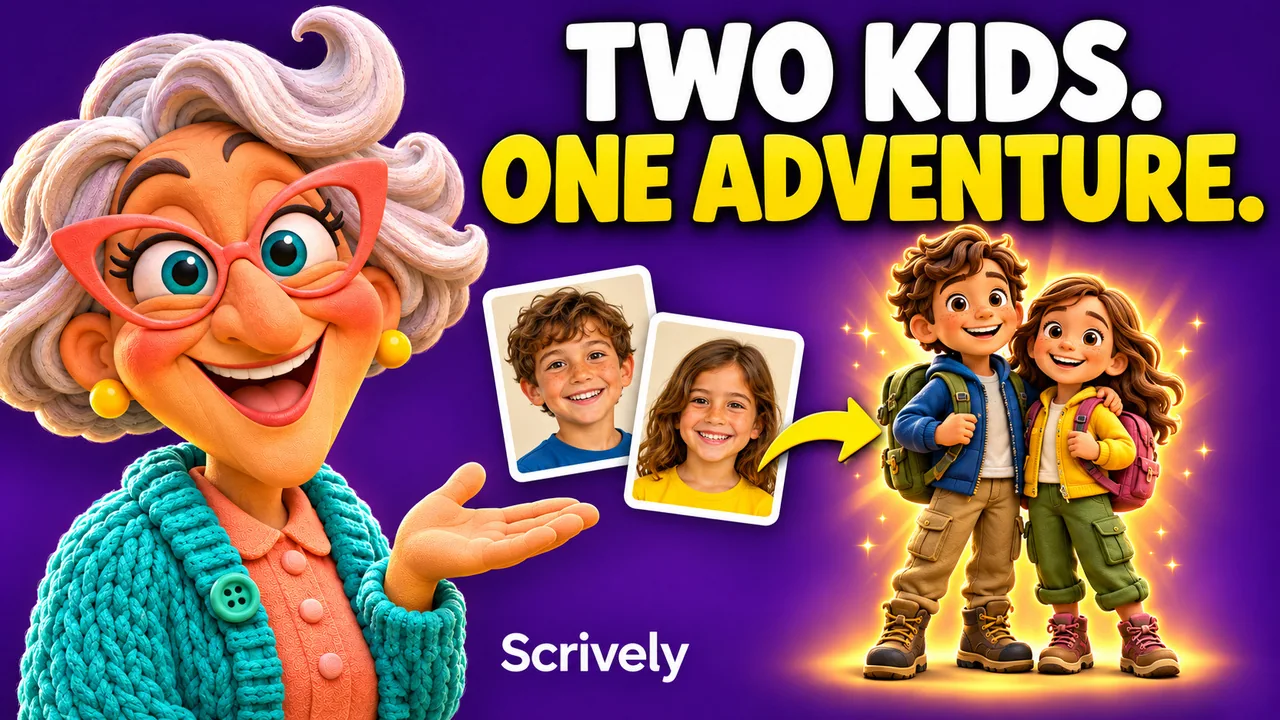 0:38
Add a sibling or friend from a second photo
Bring another familiar face into the cast while keeping your intended hero as the star.
 0:35
Invent an animal or imaginary story friend
Fill an open friend slot with a new creature that suits your adventure.
Every great story starts with a question.
Still need a hand? Our friendly support team is here for you.