Review your child's cartoon portrait
Check the likeness and outfit before using the portrait to guide a whole book.
Follow along at your own pace.Watch on YouTube
Prefer to read? Let’s walk through it.
Everything you need, one clear step at a time.
1Compare the portrait with your child
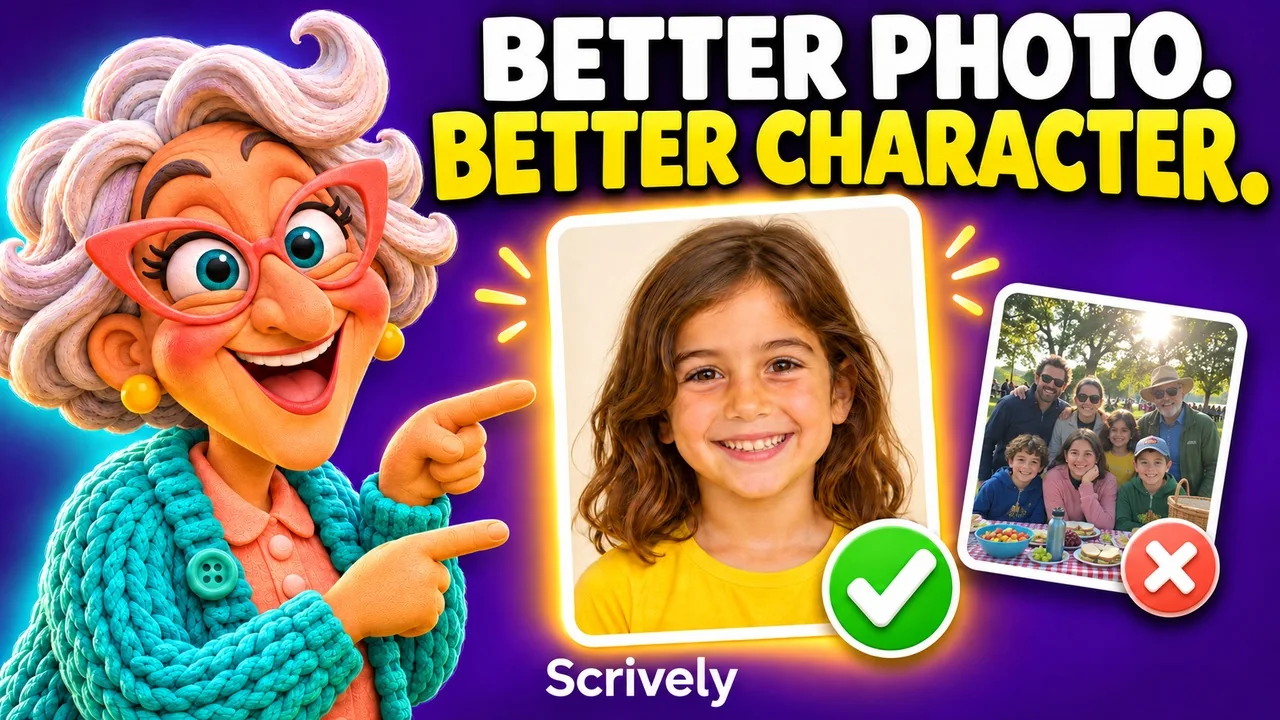
Before writing the story, inspect the character's face, hair, and clothing. If a detail needs attention, choose Edit character. Use a specific request so you can tell whether the change worked.
2Check the refreshed portrait
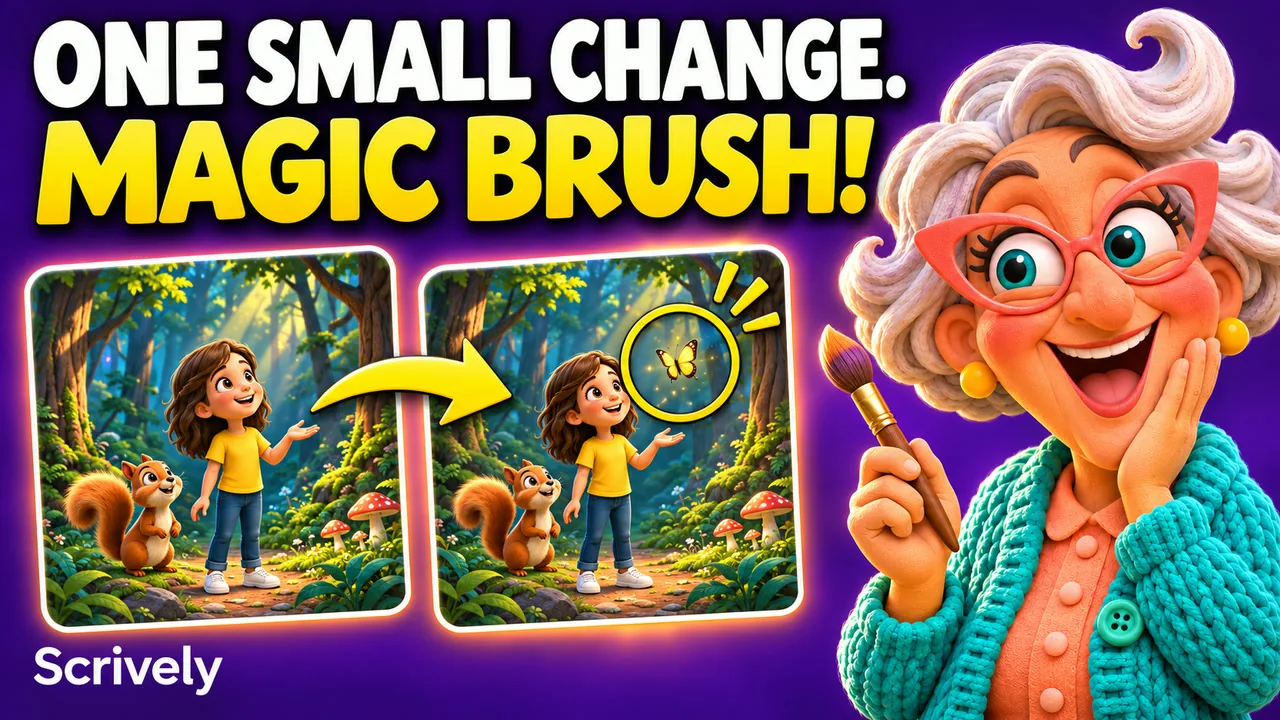
For clothing changes, use the outfit field and name the pieces and colors you want. Save the edit and let the portrait refresh. Inspect the entire outfit and face again before moving forward.
You’re ready for the next chapter.
Try it in your own book, or explore another guide below.