Save a character for your next book
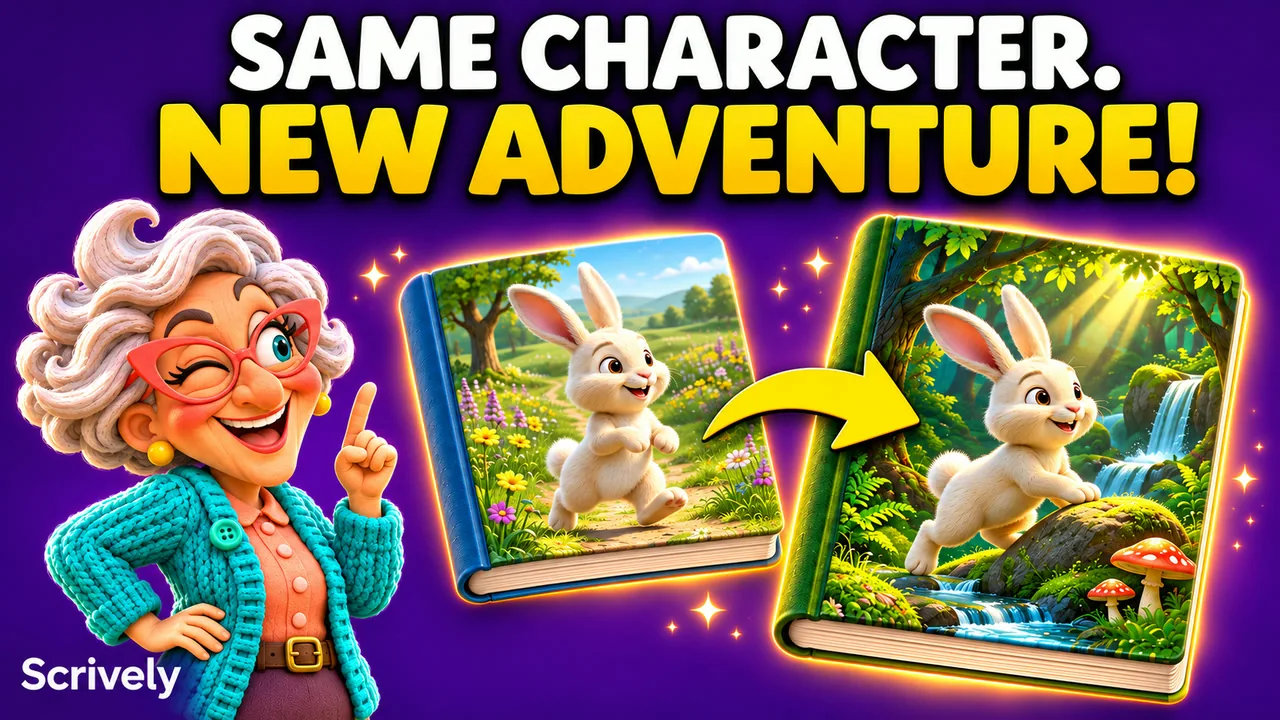
Keep a favorite character in My Characters so you can bring them back in another adventure.
Follow along at your own pace.Watch on YouTube
Prefer to read? Let’s walk through it.
Everything you need, one clear step at a time.
1Save the character from your cast
At the character stage of book creation, find the portrait you want to keep. Open its More options menu and choose Save to My Characters. Wait for the saved confirmation before leaving the screen.
2Find and check the saved character
Open My Library, switch to My Characters, and search for the character's name. Open their preview and check the name and portrait. That saved character is now available to choose when you build another book's cast.
You’re ready for the next chapter.
Try it in your own book, or explore another guide below.