Use a saved character in another book
Bring a familiar face into a new adventure without starting the character from scratch.
Follow along at your own pace.Watch on YouTube
Prefer to read? Let’s walk through it.
Everything you need, one clear step at a time.
1Choose a character from your library
Start your new book and continue to the cast screen. In the area for adding another story friend, choose From My Characters. Find the saved character you want and select them.
2Review the cast before writing the story
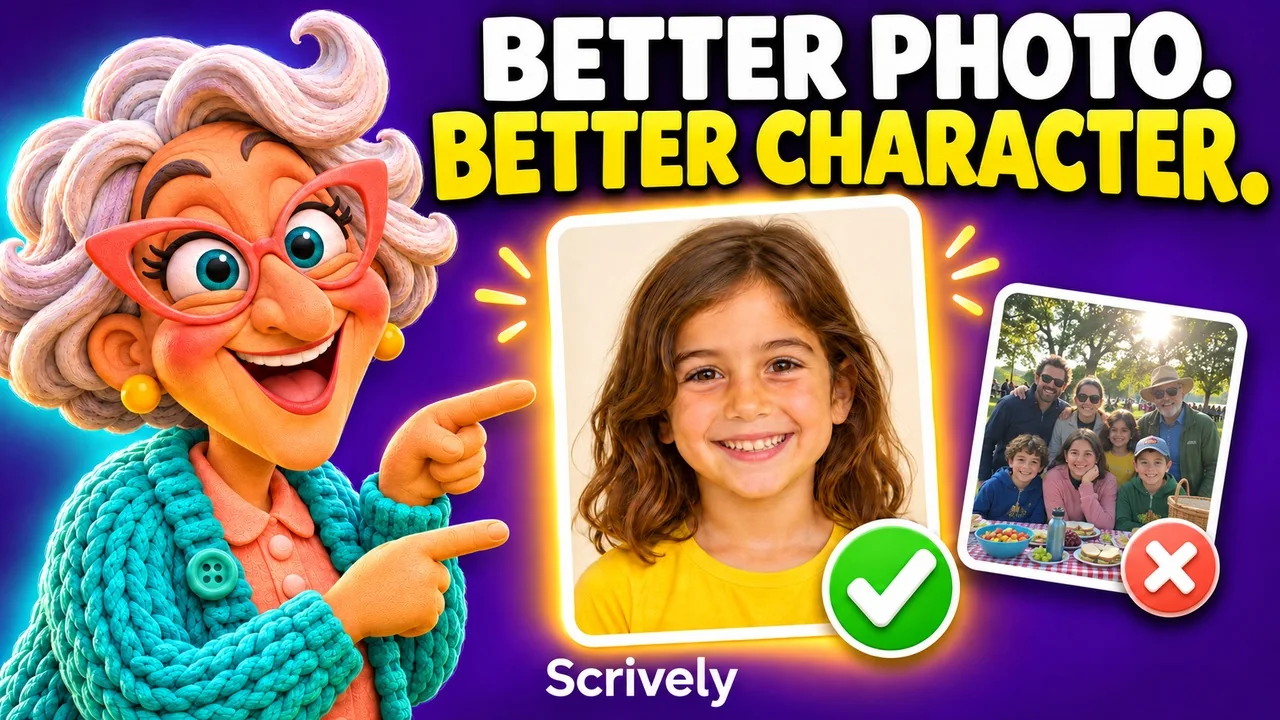
Give Scrively time to prepare the character's portrait. Check the name, appearance, and other cast members before choosing Write Story. Adding a saved character brings them into this book's cast; review the whole group before you continue.
You’re ready for the next chapter.
Try it in your own book, or explore another guide below.