Add a sibling or friend from a second photo
Bring another familiar face into the cast while keeping your intended hero as the star.
Follow along at your own pace.Watch on YouTube
Prefer to read? Let’s walk through it.
Everything you need, one clear step at a time.
1Add the second child's photo
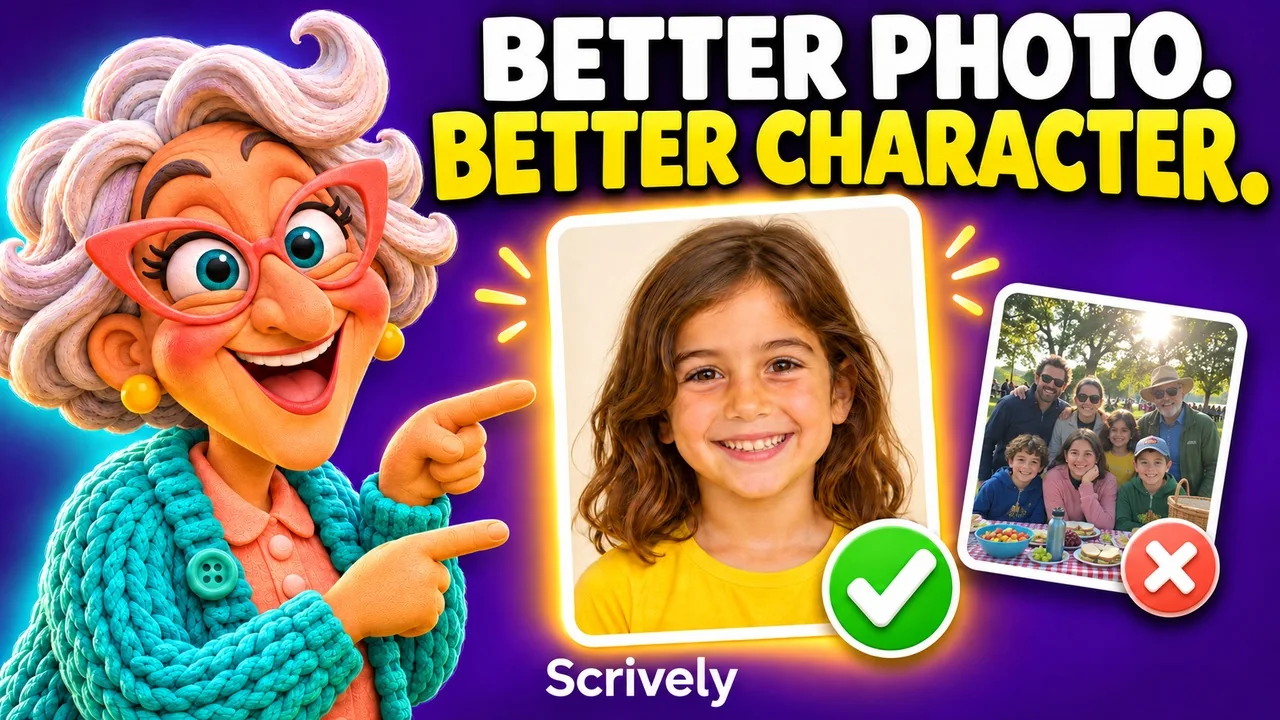
On the Characters step in Create Your Own Story, choose Add from a photo under Add to your cast. Enter the second child's name, choose the character type, and use a clear photo showing that child alone. Check the photo before selecting Add to the cast.
2Review both characters and their roles
When the portrait is ready, find the new character alongside the existing cast. Read the role beneath each name and confirm that the intended main character is still the star.
You’re ready for the next chapter.
Try it in your own book, or explore another guide below.