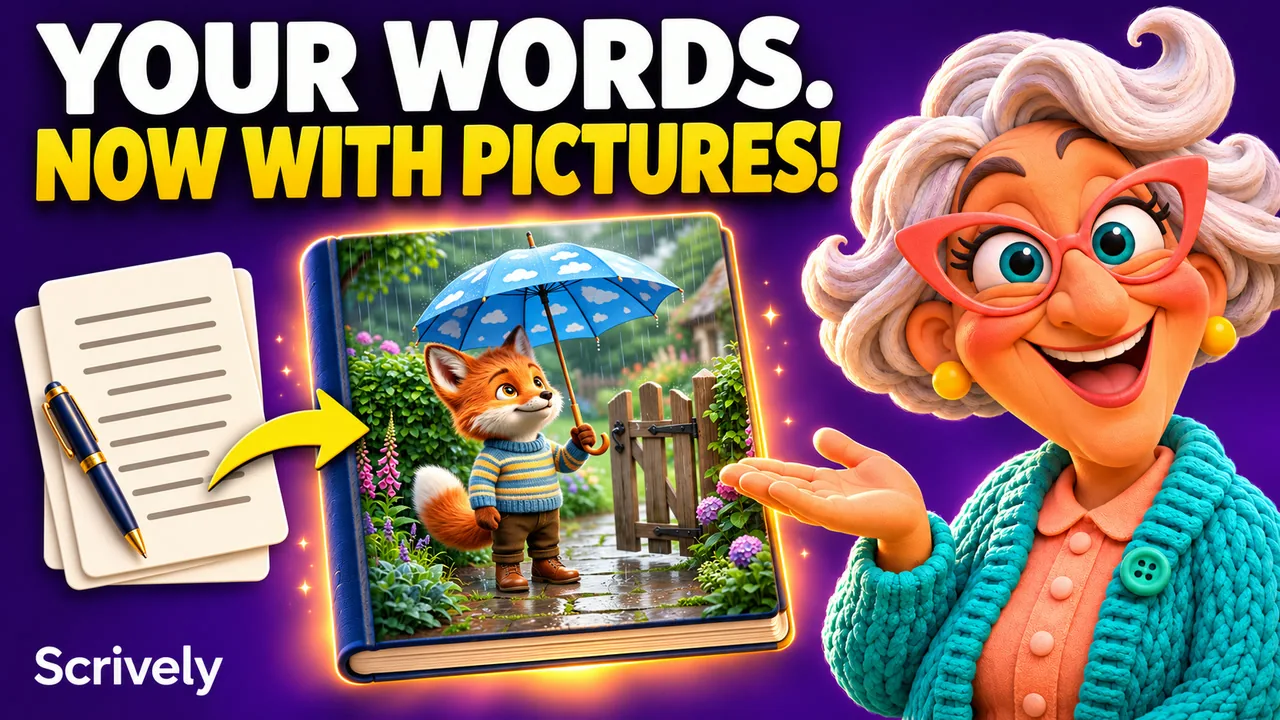
Turn your own idea into a storybook
Start with a simple premise, build your cast, and turn the idea into an illustrated book.
In this guide
Prefer to read? Let’s walk through it.
Everything you need, one clear step at a time.
1Give your story a starting point
Open Create Your Own Story and describe who the story is about, where it happens, and what the characters are trying to do. A few concrete details are enough. For example, a rabbit and a turtle could follow firefly lanterns through a garden. Add a title if you have one, then choose an art style.
2Choose the options and check the cast
Open More options to review settings such as reading level and page count. Choose Choose Cast and read the credit notice before continuing. Check each character Scrively finds. If someone is missing, add them with Describe Someone, choose the character type, and describe their appearance.
3Make the book and read it through
When the cast is ready, select Write Story. You can add a dedication while the book is being made or skip that step. Once it is ready, open Perfect Your Book to review the pages. Read the story and check the illustrations before making any final changes.
You’re ready for the next chapter.
Try it in your own book, or explore another guide below.