Find the right way to start your book
Have a photo, a story idea, or a drawing? There’s a starting point for each.
In this guide
Prefer to read? Let’s walk through it.
Everything you need, one clear step at a time.
1Start with a photo or an idea
Choose Quick Kid Book when you want to make a child the star using their photo and name. Choose Create Your Own Story when you already have an adventure in mind and want to describe it before choosing the cast.
2Use a ready-made story or your own words
Story Library lets you browse existing stories and preview a template before personalizing it. If you have already written your story, choose Upload a Story. You can paste text, upload a supported document, or bring in a Google Doc.
3Try a drawing or a coloring book
From a Drawing helps you turn a drawing into a storybook character. For a collection of black-and-white pages, choose Coloring Book and provide a theme or your own page ideas.
4Find your work in My Library
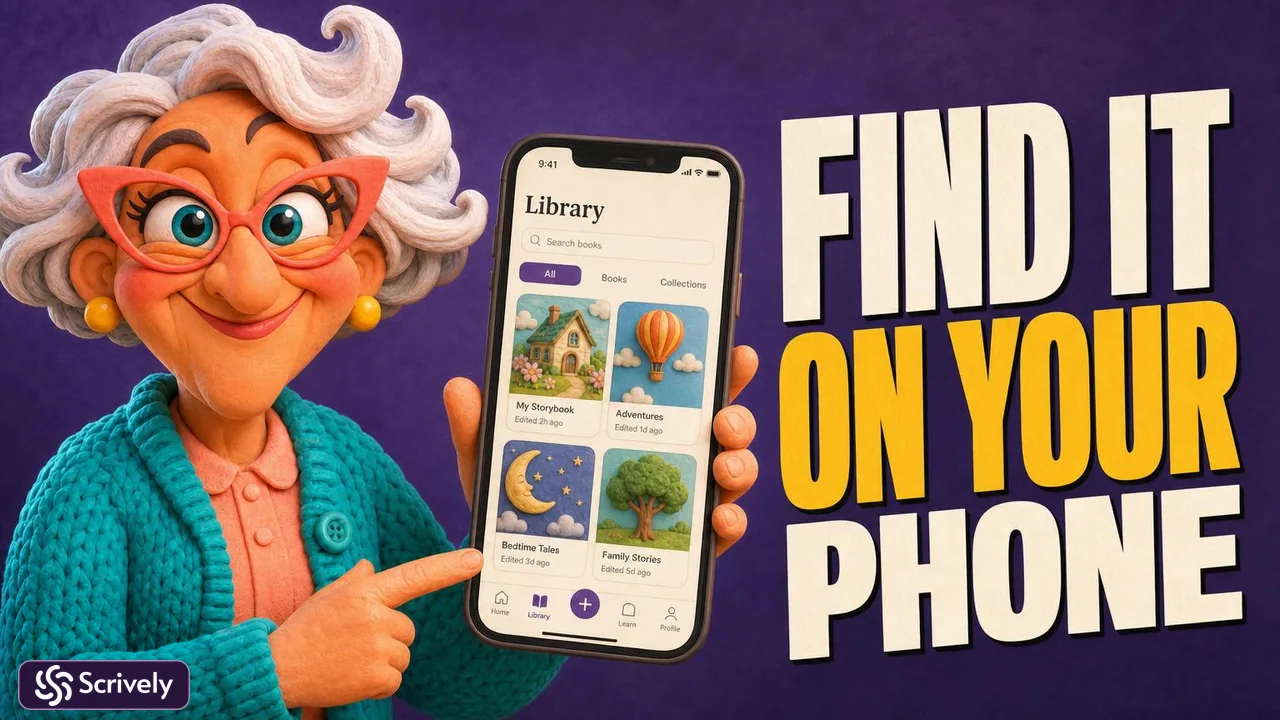
Story Library contains templates to start from. My Library holds your own books and saved drafts. When you want to continue something you have already made, go to My Library.
You’re ready for the next chapter.
Try it in your own book, or explore another guide below.