Find your books, orders, billing, and settings
Get familiar with the main places you will use around Scrively.
Follow along at your own pace.Watch on YouTube
Prefer to read? Let’s walk through it.
Everything you need, one clear step at a time.
1Start or continue a book
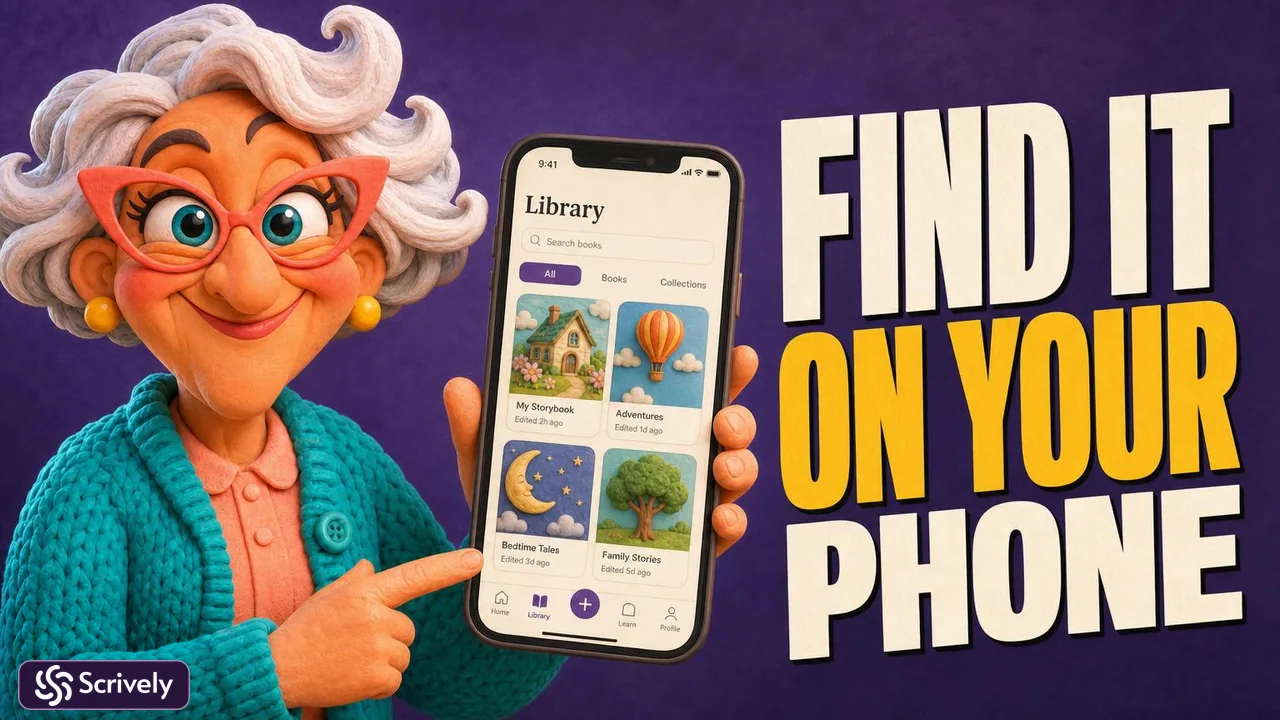
Use the dashboard to begin a new creation. Open My Library to find saved drafts and finished books. Choose Continue on an unfinished book or open a completed one to work with it.
2Find purchases and plan details
Open the account menu to reach Orders and Billing. Orders includes the areas for printed-book orders and purchases or subscriptions. Billing shows your plan and credit information.
3Set preferences for new books
Open Settings to review your account and book defaults. You can set preferences such as layout, size, reading level, and language for new books. On a smaller screen, start with the profile menu to reach these account areas.
You’re ready for the next chapter.
Try it in your own book, or explore another guide below.