Find Scrively's main tools on a phone
Navigate the creation tabs, account menu, and library on a narrower screen.
Follow along at your own pace.Watch on YouTube
In this guide
Prefer to read? Let’s walk through it.
Everything you need, one clear step at a time.
1Choose a creation route
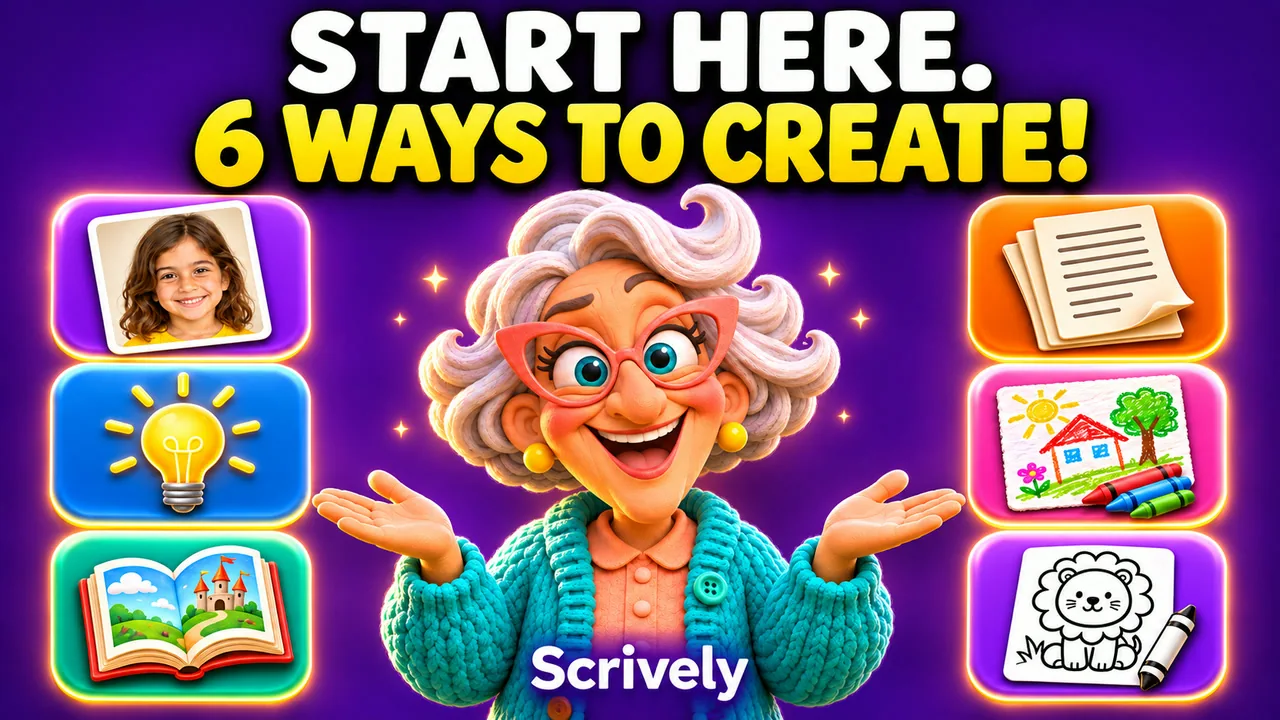
At the top of the phone dashboard, move through the creation-tab row to see options that are initially offscreen. Tap the route you want and look for its next action near the bottom of the setup screen.
2Return to your saved books
Open the account menu and choose My Library. On a finished book, use the reading control to enjoy it or the editing control to continue working. These landmarks help you navigate when the desktop sidebar is not visible.
You’re ready for the next chapter.
Try it in your own book, or explore another guide below.