Check your plan and included tools
Match the account allowance to the creative task you want to do next.
Follow along at your own pace.Watch on YouTube
Prefer to read? Let’s walk through it.
Everything you need, one clear step at a time.
1Read the current plan details
Open Billing from the account menu. Check the current plan and whether its access comes from a subscription or a one-time purchase. Read the book balance and the separately listed creative-tool allowances.
2Find the allowance for your next task
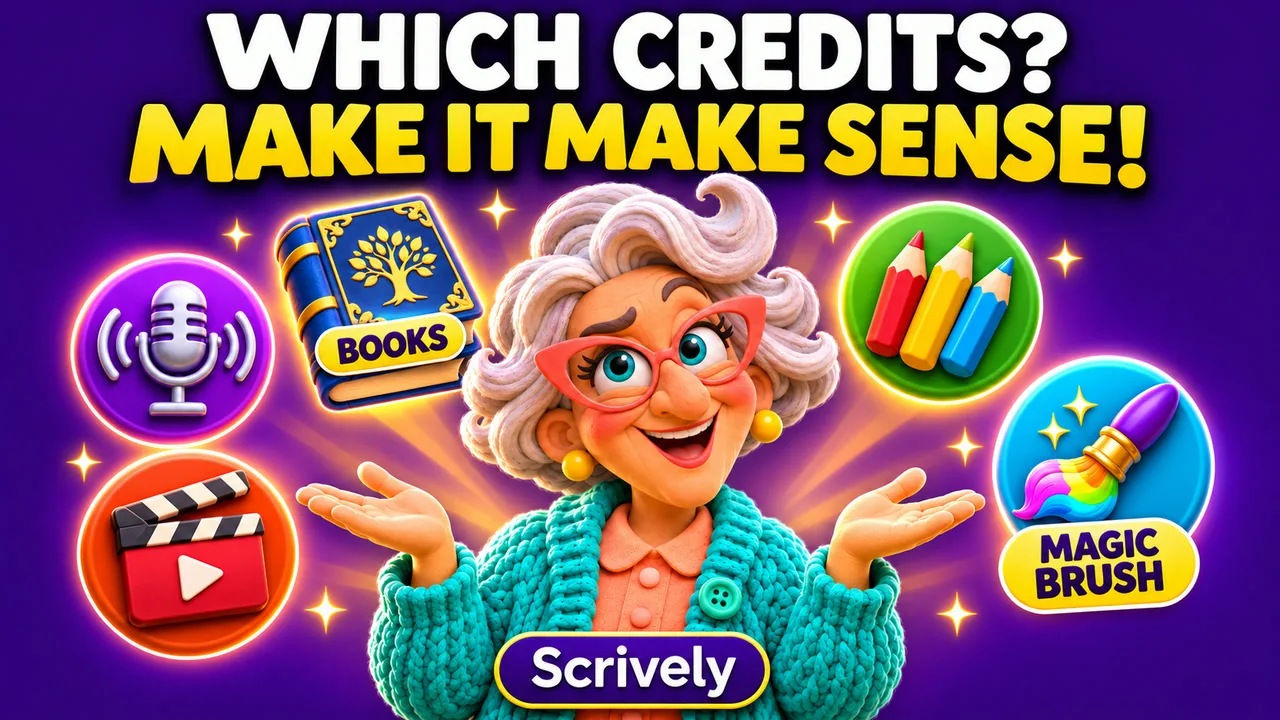
Look at Magic Brush before editing a picture and Studio before adding narration. Checking the specific tool's allowance helps you understand what is included without confusing it with general book-creation credits.
You’re ready for the next chapter.
Try it in your own book, or explore another guide below.