Check your Studio access and credits
Find the allowance for audio and interactive books before starting in Studio.
Follow along at your own pace.Watch on YouTube
Prefer to read? Let’s walk through it.
Everything you need, one clear step at a time.
1Review Studio in your plan details
Open Billing from the account menu and look specifically for Studio. Read the included allowance on your own account, since access and credits can differ. Check the extras section for additional Studio credit options.
2Choose the tool for the result you want
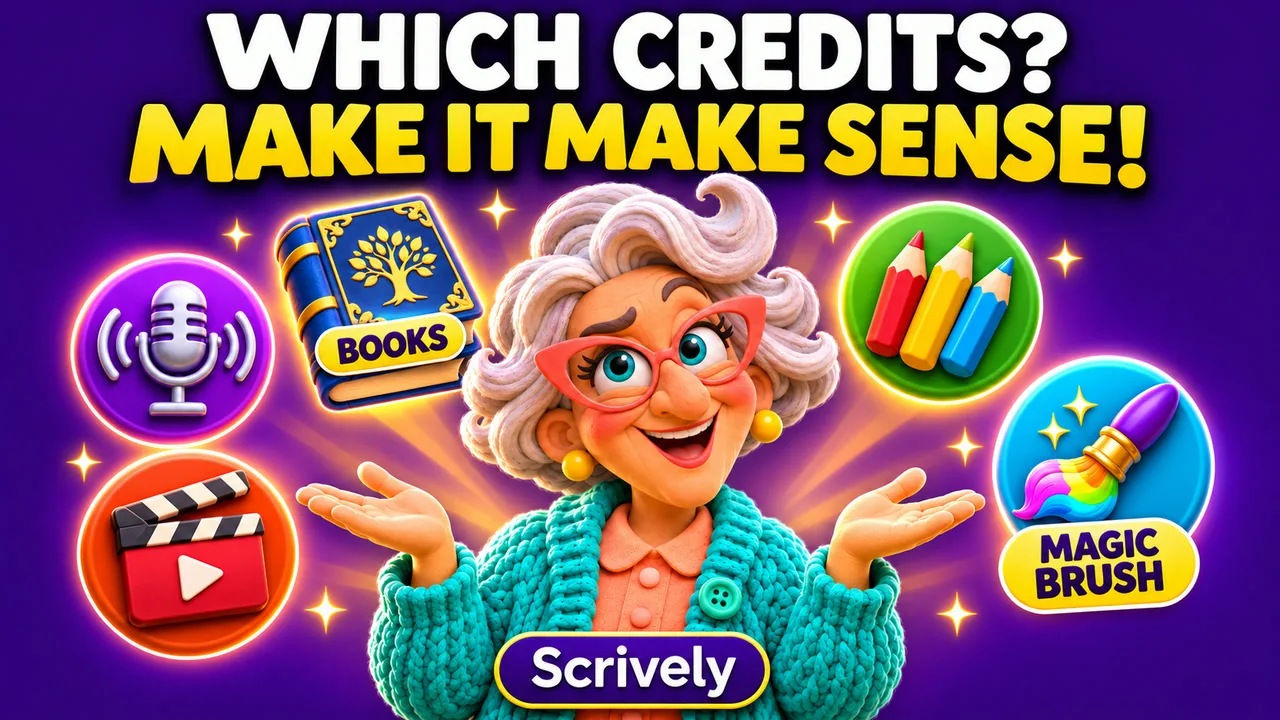
Studio adds audio and interactions to the online reading experience. StoryMovie makes a video, and has separate access and credits. In My Library, open Studio on a finished book. If an offer appears, read its details before purchasing.
You’re ready for the next chapter.
Try it in your own book, or explore another guide below.