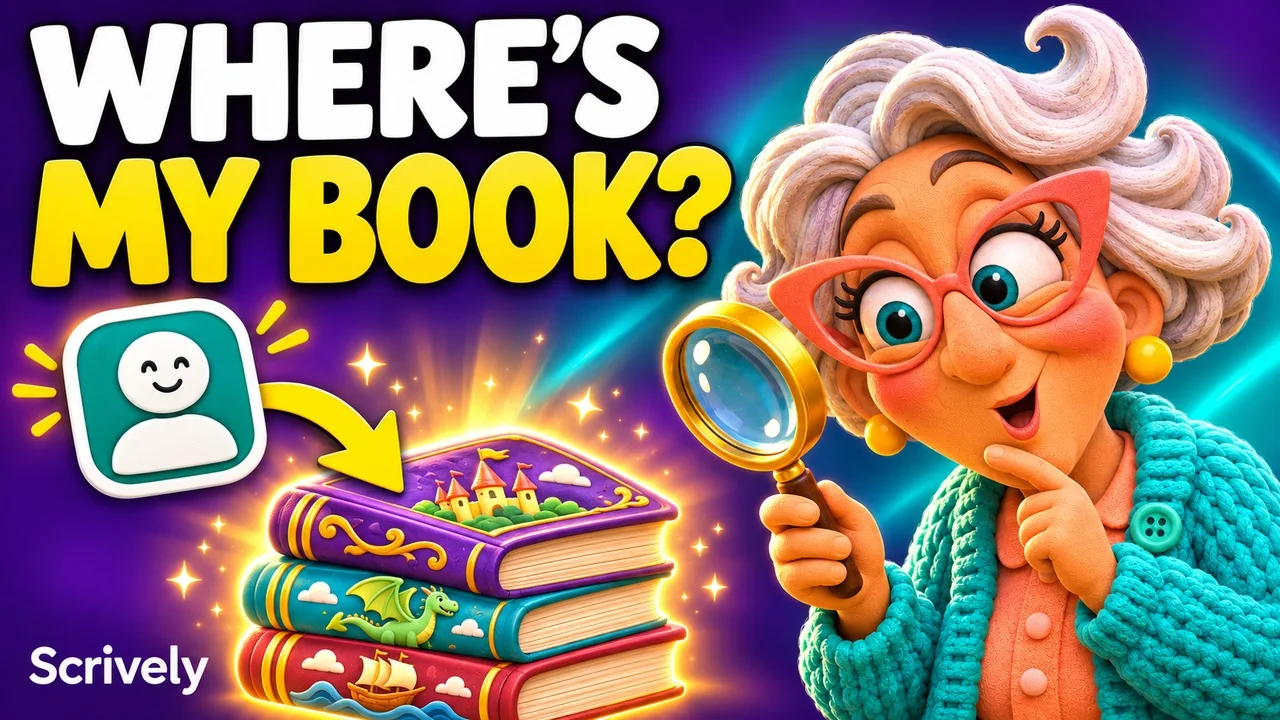
Find a book by its title
Search your library and clear the filters that may be hiding a book.
Follow along at your own pace.Watch on YouTube
Prefer to read? Let’s walk through it.
Everything you need, one clear step at a time.
1Search inside the right folder
Open My Library and select the folder that holds the book. In Search your books by title, enter a distinctive word from the title. Compare each result's full title and cover, especially if you have made copies.
2Clear the search or adjust the view
Use the search box's clear button to see the folder's books again. If the book is still missing, check the folder and the All, Stories, Coloring, or Interactive filter. Search and filters work together to narrow the list.
You’re ready for the next chapter.
Try it in your own book, or explore another guide below.