Find the right book-credit pack
Review book-credit options and understand how they differ from other creative tools.
Follow along at your own pace.Watch on YouTube
Prefer to read? Let’s walk through it.
Everything you need, one clear step at a time.
1Review the book packs in Billing
Open the account menu and choose Billing. Scroll to More books, same imagination. Compare the book quantities and prices currently displayed, and read the information about repeat purchases and expiration before choosing a pack.
2Match the credits to your task
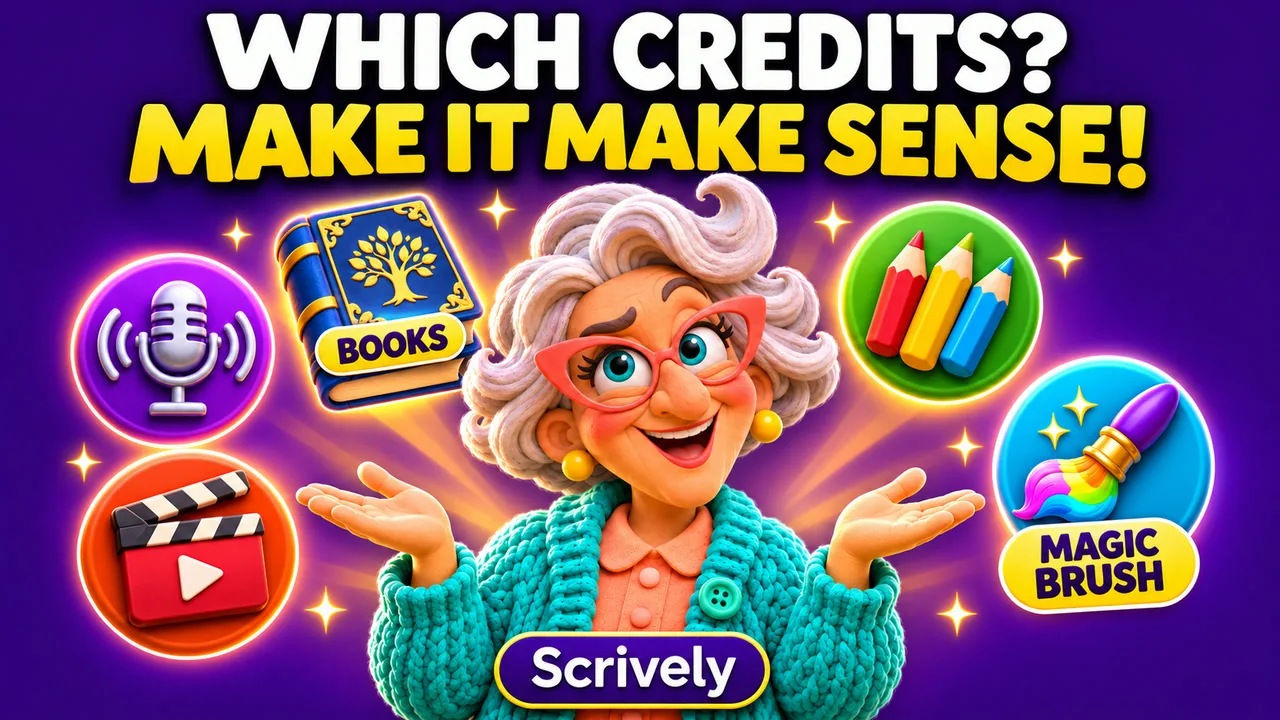
General book credits make room for more stories in the builders available to your account. They are separate from Magic Brush, Studio, and additional commercial rights. Read the confirmation before starting a new book to see what will be used. To resume an existing book, return to its draft in My Library.
You’re ready for the next chapter.
Try it in your own book, or explore another guide below.