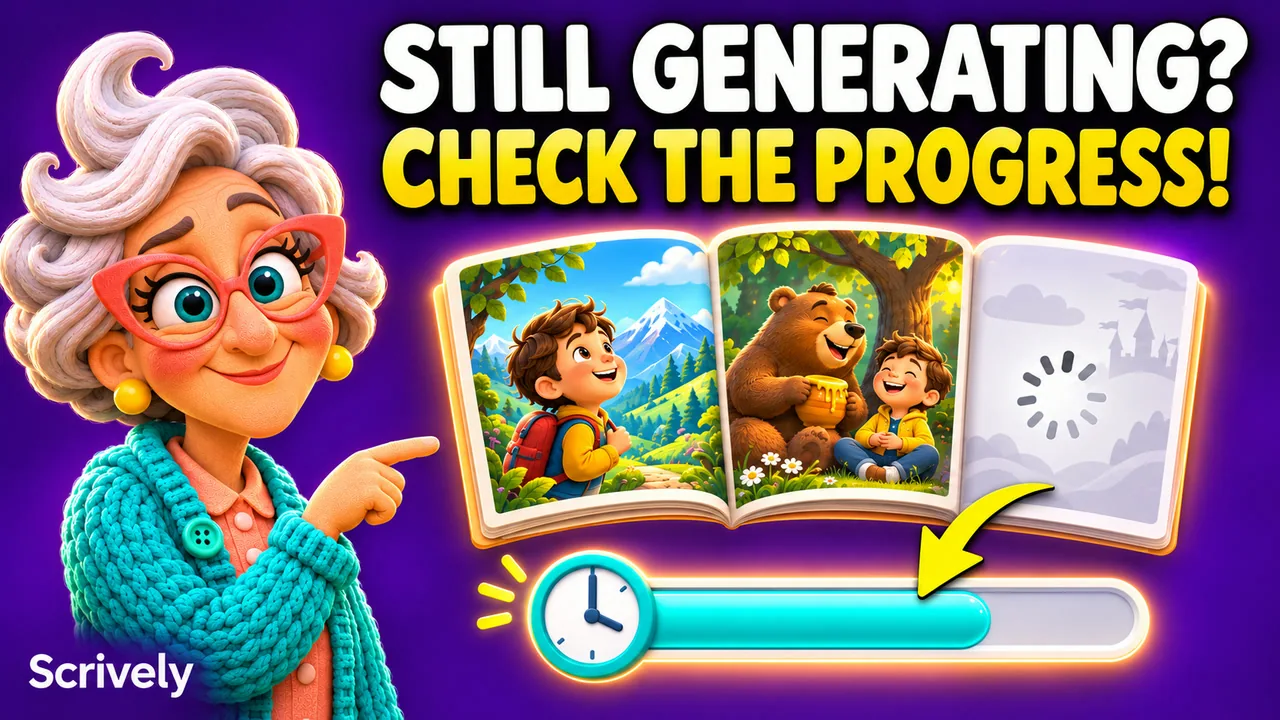
Check pictures that are still finishing
Follow the remaining-illustration count and inspect the final pages when the book is ready.
Follow along at your own pace.Watch on YouTube
Prefer to read? Let’s walk through it.
Everything you need, one clear step at a time.
1Read the remaining-picture count
Open the book in the editor and look for Finishing the pictures in the sidebar. Read the number still to finish and the message about saved pages. You can inspect completed spreads while the remaining artwork is prepared.
2Wait for the ready state and check the ending
If the count is falling, the existing job is progressing. Wait for Your book is ready, then inspect a page near the end of the queue. Check the illustration and text together instead of redrawing a page that is still being prepared.
You’re ready for the next chapter.
Try it in your own book, or explore another guide below.