Resume a coloring-book conversion
Continue an unfinished coloring edition from the saved copy in My Library.
Follow along at your own pace.Watch on YouTube
Prefer to read? Let’s walk through it.
Everything you need, one clear step at a time.
1Find the unfinished coloring copy
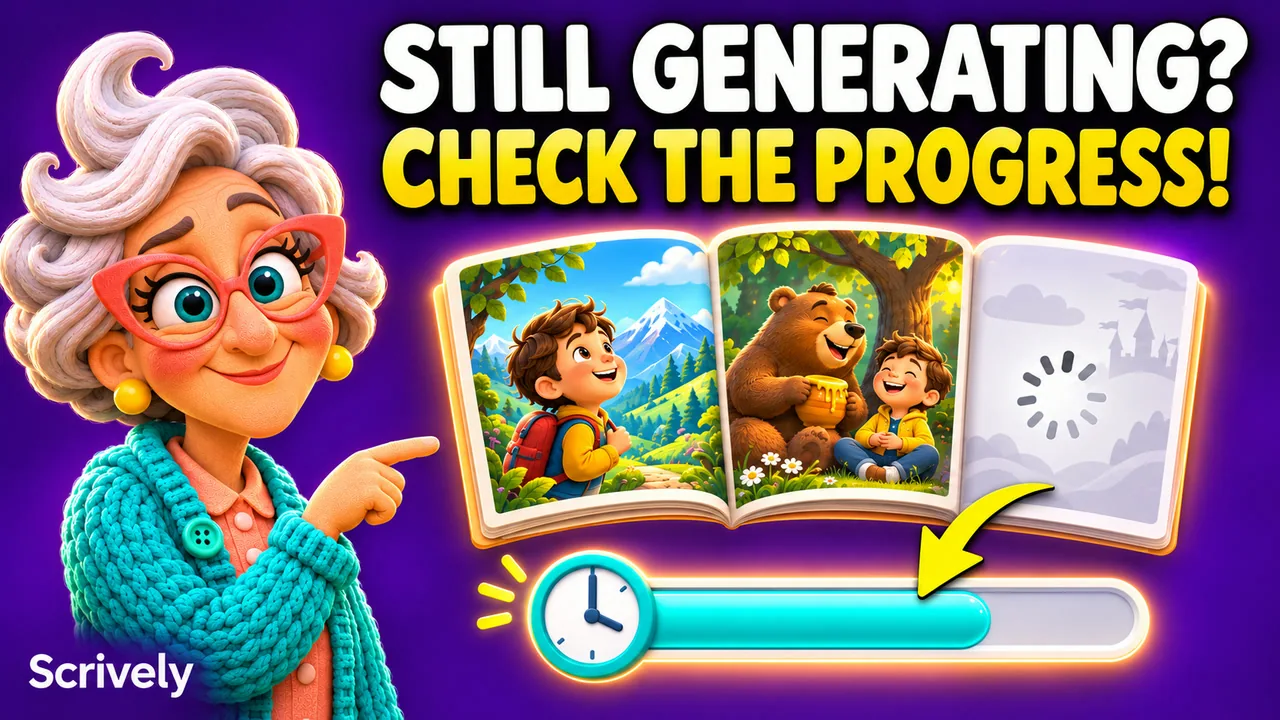
If you cancel an active conversion, look for the unfinished coloring edition in My Library. Choose Resume conversion on that copy to reopen the progress screen.
2Let the remaining pages finish
The resumed conversion carries the saved pages forward and continues the remaining artwork. Once finished, the coloring edition offers reading and printing options. Your original storybook remains a separate library item.
You’re ready for the next chapter.
Try it in your own book, or explore another guide below.