Understand why a book cannot be deleted
Read the explanation for the book's current state and use folders to tidy your library.
Follow along at your own pace.Watch on YouTube
Prefer to read? Let’s walk through it.
Everything you need, one clear step at a time.
1Check the book's state and delete control
In My Library, inspect the progress of the book and its Delete book control. Compare the available action with the explanation shown for an early draft, later draft, or finished edition. Similar-looking covers can belong to books in different states.
2Move books out of the way
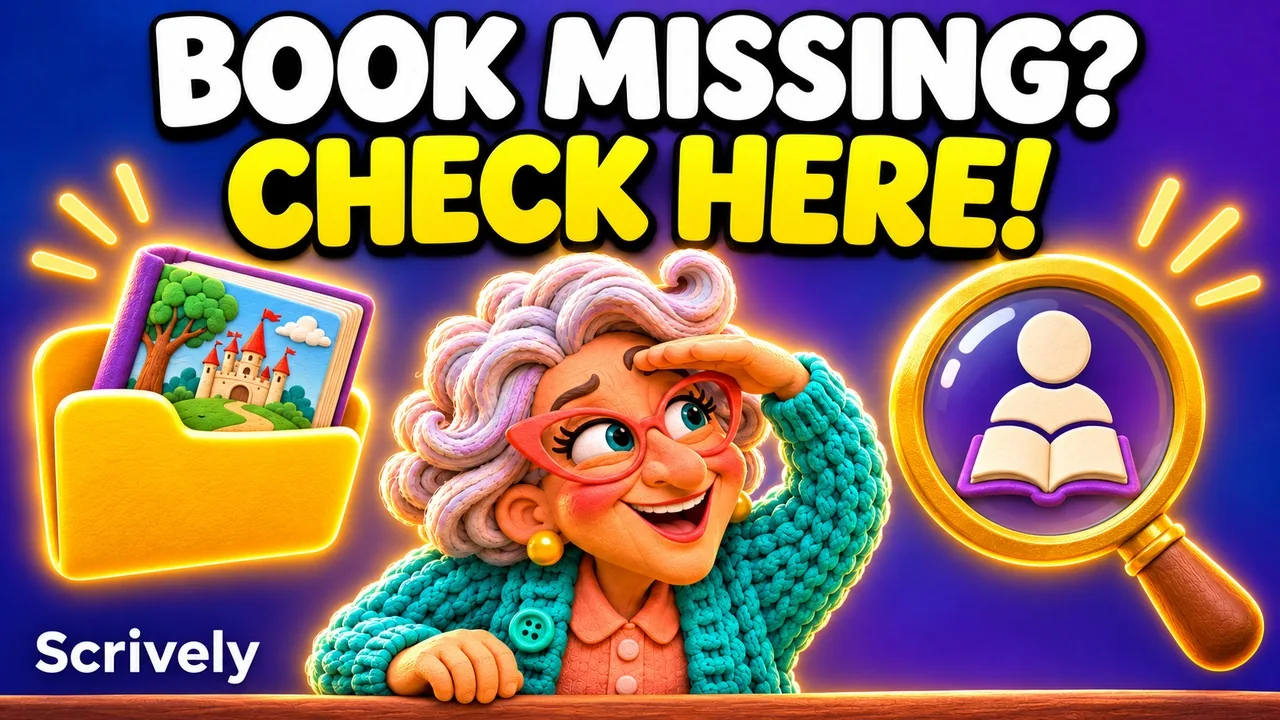
If you mainly want a tidier shelf, select the books and move them into a folder. They remain available to open from that folder, without relying on a delete action that may not be available.
You’re ready for the next chapter.
Try it in your own book, or explore another guide below.