

What would you like
to create today?
Find your answer. Learn a new trick. Make a little magic.
Results for “download”
22 tutorials found
 1:09
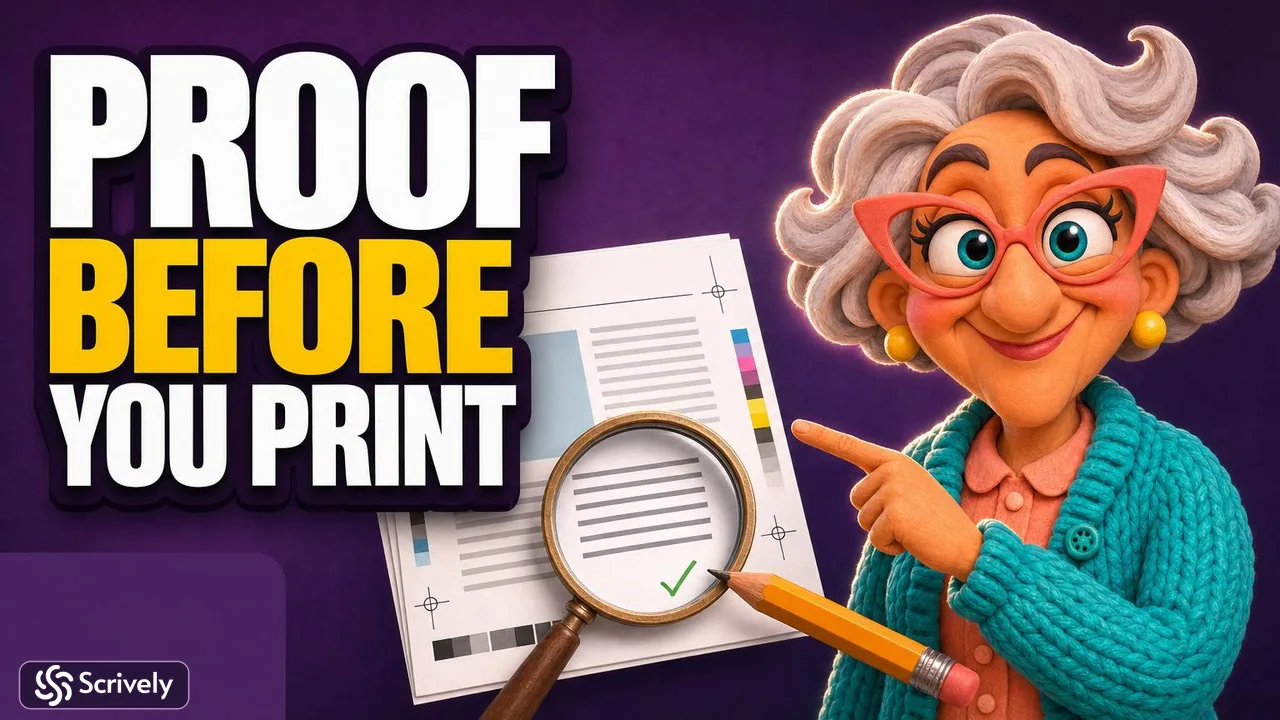
Proofread your finished book in a reading PDF
Review the cover, personal pages, story, and ending before using final print files.
 0:54
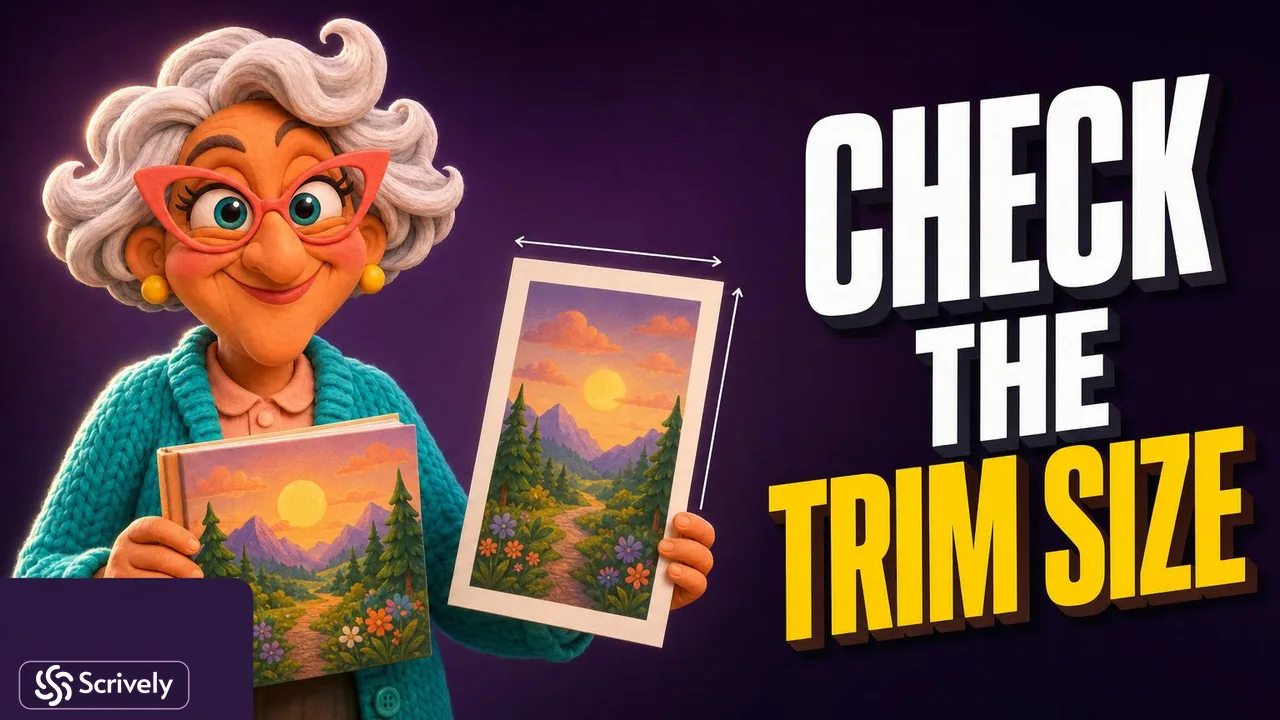
Check your trim size before a publishing export
Use the book's saved dimensions and check eligibility for the edition you plan to publish.
 0:59
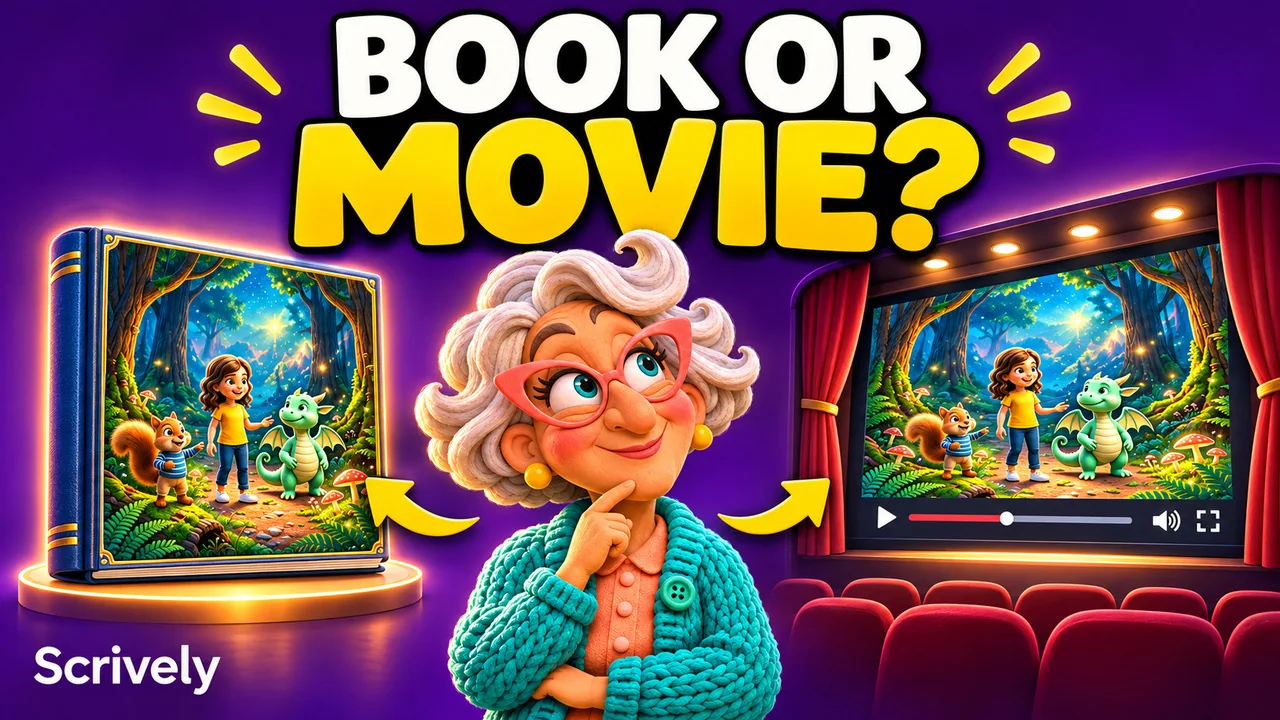
Choose between Studio and StoryMovie
Decide whether your story should be an interactive reading experience or a video.
 1:11
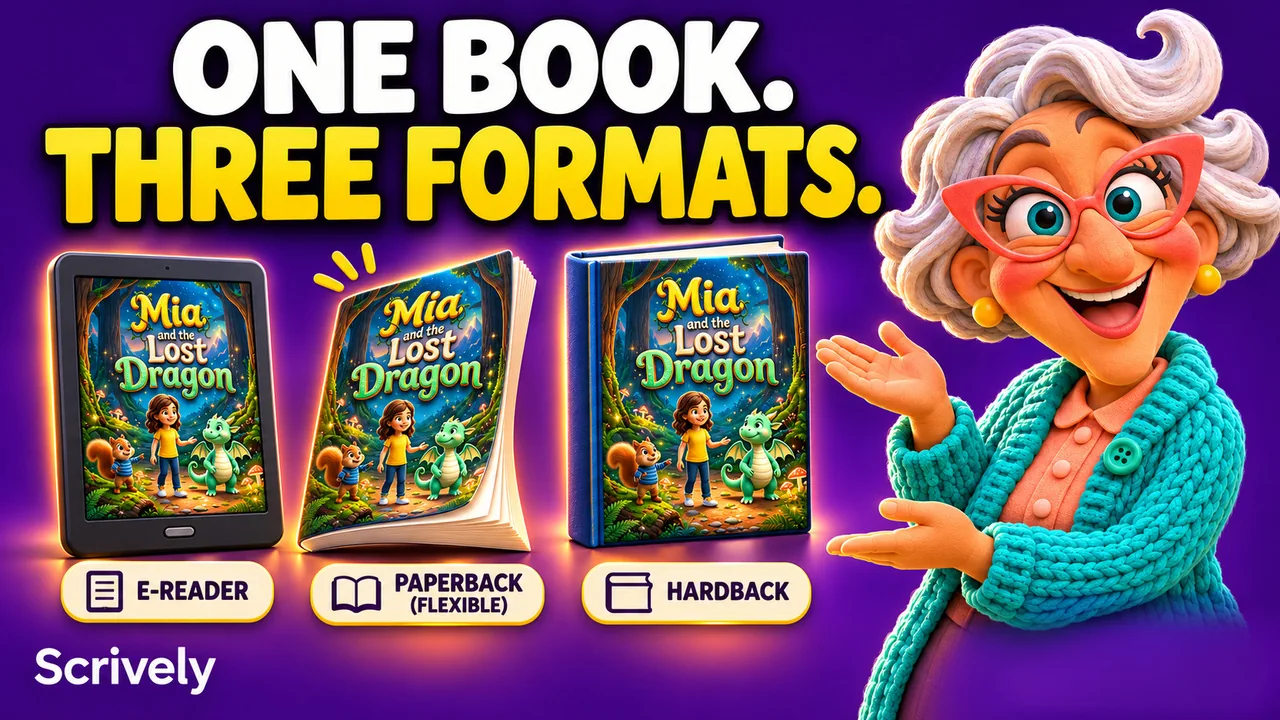
Choose the right PublisherPad files
Understand the separate downloads for Kindle, paperback, and eligible hardcover editions.
 0:50
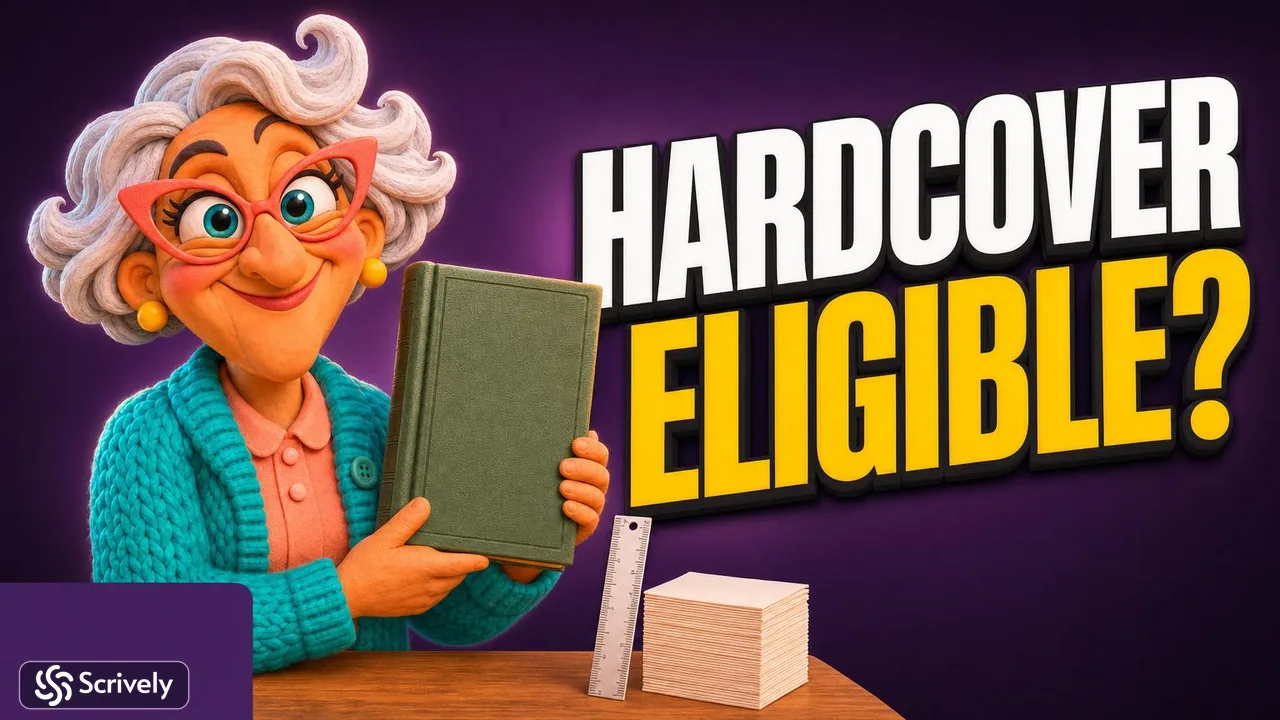
Check why a PublisherPad hardcover is unavailable
Review trim size and printed page count separately for the intended publishing service.
 1:12
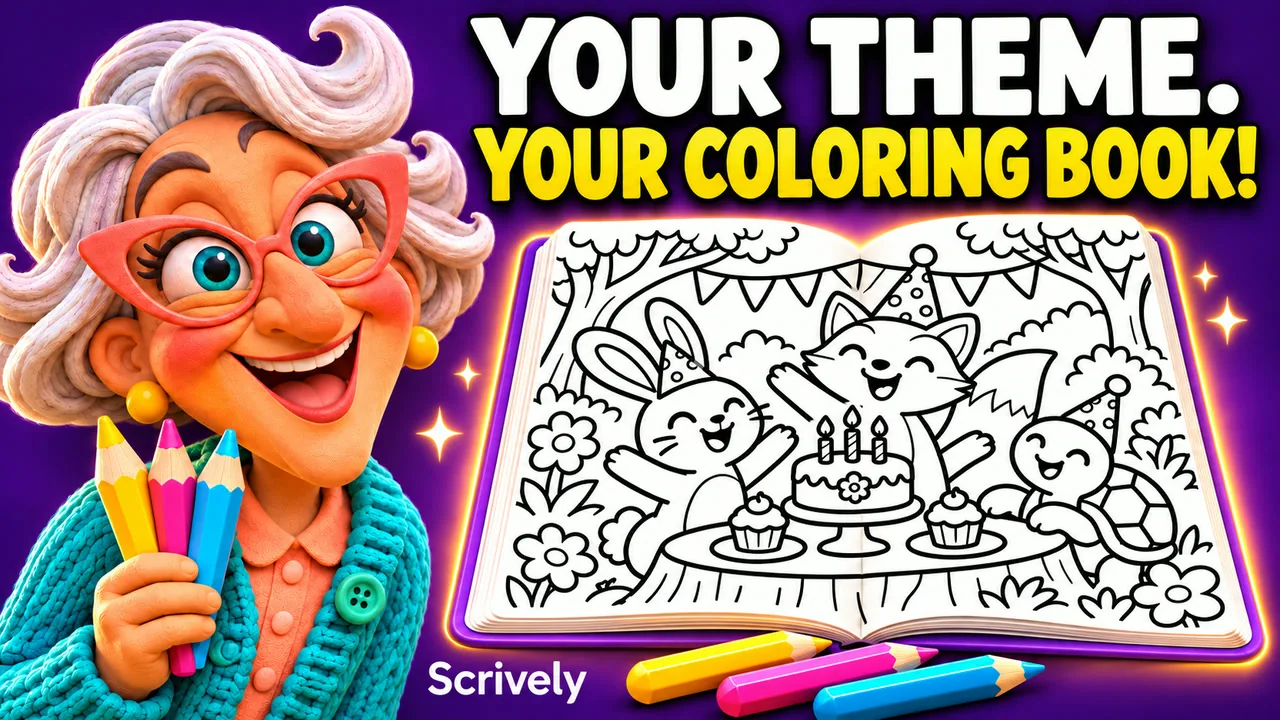
Create a coloring book from scratch
Choose a theme and make a collection of original pages ready for coloring.
 0:57
Make a shared book private again
Change a book's reading-link access while keeping it in your library.
 1:13
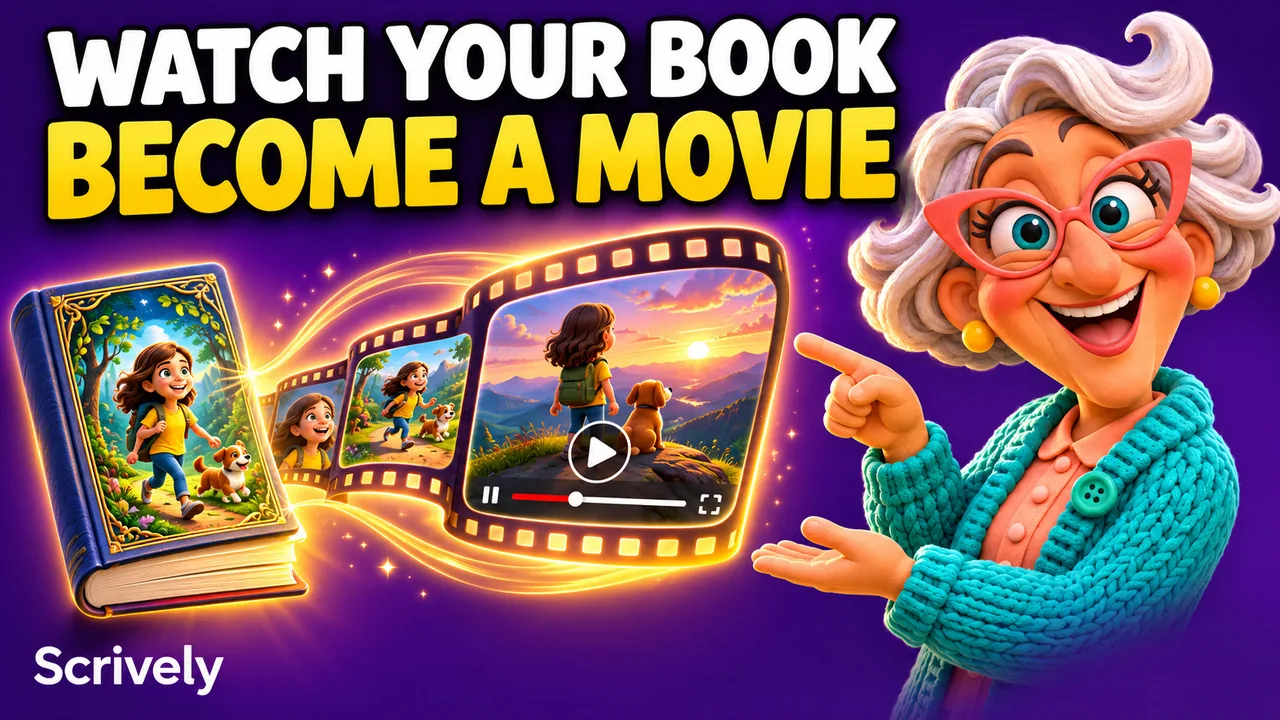
Turn your storybook into a StoryMovie
Generate a narrated movie and follow its progress until the finished player appears.
 0:49
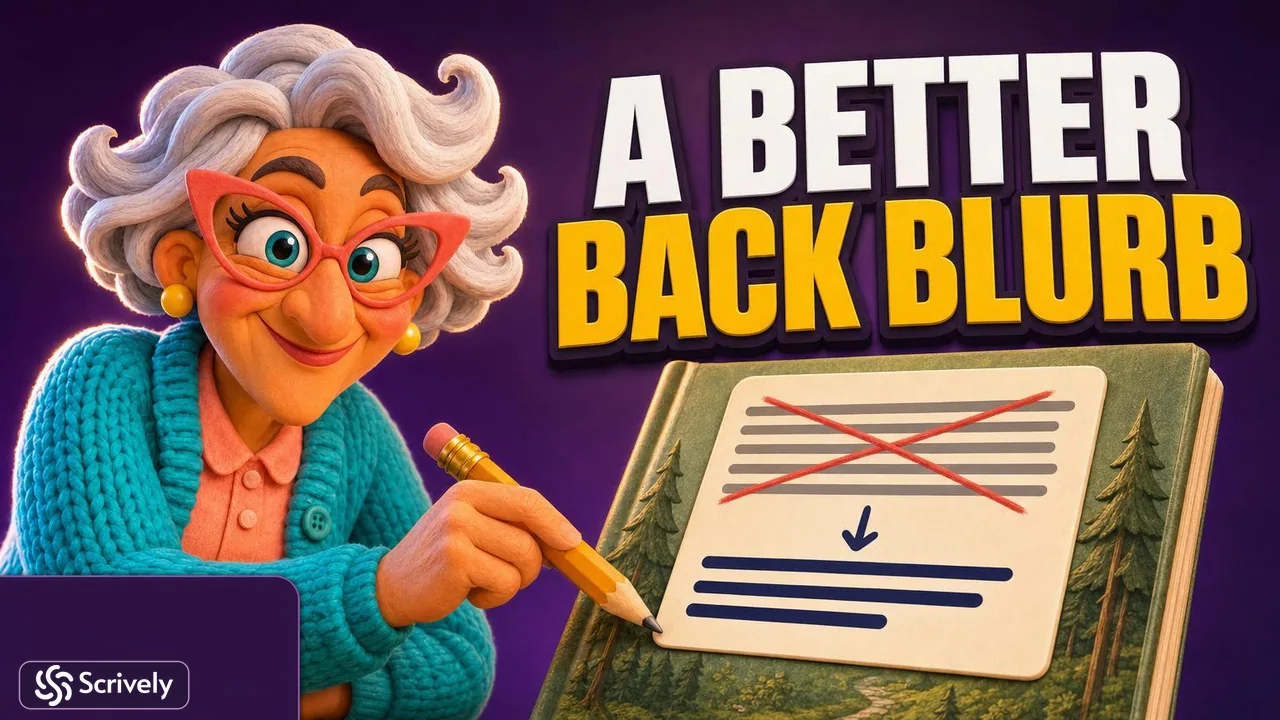
Edit your back-cover description
Write a concise invitation to the story and check the line breaks in a fresh proof.
 1:06
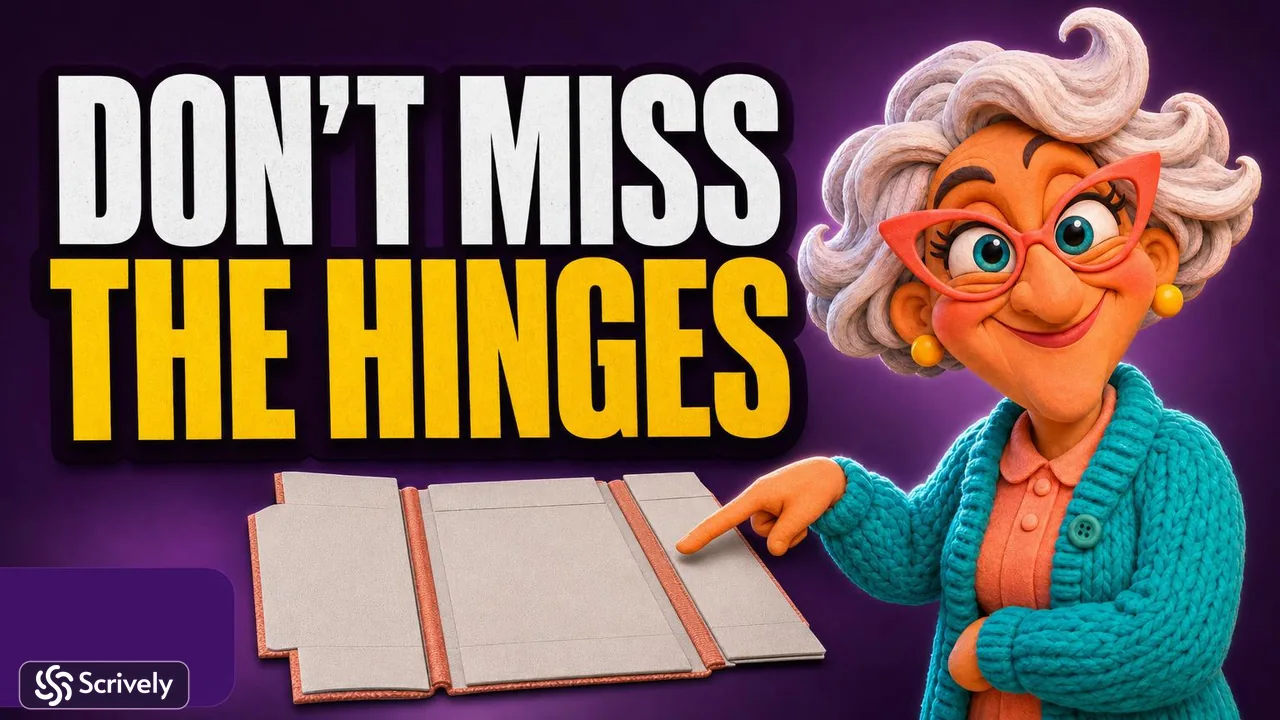
Find the wrap, hinges, and barcode area on a hardcover template
Use the correct template inputs and understand the parts surrounding the front and back covers.
Every great story starts with a question.
Still need a hand? Our friendly support team is here for you.