Create a character directly in My Characters
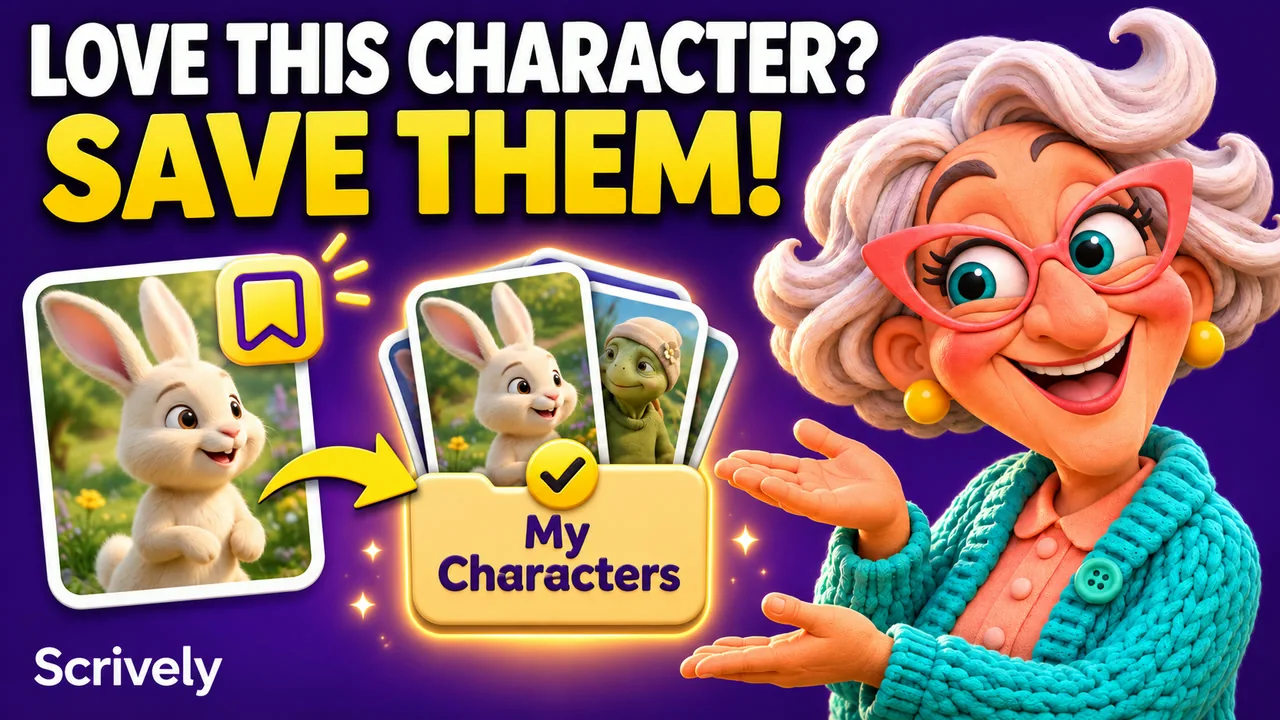
Save a named character and description for a future story.
Follow along at your own pace.Watch on YouTube
Prefer to read? Let’s walk through it.
Everything you need, one clear step at a time.
1Add a new saved character
Open My Library, choose My Characters, and select New Character. Add a recognizable name and a specific visual description. Choose the character type, such as Animal for a fox. You can also upload a picture in this form.
2Save and check the library card
Select Save Character, then find the new card in the library. Read the saved name and description. A character saved with words alone can show an initial in the portrait tile rather than a generated portrait.
You’re ready for the next chapter.
Try it in your own book, or explore another guide below.