Edit a saved character's name and description
Update the character library entry so it is easier to recognize and reuse.
Follow along at your own pace.Watch on YouTube
In this guide
Prefer to read? Let’s walk through it.
Everything you need, one clear step at a time.
1Edit the saved details
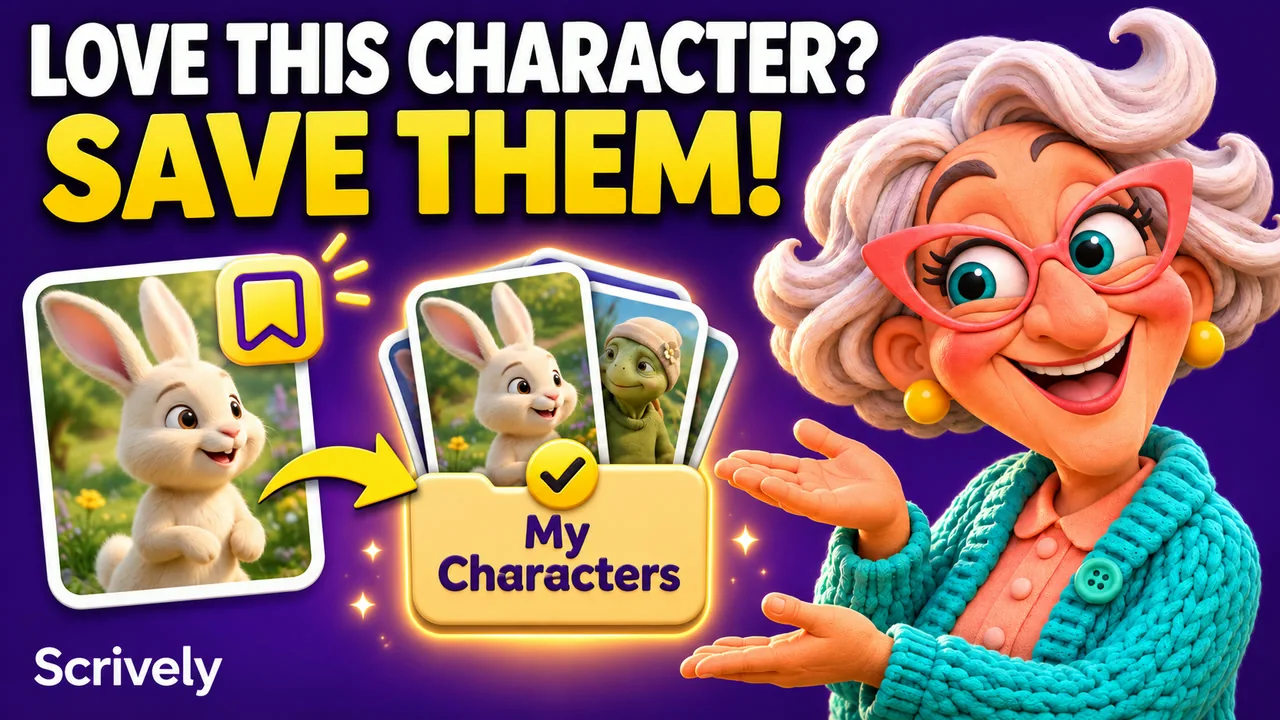
Open My Characters, find the character, and choose Edit character on the card. Update the name and make the description more specific where needed. Keep the details useful for recognizing the character in a future story.
2Save and find the updated card
Choose Save Character, then search for the new name. Read the description on the saved card to confirm that the intended changes are present.
You’re ready for the next chapter.
Try it in your own book, or explore another guide below.