Make a focused change to a character's appearance
Ask for one recognizable detail and check the rest of the portrait afterward.
Follow along at your own pace.Watch on YouTube
Prefer to read? Let’s walk through it.
Everything you need, one clear step at a time.
1Request one clear change
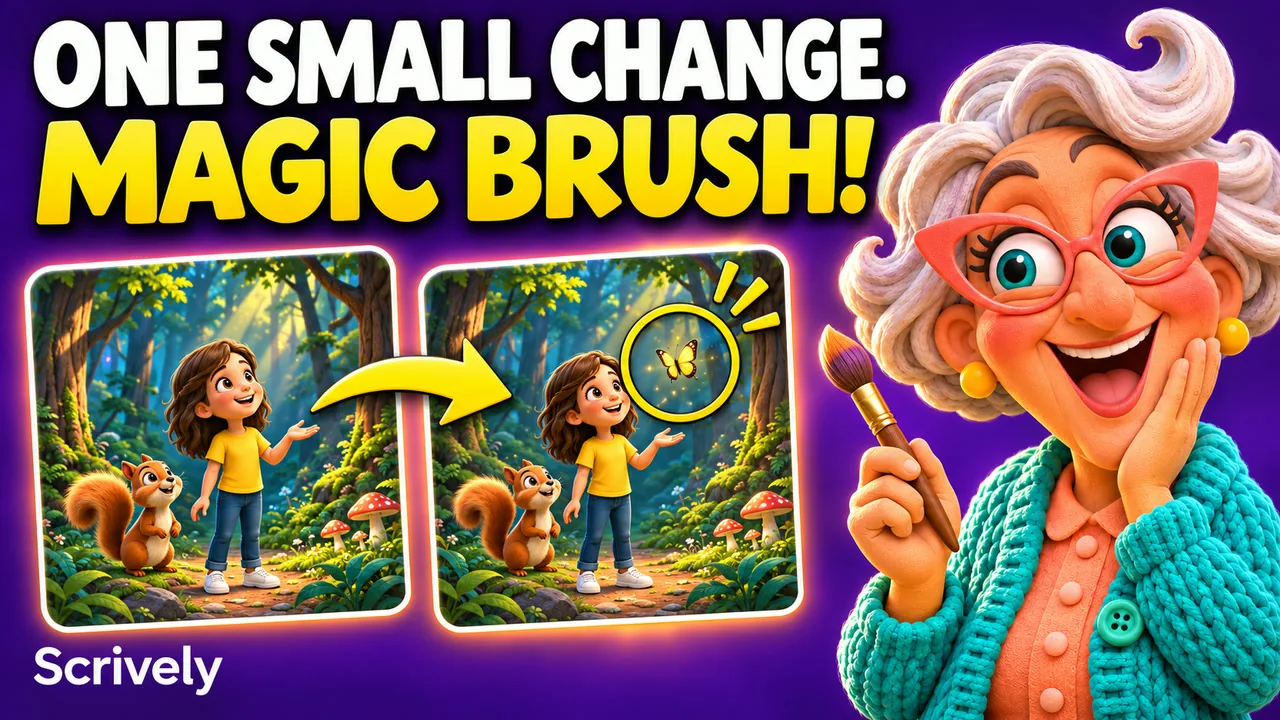
Choose Edit character beneath the current portrait. Describe the specific change you want, such as adding purple glasses. Keep the request focused so it is easy to compare the result with the original.
2Check the change and surrounding details
Save the edit and wait for the new portrait. Inspect the requested detail first, then review the hair, face, and clothing for unintended changes before using the character in the story.
You’re ready for the next chapter.
Try it in your own book, or explore another guide below.