Make a focused edit to the front cover art
Change one detail and check the title, character, and composition afterward.
Follow along at your own pace.Watch on YouTube
Prefer to read? Let’s walk through it.
Everything you need, one clear step at a time.
1Describe the specific cover change
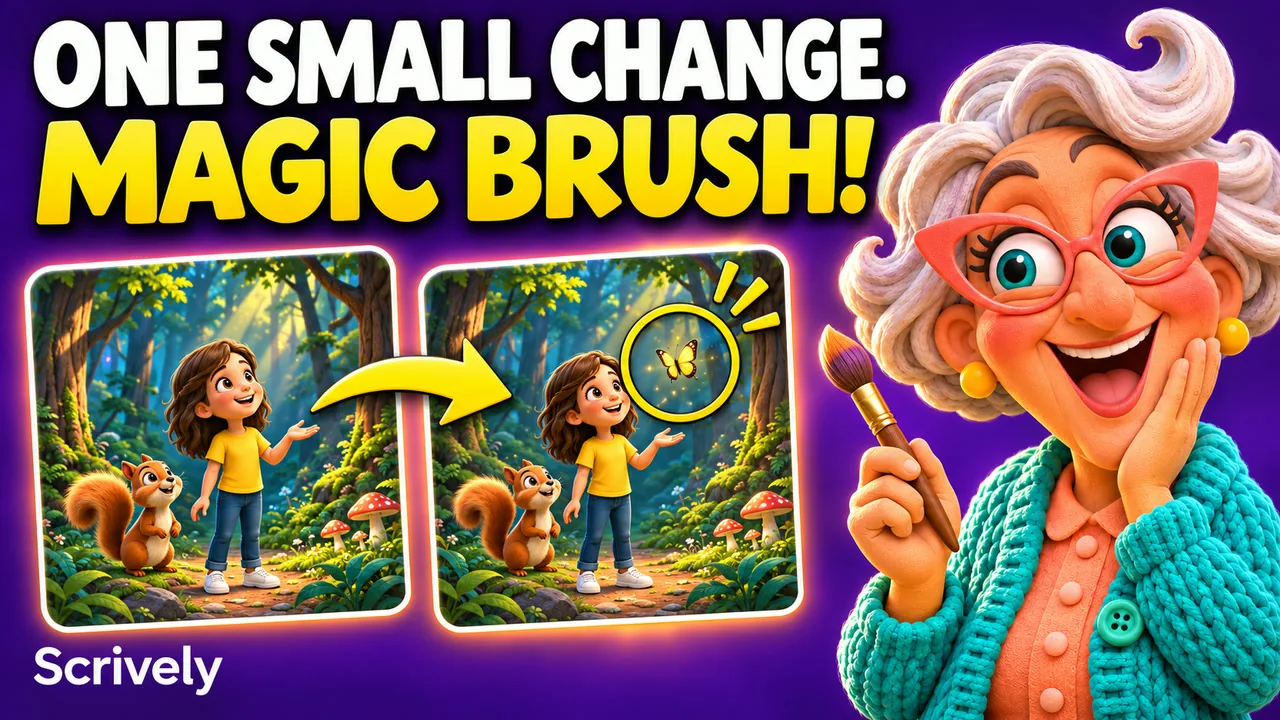
Open Cover and choose Edit cover illustration. Explain the one detail you want changed and say which parts of the composition should stay. Submit the edit and wait for the new cover.
2Inspect the whole result
Compare the changed area, then read the title and check the hero's face and surrounding artwork. The requested improvement should still leave a cover that feels like the same book.
You’re ready for the next chapter.
Try it in your own book, or explore another guide below.