Remove a story friend and keep them for later
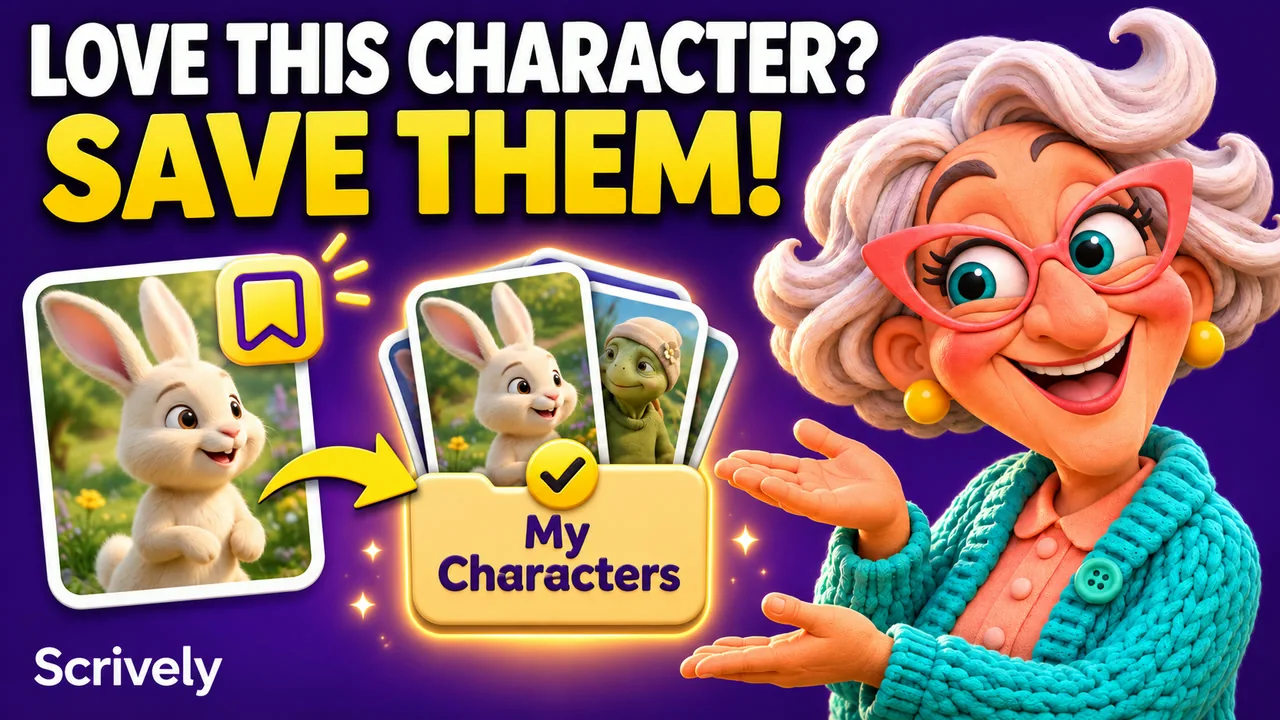
Make room in the current cast while saving a favorite character for another adventure.
Follow along at your own pace.Watch on YouTube
Prefer to read? Let’s walk through it.
Everything you need, one clear step at a time.
1Save the friend if you want to reuse them
Before removing a character, open More options and save them to My Characters if you may want them in a future book. Then return to the correct character's card in this cast.
2Remove and review the remaining cast
Choose Remove and check the name in the confirmation before selecting Yes, remove. Review the friends that remain. You can use the newly open slot for a different character before generating the story.
You’re ready for the next chapter.
Try it in your own book, or explore another guide below.