
What would you like
to create today?
Find your answer. Learn a new trick. Make a little magic.
Results for “edit text”
34 tutorials found
 0:45
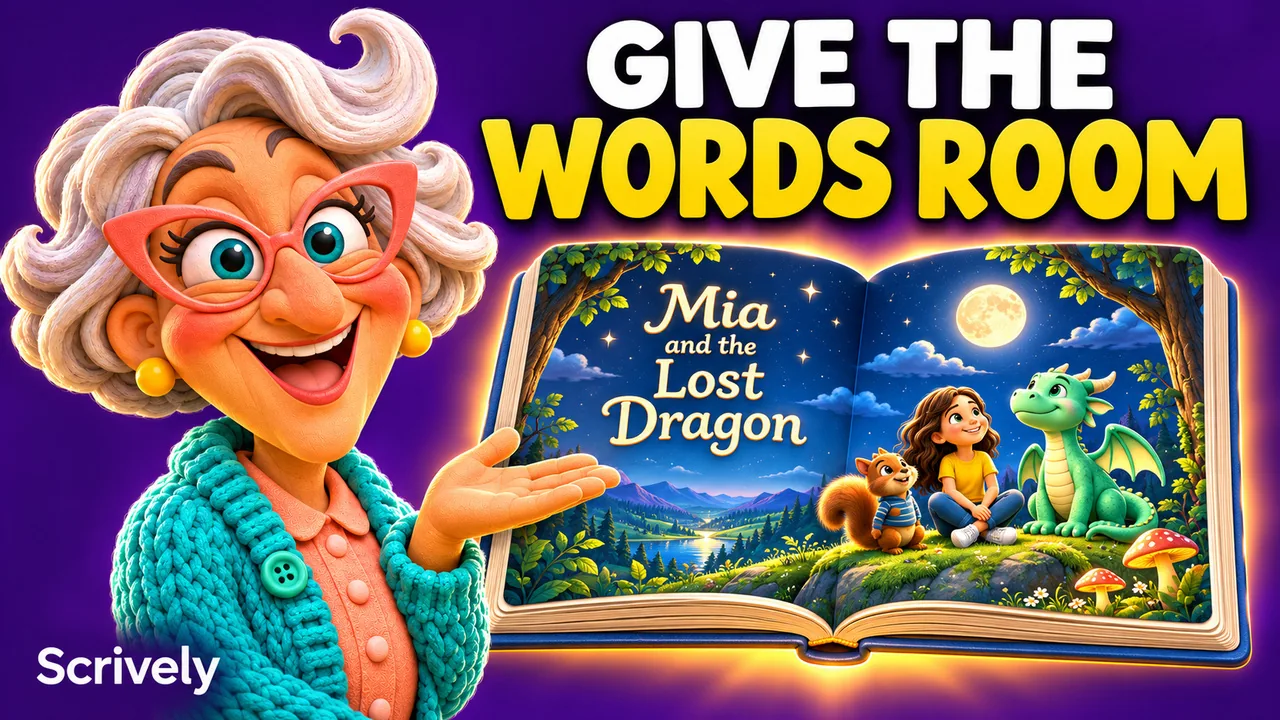
Use Smart Fit to place story text
Let Scrively look for quieter parts of the artwork, then check the finished layout.
 0:47
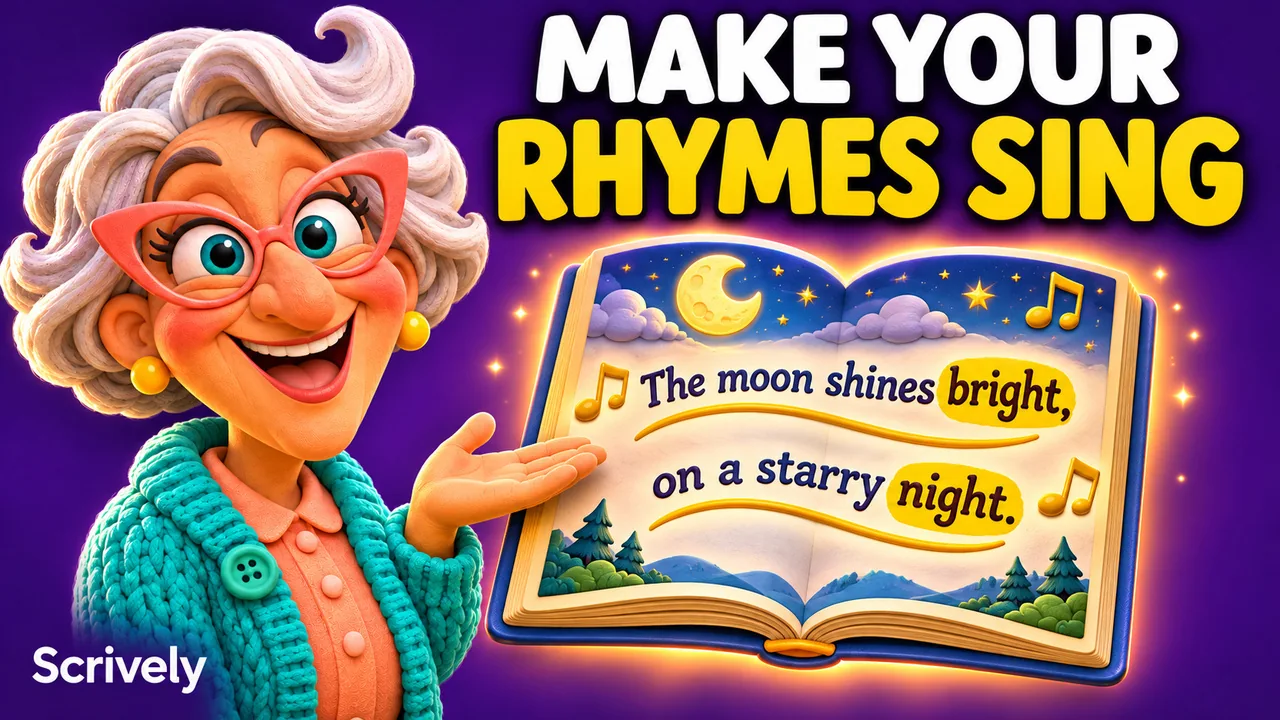
Create a rhyming read-aloud story
Choose a rhyming voice and check the rhythm by reading the finished words aloud.
 0:59
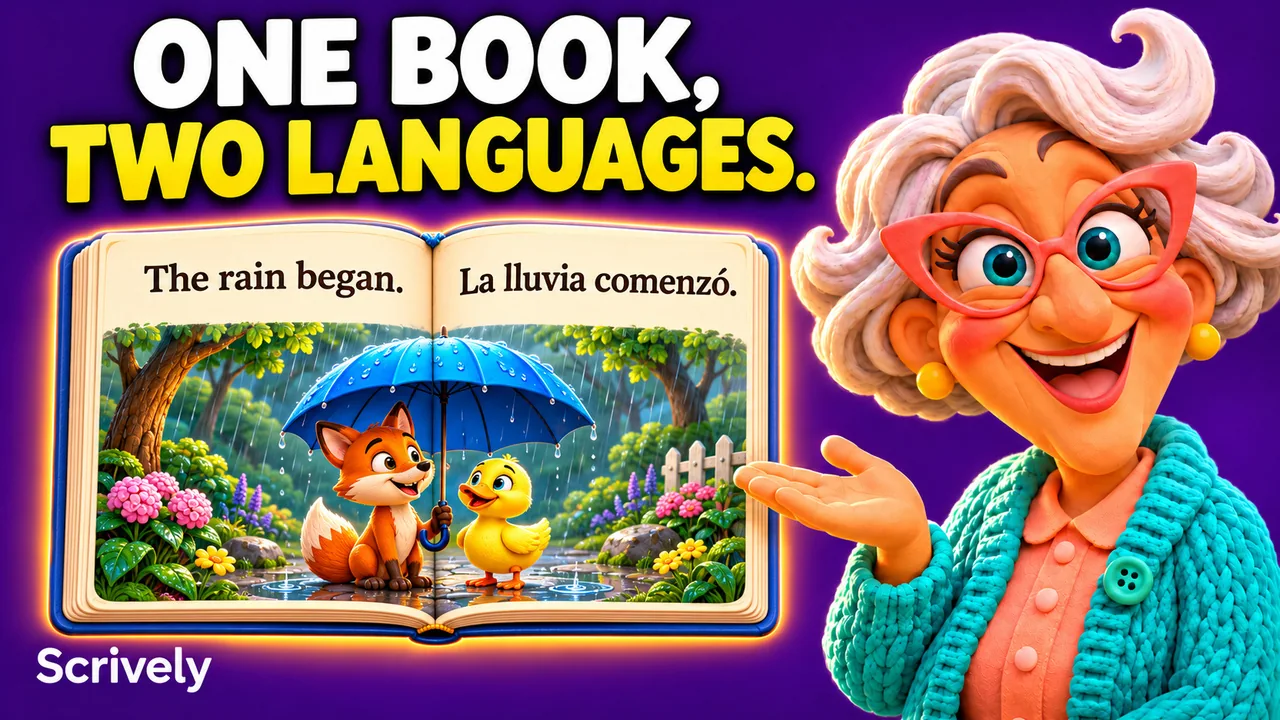
Translate an existing storybook
Translate the written story and check any lettering that is part of the artwork separately.
 0:54
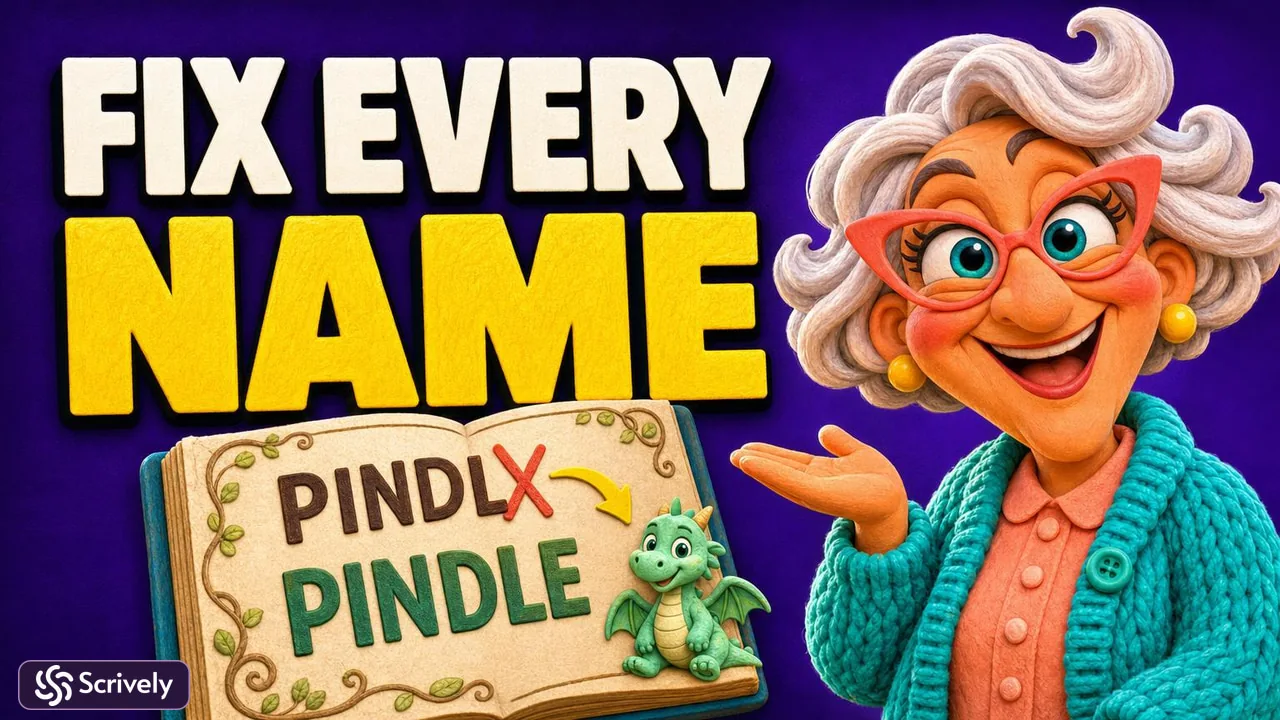
Correct a character's name throughout the story
Check every text mention and remember that cover lettering is a separate part of the book.
 0:48
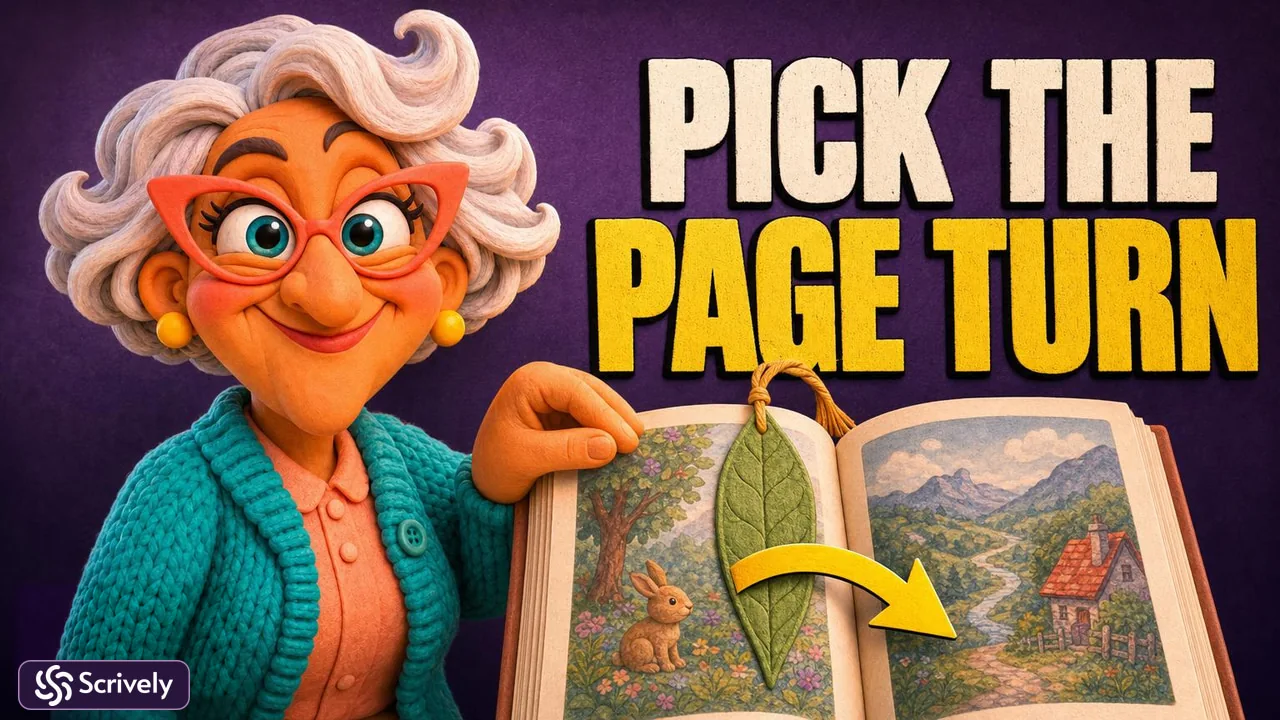
Use blank lines to set page breaks
Place a story turn where the action changes and preview the resulting pages.
 0:56
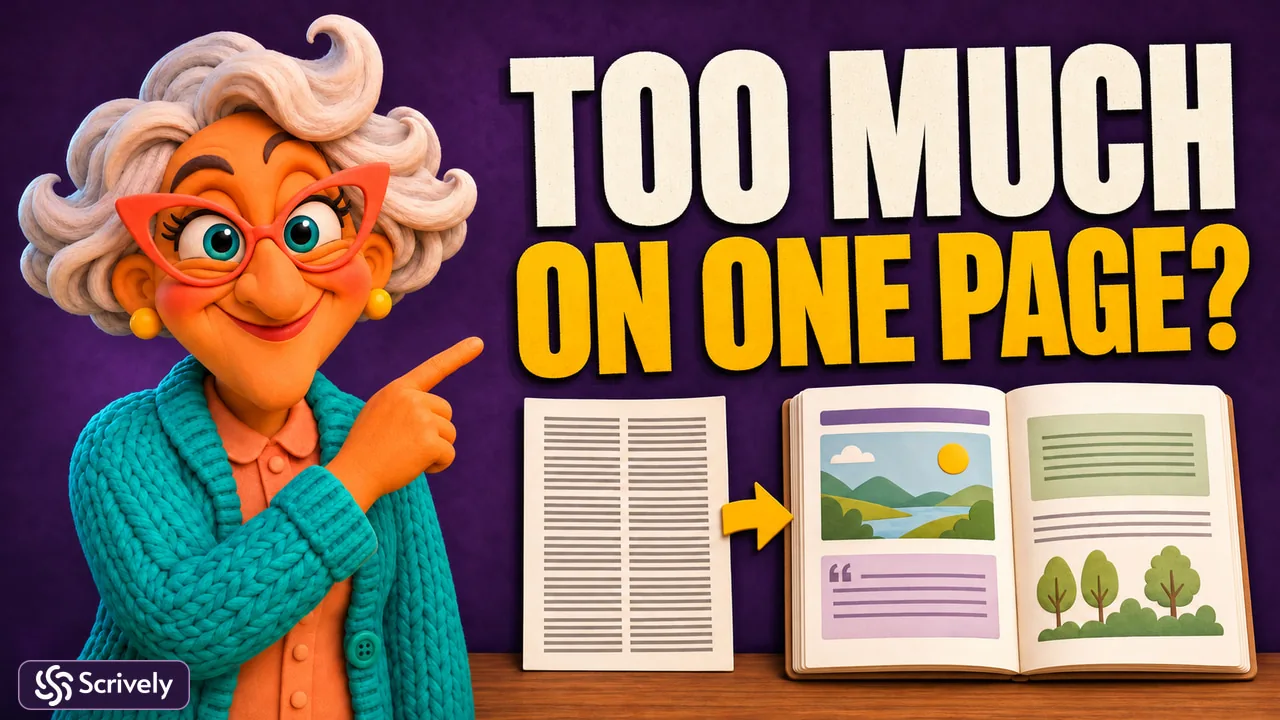
Rebuild page breaks using a sentence count
Try a new pace and check the words against the existing illustrations before applying it.
 0:45
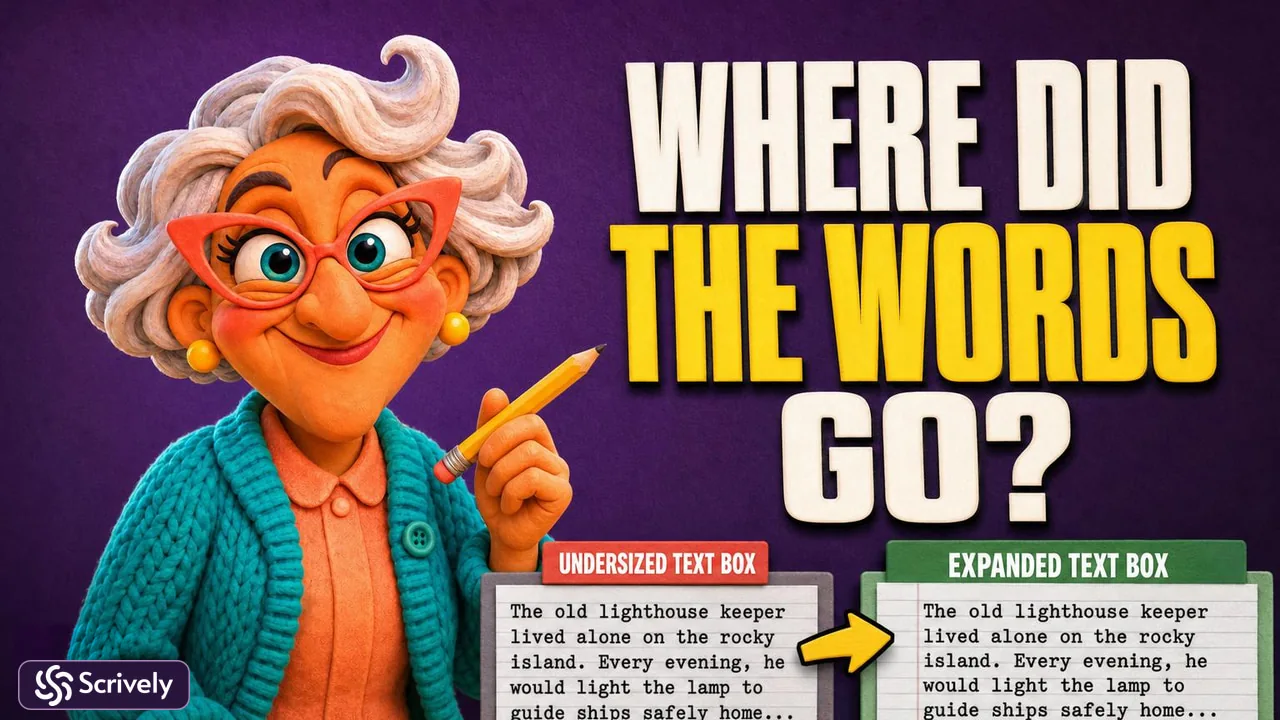
Make the last line fit on a page
Compare the complete paragraph with the reader view before settling on a text size.
 0:35
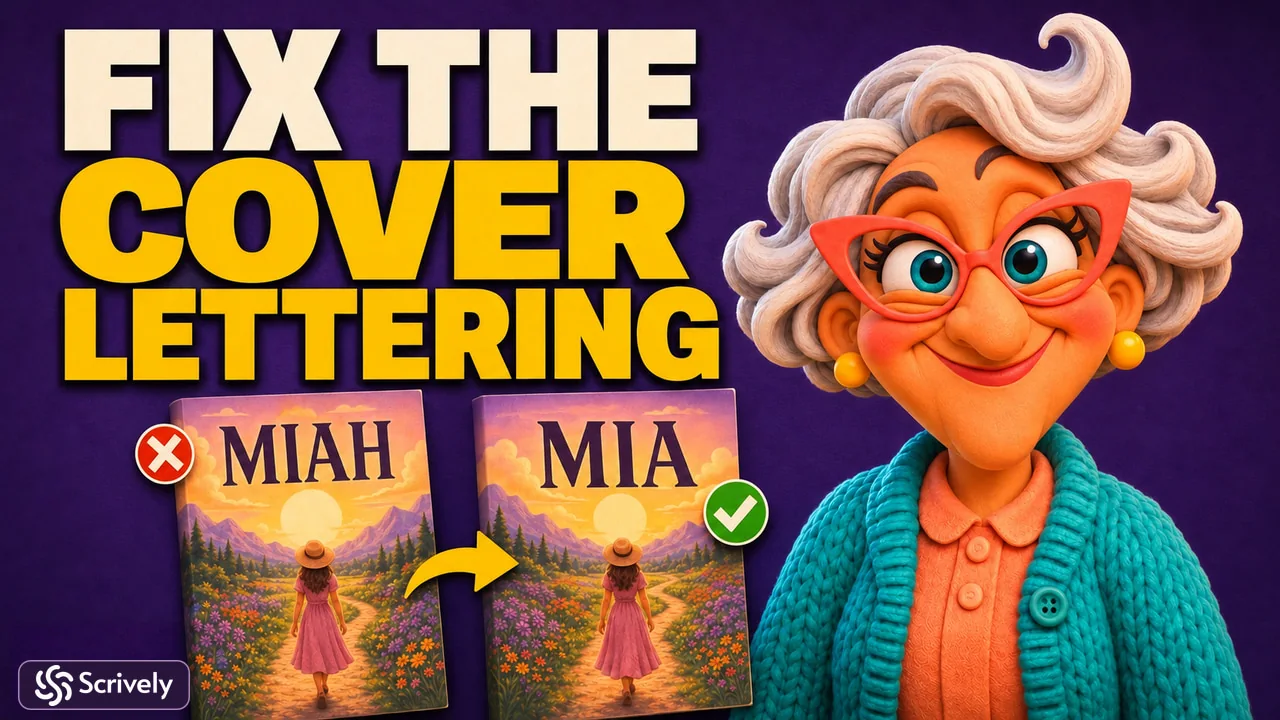
Fix a misspelled name on cover artwork
Correct words drawn into the picture and compare them with the editable title page.
 1:10
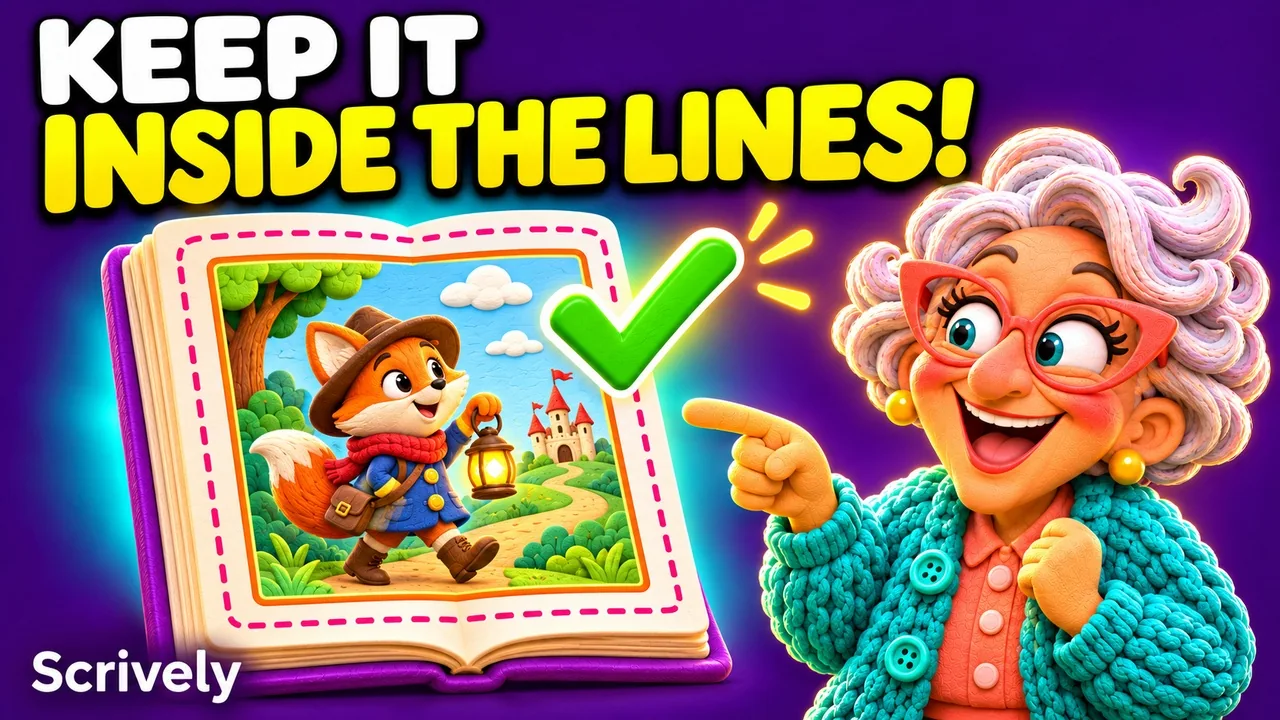
Use print guides to check safe areas
Keep important words and faces comfortably inside the areas that survive printing and binding.
 0:33
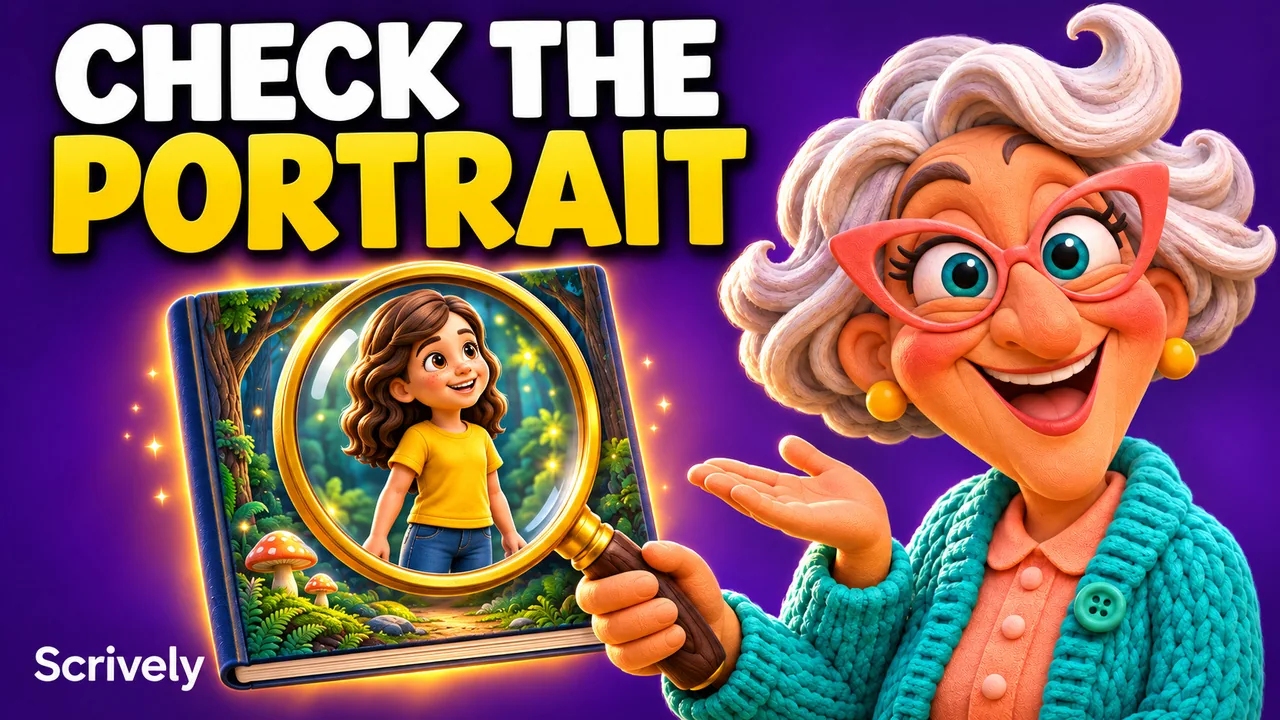
Review your child's cartoon portrait
Check the likeness and outfit before using the portrait to guide a whole book.
 0:42
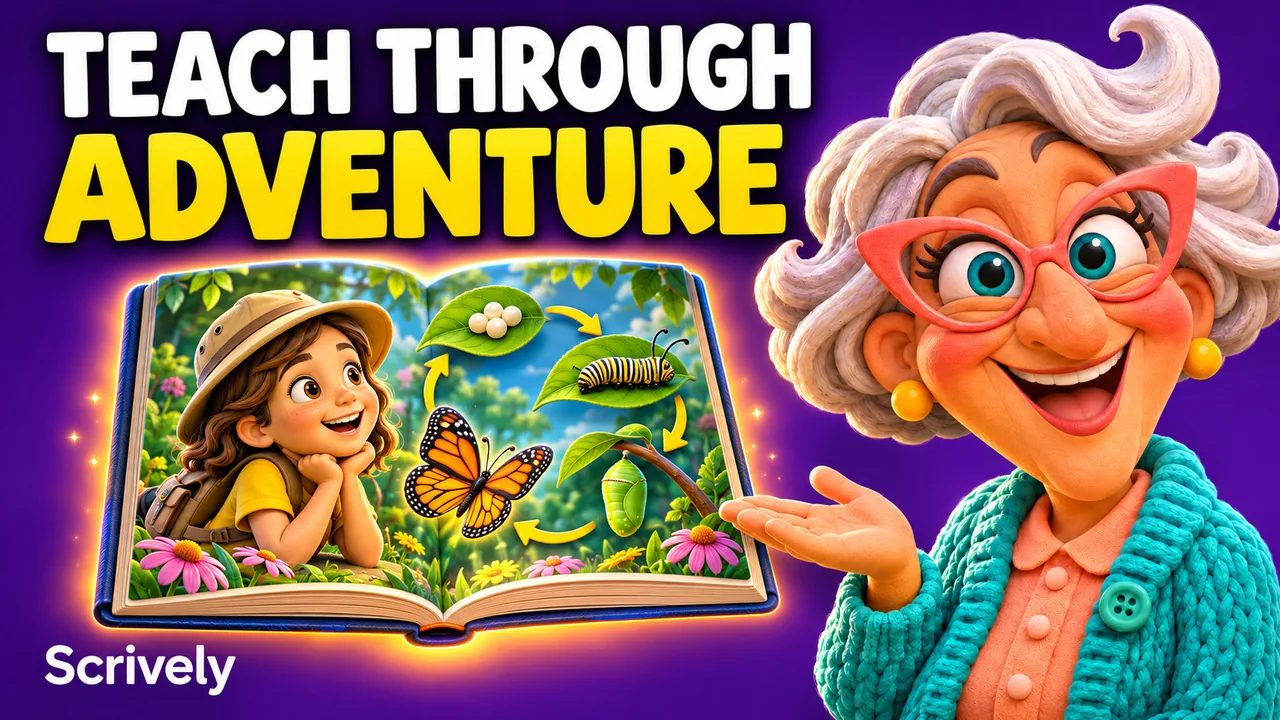
Build a story around something to learn
Turn a learning topic into an adventure, then check the facts in the finished text.
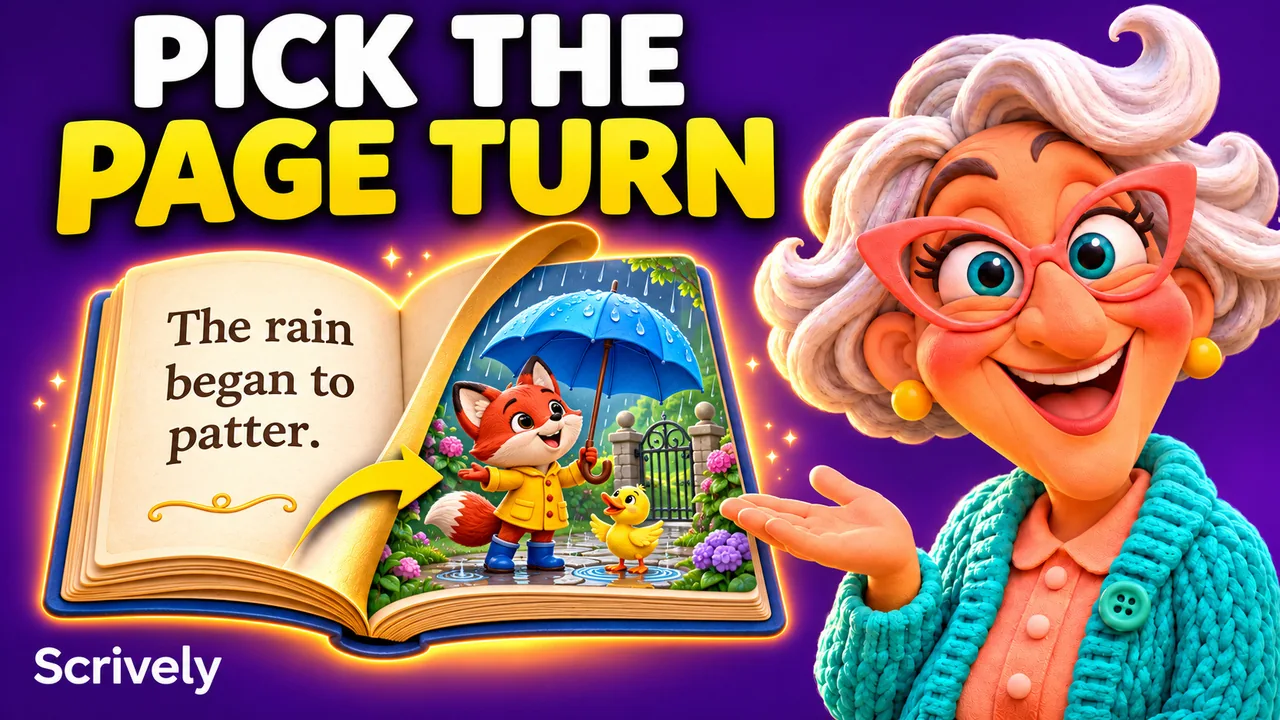 0:45
Move a page break in an uploaded story
Shift a sentence to the next page and check the transition without moving the illustrations.
Every great story starts with a question.
Still need a hand? Our friendly support team is here for you.