

What would you like
to create today?
Find your answer. Learn a new trick. Make a little magic.
Results for “edit text”
34 tutorials found
 0:53
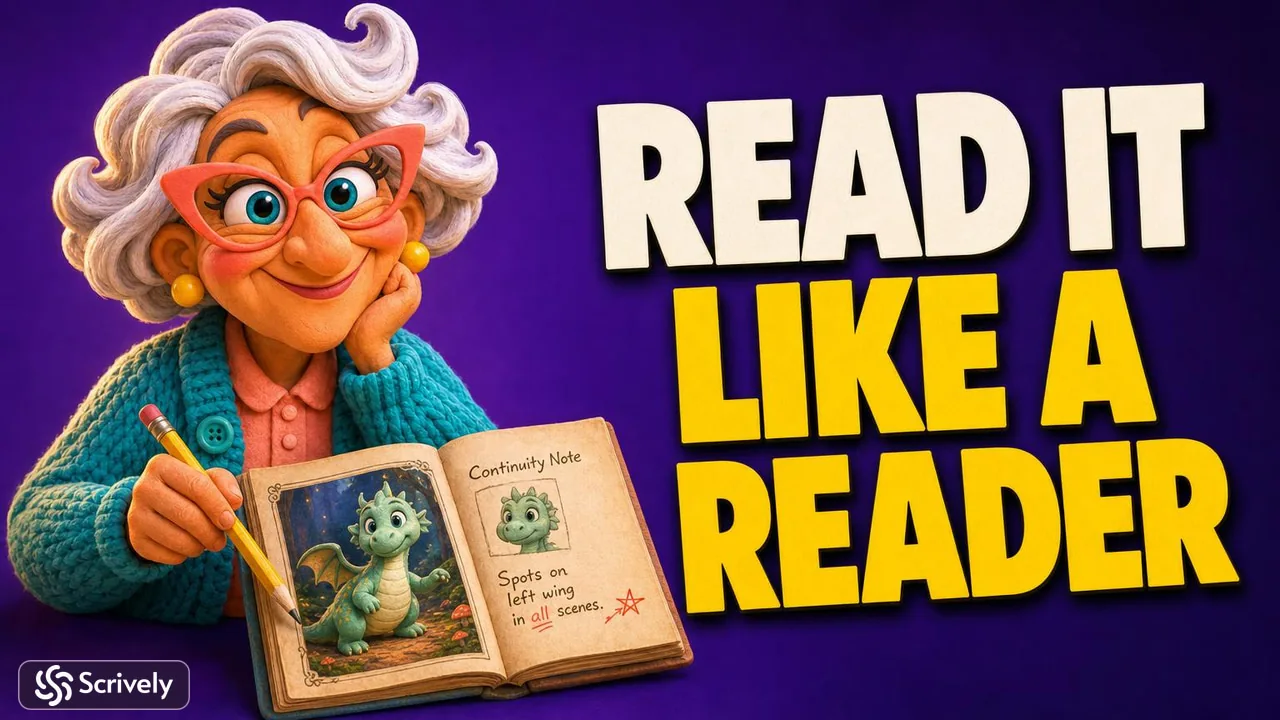
Review your story before polishing the pages
Check the beginning, middle, and ending, then make a focused editing list.
 0:44
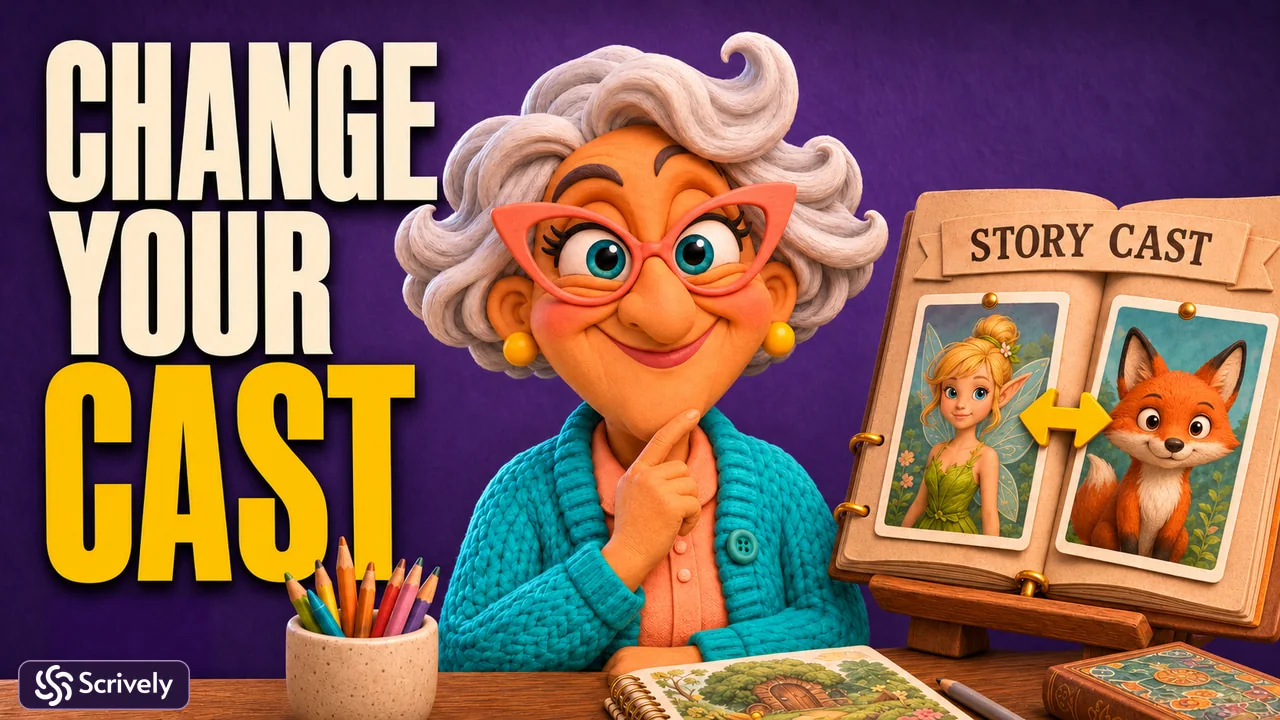
Rename a character and check the story
Update the cast name and verify the result in the text without changing the illustration.
 0:34
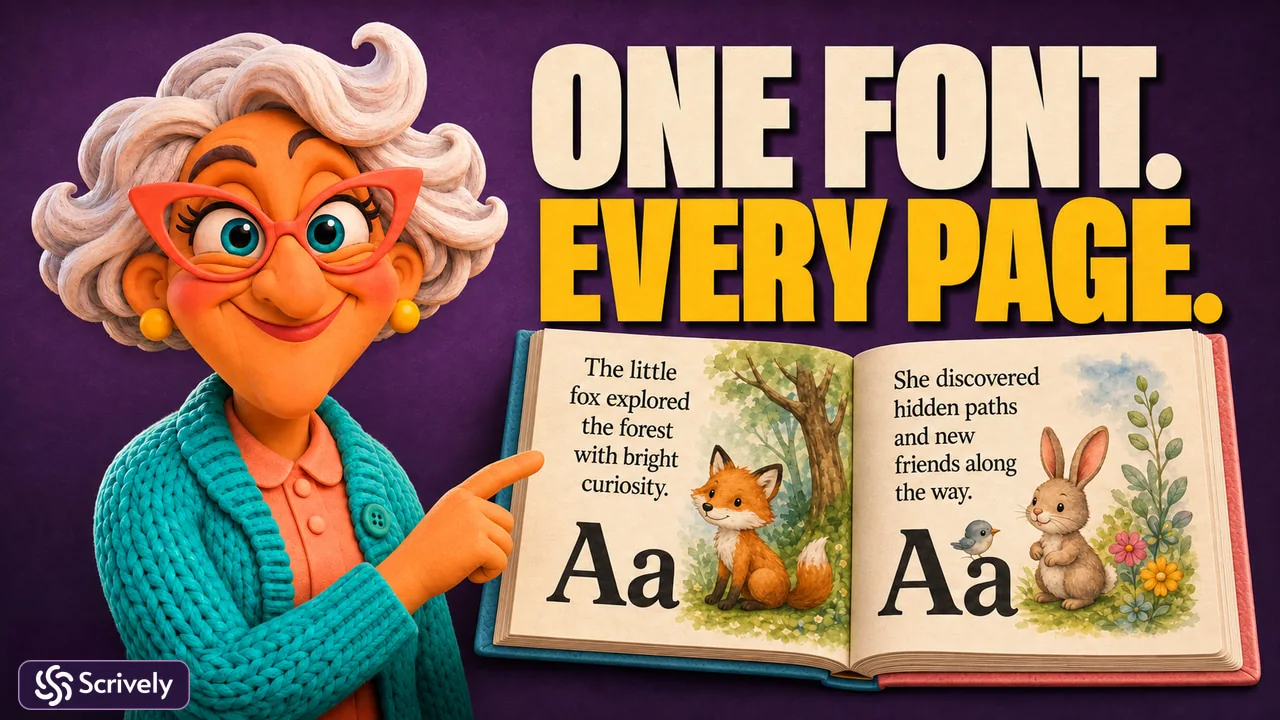
Change the story font across the book
Apply a shared font and check how it fits both short and long passages.
 0:42
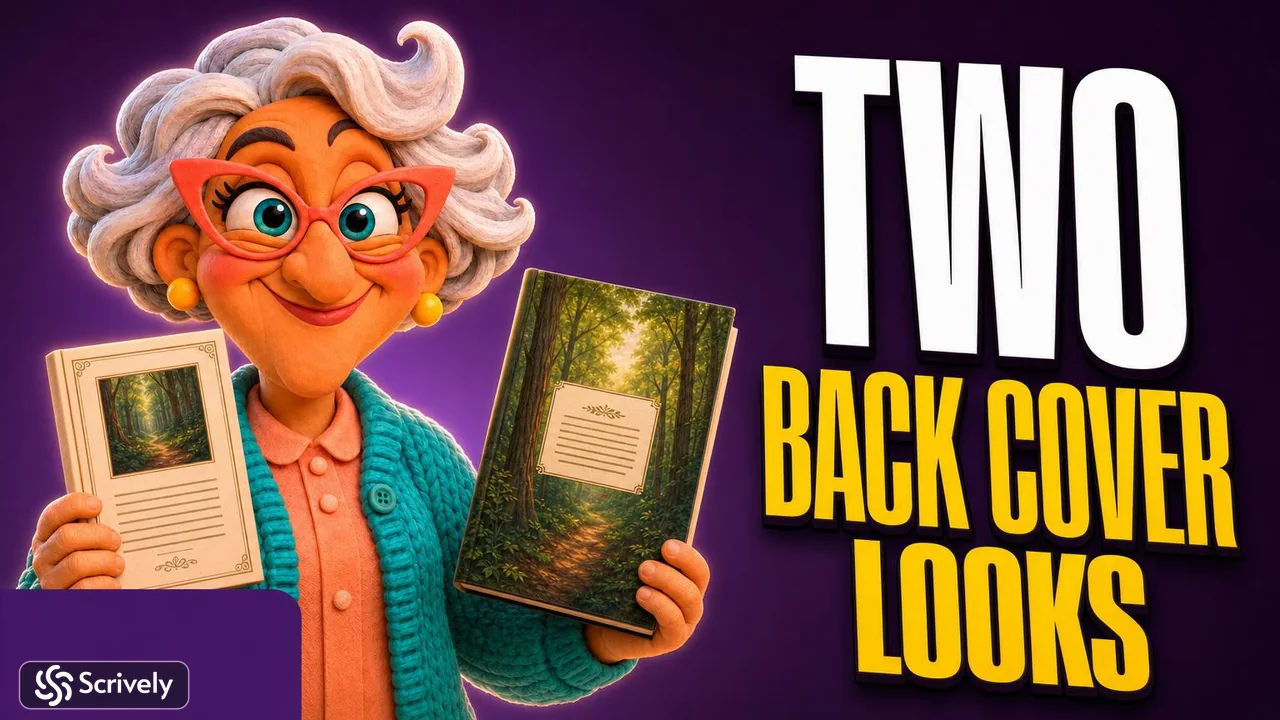
Choose a back-cover layout
Compare a paper panel behind the blurb with a full-page illustrated background.
 1:05
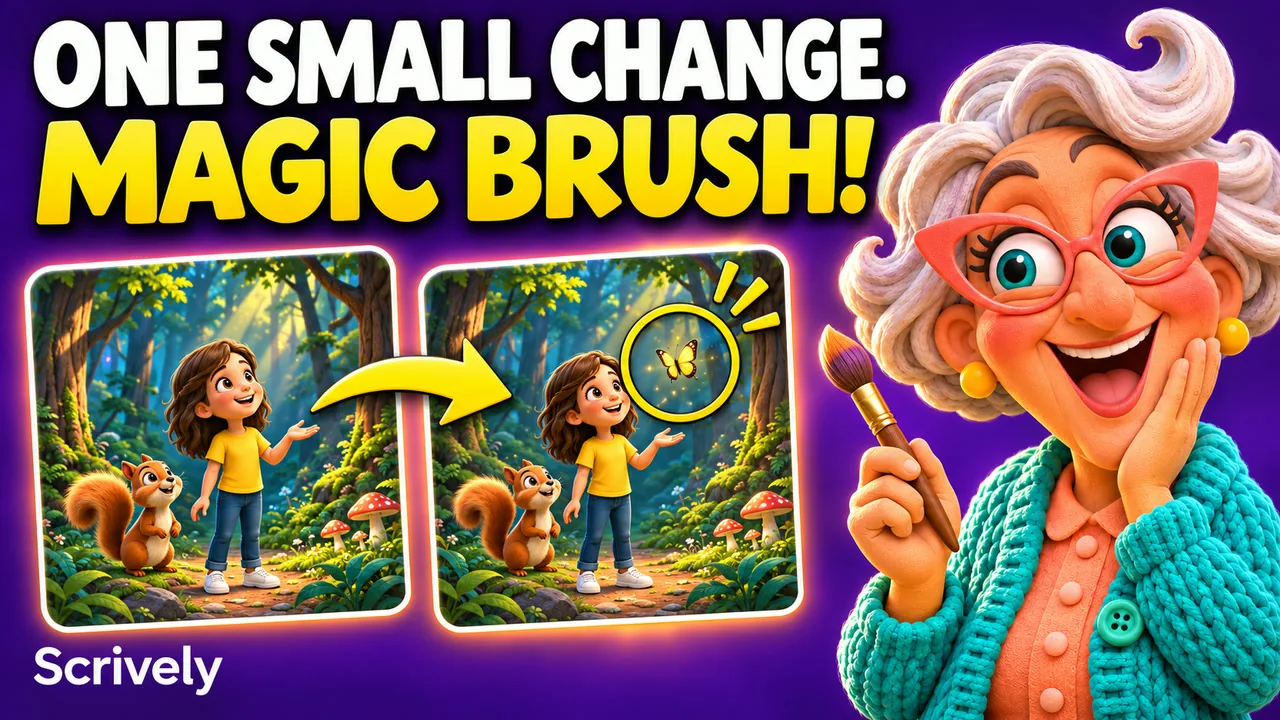
Change one illustration with Magic Brush
Describe a specific change and keep the parts of the picture you already love.
 1:10
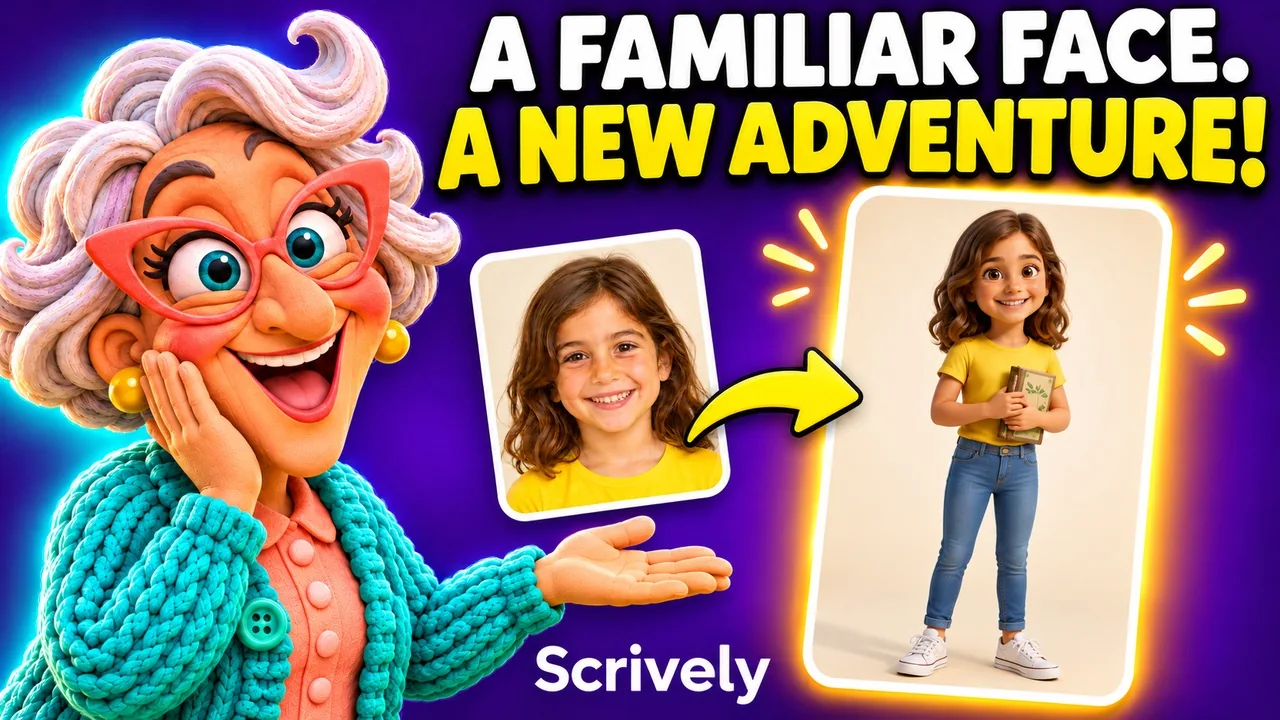
Add a character to your cast from a photo
Bring a familiar person into the story and check their illustrated portrait before continuing.
 1:31
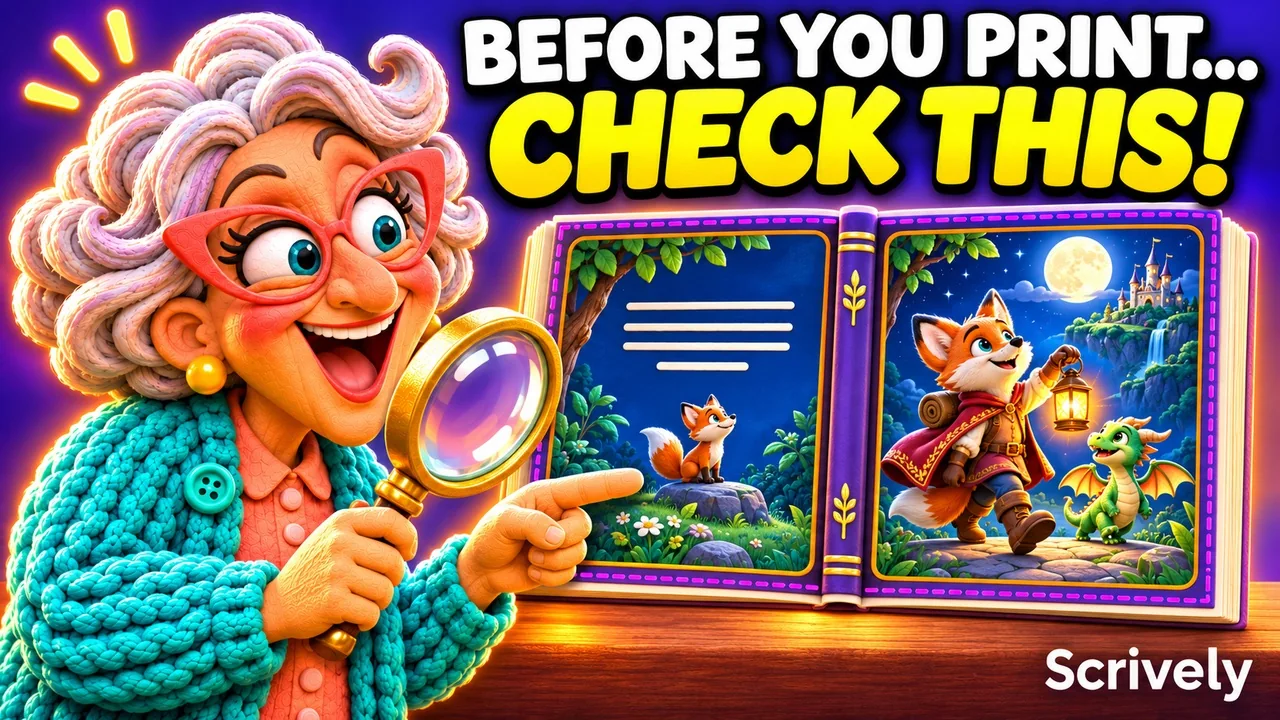
Inspect and correct your printed cover proof
Enlarge the cover, fix anything too close to an edge, and approve a fresh preview.
 0:57
Generate and personalize a book title
Find a useful title suggestion and refine it to fit your story.
 0:37
Embed your book on a website
Place the reading experience inside a page and check its controls on desktop and phone.
 1:16
Check pictures that are still finishing
Follow the remaining-illustration count and inspect the final pages when the book is ready.
Every great story starts with a question.
Still need a hand? Our friendly support team is here for you.