

What would you like
to create today?
Find your answer. Learn a new trick. Make a little magic.
A guide for every part of your story.
Getting started
A little guidance for your first story.
3 tutorialsCreating a book
Turn photos, ideas, and drawings into books.
37 tutorialsCharacters & artwork
Create a cast that feels just right.
25 tutorialsEditing & page design
Fine-tune the words, pictures, and layout.
27 tutorialsAudio & StoryMovie
Bring stories to life with sound and motion.
27 tutorialsSharing & printing
Download, share, and hold your story.
34 tutorialsYour account & library
Find your books and manage your account.
21 tutorialsA little extra help
Get unstuck and keep your story moving.
20 tutorialsYour next little breakthrough
194 helpful tutorials, all in one place
 0:43
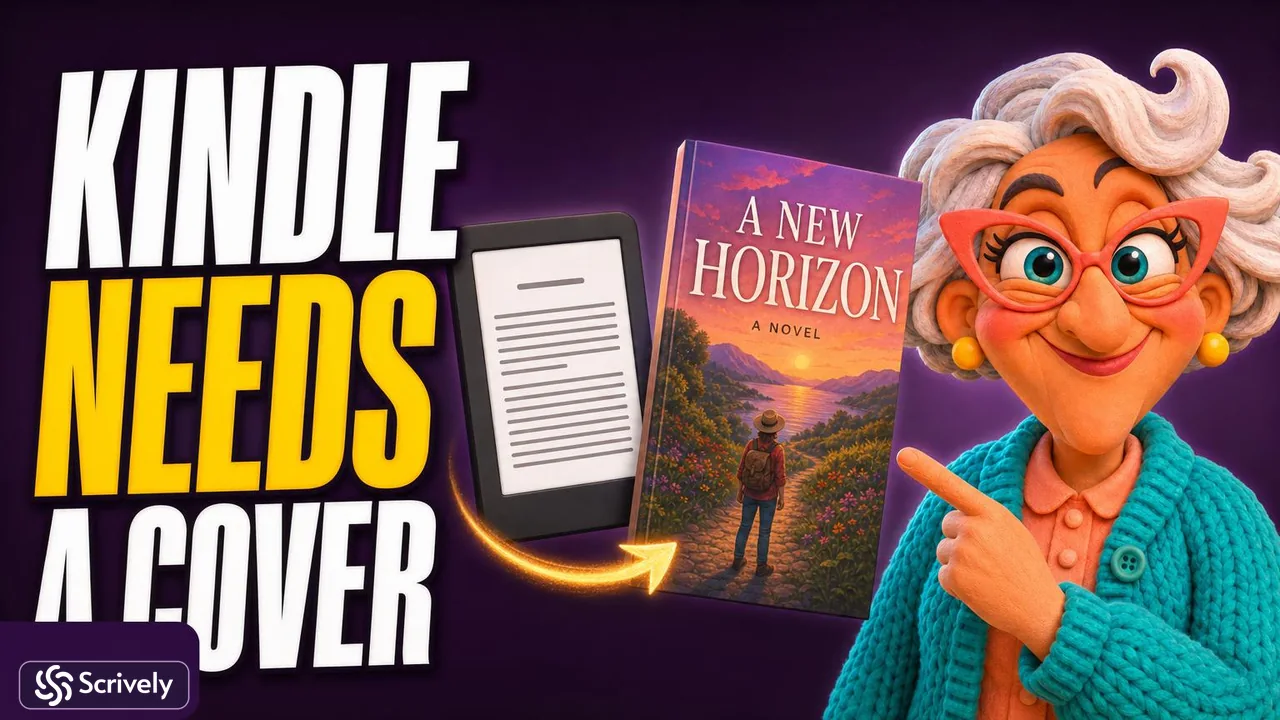
Download a separate Kindle cover image
Save and inspect the front-cover JPG that goes with your EPUB manuscript.
 0:55
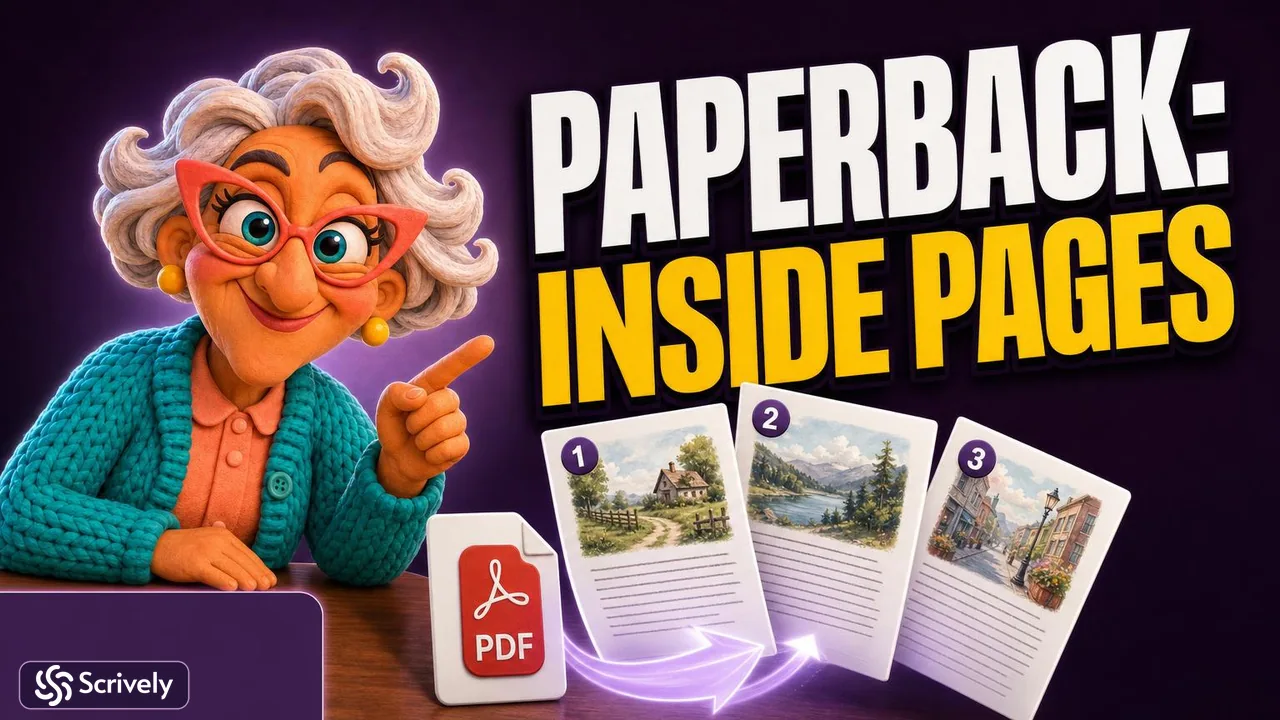
Download a paperback interior PDF
Inspect the inside pages and match their saved trim size when preparing the paperback edition.
 0:47
Download a full paperback cover PDF
Review the back, spine, and front together and pair the cover with its matching interior.
 1:09
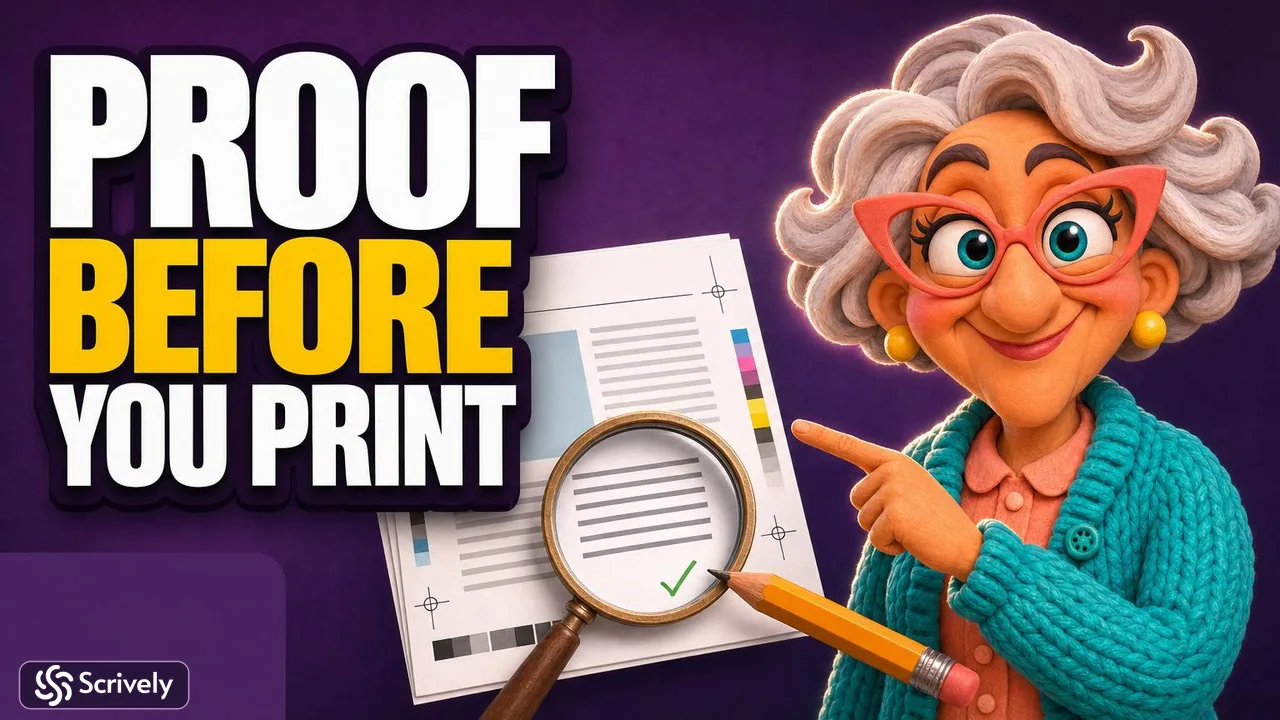
Proofread your finished book in a reading PDF
Review the cover, personal pages, story, and ending before using final print files.
 0:50
Check why a PublisherPad hardcover is unavailable
Review trim size and printed page count separately for the intended publishing service.
 1:12
Download an eligible hardcover interior
Prepare a current interior, review the eligibility messages, and inspect the hardcover file.
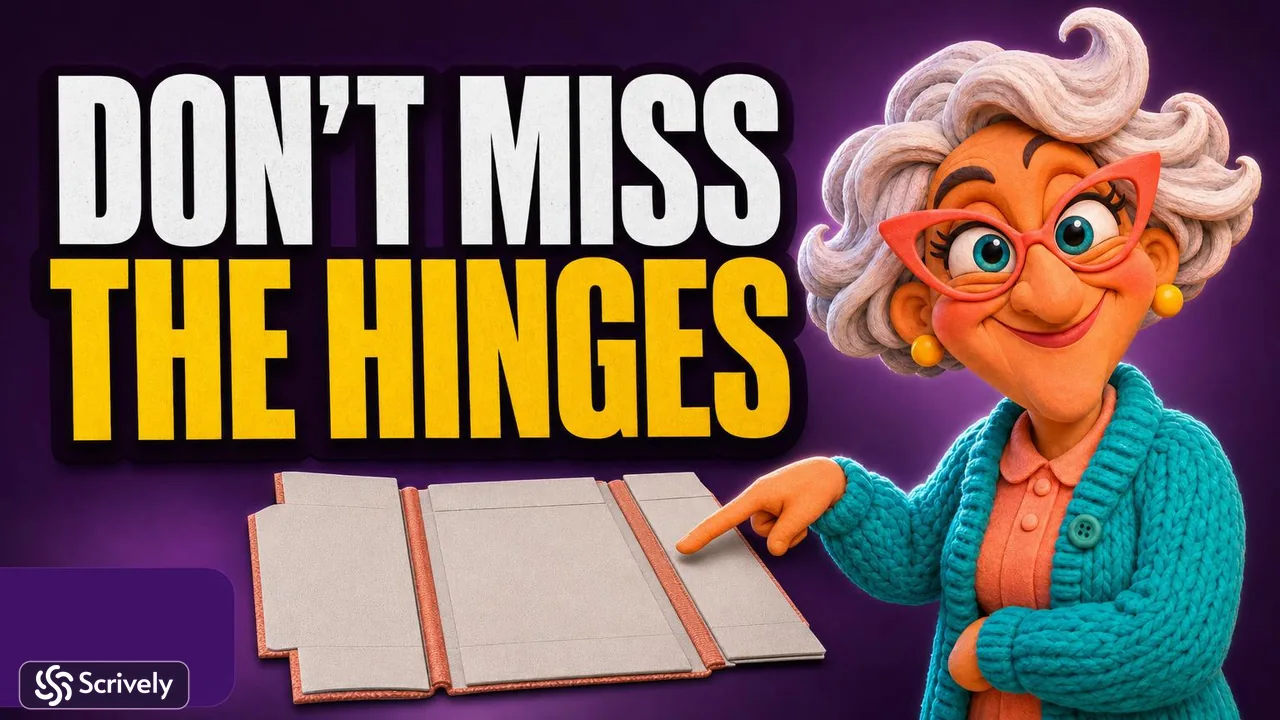 1:06
Find the wrap, hinges, and barcode area on a hardcover template
Use the correct template inputs and understand the parts surrounding the front and back covers.
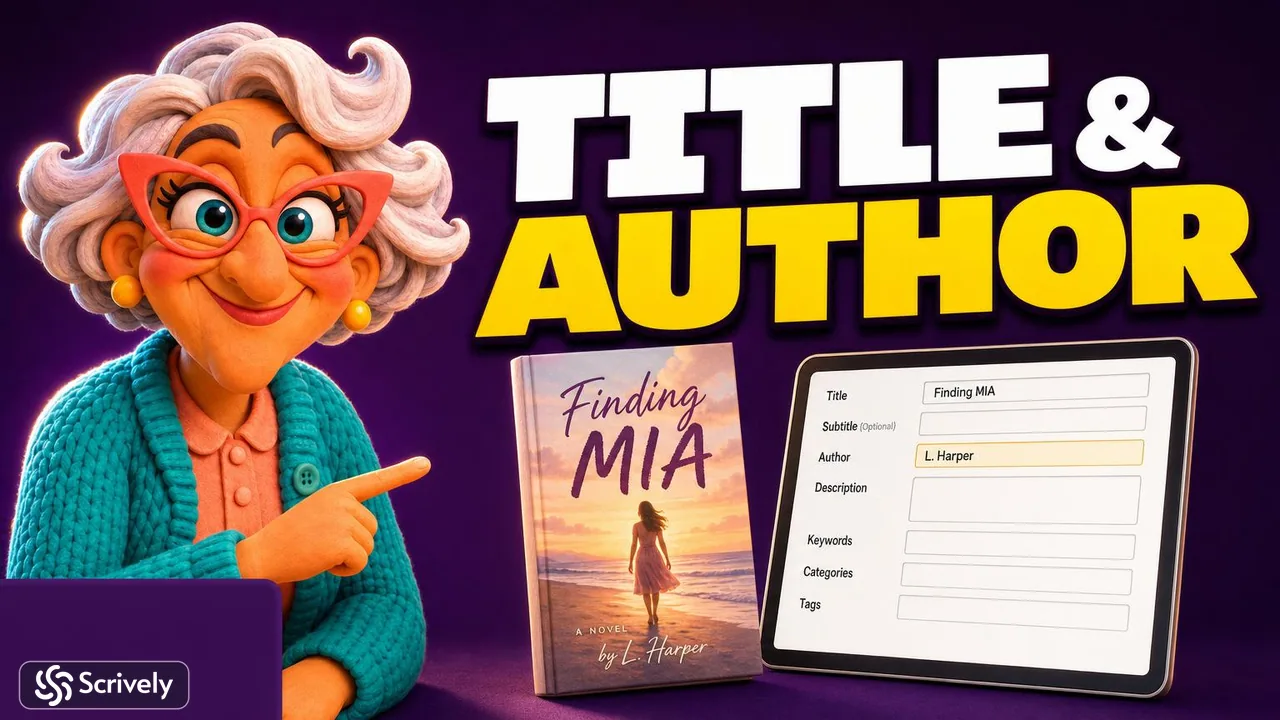 0:45
Check the listing title and save an author name
Keep the cover, listing title, and author line consistent for your publishing draft.
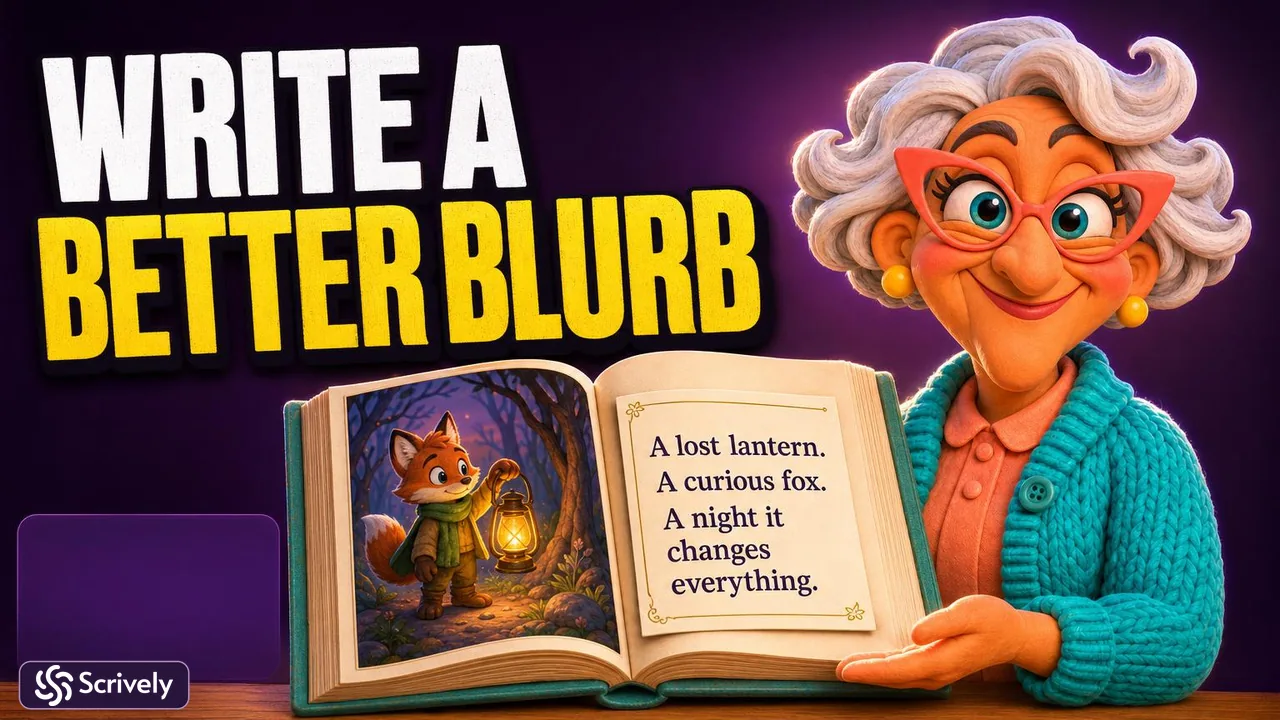 1:07
Turn a suggested summary into a book description
Use the accurate story details as a starting point for a specific, inviting listing description.
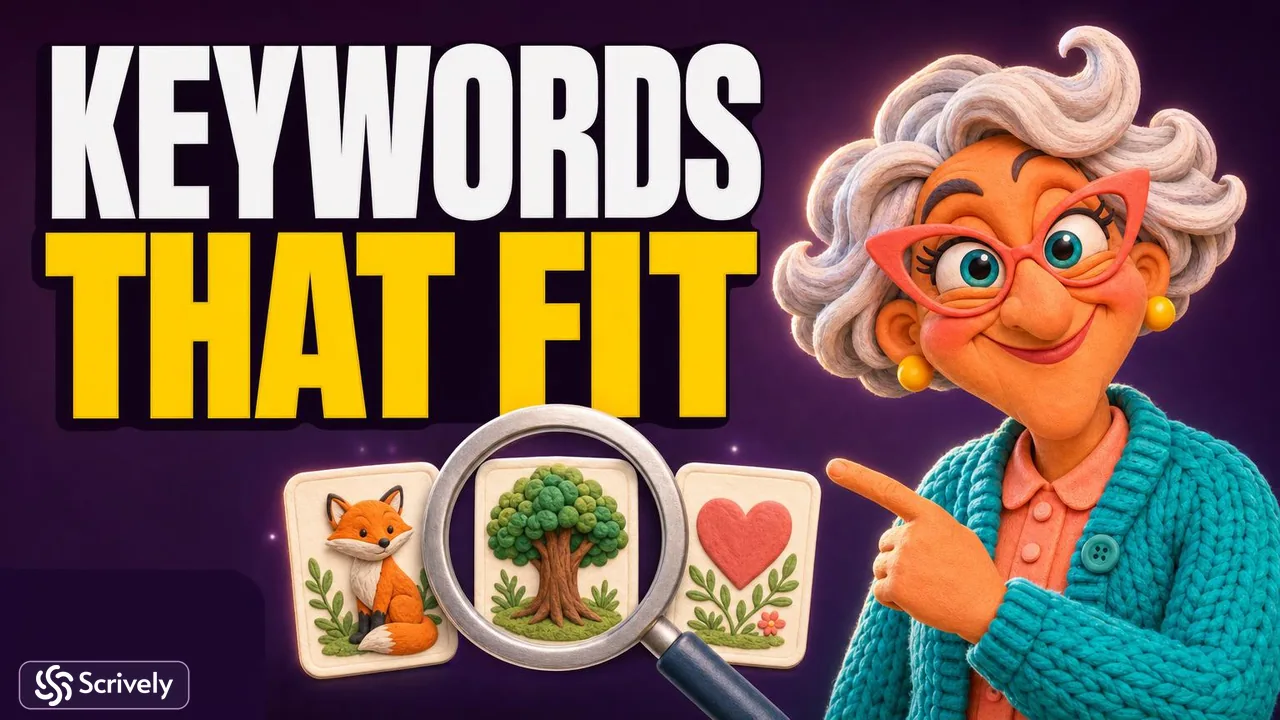 0:51
Review listing language, keywords, and categories
Choose accurate details that describe this particular story and its audience.
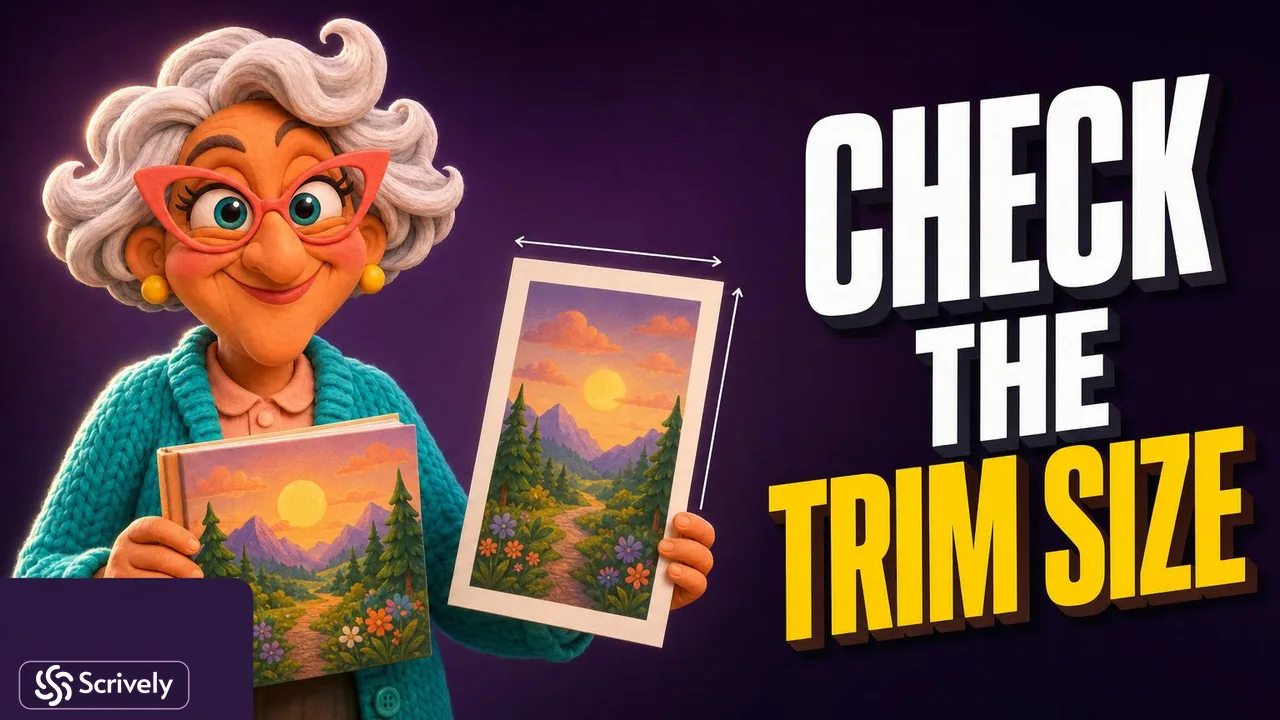 0:54
Check your trim size before a publishing export
Use the book's saved dimensions and check eligibility for the edition you plan to publish.
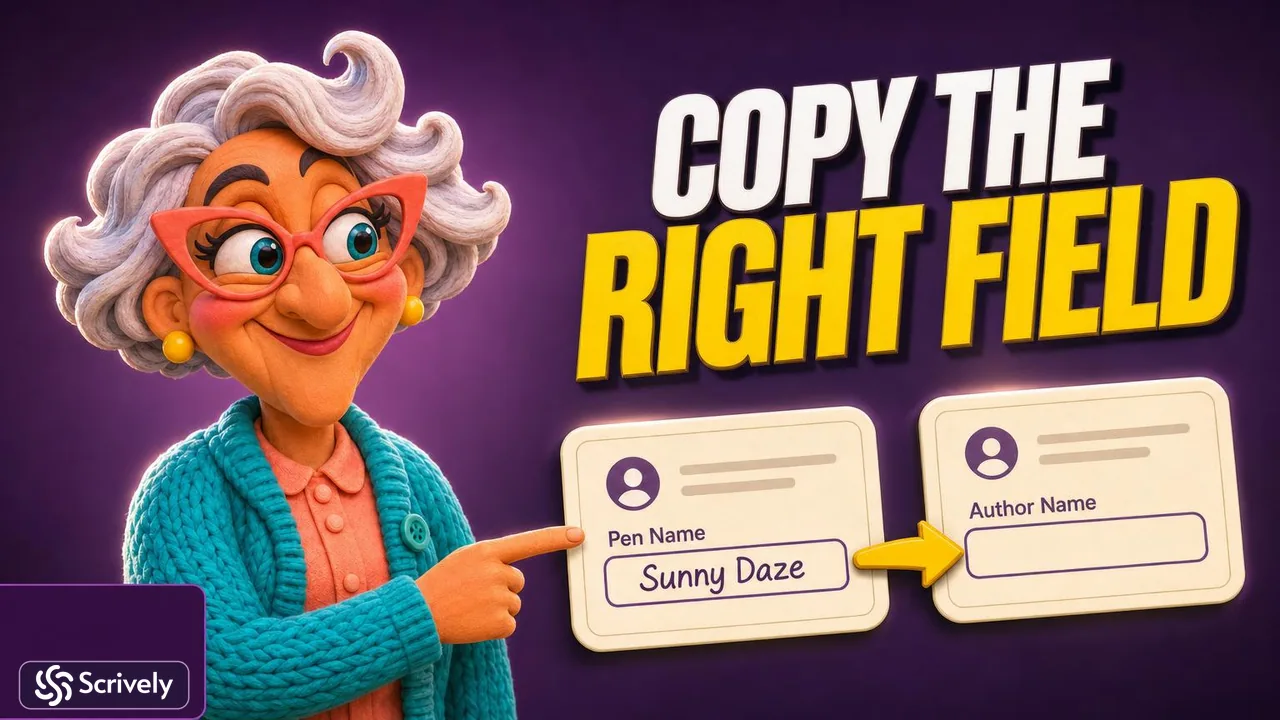 0:59
Copy your book details into a publishing draft
Move each listing field carefully and verify the pasted information before saving the draft.
Every great story starts with a question.
Still need a hand? Our friendly support team is here for you.