
What would you like
to create today?
Find your answer. Learn a new trick. Make a little magic.
Audio & StoryMovie
27 tutorials found
 1:04
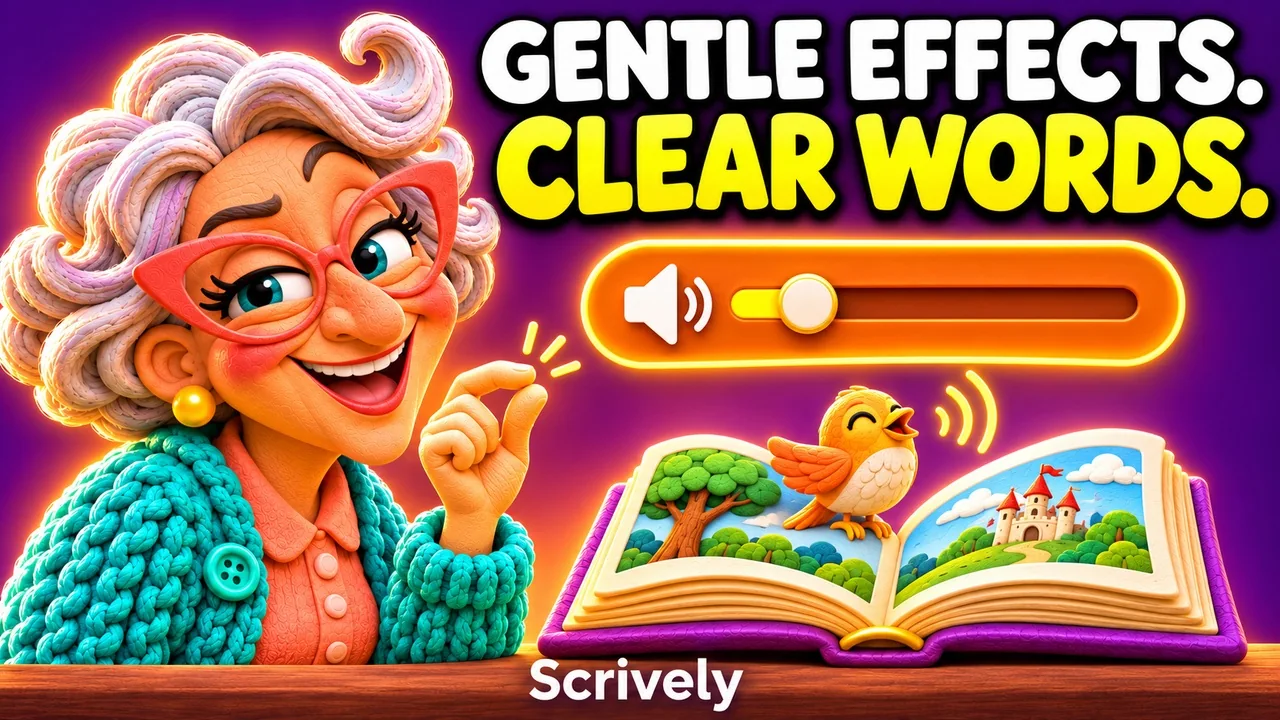
Adjust the sound-effects volume
Keep effects noticeable without overpowering the words.
 1:09
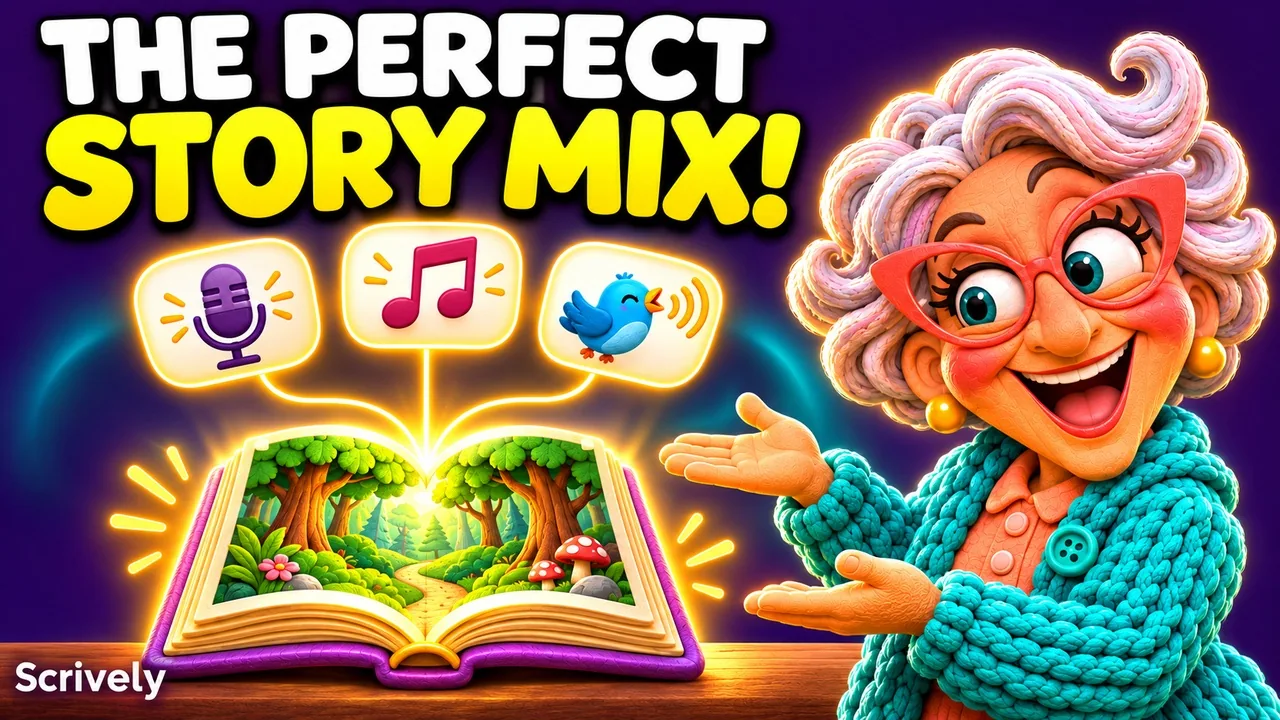
Mix narration, music, and sound effects
Review all the audio layers together before sharing your interactive book.
 0:57
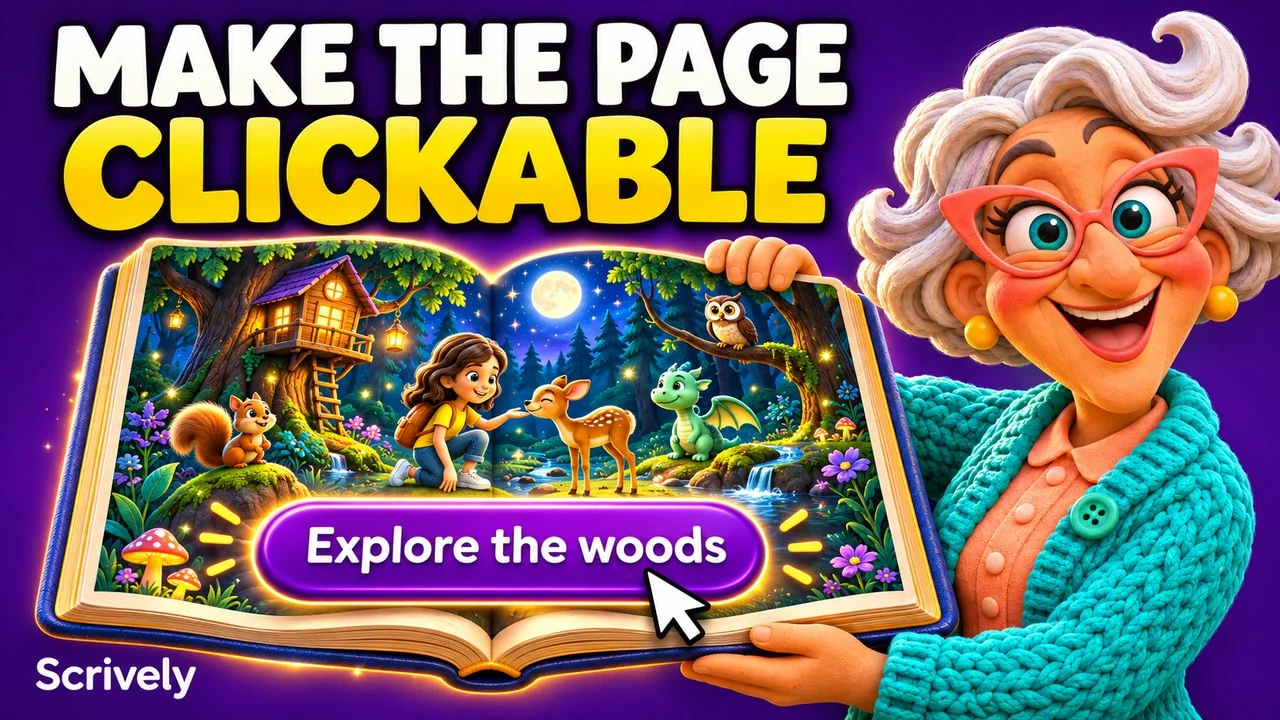
Add a tappable button to a story page
Place an invitation in the illustration and give the button a useful action.
 0:52
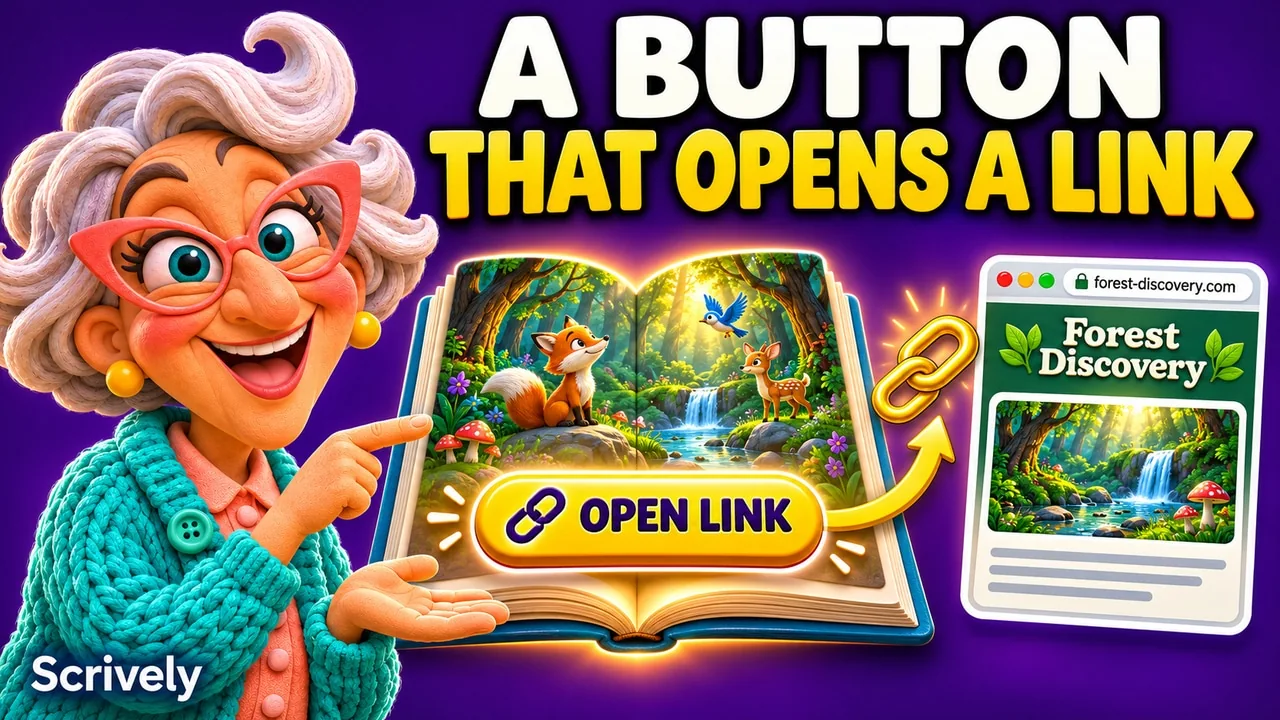
Link a storybook button to a website
Send readers to the right website with a clear label and a tested link.
 1:03
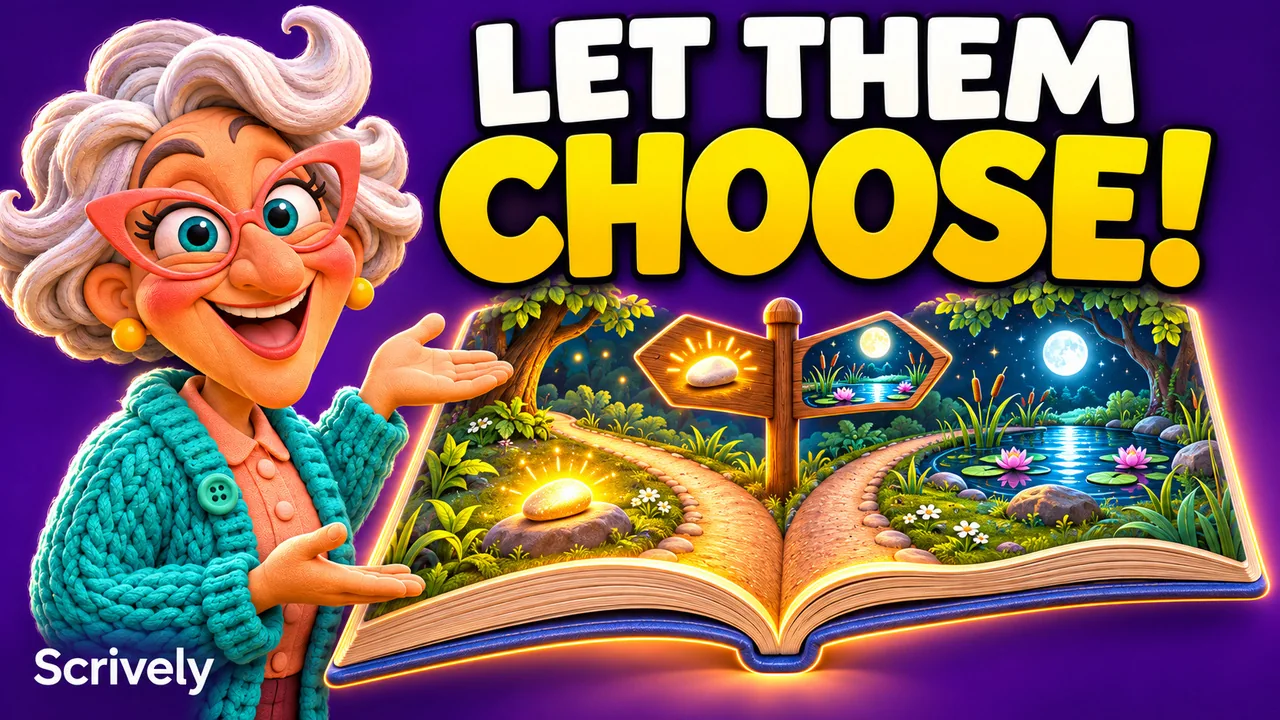
Create two choices in a branching story
Let readers choose a route and check that each choice lands on the right page.
 0:59
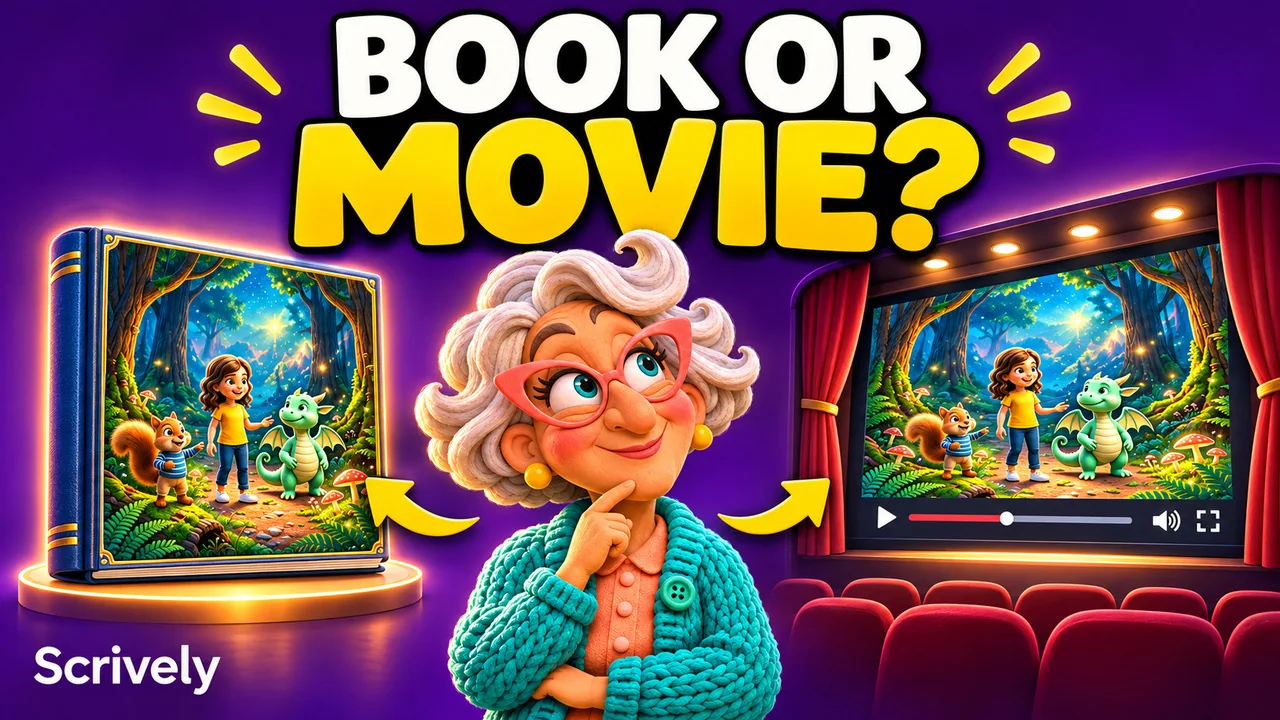
Choose between Studio and StoryMovie
Decide whether your story should be an interactive reading experience or a video.
 1:01
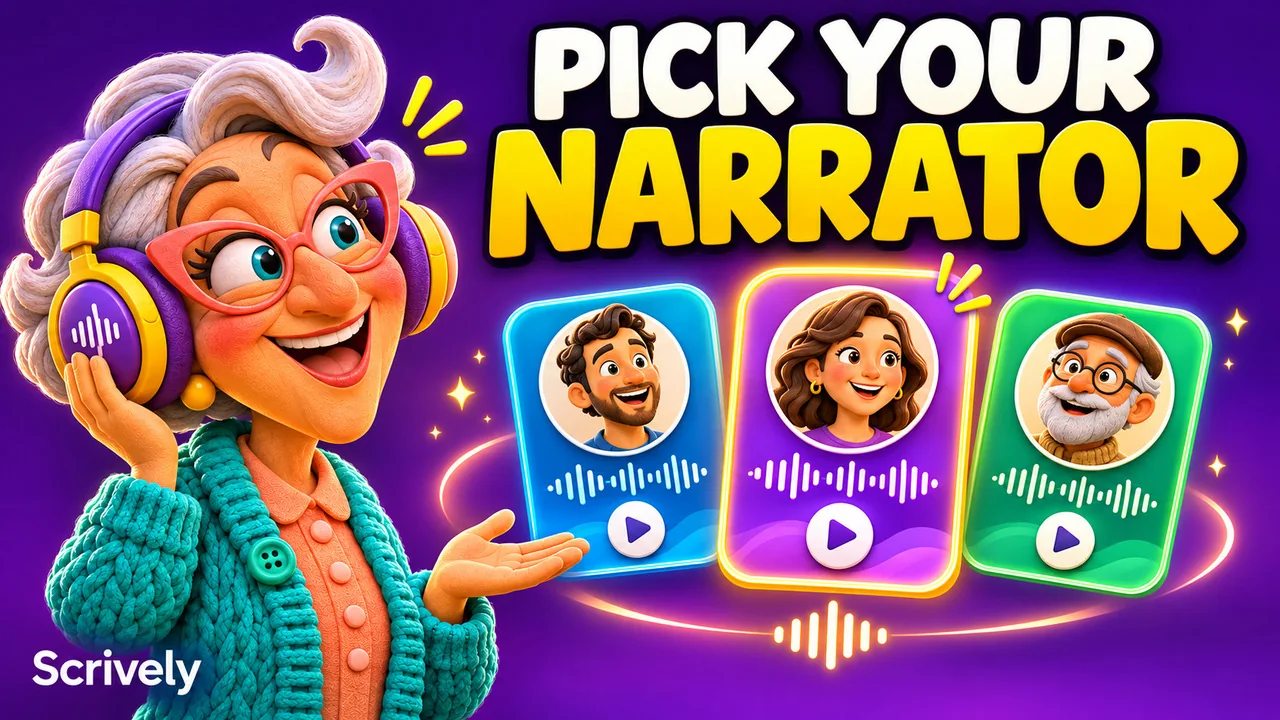
Choose a narrator for your StoryMovie
Sample voices and confirm your selection before making the video.
 1:13
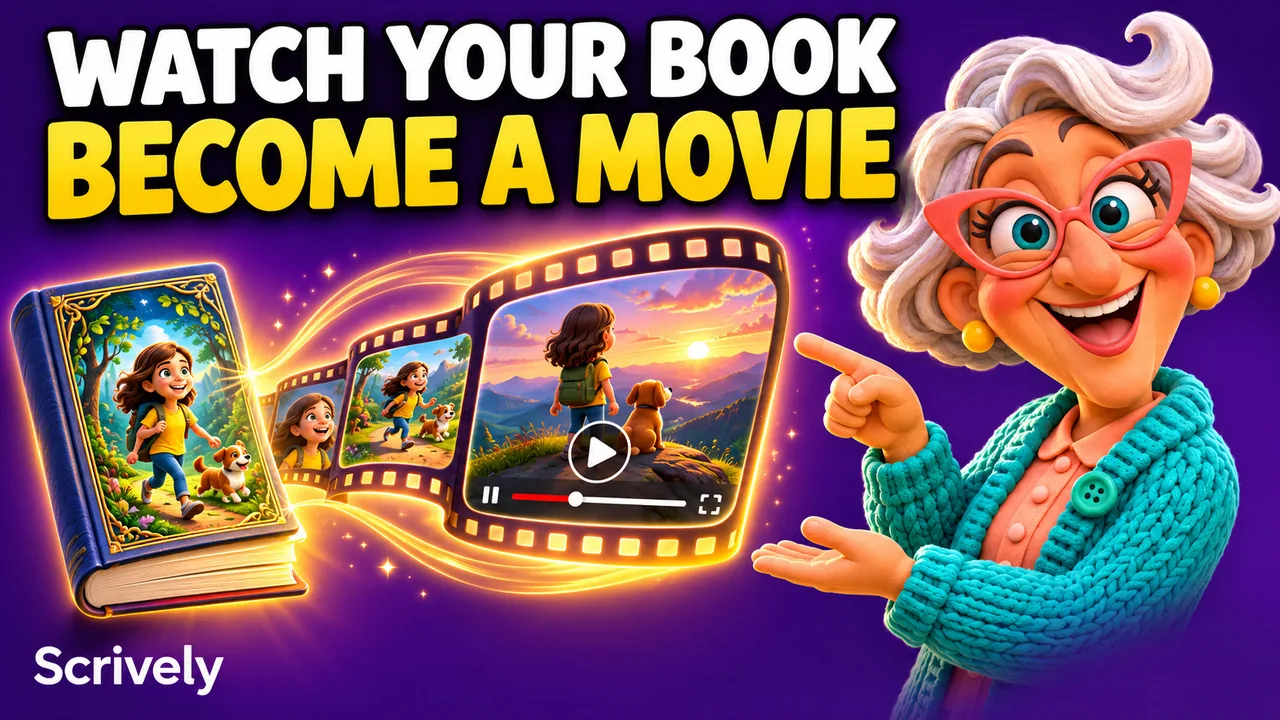
Turn your storybook into a StoryMovie
Generate a narrated movie and follow its progress until the finished player appears.
 0:41
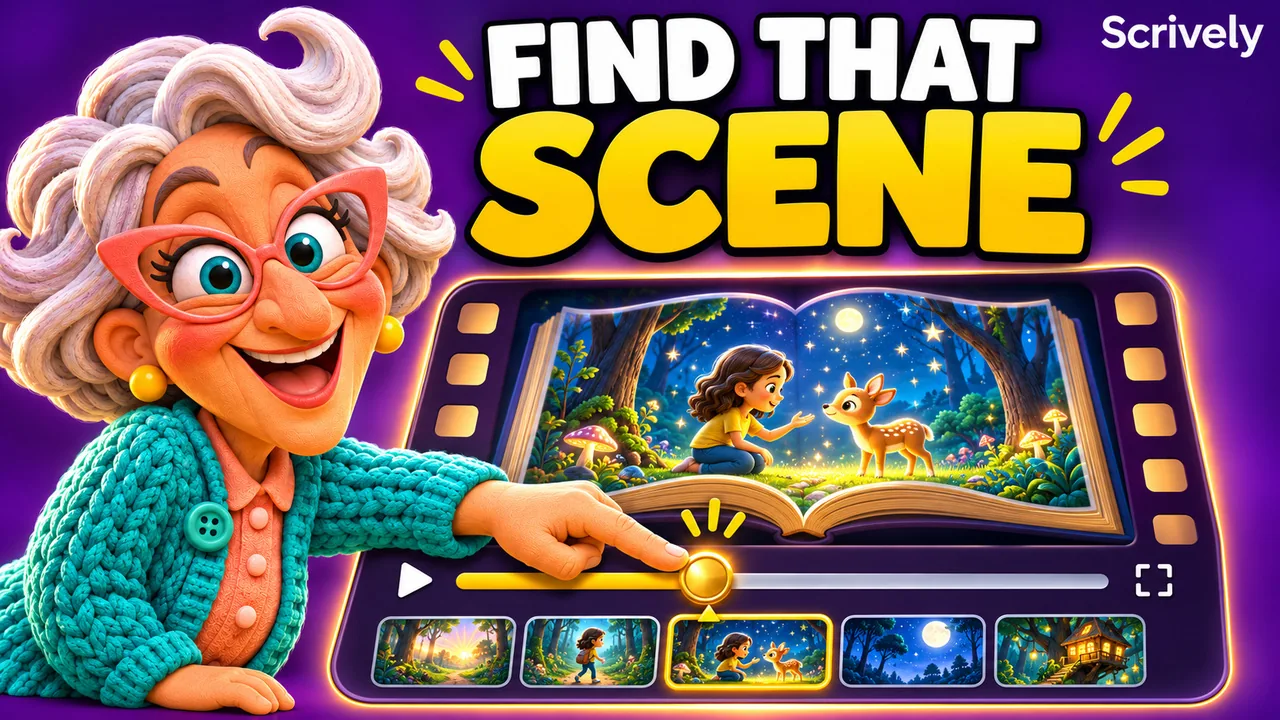
Play and navigate your StoryMovie
Jump to a scene, adjust playback volume, and take a closer look at the finished movie.
 0:53
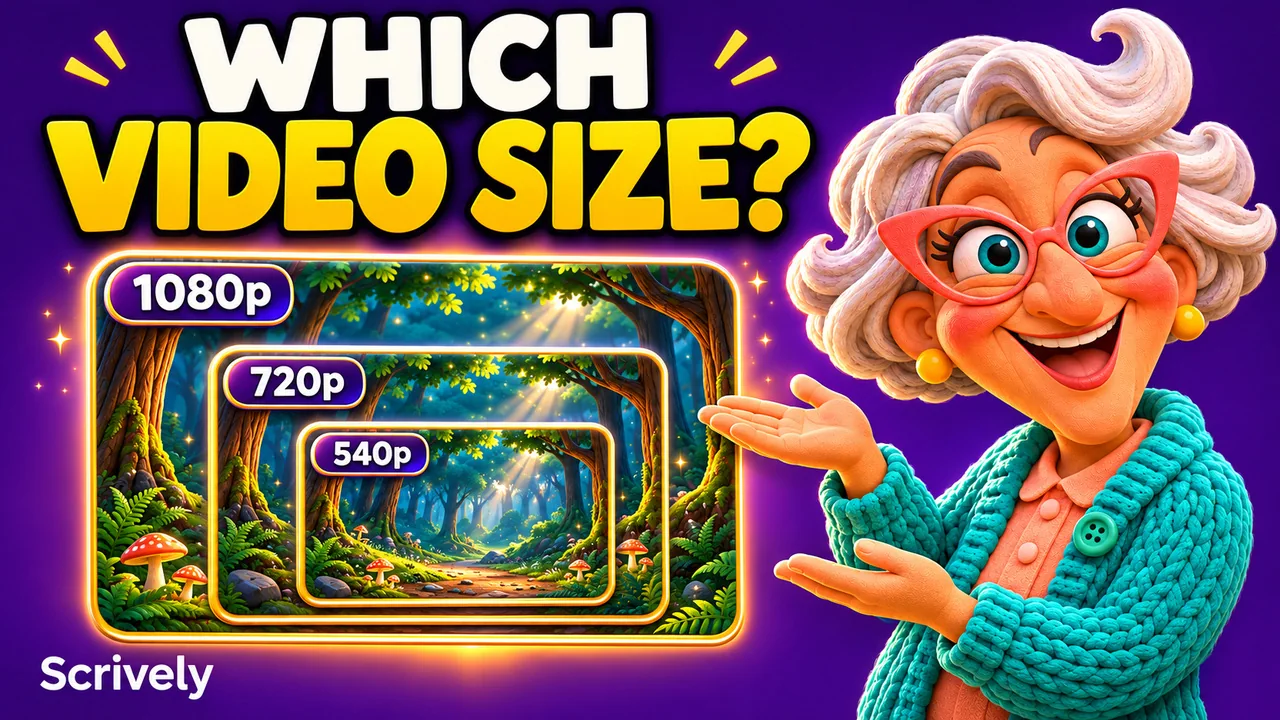
Download a StoryMovie at the size you need
Choose a resolution, save the video, and check the downloaded copy.
 0:49
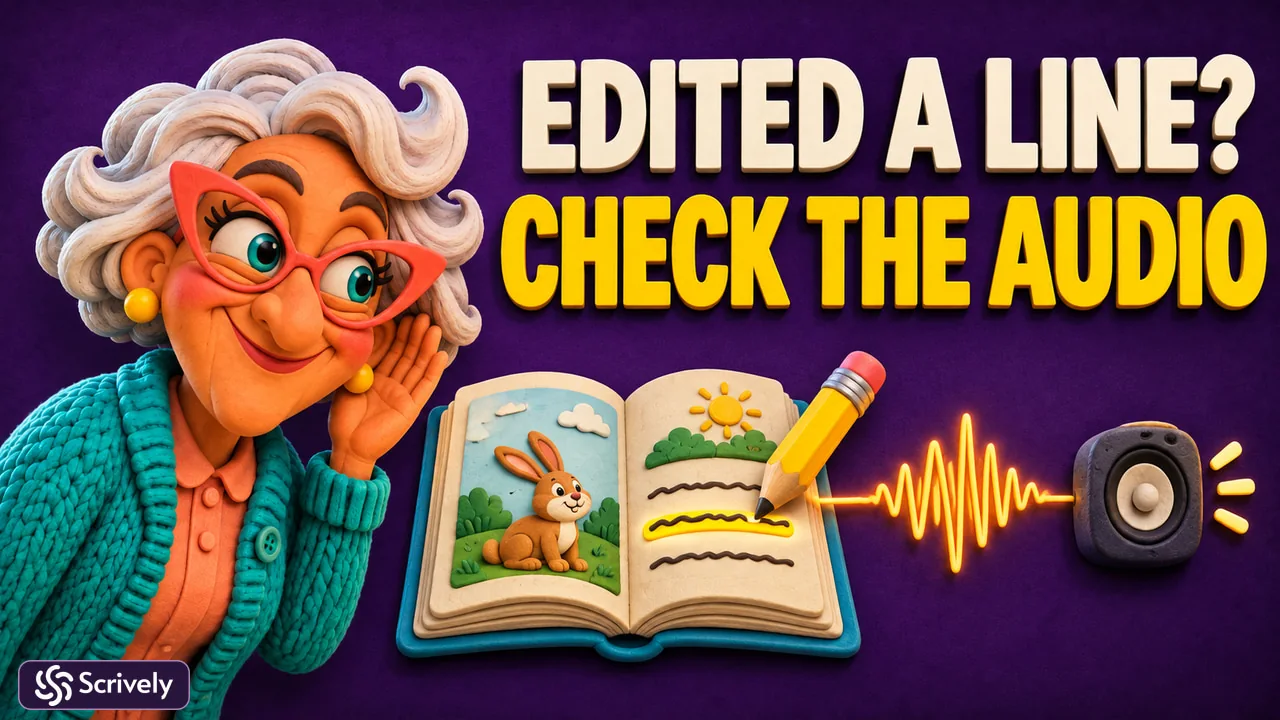
Check narration after changing story text
Compare the words on the page with the voice assignments and actual playback.
 0:40
Read along with a narrated page
Play and pause the story while following the words together.
Every great story starts with a question.
Still need a hand? Our friendly support team is here for you.