

What would you like
to create today?
Find your answer. Learn a new trick. Make a little magic.
Creating a book
37 tutorials found
 0:33
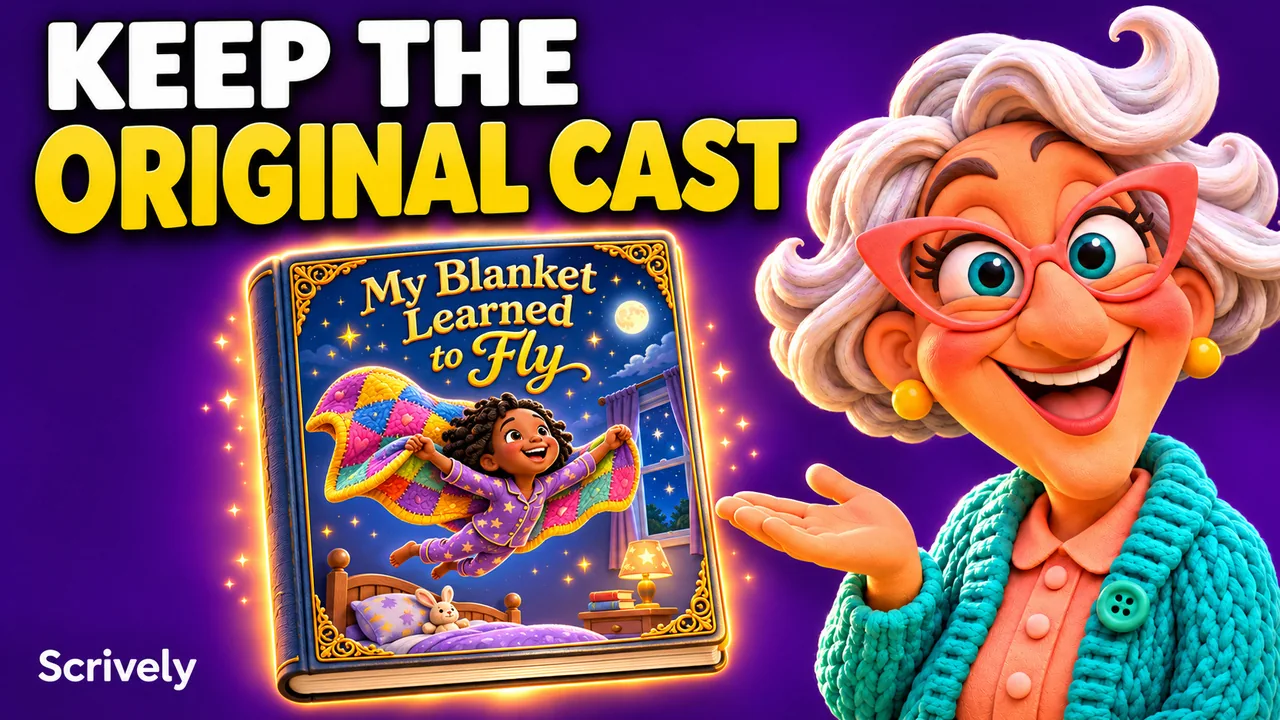
Keep a template's original characters
Create a copy of a library story with its existing cast.
 0:46
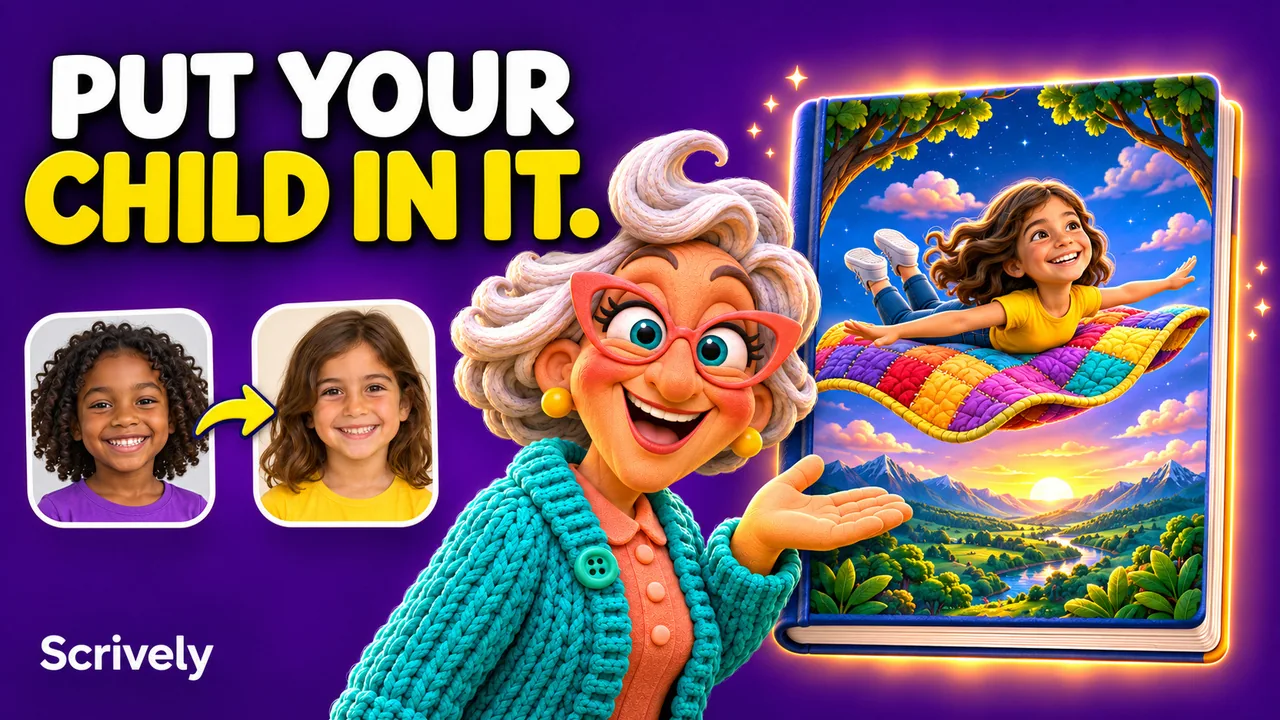
Replace a template character with your child
Choose the right character to replace and review the name pairing before continuing.
 1:03
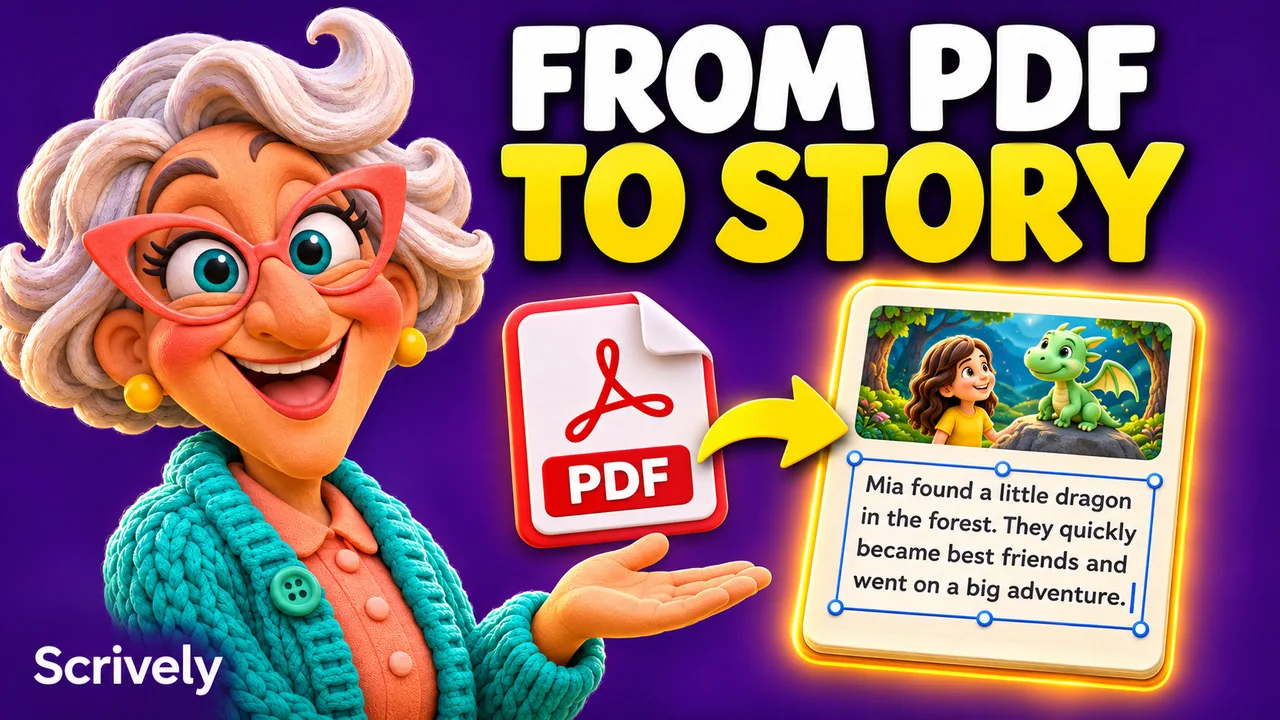
Import a manuscript from a PDF
Bring in your story and catch extra headings or page numbers before illustrating it.
 0:47
Import a story from Google Docs
Fetch the document's words and compare the imported text with your original.
 0:59
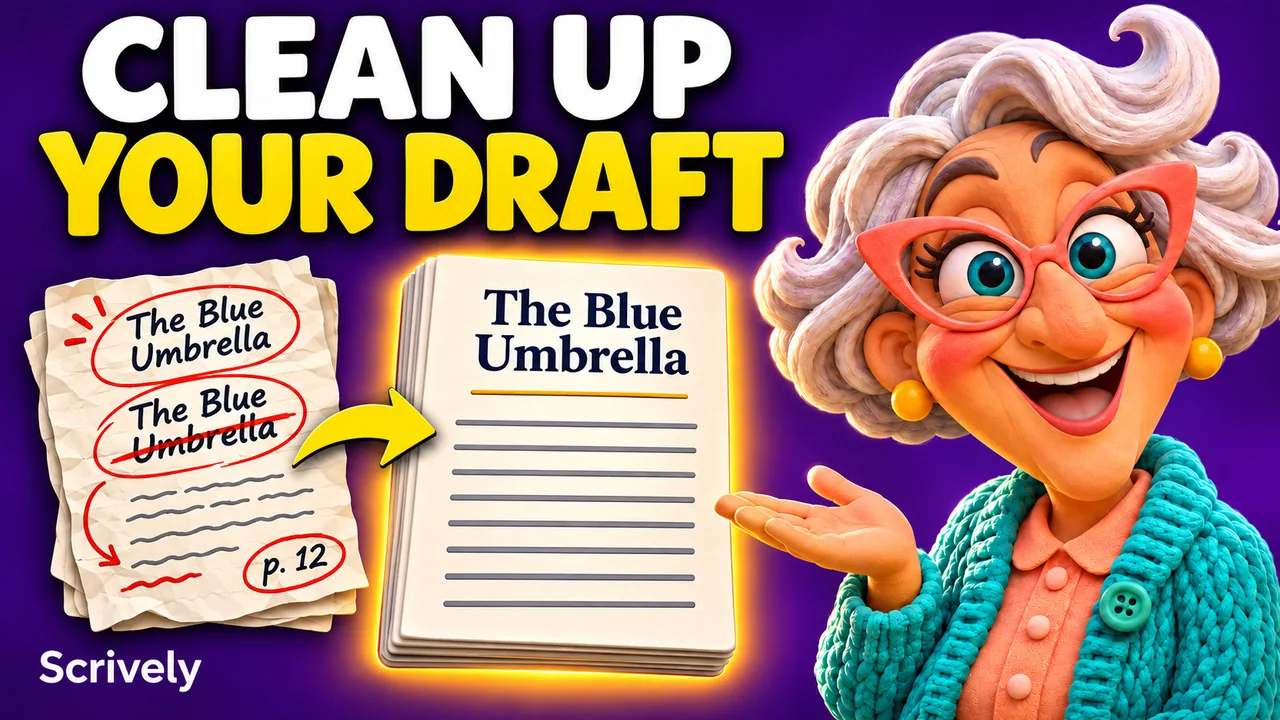
Clean up an imported manuscript
Remove formatting leftovers so the imported words read like a story.
 0:42
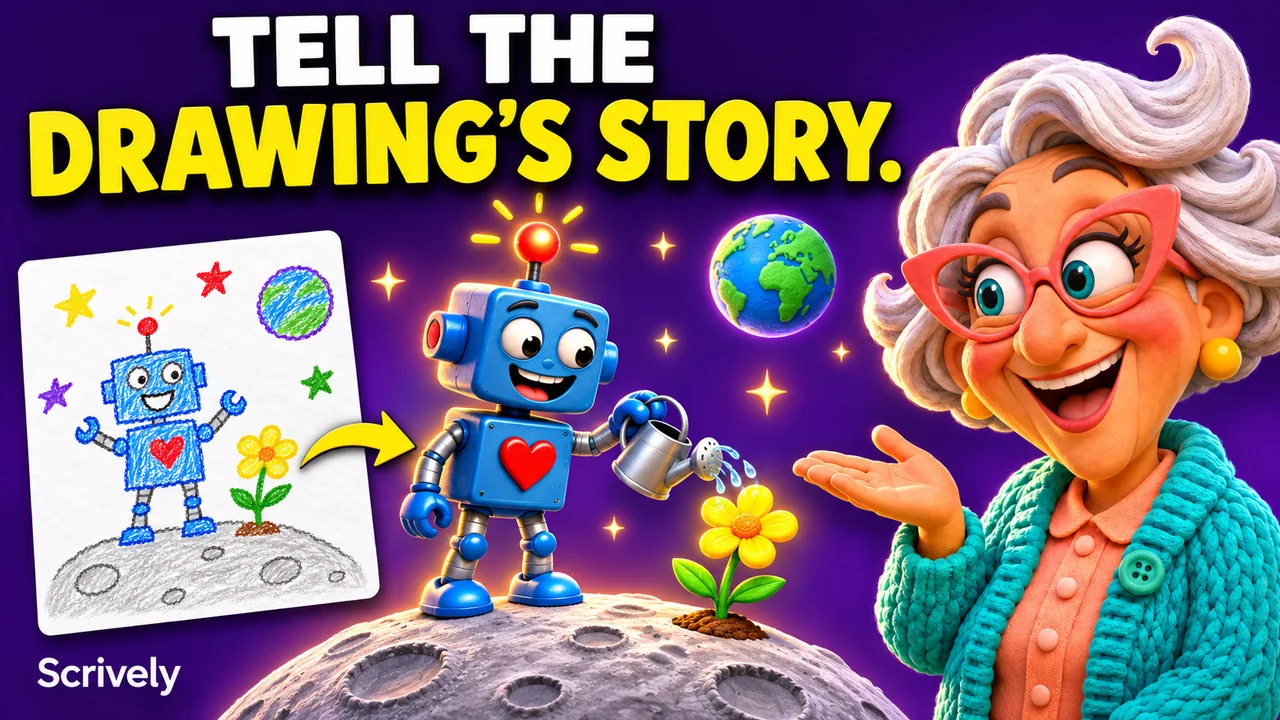
Give a drawing a clear story idea
Connect the character your child drew with a goal and a setting.
 0:42
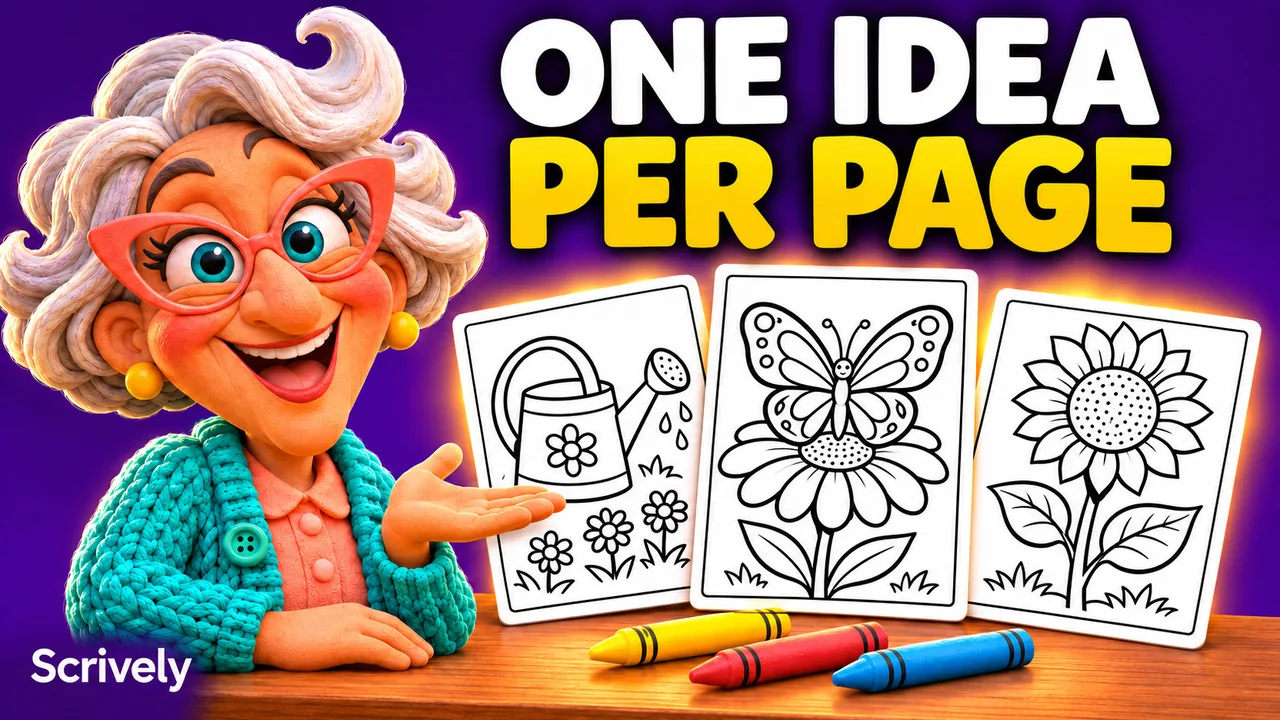
Plan a coloring book one page at a time
Use a separate line for each scene you want to become a coloring page.
 0:33
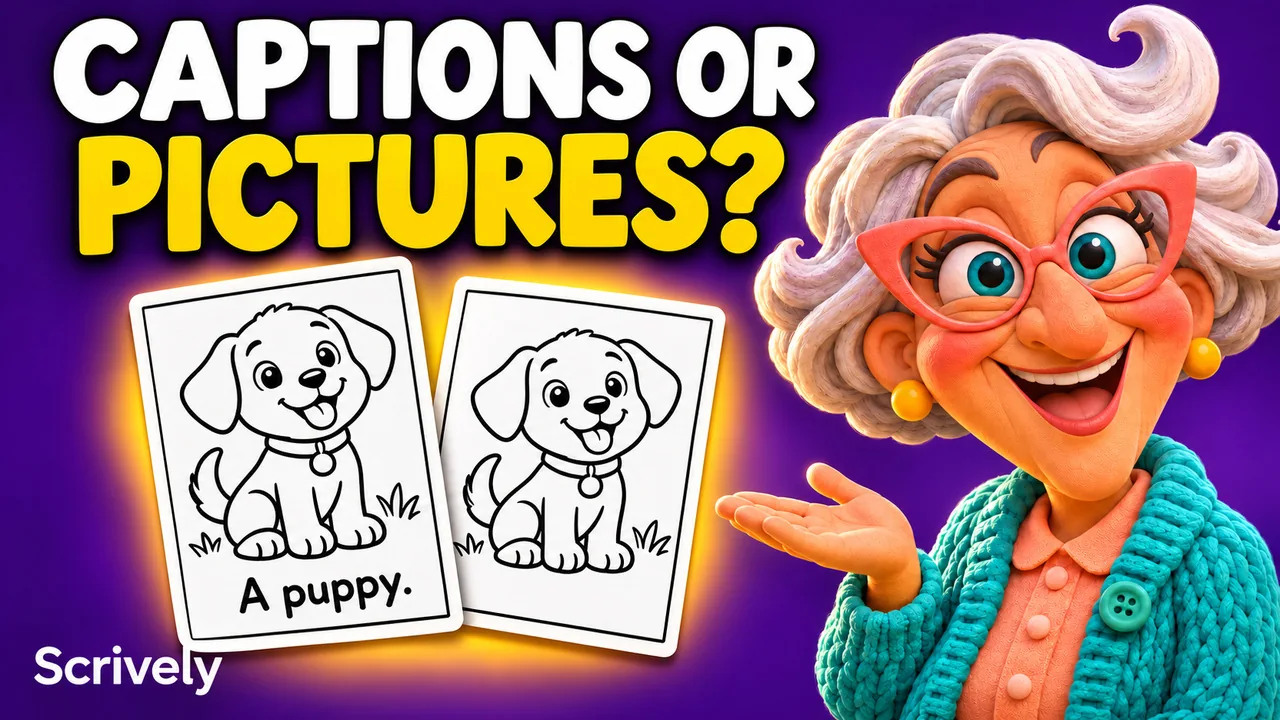
Choose pictures only or short coloring captions
Decide whether your coloring pages should include a few words for the reader.
 0:40
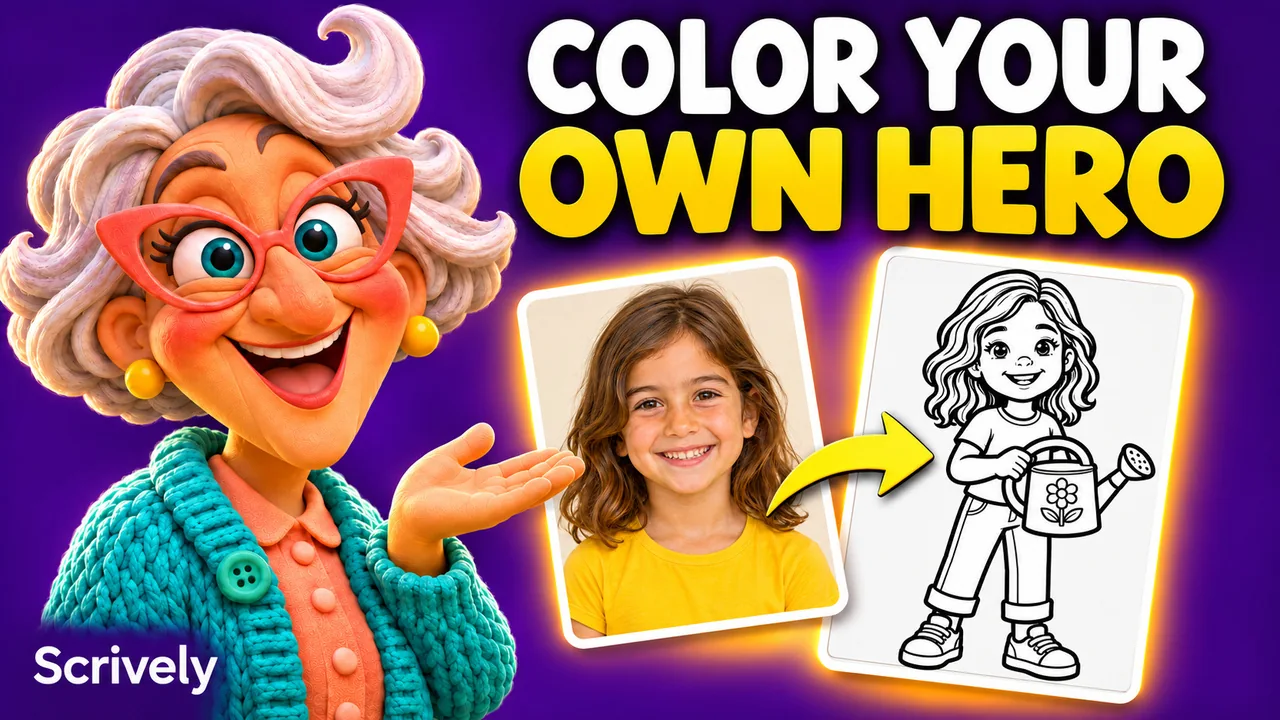
Put your child in a coloring book
Use a photo character and check their likeness in the finished line art.
 0:45
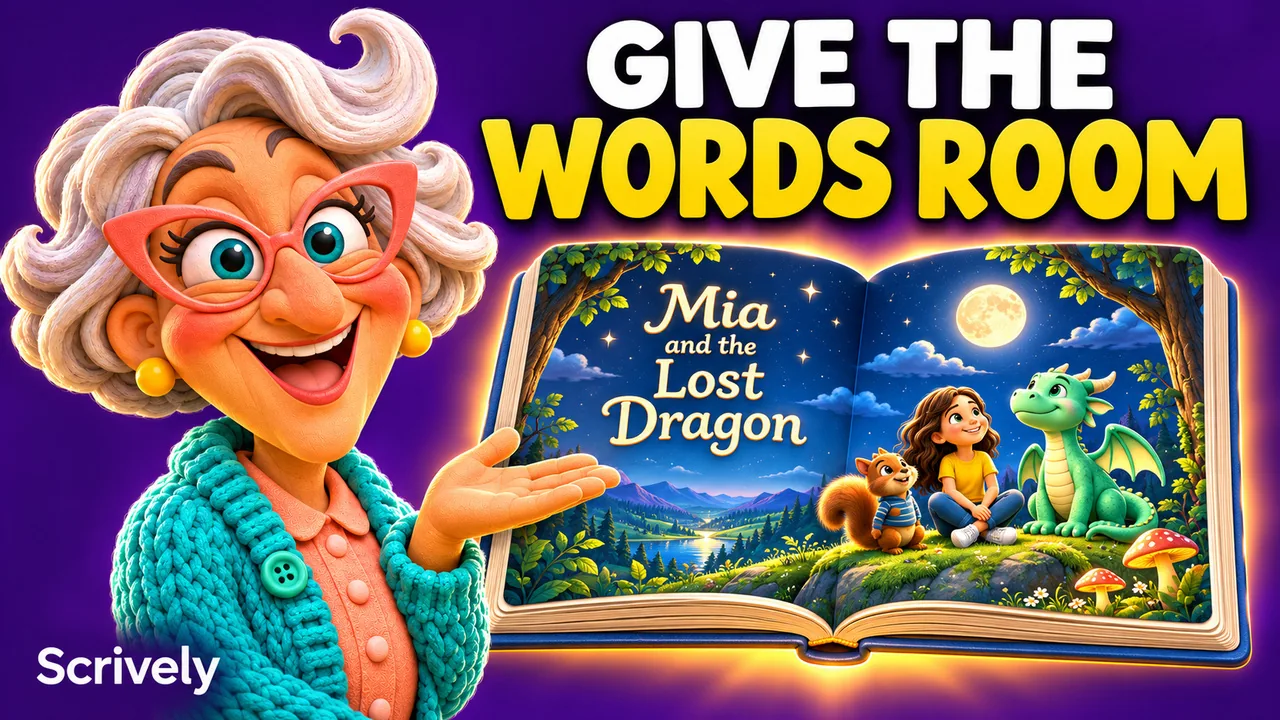
Use Smart Fit to place story text
Let Scrively look for quieter parts of the artwork, then check the finished layout.
 0:44
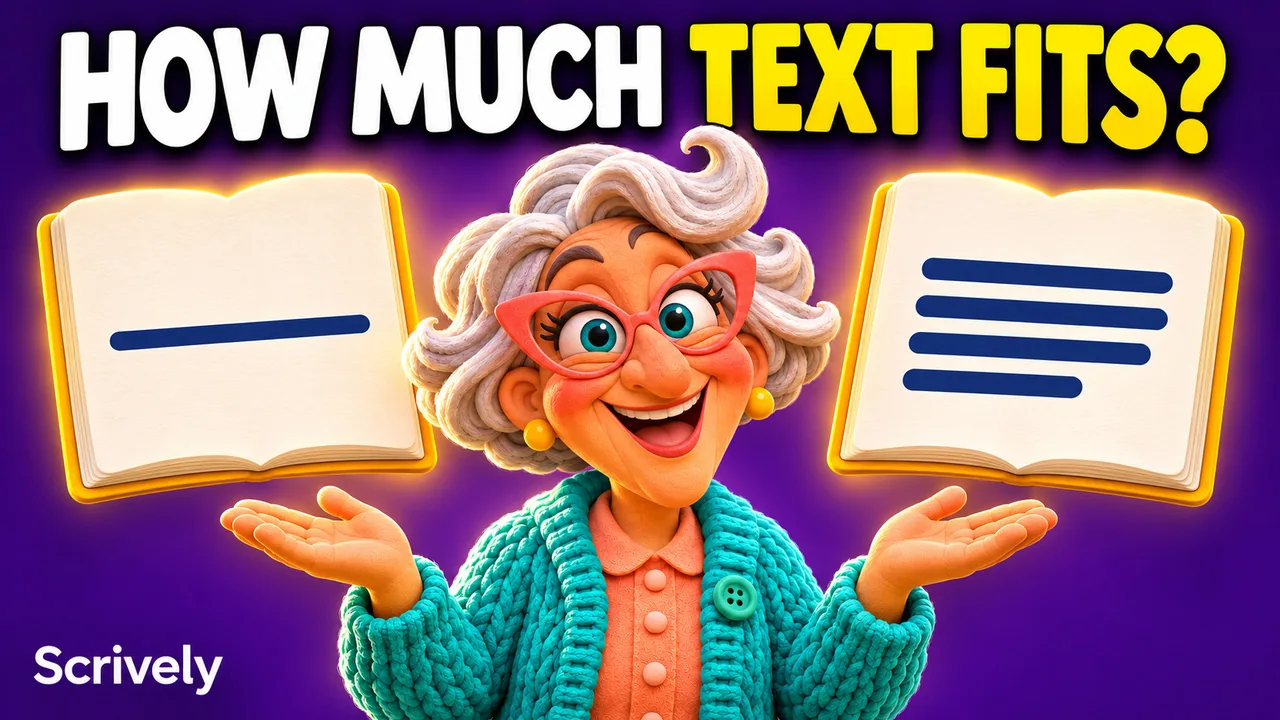
Choose how many sentences go on each page
Set a reading pace before generation and check the actual page turns afterward.
 0:38
Choose the story language before creating a book
Start the written story in your chosen language and review more than just the cover.
Every great story starts with a question.
Still need a hand? Our friendly support team is here for you.