
What would you like
to create today?
Find your answer. Learn a new trick. Make a little magic.
Editing & page design
27 tutorials found
 0:54
Correct a character's name throughout the story
Check every text mention and remember that cover lettering is a separate part of the book.
 0:48
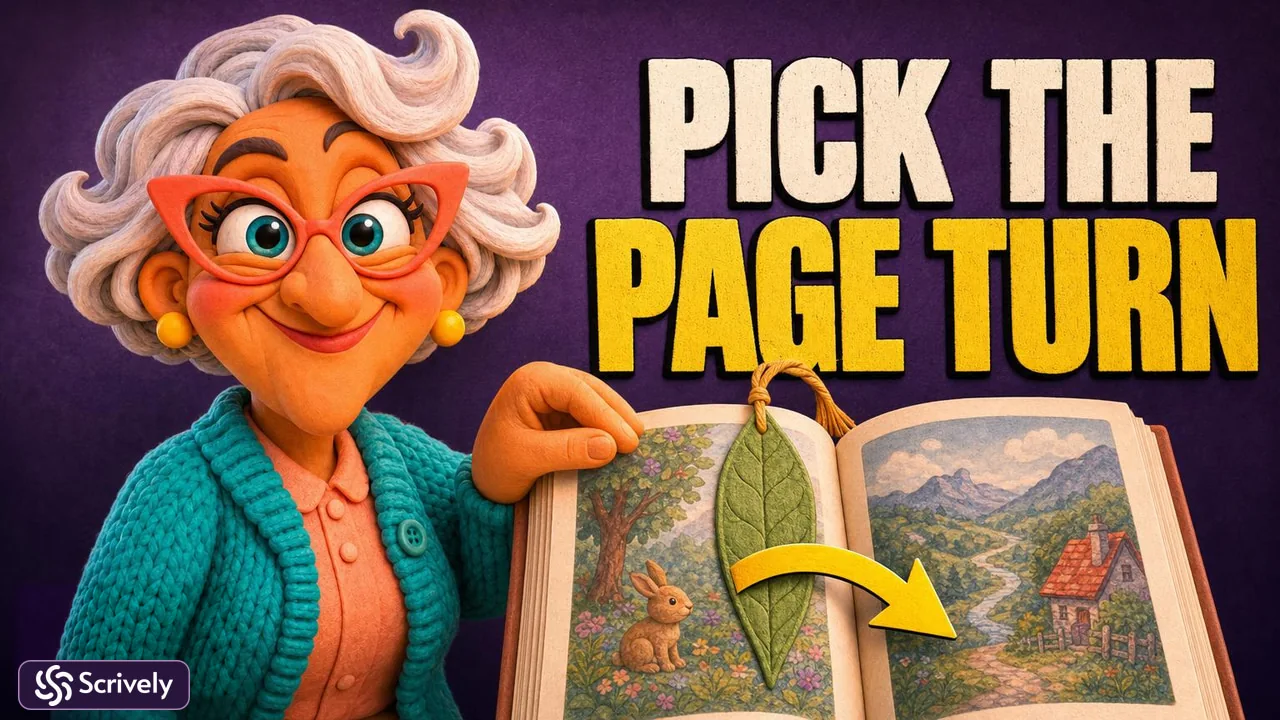
Use blank lines to set page breaks
Place a story turn where the action changes and preview the resulting pages.
 0:56
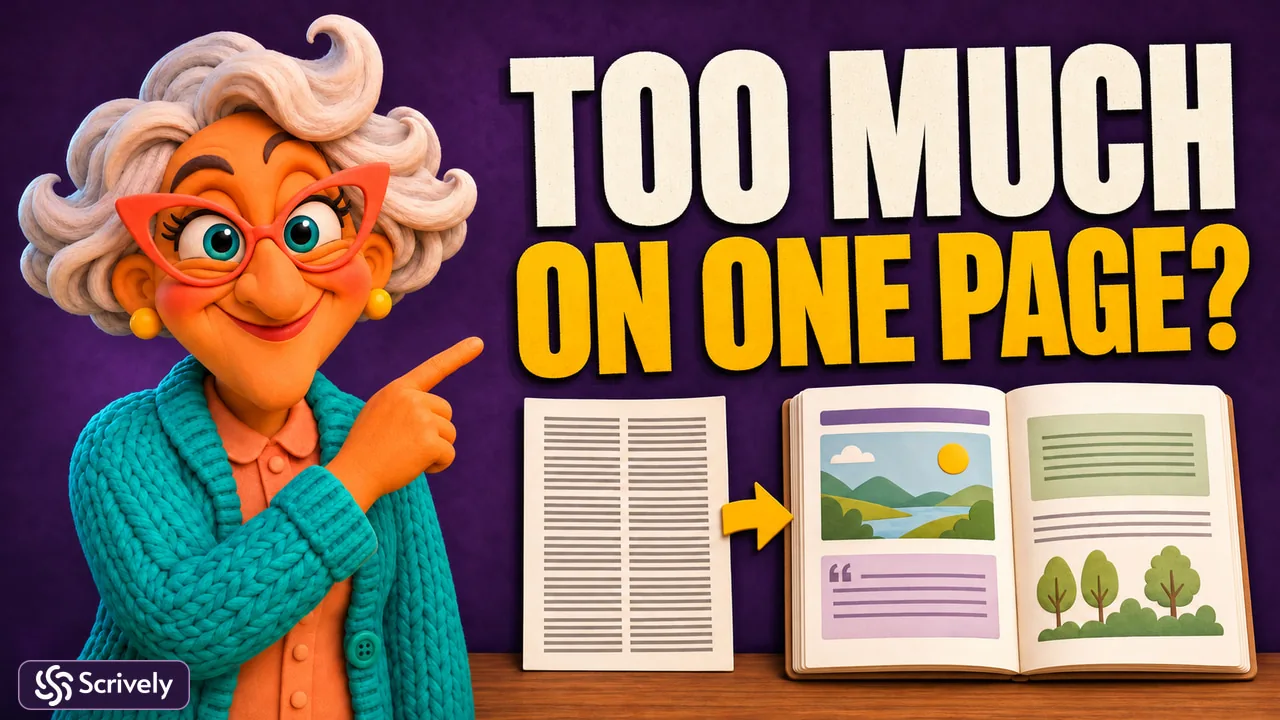
Rebuild page breaks using a sentence count
Try a new pace and check the words against the existing illustrations before applying it.
 0:53
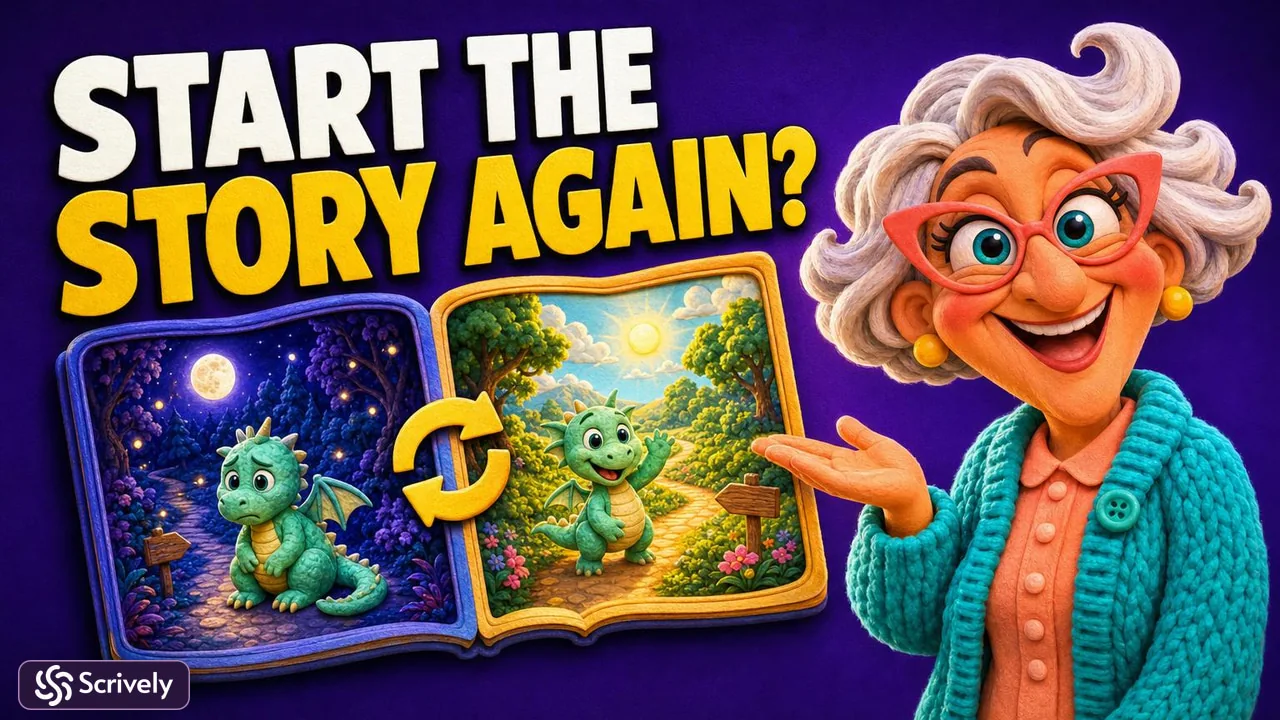
Regenerate a story with a different idea
Keep a copy of the first version and review what the reset will replace.
 0:39
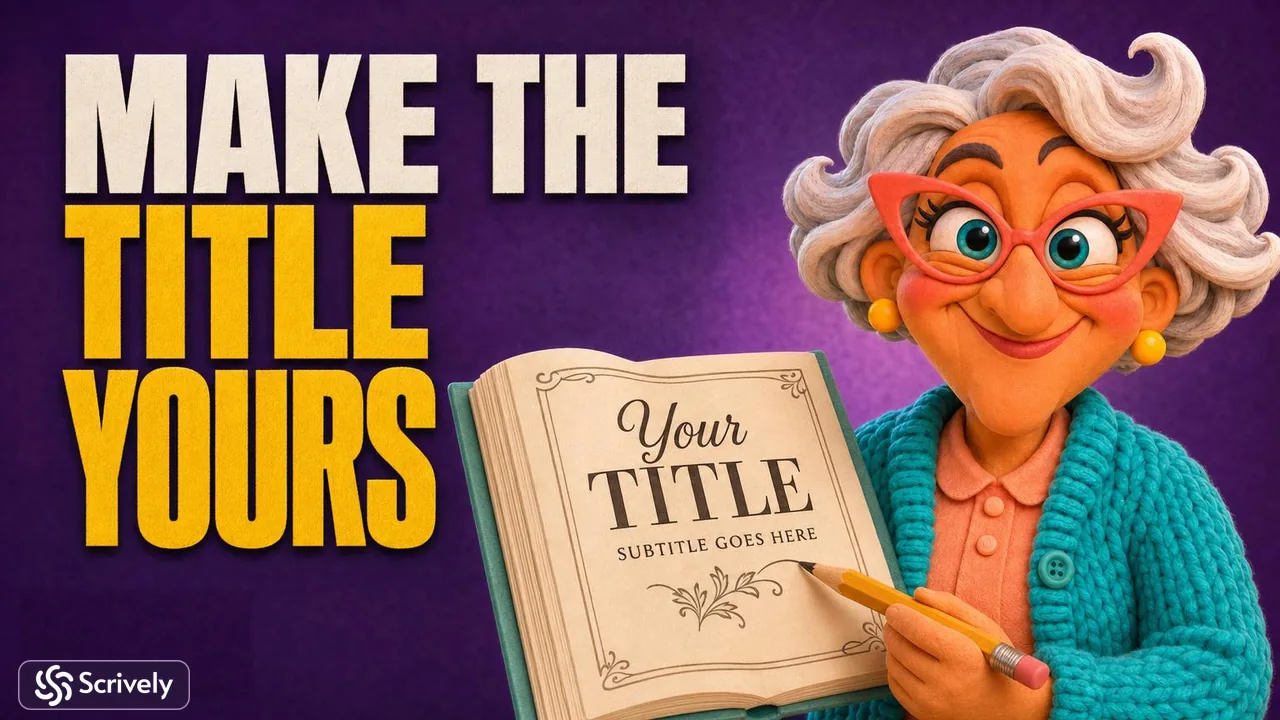
Edit the title page's heading and introduction
Personalize the opening text and make sure the whole page still fits comfortably.
 0:34
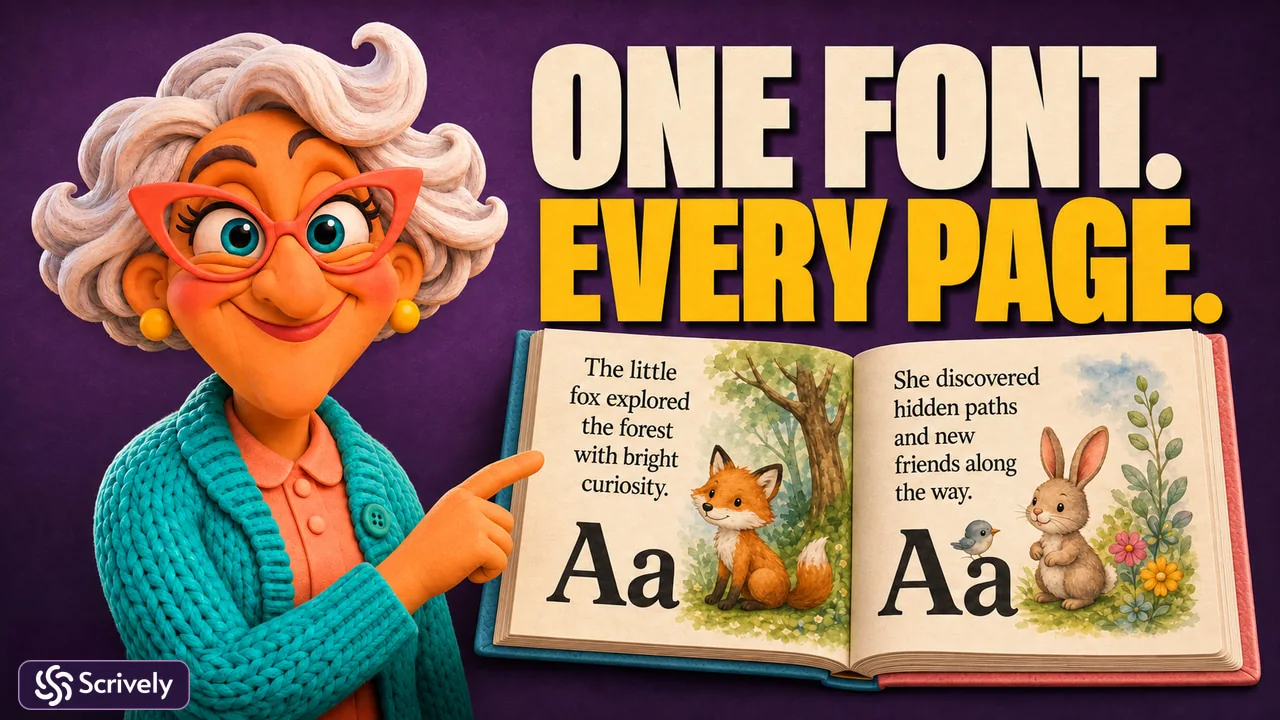
Change the story font across the book
Apply a shared font and check how it fits both short and long passages.
 0:38
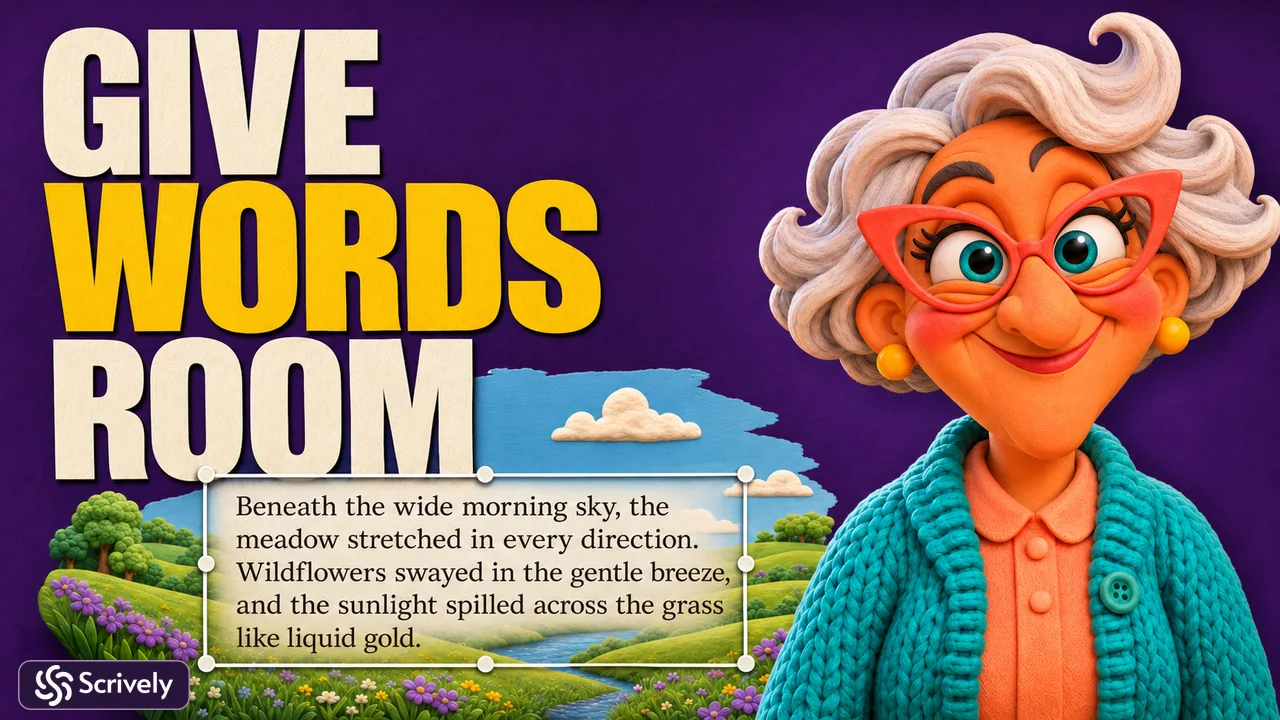
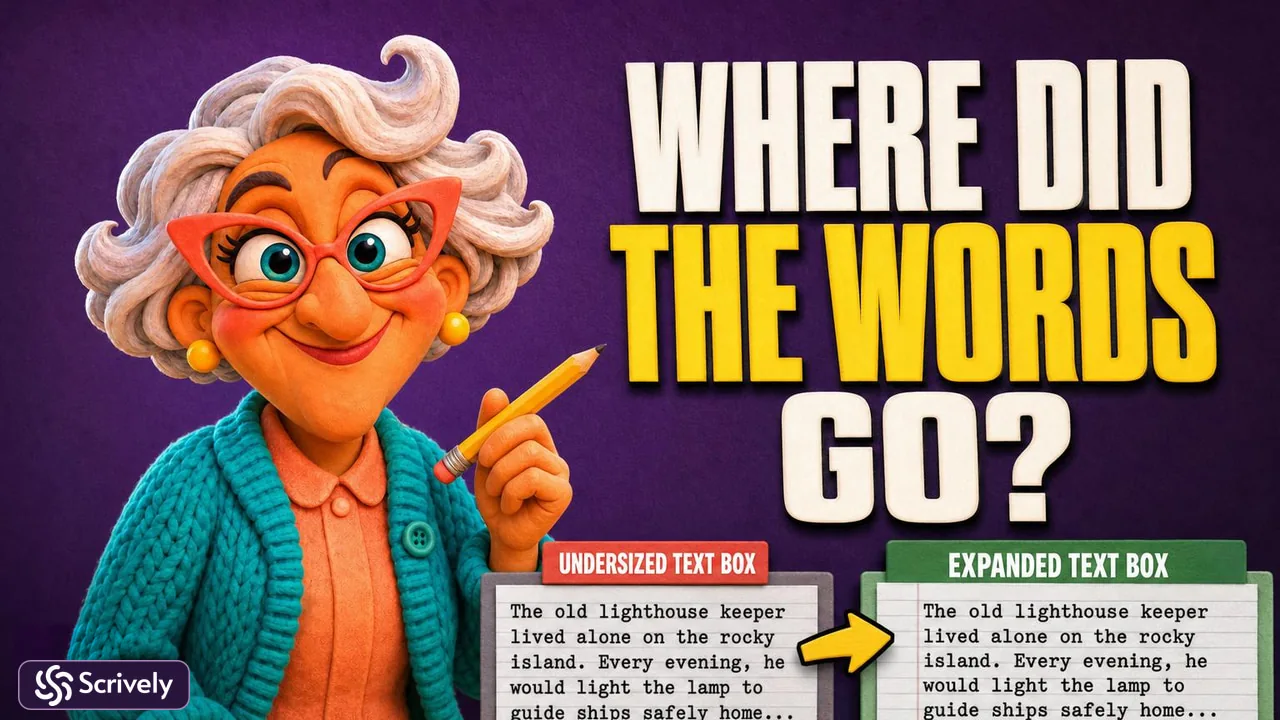
Resize a text box to improve line breaks
Give a paragraph a little more room without rewriting the story.
 0:45
Make the last line fit on a page
Compare the complete paragraph with the reader view before settling on a text size.
 0:36
Add a page in the right place
Insert a new page and verify its position between the intended neighbors.
 0:39
Reposition the back cover for printing
Move the artwork, then inspect the saved crop in the full cover proof.
 0:38
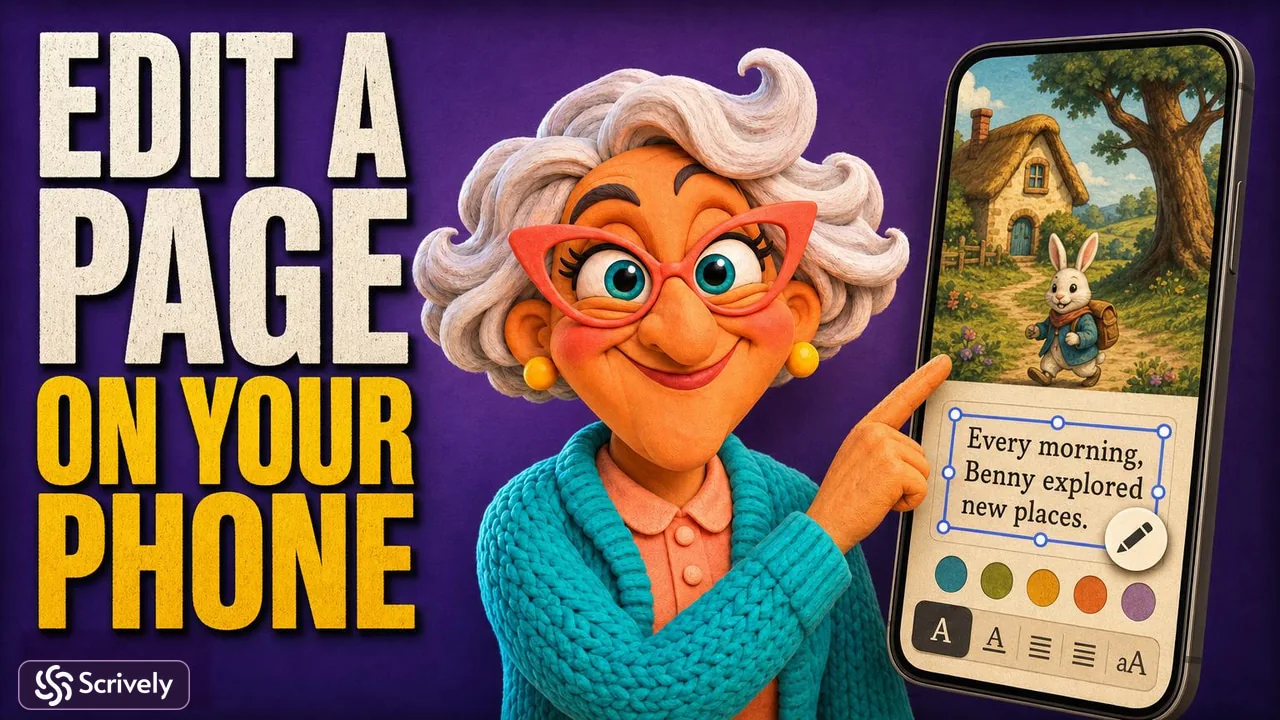
Edit a book page on your phone
Make a focused text change and review it at the size your phone displays.
 0:52
Find the back-cover editing tools
Edit the back-cover image, text layer, and layout, then review them in the print wrap.
Every great story starts with a question.
Still need a hand? Our friendly support team is here for you.