
What would you like
to create today?
Find your answer. Learn a new trick. Make a little magic.

Sharing & printing
34 tutorials found
 0:38
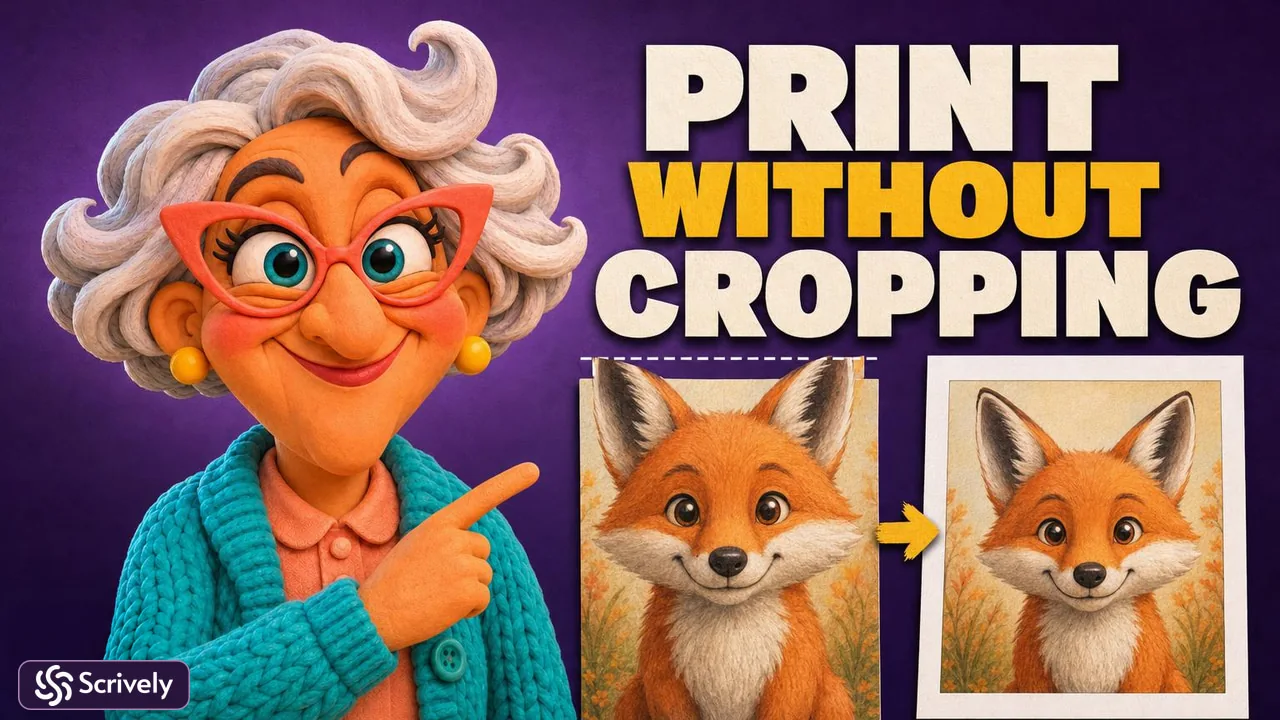
Print a PDF without clipping the edges
Compare print scaling and test one page before printing the whole book.
 0:31
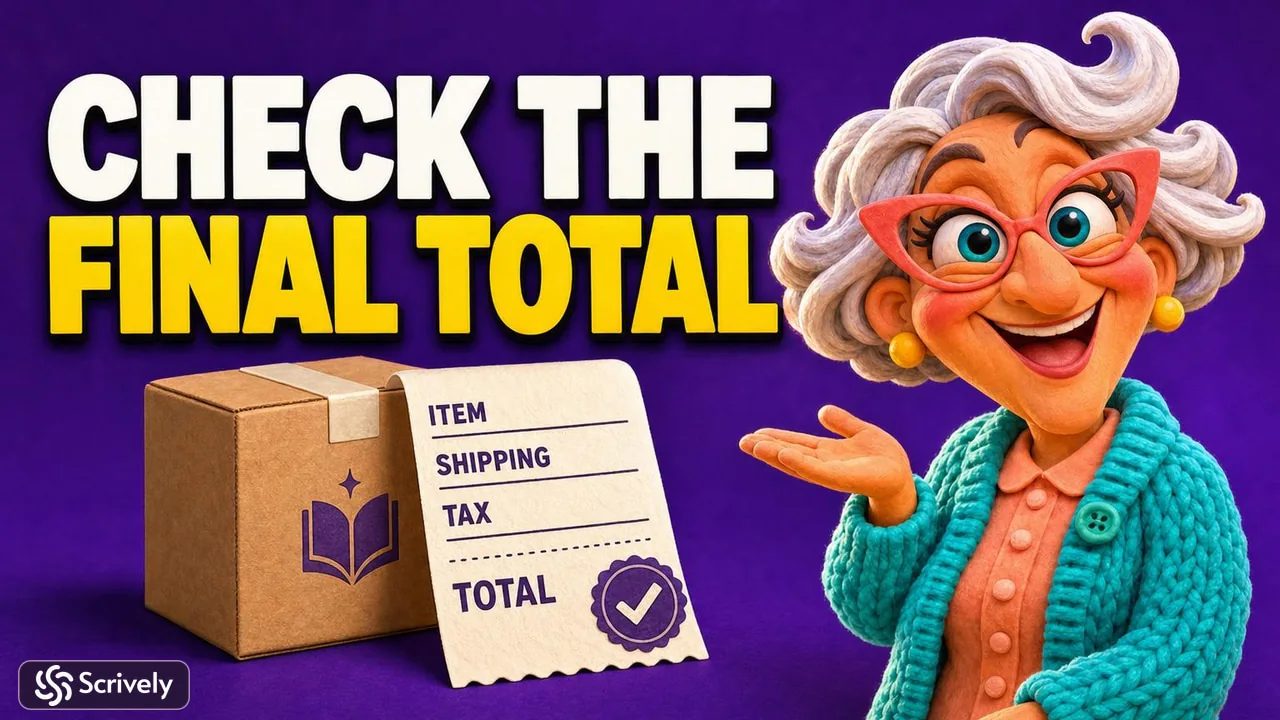
Check shipping and the final order total
Review the refreshed quote after selecting the book, quantity, and delivery options.
 0:41
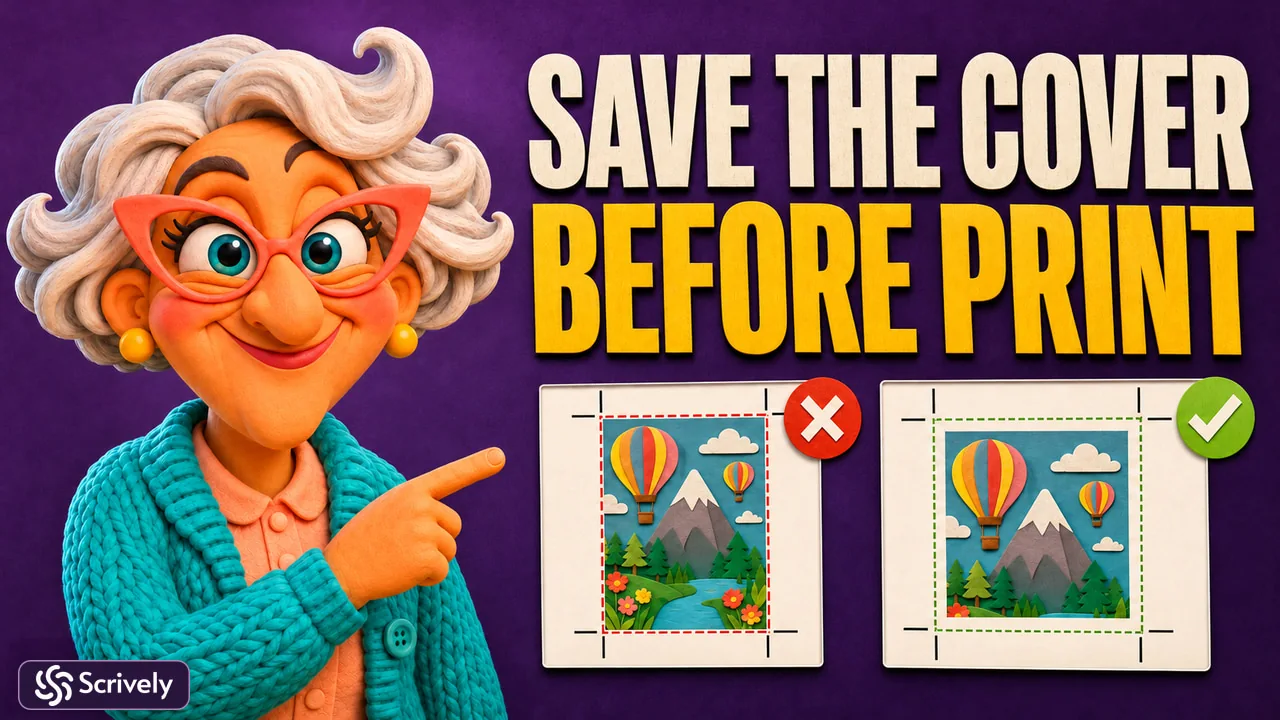
Check cover art against the print safe area
Review the whole wrap, adjust artwork if needed, and inspect a fresh proof.
 0:34
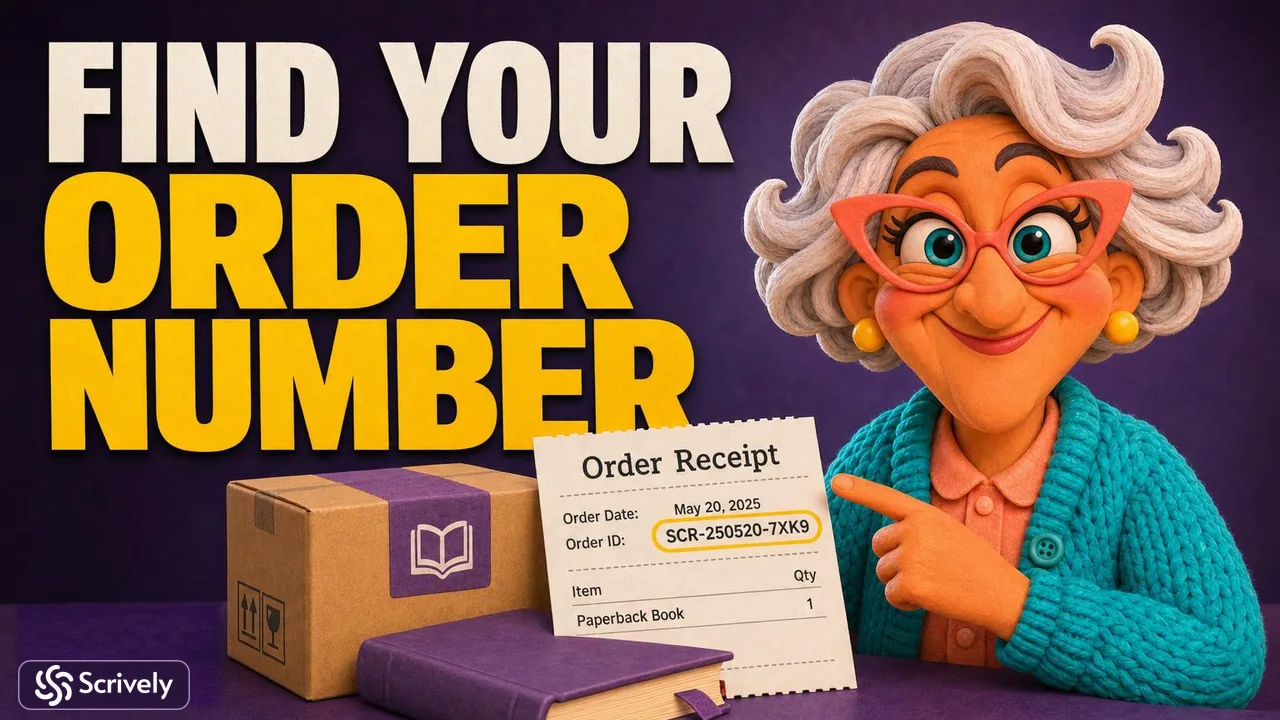
Find and copy a print order's ID
Identify the exact order so support can help with the right purchase.
 0:34
Cancel an eligible printed-book order
Check the cancellation window and read the terms shown for the current order.
 0:32
Find a downloaded book or movie on your phone
Locate the saved file in Downloads or Files and open it in the right viewer.
 0:47
Check commercial rights for a specific book
Review the edition's badge and applicable policy before preparing it for sale.
 0:51
Review a single-book commercial-rights offer
Confirm the book, price, and terms before purchasing rights for an eligible edition.
 0:51
Add an ISBN barcode to the back cover
Use the ISBN for the intended edition and check the number and placement.
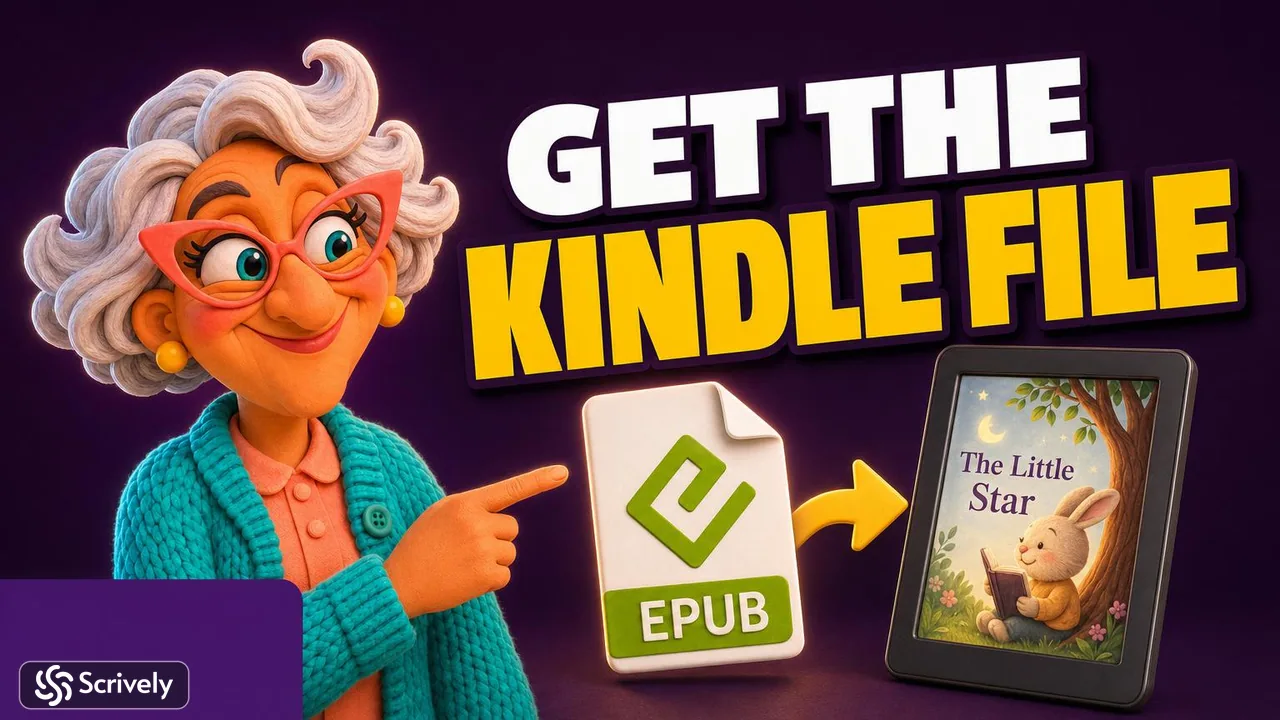 0:48
Download a Kindle EPUB from PublisherPad
Prepare the digital manuscript and confirm that the downloaded file belongs to the right story.
 0:43
Download a separate Kindle cover image
Save and inspect the front-cover JPG that goes with your EPUB manuscript.
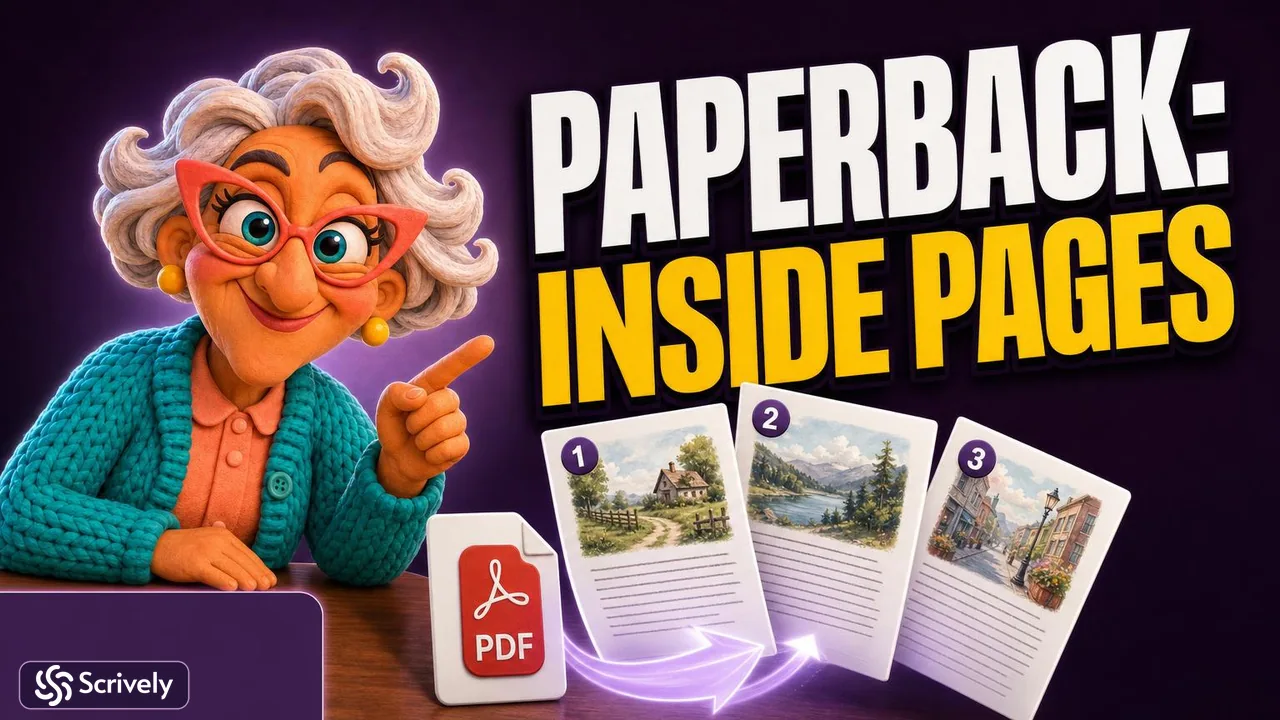 0:55
Download a paperback interior PDF
Inspect the inside pages and match their saved trim size when preparing the paperback edition.
Every great story starts with a question.
Still need a hand? Our friendly support team is here for you.