

What would you like
to create today?
Find your answer. Learn a new trick. Make a little magic.

Sharing & printing
34 tutorials found
 0:47
Download a full paperback cover PDF
Review the back, spine, and front together and pair the cover with its matching interior.
 1:09
Proofread your finished book in a reading PDF
Review the cover, personal pages, story, and ending before using final print files.
 1:12
Download an eligible hardcover interior
Prepare a current interior, review the eligibility messages, and inspect the hardcover file.
 1:06
Find the wrap, hinges, and barcode area on a hardcover template
Use the correct template inputs and understand the parts surrounding the front and back covers.
 0:45
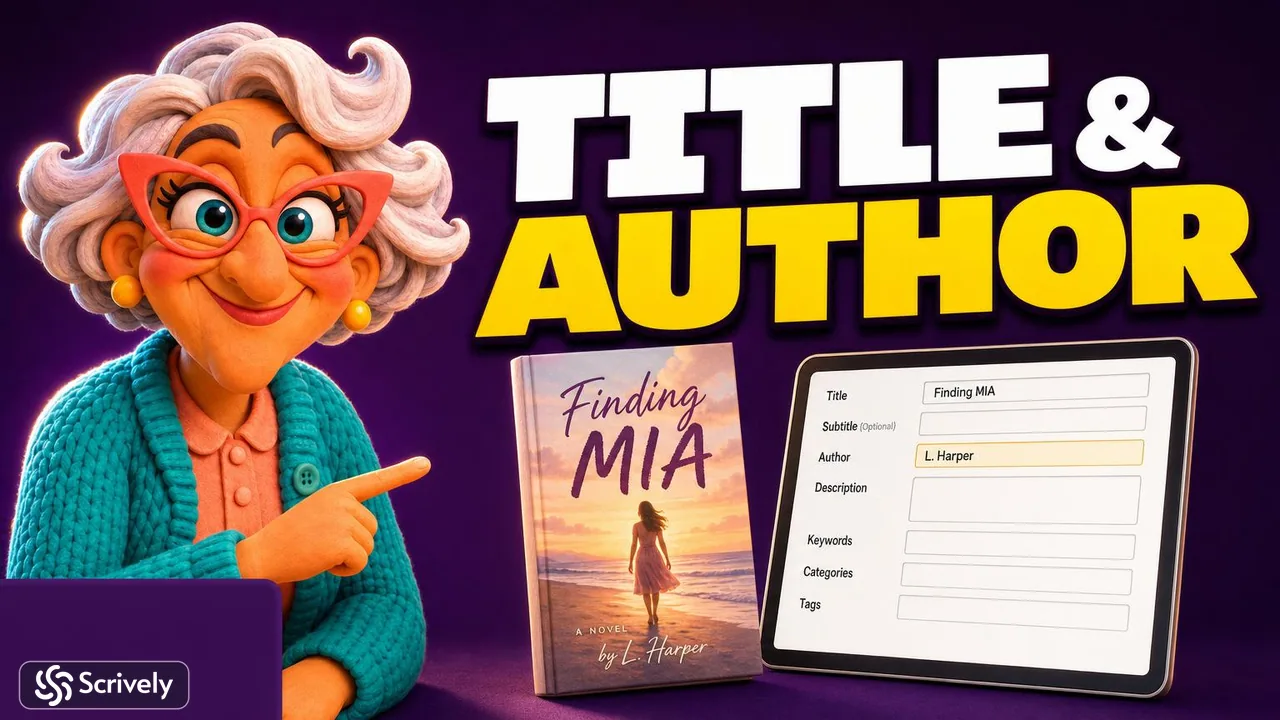
Check the listing title and save an author name
Keep the cover, listing title, and author line consistent for your publishing draft.
 1:07
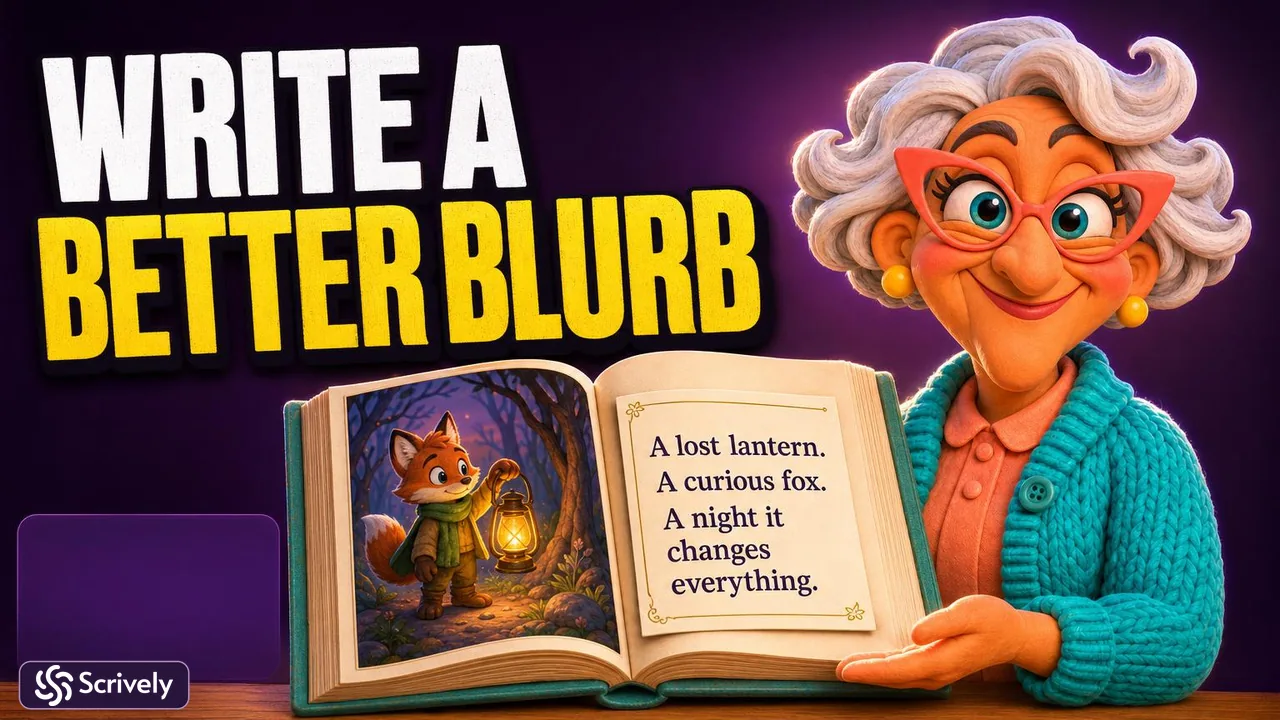
Turn a suggested summary into a book description
Use the accurate story details as a starting point for a specific, inviting listing description.
 0:51
Review listing language, keywords, and categories
Choose accurate details that describe this particular story and its audience.
 0:54
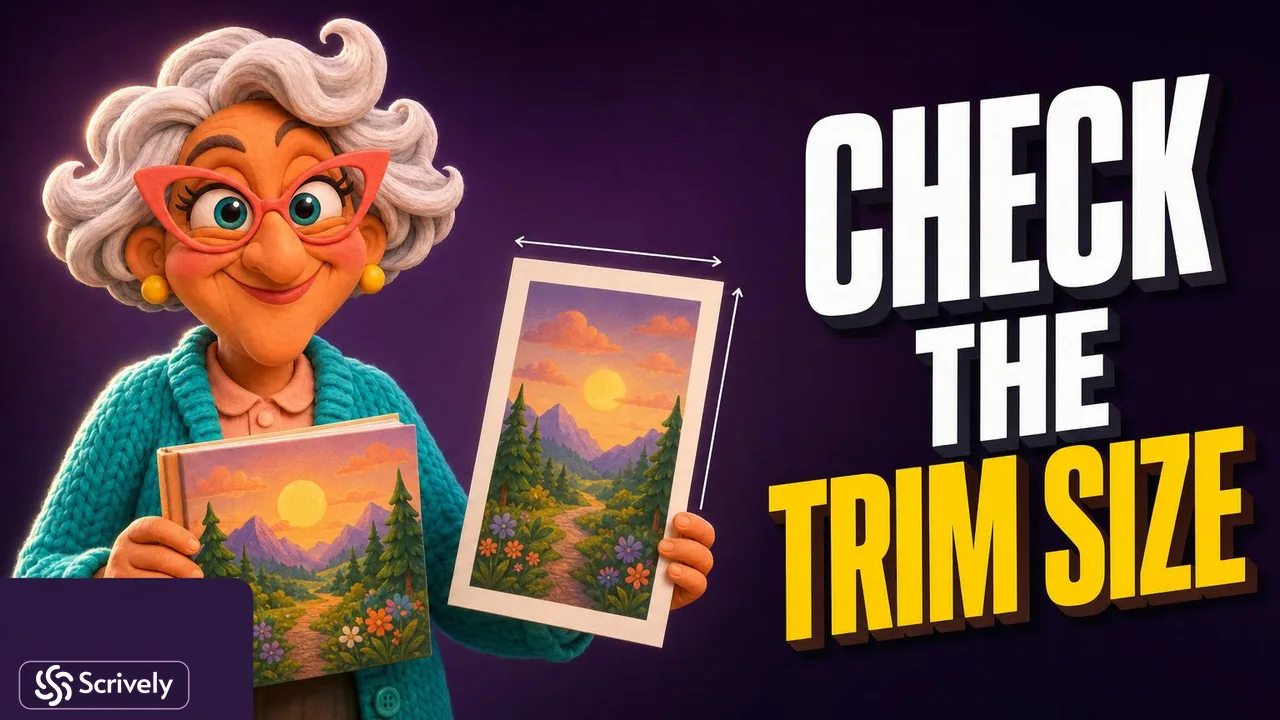
Check your trim size before a publishing export
Use the book's saved dimensions and check eligibility for the edition you plan to publish.
 0:59
Copy your book details into a publishing draft
Move each listing field carefully and verify the pasted information before saving the draft.
 0:42
Use your PublisherPad publishing checklist
Track the tasks you have completed so you can return to the project with confidence.
Every great story starts with a question.
Still need a hand? Our friendly support team is here for you.