

What would you like
to create today?
Find your answer. Learn a new trick. Make a little magic.
A guide for every part of your story.
Short videos. Clear steps.
Learn whichever way you like.
Getting started
A little guidance for your first story.
3 tutorialsCreating a book
Turn photos, ideas, and drawings into books.
37 tutorialsCharacters & artwork
Create a cast that feels just right.
25 tutorialsEditing & page design
Fine-tune the words, pictures, and layout.
27 tutorialsAudio & StoryMovie
Bring stories to life with sound and motion.
27 tutorialsSharing & printing
Download, share, and hold your story.
34 tutorialsYour account & library
Find your books and manage your account.
21 tutorialsA little extra help
Get unstuck and keep your story moving.
20 tutorialsYour next little breakthrough
194 helpful tutorials, all in one place
 0:59
Balance music volume with narration
Keep the story easy to hear while adding a little atmosphere underneath.
 1:07
Browse and preview sound effects
Find a small sound that fits the scene before placing it in your story.
 1:12
Time a sound effect to a story word
Make an effect arrive at a meaningful moment in the narration.
 1:04
Adjust the sound-effects volume
Keep effects noticeable without overpowering the words.
 1:09
Mix narration, music, and sound effects
Review all the audio layers together before sharing your interactive book.
 0:57
Add a tappable button to a story page
Place an invitation in the illustration and give the button a useful action.
 0:52
Link a storybook button to a website
Send readers to the right website with a clear label and a tested link.
 1:03
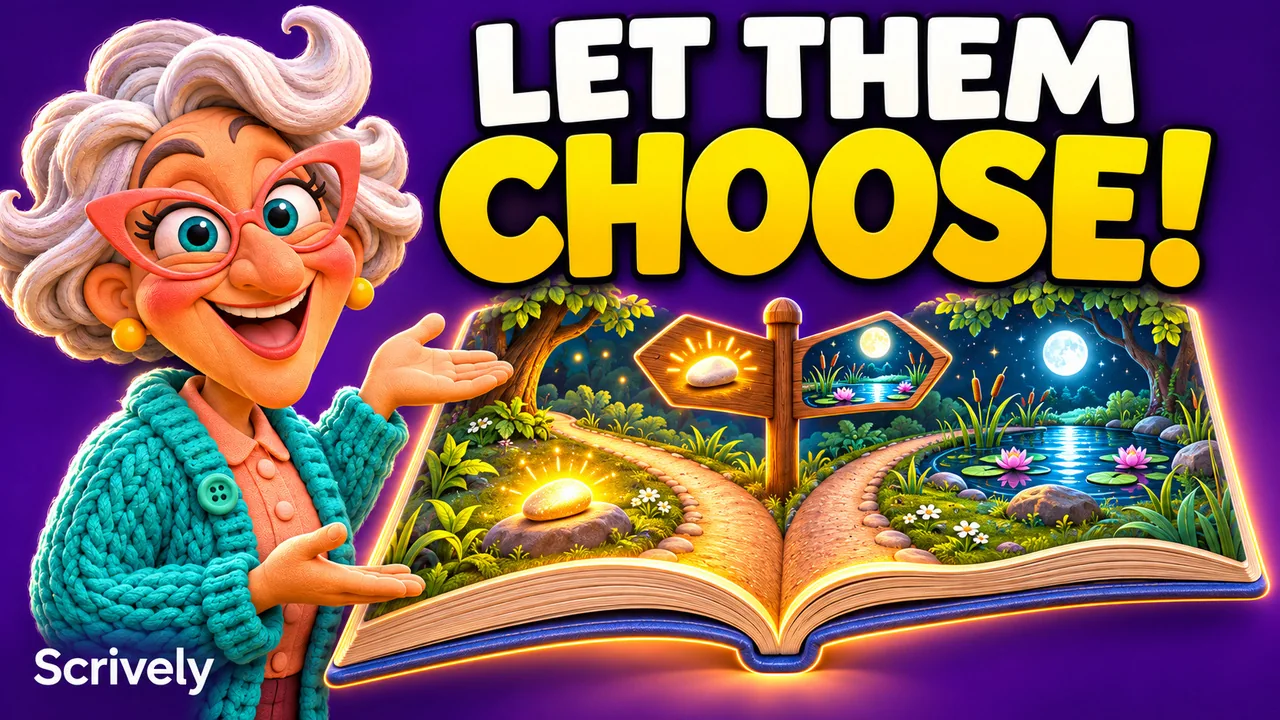
Create two choices in a branching story
Let readers choose a route and check that each choice lands on the right page.
 0:59
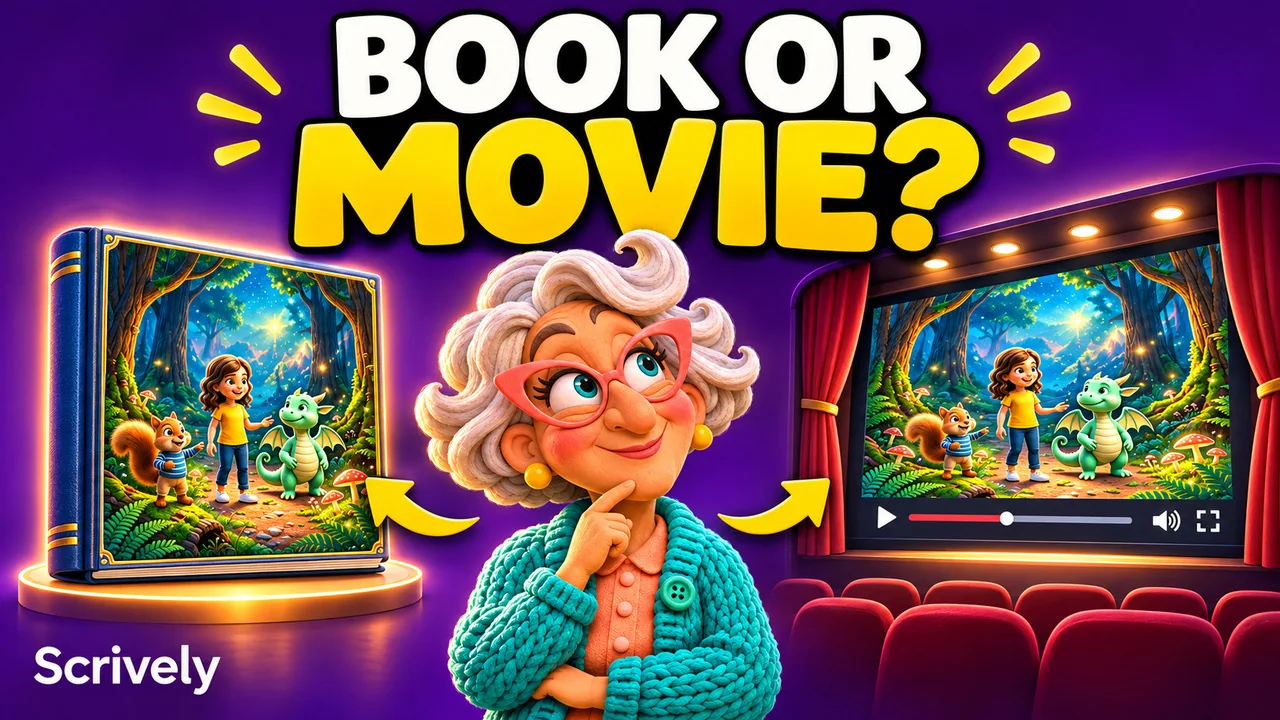
Choose between Studio and StoryMovie
Decide whether your story should be an interactive reading experience or a video.
 0:50
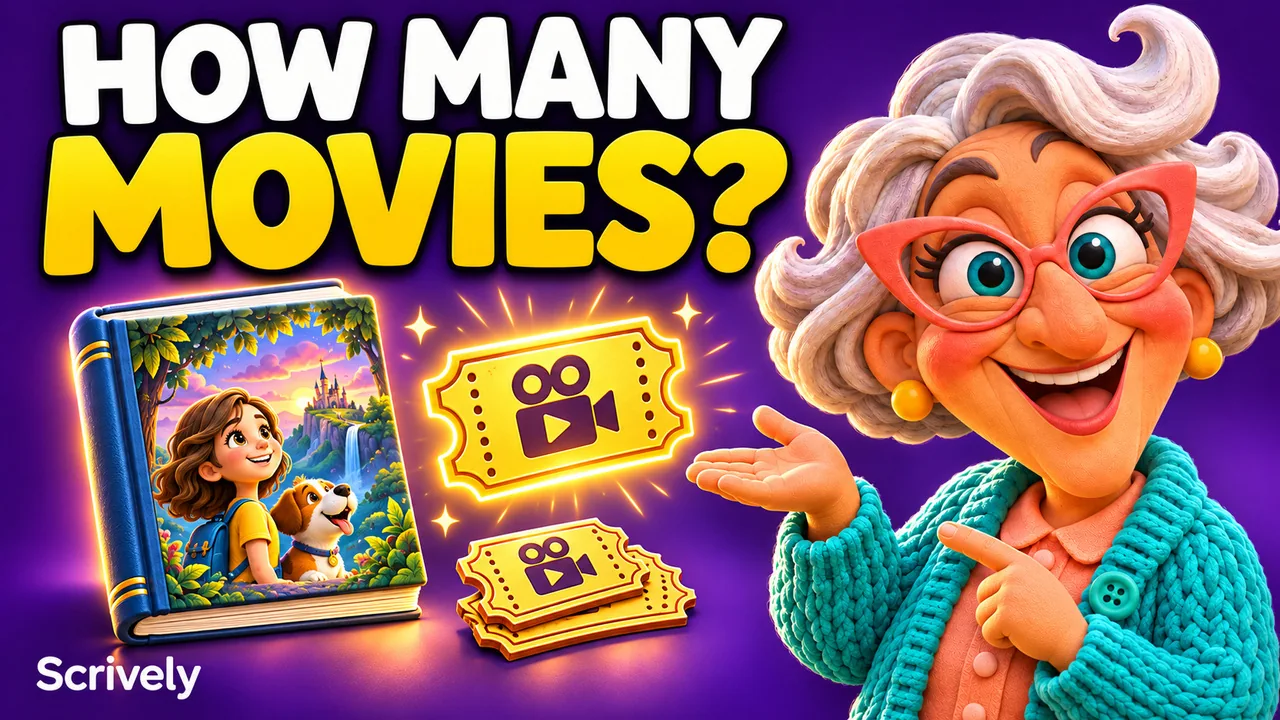
Check StoryMovie credits and packs
See your movie balance and review what a new generation will use.
 1:01
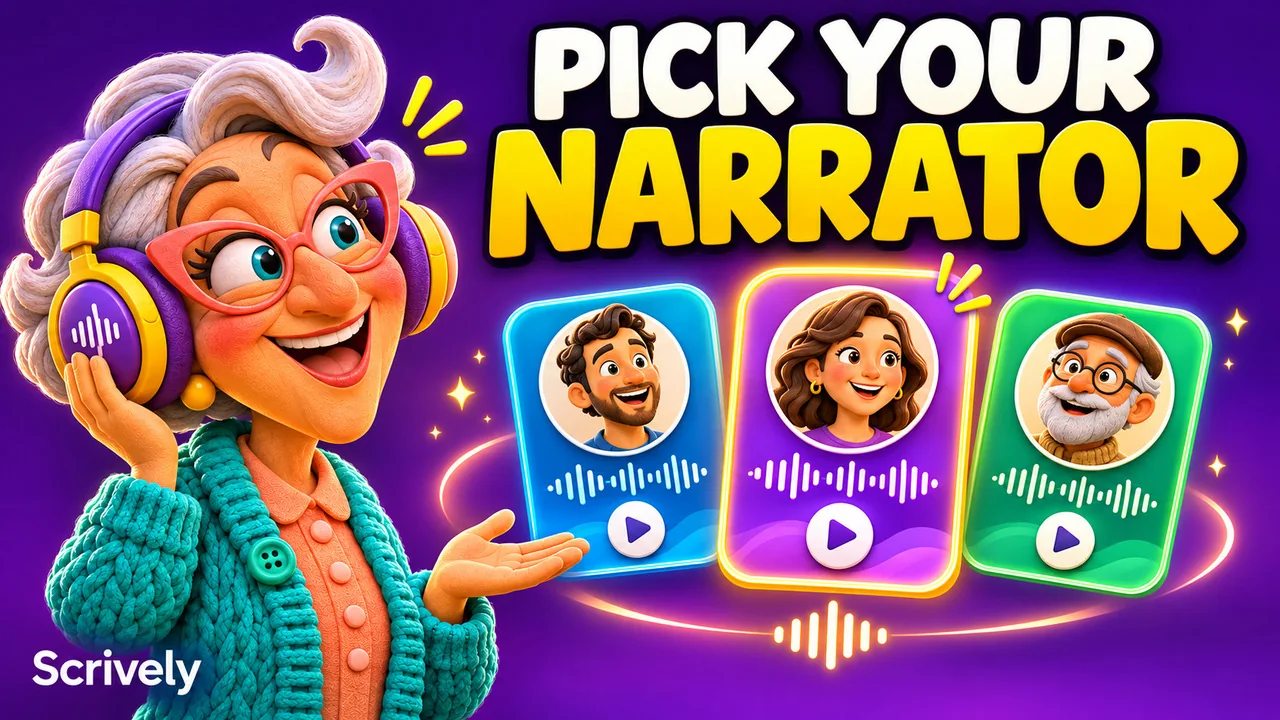
Choose a narrator for your StoryMovie
Sample voices and confirm your selection before making the video.
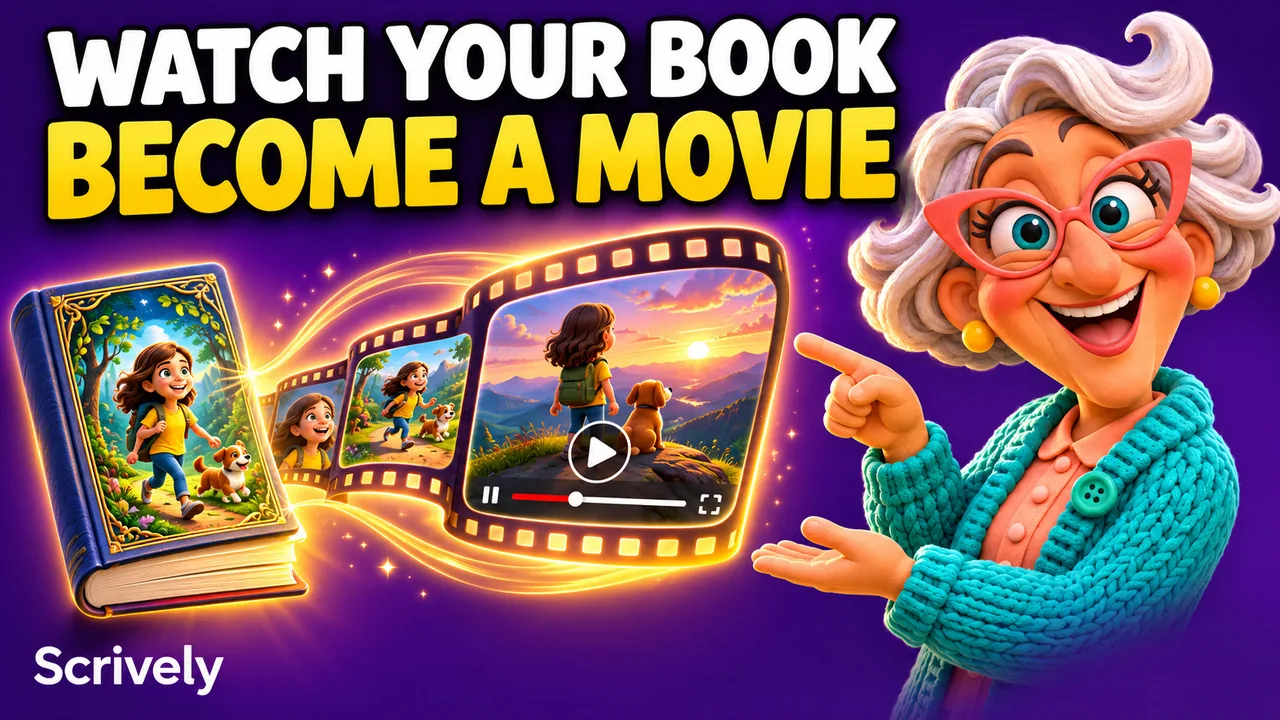 1:13
Turn your storybook into a StoryMovie
Generate a narrated movie and follow its progress until the finished player appears.
Every great story starts with a question.
Still need a hand? Our friendly support team is here for you.