

What would you like
to create today?
Find your answer. Learn a new trick. Make a little magic.
A guide for every part of your story.
Short videos. Clear steps.
Learn whichever way you like.
Getting started
A little guidance for your first story.
3 tutorialsCreating a book
Turn photos, ideas, and drawings into books.
37 tutorialsCharacters & artwork
Create a cast that feels just right.
25 tutorialsEditing & page design
Fine-tune the words, pictures, and layout.
27 tutorialsAudio & StoryMovie
Bring stories to life with sound and motion.
27 tutorialsSharing & printing
Download, share, and hold your story.
34 tutorialsYour account & library
Find your books and manage your account.
21 tutorialsA little extra help
Get unstuck and keep your story moving.
20 tutorialsYour next little breakthrough
194 helpful tutorials, all in one place
 1:23
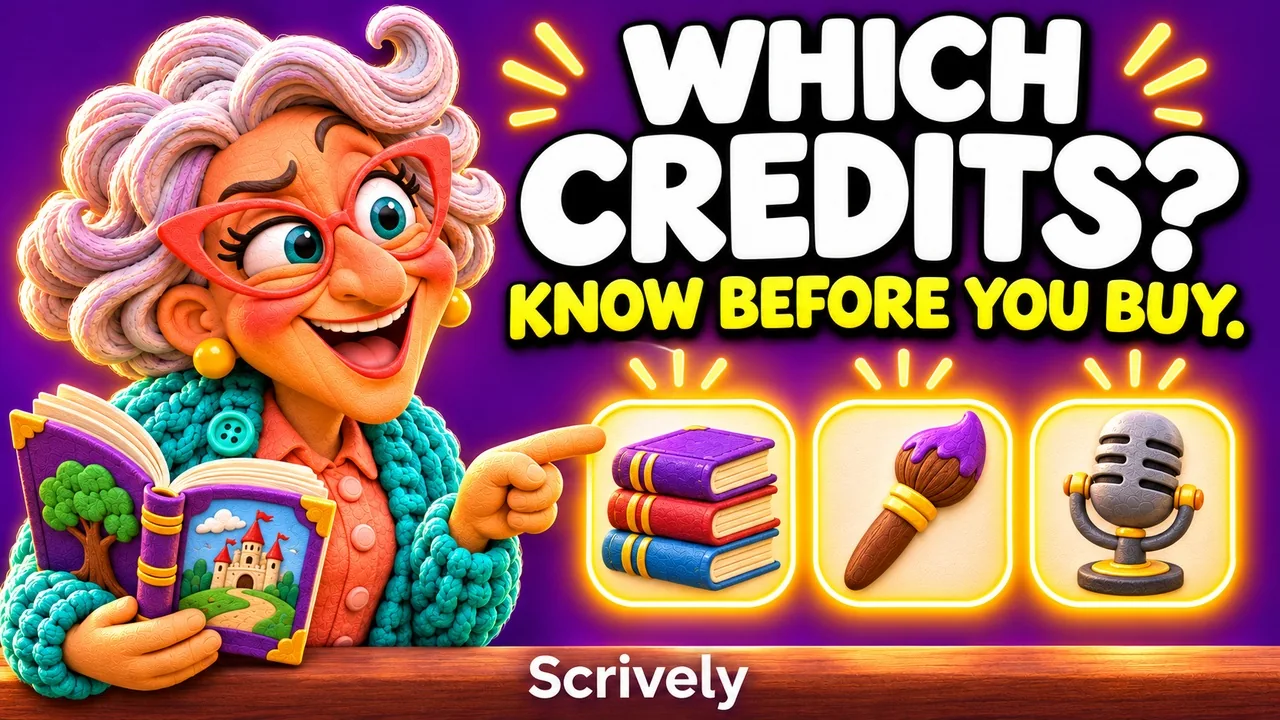
Find the right book-credit pack
Review book-credit options and understand how they differ from other creative tools.
 1:23
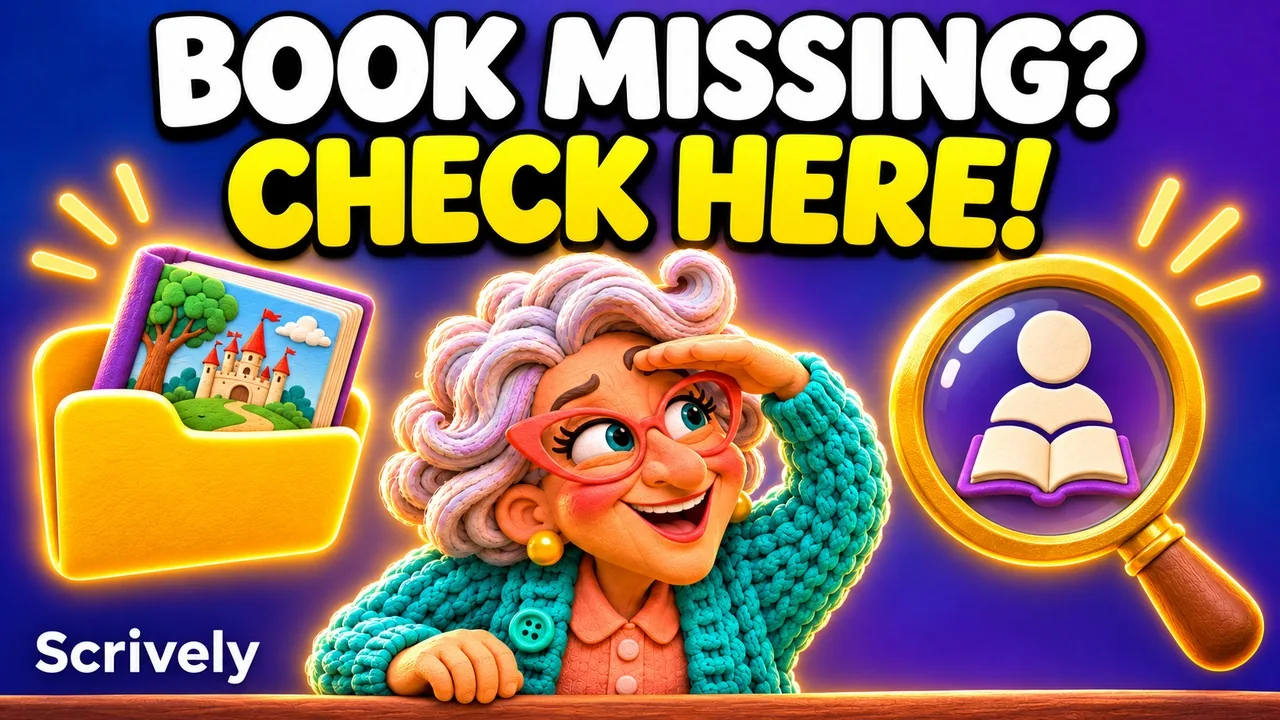
Find a missing book or saved character
Check the account, library area, folders, and filters before recreating something you already made.
 1:23
Find your way around Scrively Studio
Discover the tools for narration, music, sound effects, and interactive reading.
 1:22
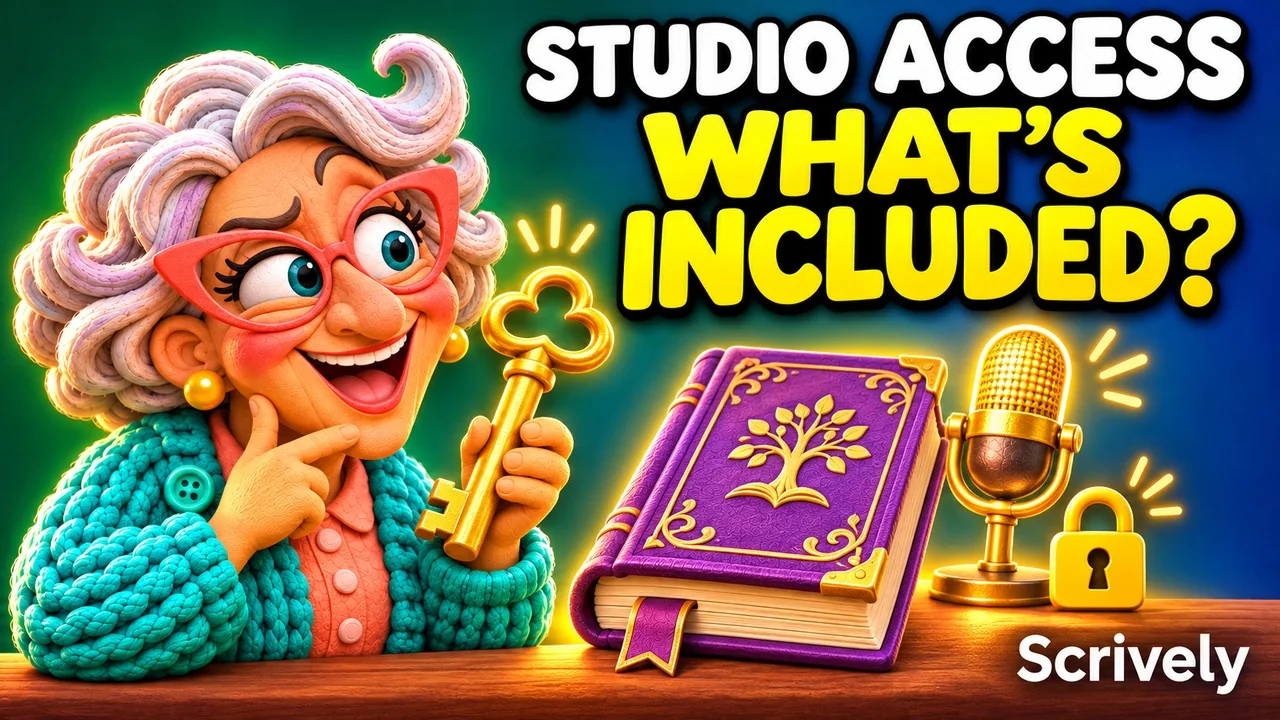
Check your Studio access and credits
Find the allowance for audio and interactive books before starting in Studio.
 1:13
Choose and preview an AI narrator
Listen to voice samples and choose a narrator that fits the mood of your story.
 1:05
Add AI narration to one page
Try your chosen narrator on a single page before recording the whole story.
 1:11
Narrate your entire book with an AI voice
Assign a narrator across the story, save the audio, and check it from beginning to end.
 1:15
Set up your microphone for narration
Make a short practice recording before reading a whole page.
 1:25
Record your own voice for a story
Read a small passage, review the take, and attach it to the matching sentences.
 1:02
Save narration and hear it in your book
Turn narration assignments into saved audio and check what your reader will hear.
 1:11
Browse and preview background music
Find a track that supports your story's mood before adding it to a page.
 1:14
Add background music to a page
Choose a track, set its start and stop points, and listen to it beneath the narration.
Every great story starts with a question.
Still need a hand? Our friendly support team is here for you.