

What would you like
to create today?
Find your answer. Learn a new trick. Make a little magic.
A guide for every part of your story.
Getting started
A little guidance for your first story.
3 tutorialsCreating a book
Turn photos, ideas, and drawings into books.
37 tutorialsCharacters & artwork
Create a cast that feels just right.
25 tutorialsEditing & page design
Fine-tune the words, pictures, and layout.
27 tutorialsAudio & StoryMovie
Bring stories to life with sound and motion.
27 tutorialsSharing & printing
Download, share, and hold your story.
34 tutorialsYour account & library
Find your books and manage your account.
21 tutorialsA little extra help
Get unstuck and keep your story moving.
20 tutorialsYour next little breakthrough
194 helpful tutorials, all in one place
 0:40
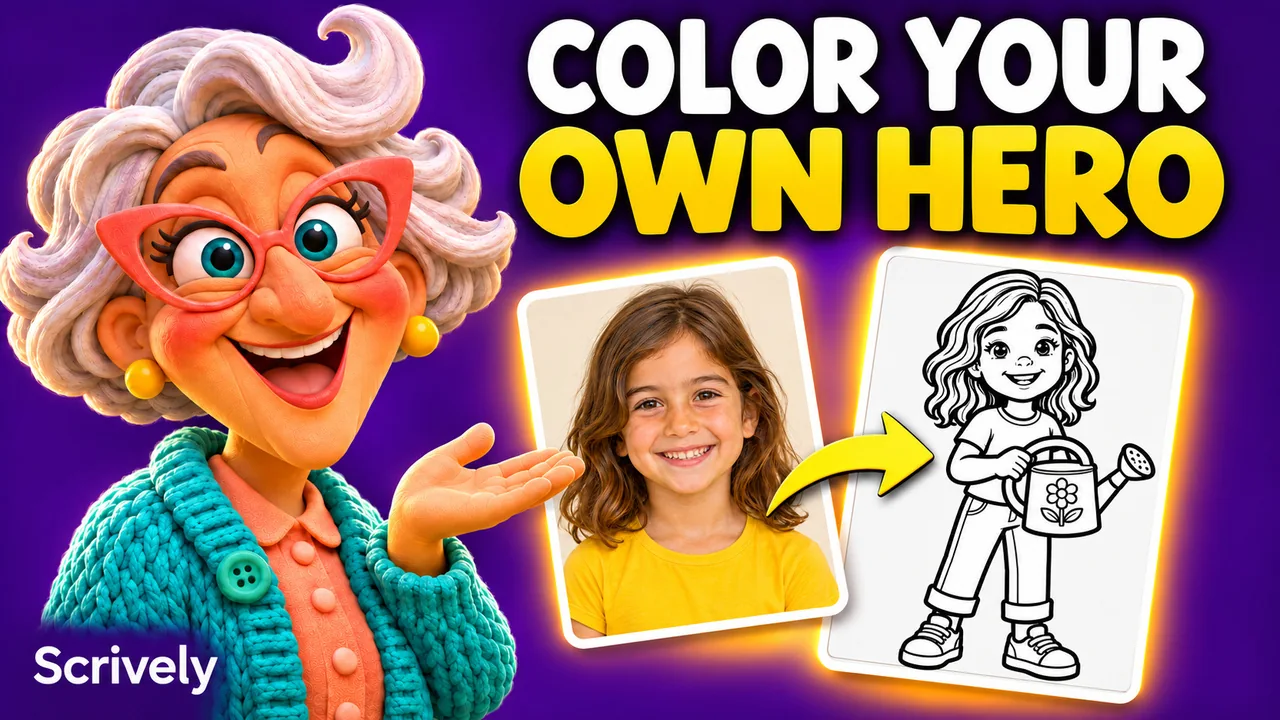
Put your child in a coloring book
Use a photo character and check their likeness in the finished line art.
 0:38
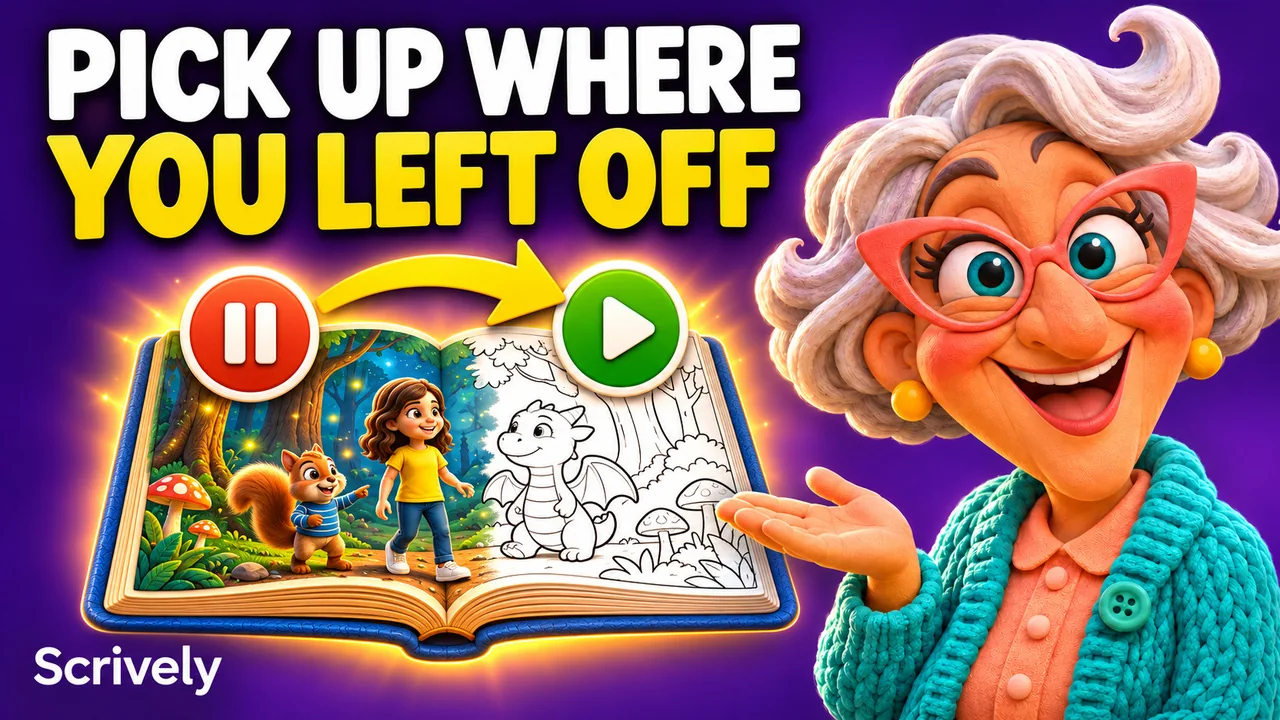
Resume a coloring-book conversion
Continue an unfinished coloring edition from the saved copy in My Library.
 0:45
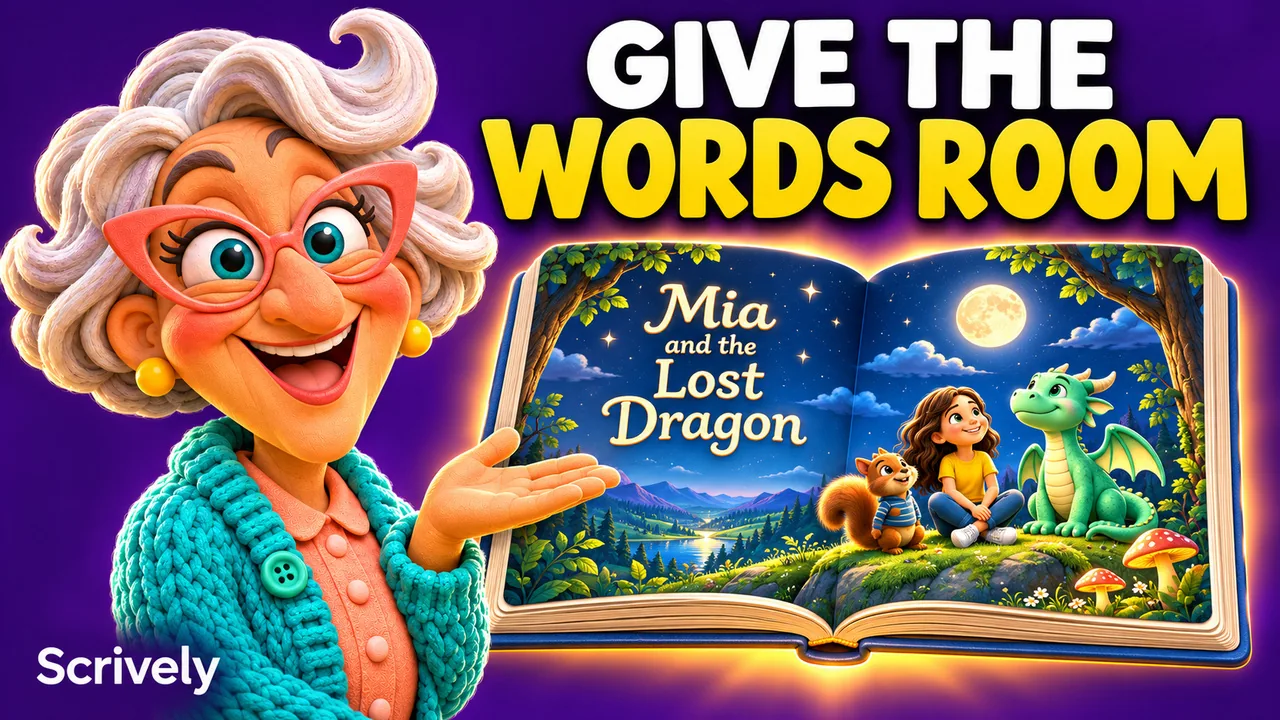
Use Smart Fit to place story text
Let Scrively look for quieter parts of the artwork, then check the finished layout.
 0:44
Choose how many sentences go on each page
Set a reading pace before generation and check the actual page turns afterward.
 0:44
Understand locked book size and layout settings
Find out why the format is chosen during setup and how to make a different edition.
 0:38
Choose the story language before creating a book
Start the written story in your chosen language and review more than just the cover.
 0:59
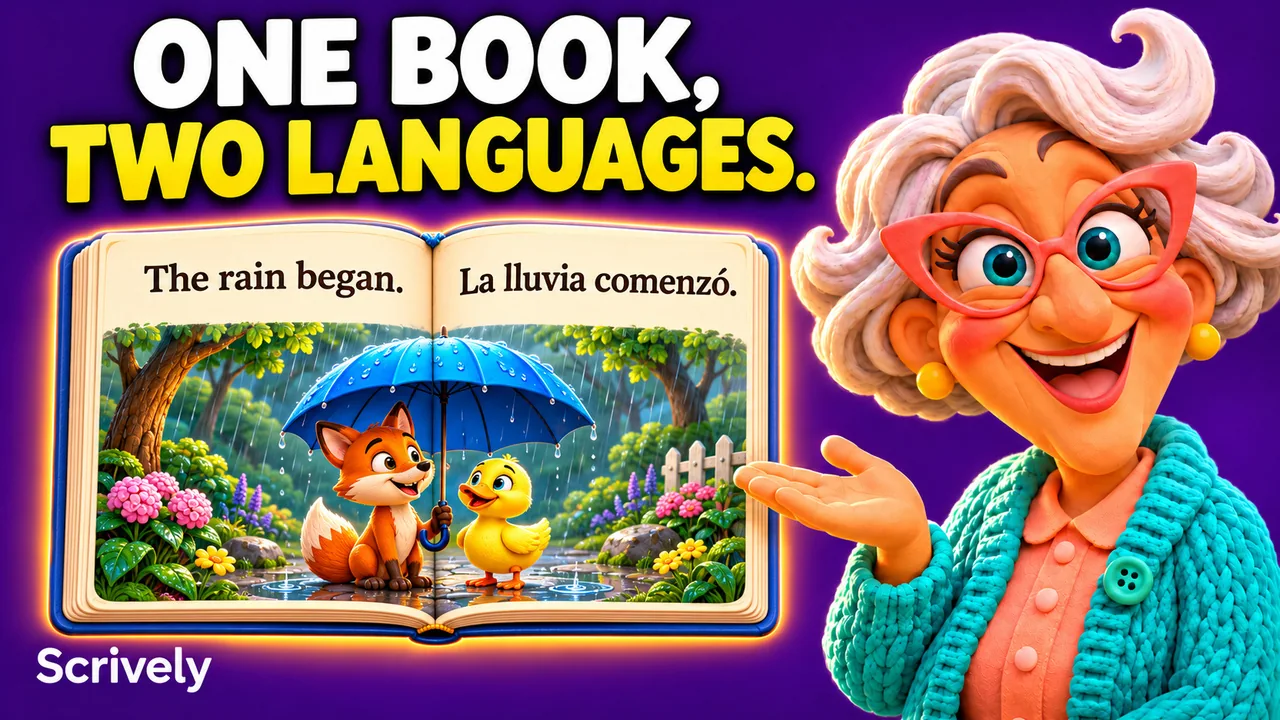
Translate an existing storybook
Translate the written story and check any lettering that is part of the artwork separately.
 1:12
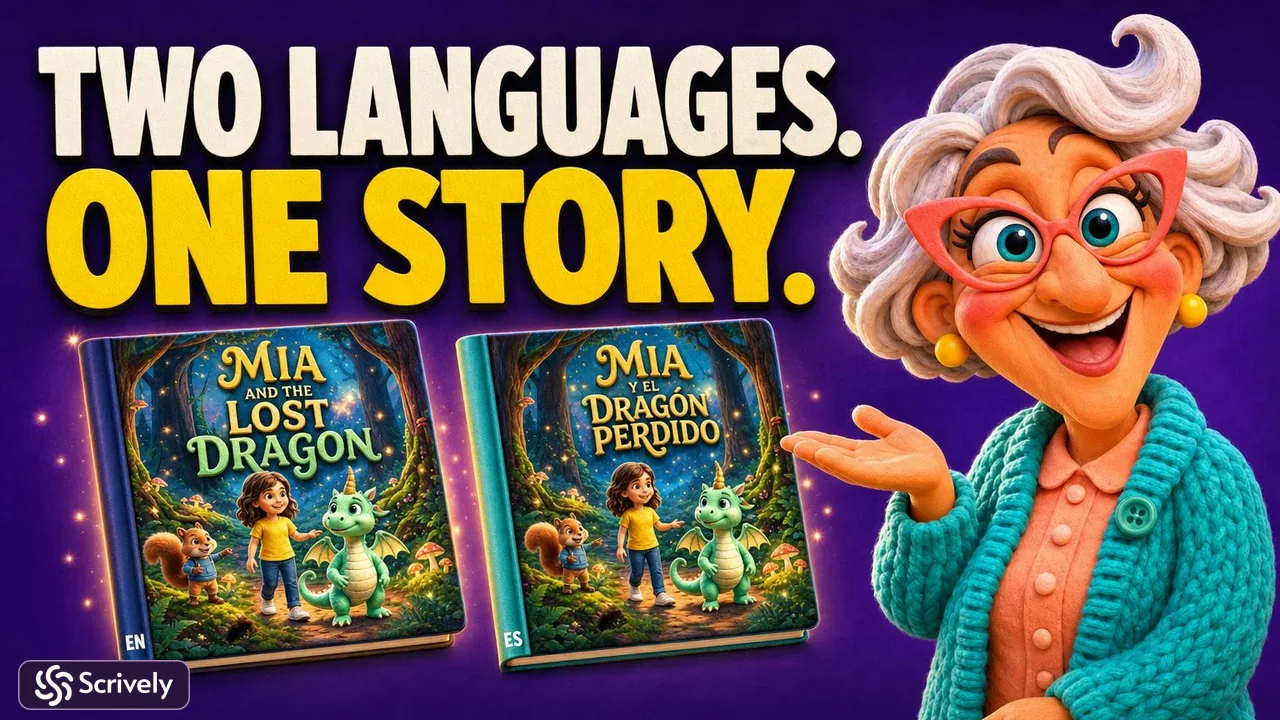
Translate a copy and keep your original book
Create two editions so you can keep one language and share another.
 0:53
Review your story before polishing the pages
Check the beginning, middle, and ending, then make a focused editing list.
 0:54
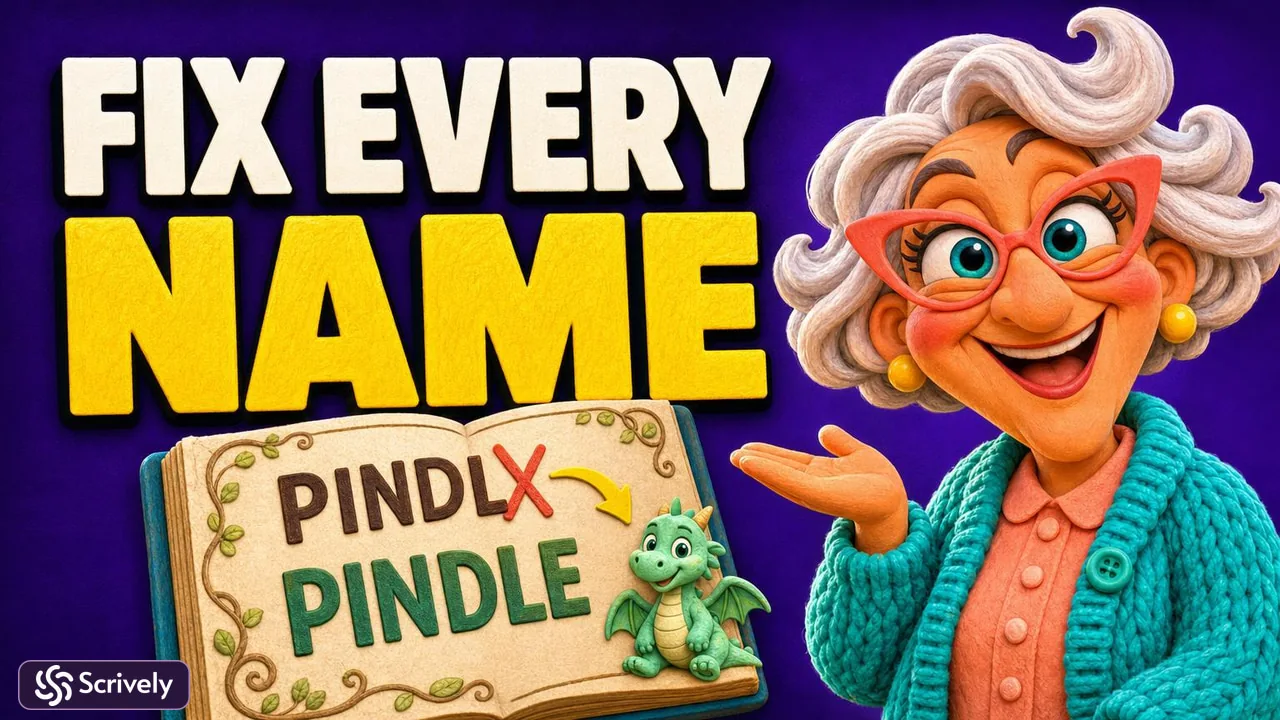
Correct a character's name throughout the story
Check every text mention and remember that cover lettering is a separate part of the book.
 0:48
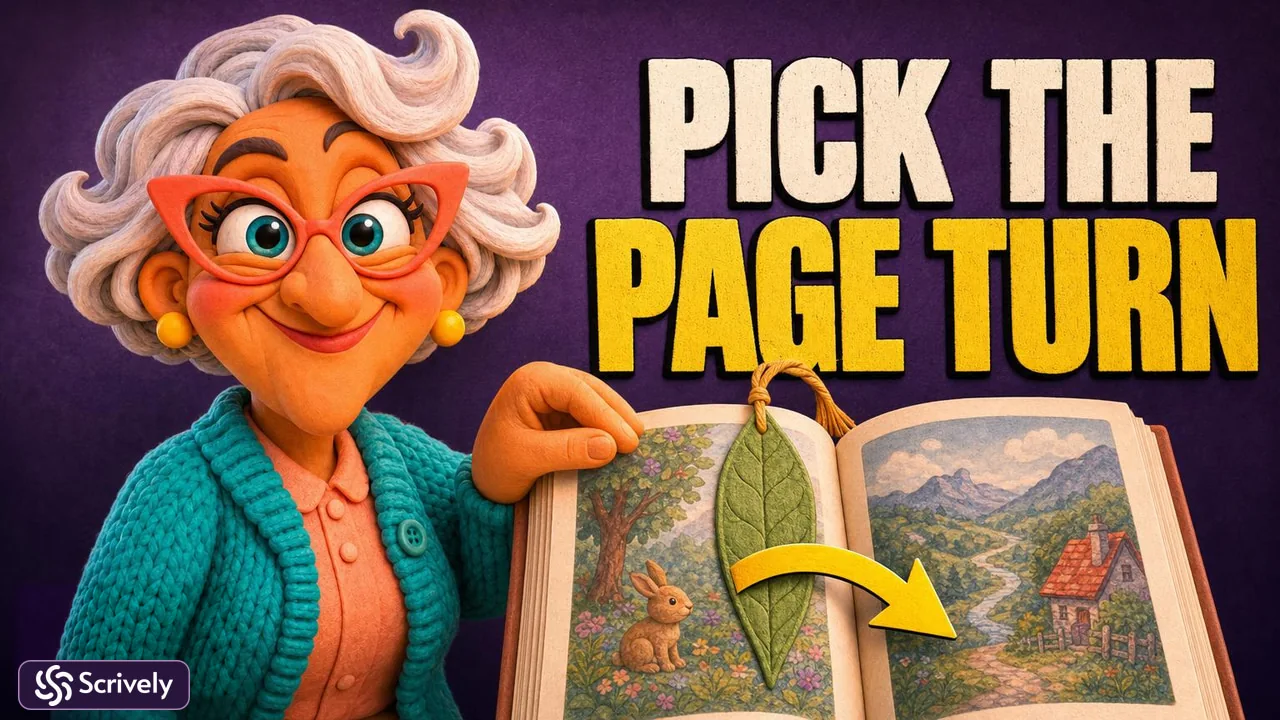
Use blank lines to set page breaks
Place a story turn where the action changes and preview the resulting pages.
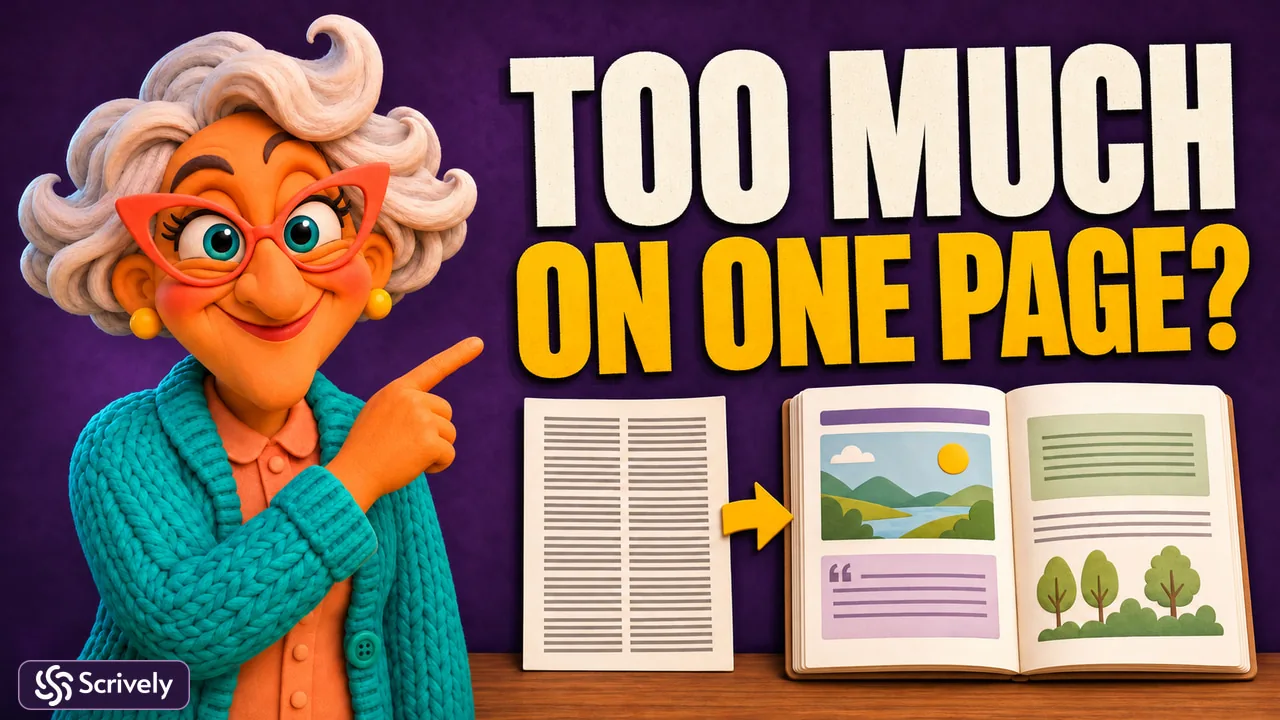 0:56
Rebuild page breaks using a sentence count
Try a new pace and check the words against the existing illustrations before applying it.
Every great story starts with a question.
Still need a hand? Our friendly support team is here for you.