

What would you like
to create today?
Find your answer. Learn a new trick. Make a little magic.
A guide for every part of your story.
Getting started
A little guidance for your first story.
3 tutorialsCreating a book
Turn photos, ideas, and drawings into books.
37 tutorialsCharacters & artwork
Create a cast that feels just right.
25 tutorialsEditing & page design
Fine-tune the words, pictures, and layout.
27 tutorialsAudio & StoryMovie
Bring stories to life with sound and motion.
27 tutorialsSharing & printing
Download, share, and hold your story.
34 tutorialsYour account & library
Find your books and manage your account.
21 tutorialsA little extra help
Get unstuck and keep your story moving.
20 tutorialsYour next little breakthrough
194 helpful tutorials, all in one place
 0:53
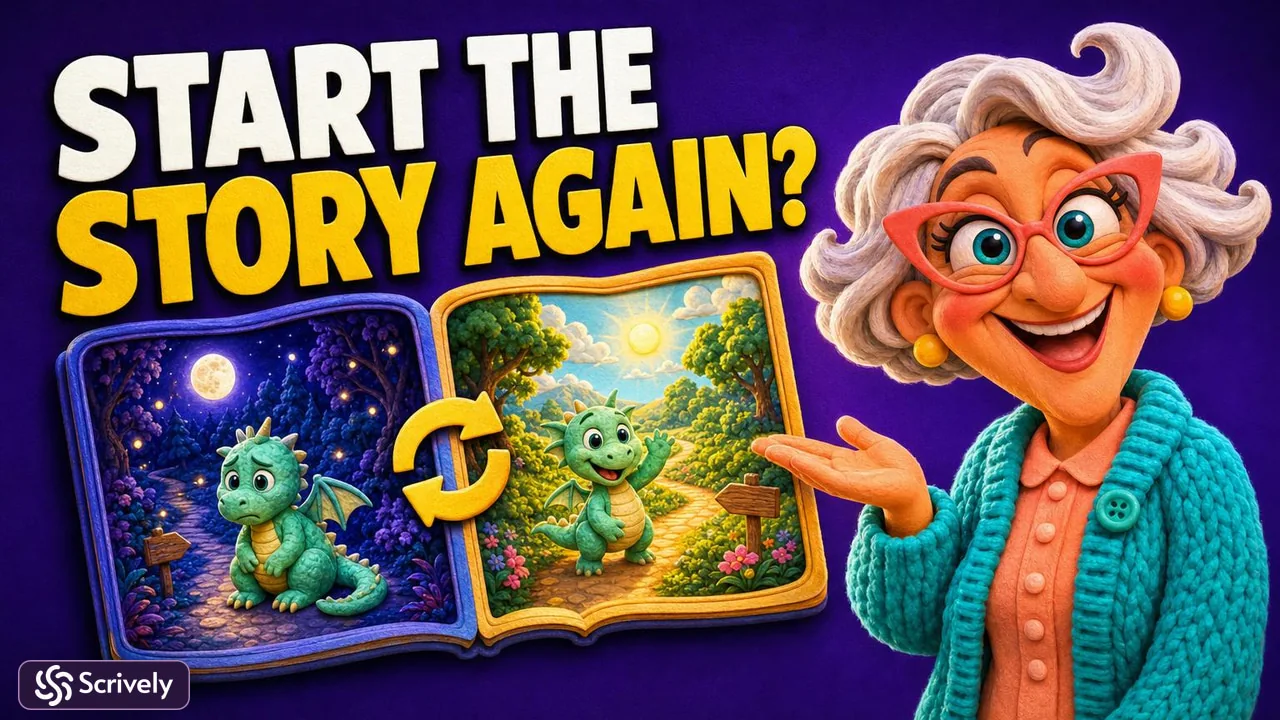
Regenerate a story with a different idea
Keep a copy of the first version and review what the reset will replace.
 0:44
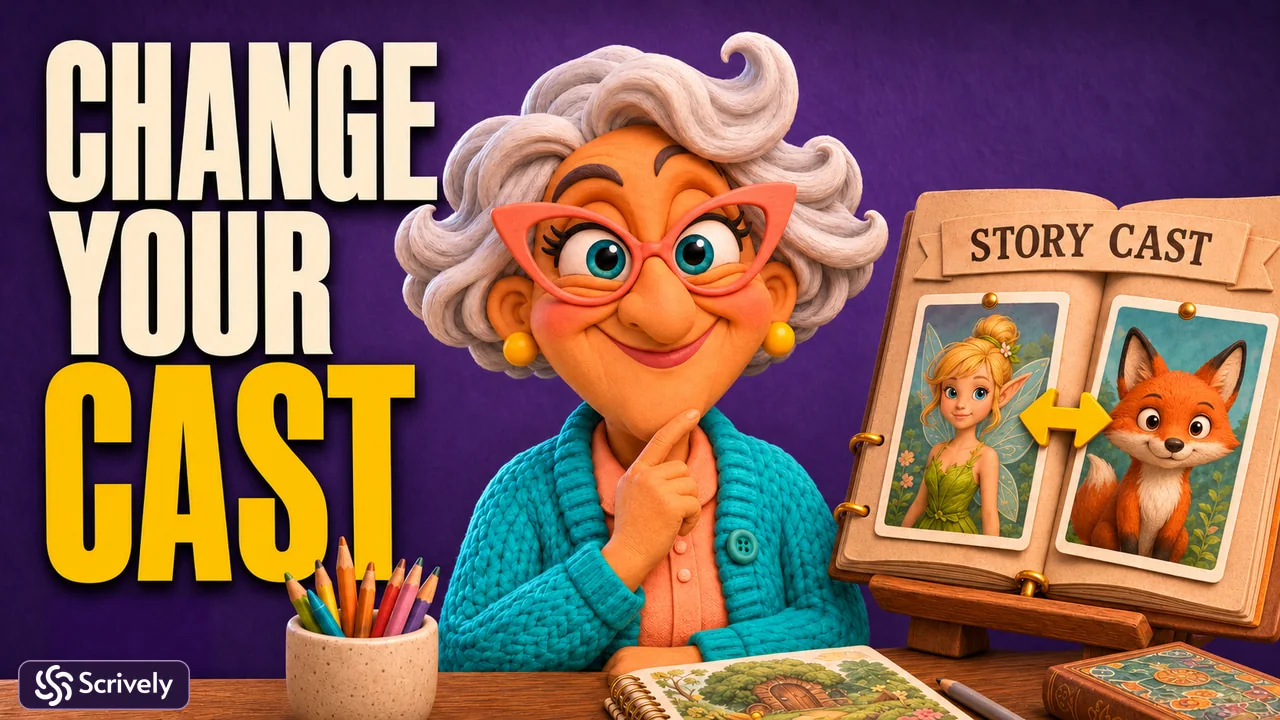
Rename a character and check the story
Update the cast name and verify the result in the text without changing the illustration.
 0:49
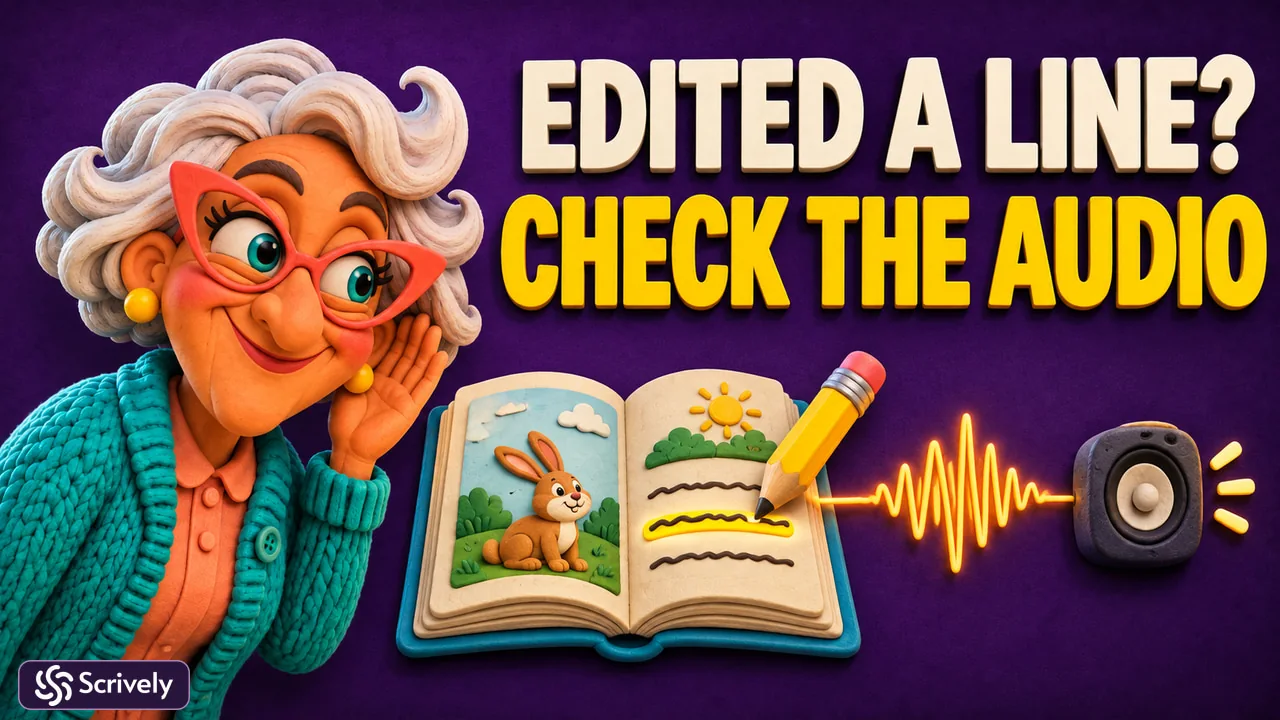
Check narration after changing story text
Compare the words on the page with the voice assignments and actual playback.
 0:39
Edit the title page's heading and introduction
Personalize the opening text and make sure the whole page still fits comfortably.
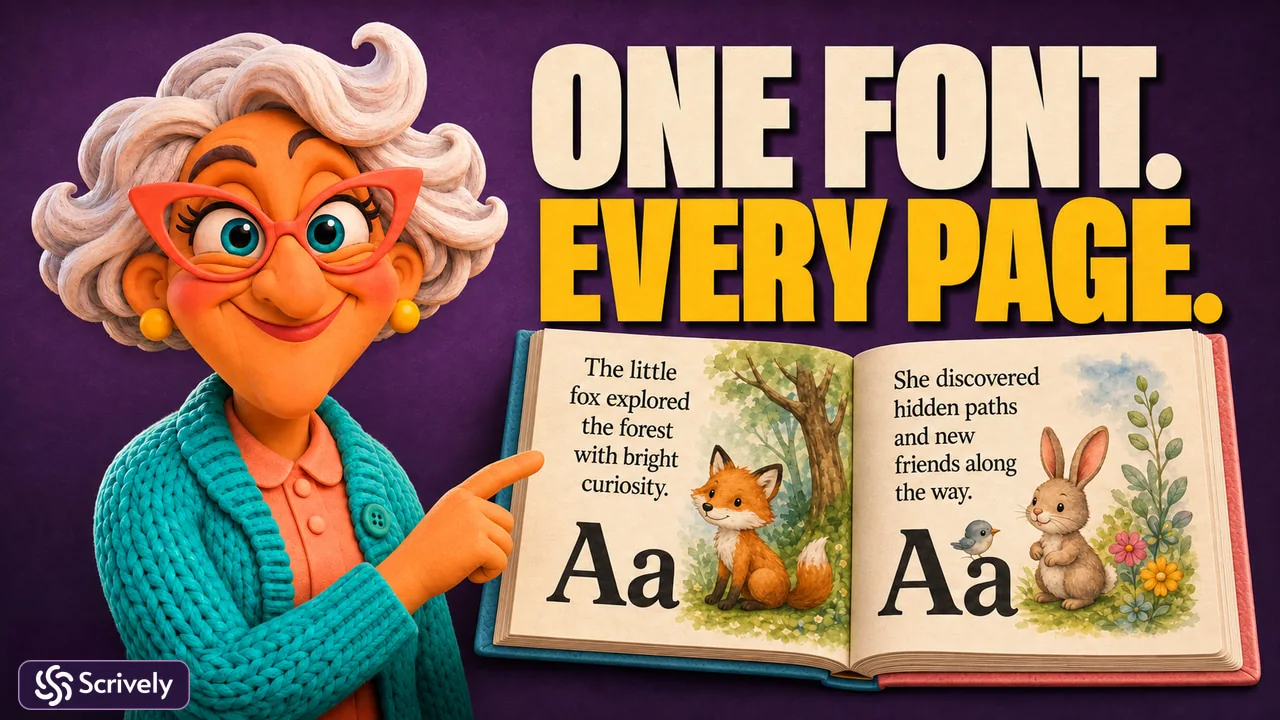 0:34
Change the story font across the book
Apply a shared font and check how it fits both short and long passages.
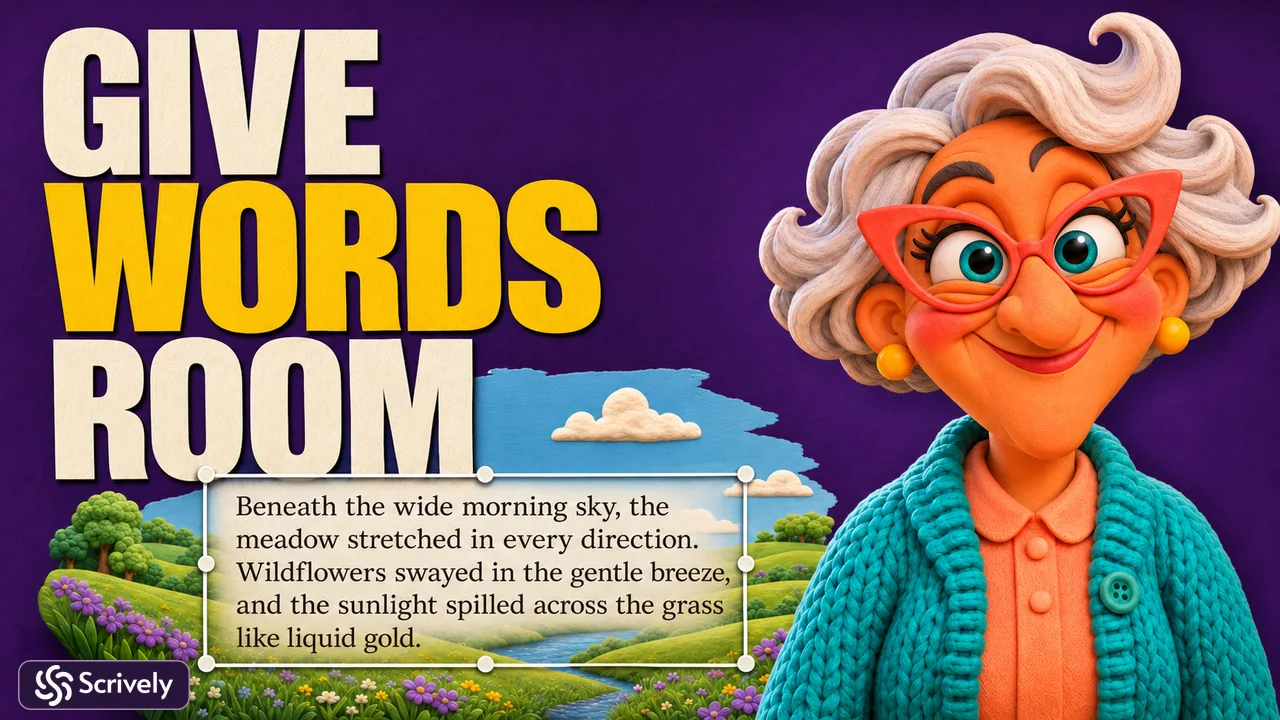 0:38
Resize a text box to improve line breaks
Give a paragraph a little more room without rewriting the story.
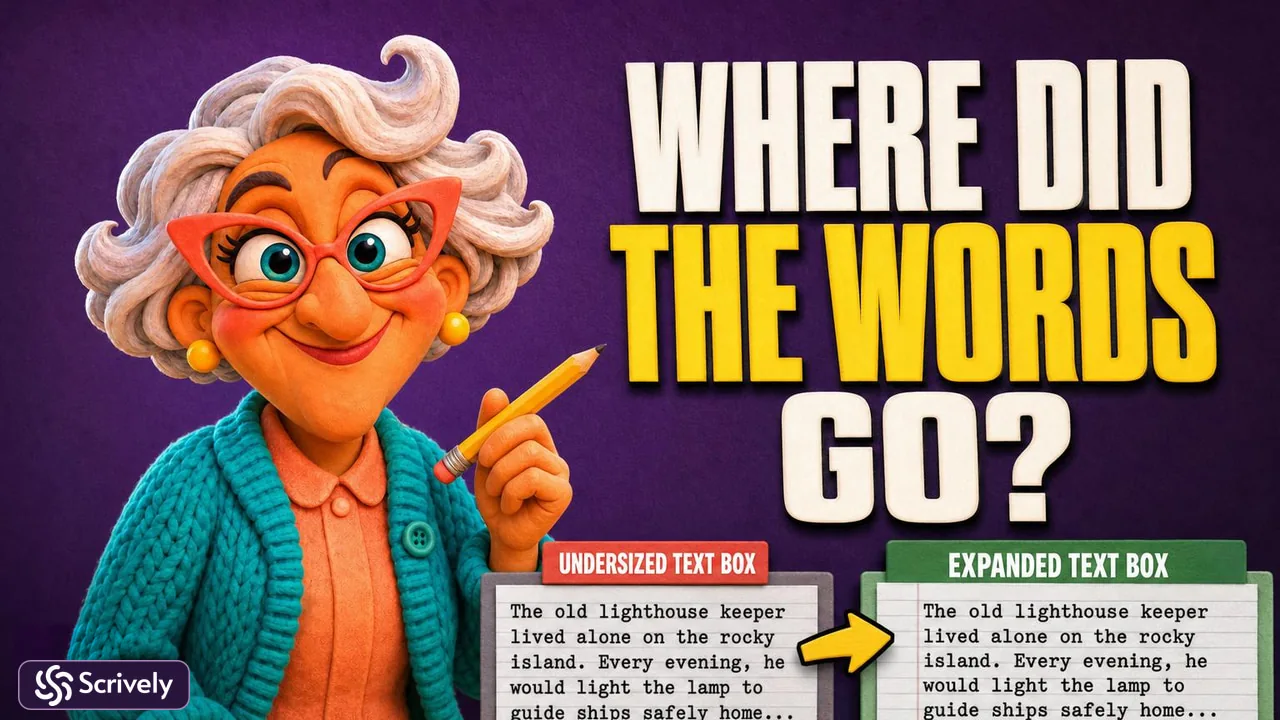 0:45
Make the last line fit on a page
Compare the complete paragraph with the reader view before settling on a text size.
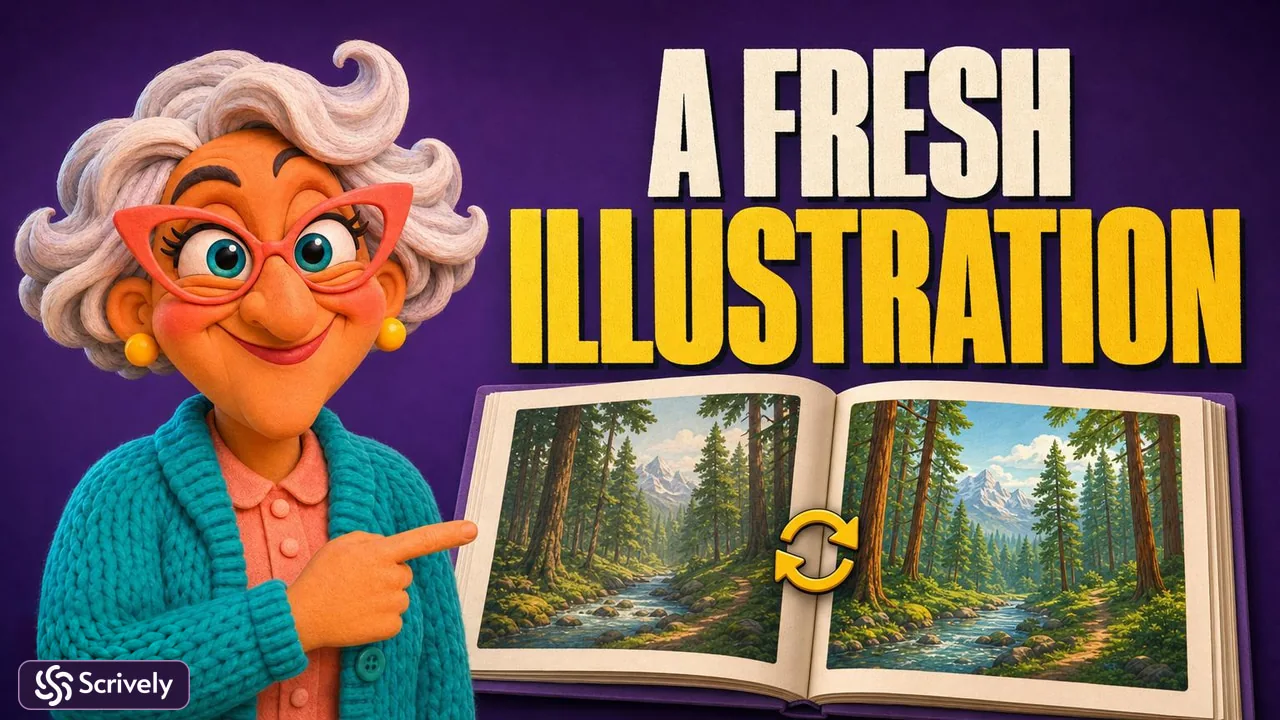 0:30
Regenerate one page illustration
Replace a whole picture and check the new scene against the text and neighboring pages.
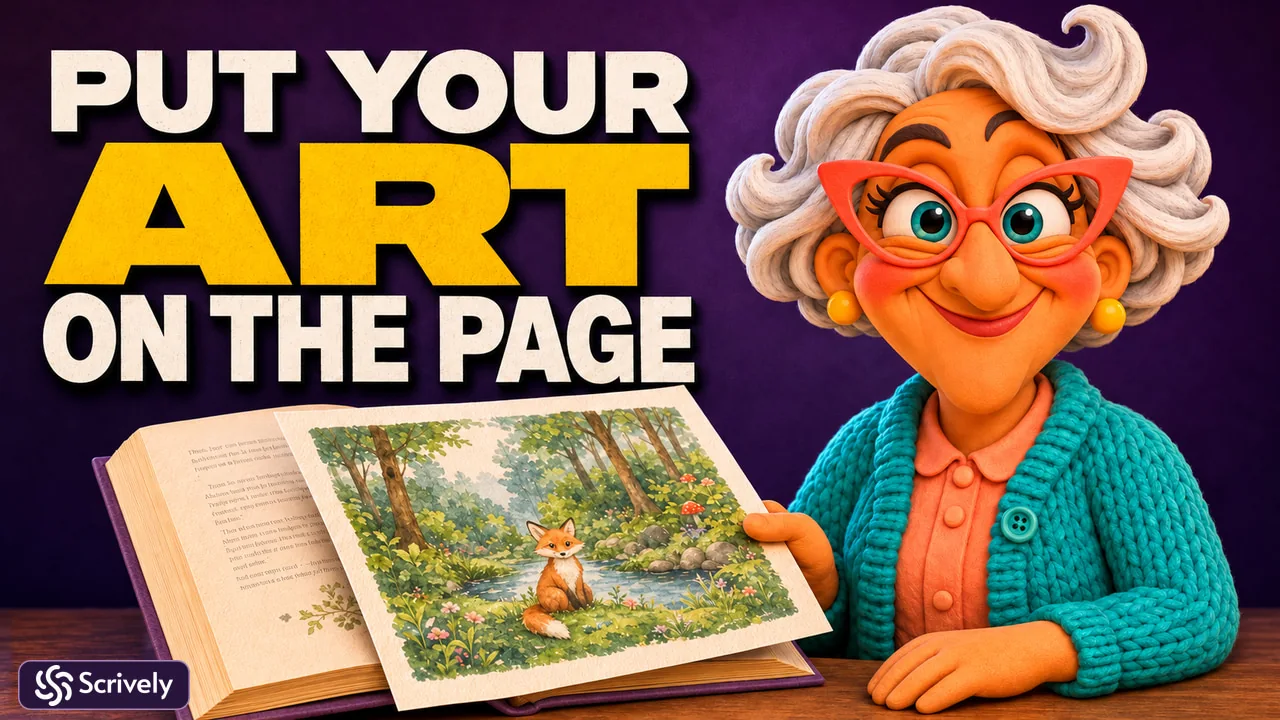 0:39
Upload your own page illustration
Place original artwork on a story page and check the crop with the words in place.
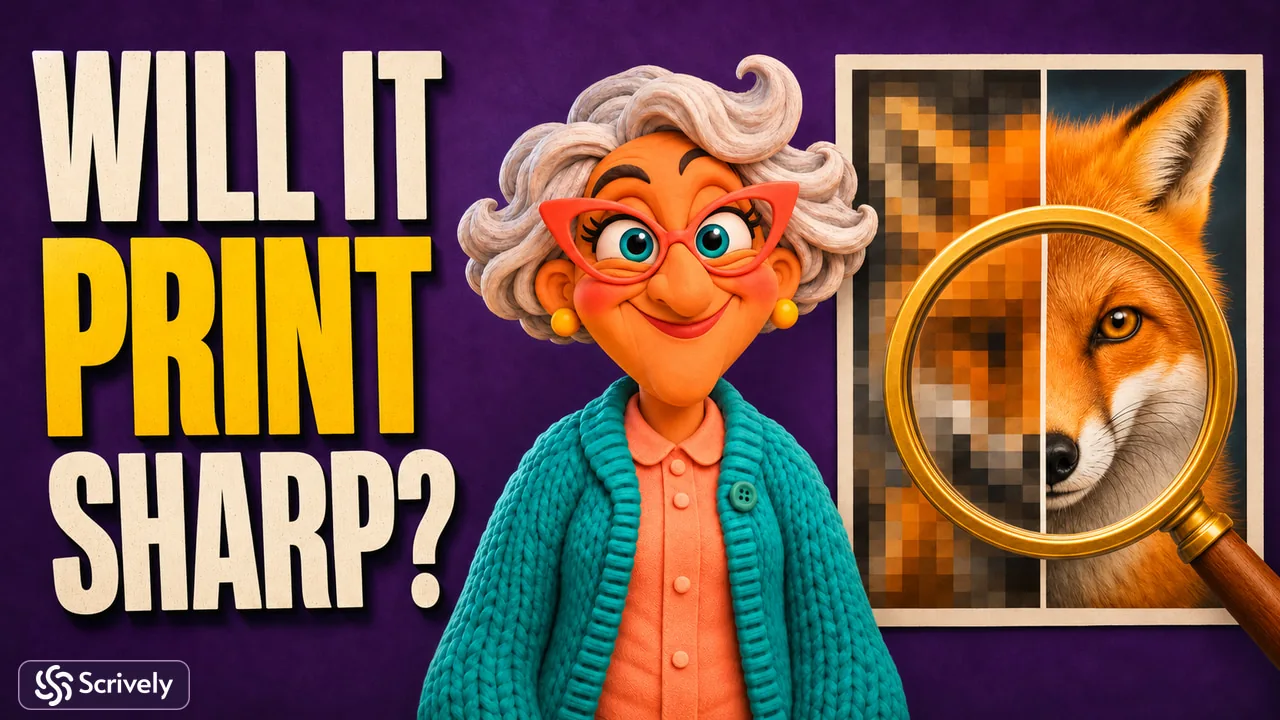 0:38
Check whether an uploaded image will print clearly
Use the larger original and inspect meaningful details before saving the artwork.
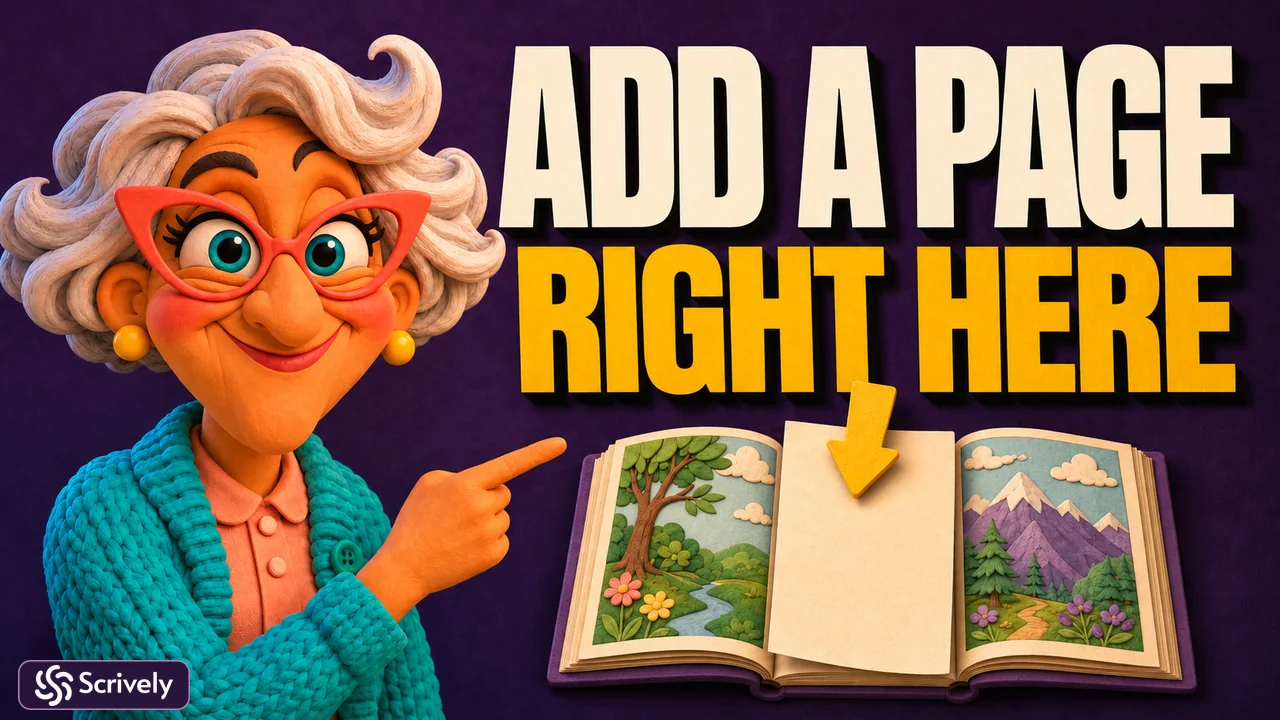 0:36
Add a page in the right place
Insert a new page and verify its position between the intended neighbors.
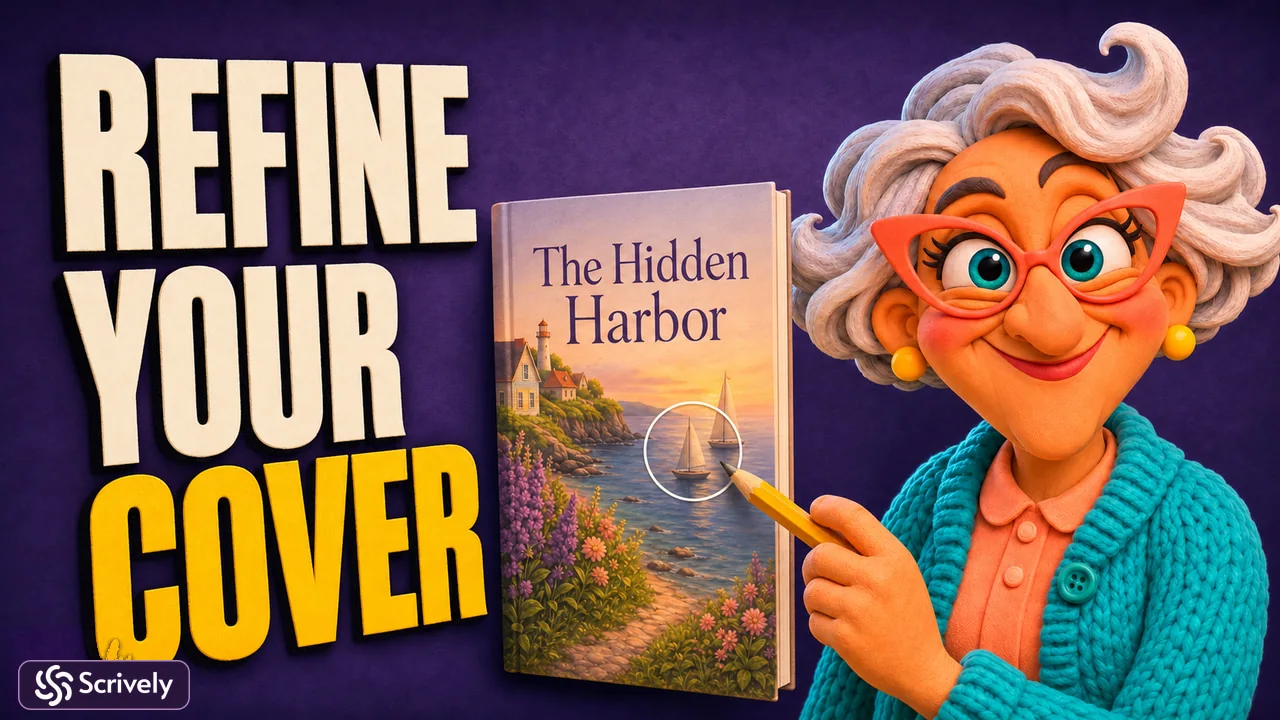 0:33
Make a focused edit to the front cover art
Change one detail and check the title, character, and composition afterward.
Every great story starts with a question.
Still need a hand? Our friendly support team is here for you.