

What would you like
to create today?
Find your answer. Learn a new trick. Make a little magic.
A guide for every part of your story.
Getting started
A little guidance for your first story.
3 tutorialsCreating a book
Turn photos, ideas, and drawings into books.
37 tutorialsCharacters & artwork
Create a cast that feels just right.
25 tutorialsEditing & page design
Fine-tune the words, pictures, and layout.
27 tutorialsAudio & StoryMovie
Bring stories to life with sound and motion.
27 tutorialsSharing & printing
Download, share, and hold your story.
34 tutorialsYour account & library
Find your books and manage your account.
21 tutorialsA little extra help
Get unstuck and keep your story moving.
20 tutorialsYour next little breakthrough
194 helpful tutorials, all in one place
 0:38
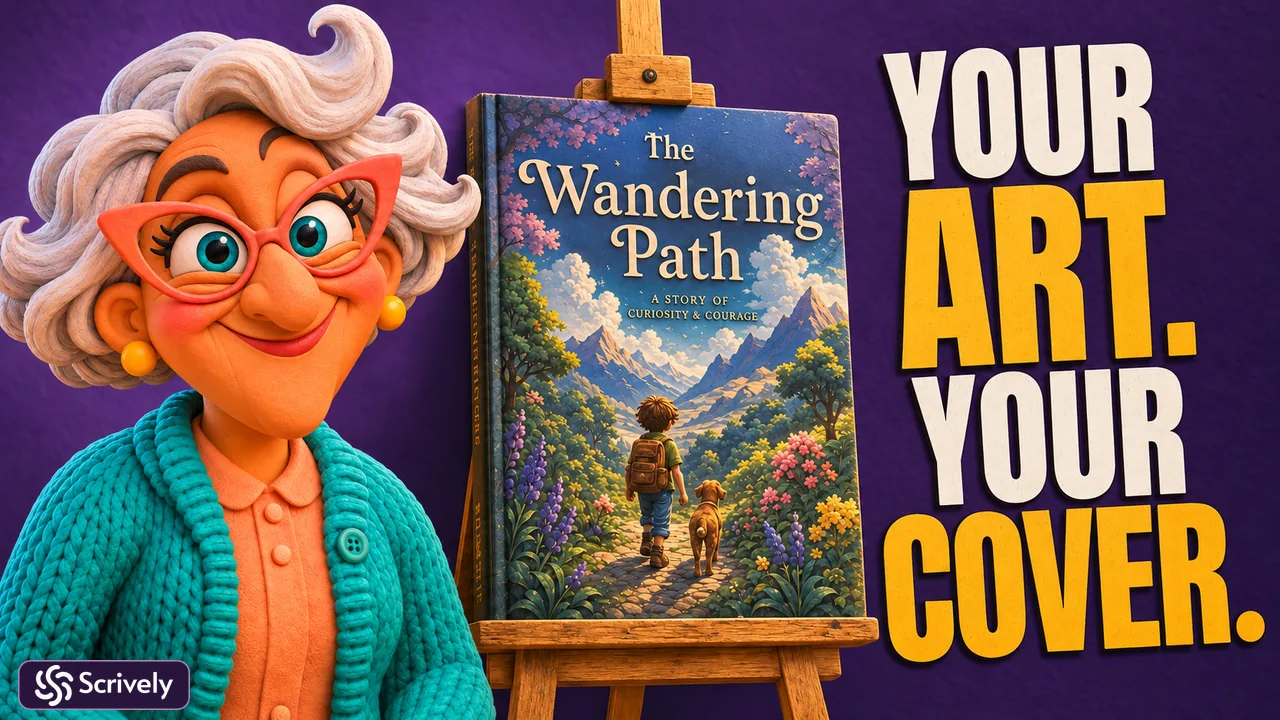
Use your own front-cover artwork
Upload a designed cover and check it for both screen reading and print.
 0:35
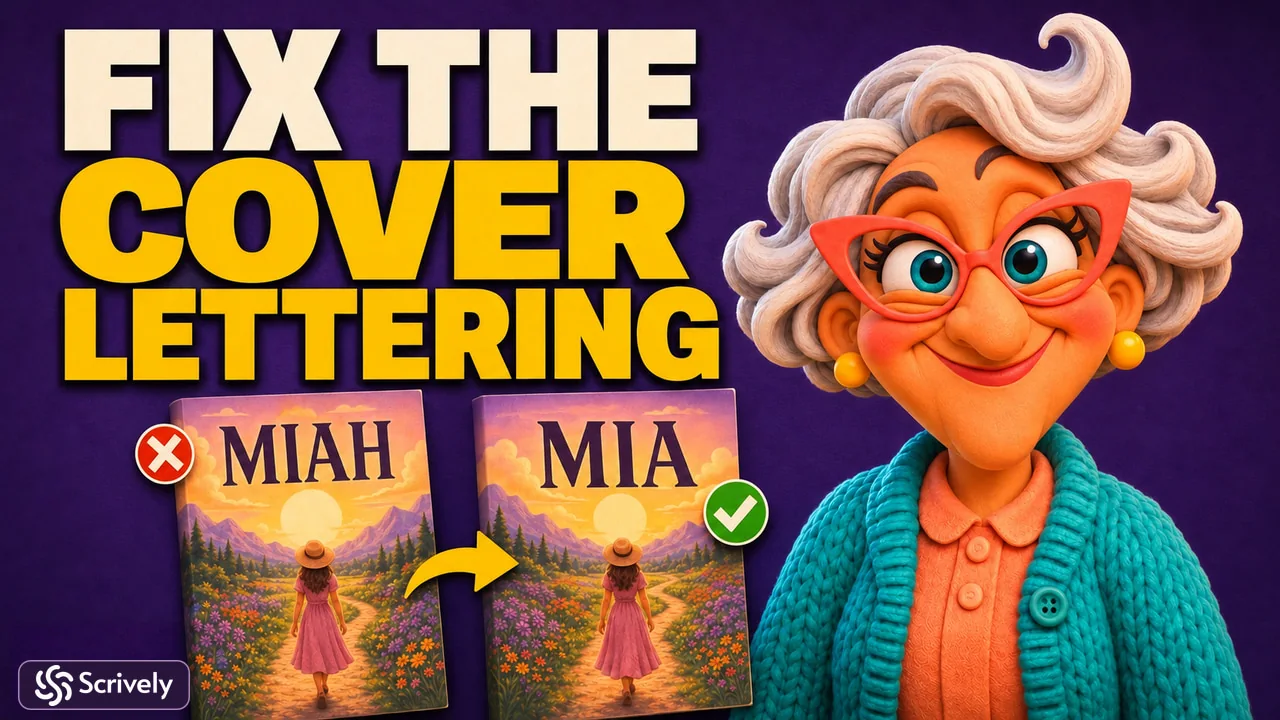
Fix a misspelled name on cover artwork
Correct words drawn into the picture and compare them with the editable title page.
 0:33
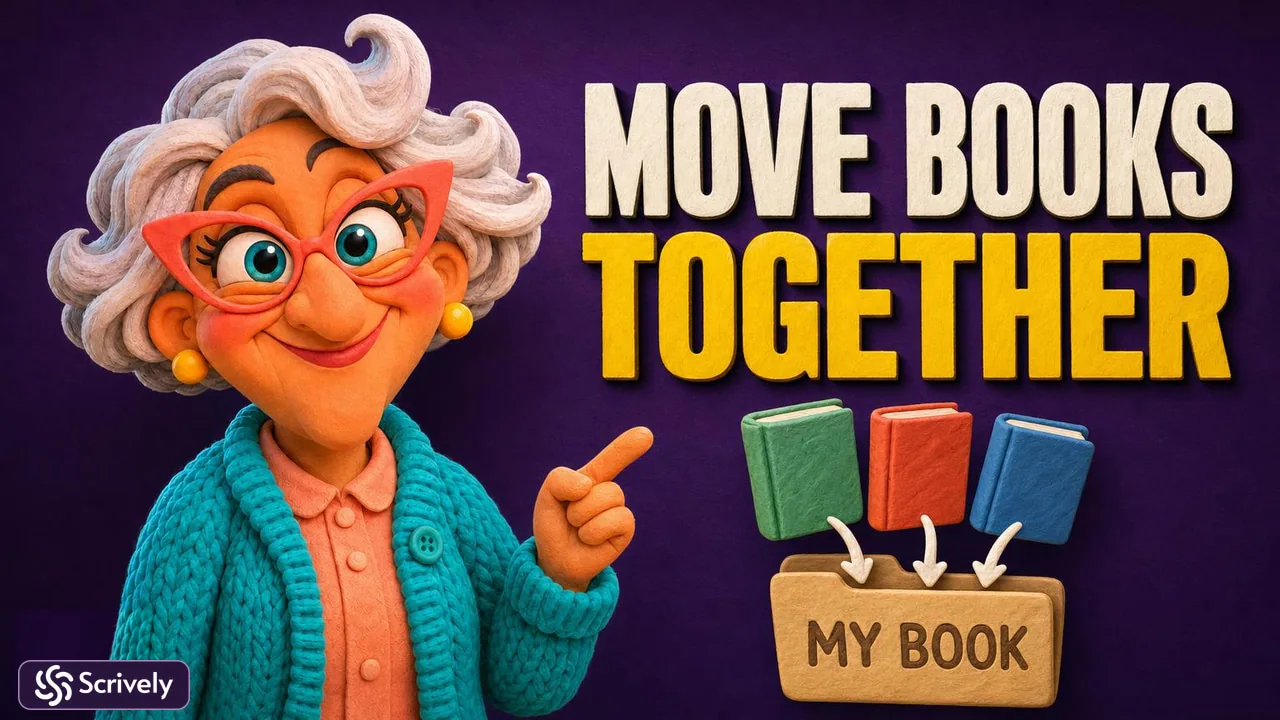
Move several books into one folder
Organize a group of books and verify that the right titles reached the new shelf.
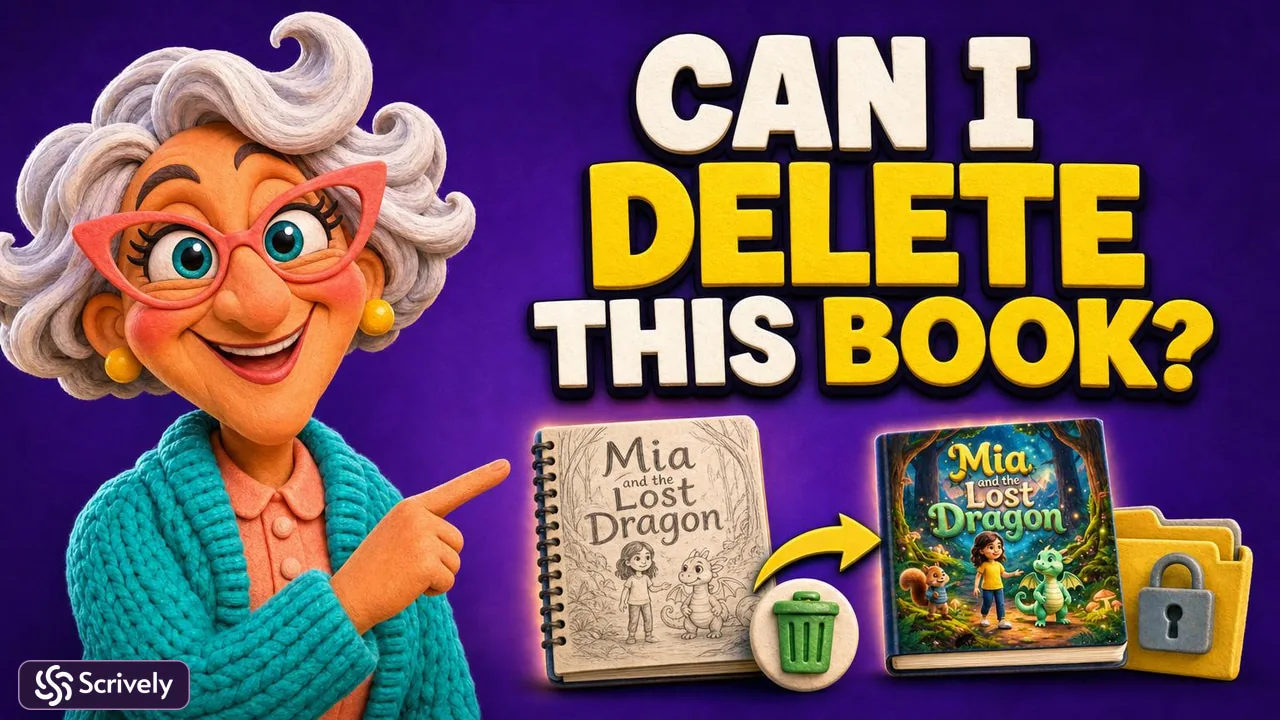 0:36
Understand why a book cannot be deleted
Read the explanation for the book's current state and use folders to tidy your library.
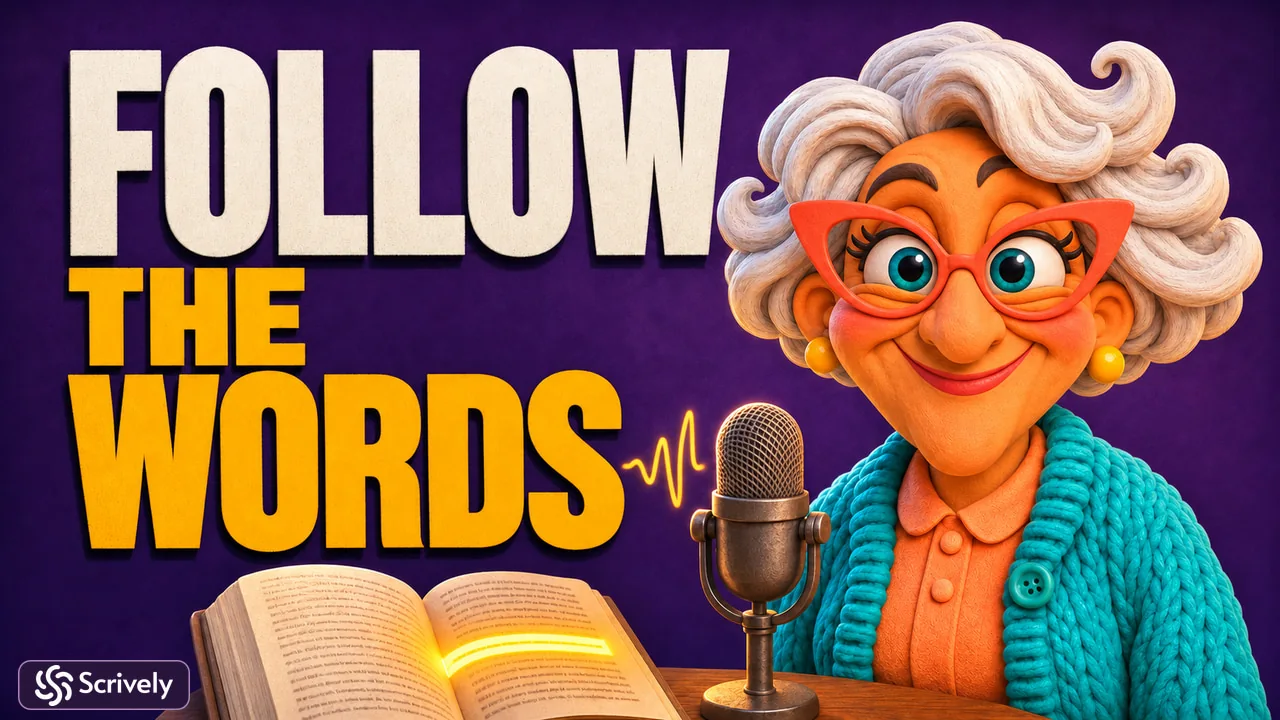 0:40
Read along with a narrated page
Play and pause the story while following the words together.
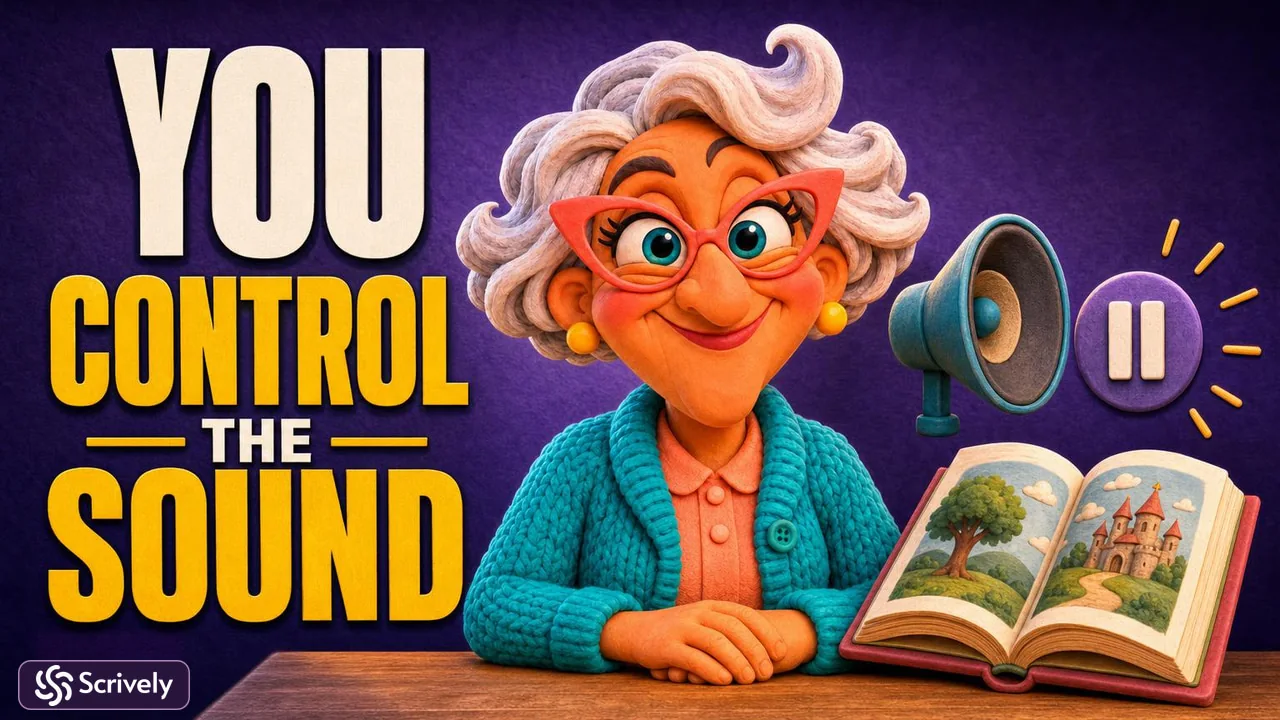 0:39
Control playback and adjust page music
Pause a reading session or change the music mix as the book's creator.
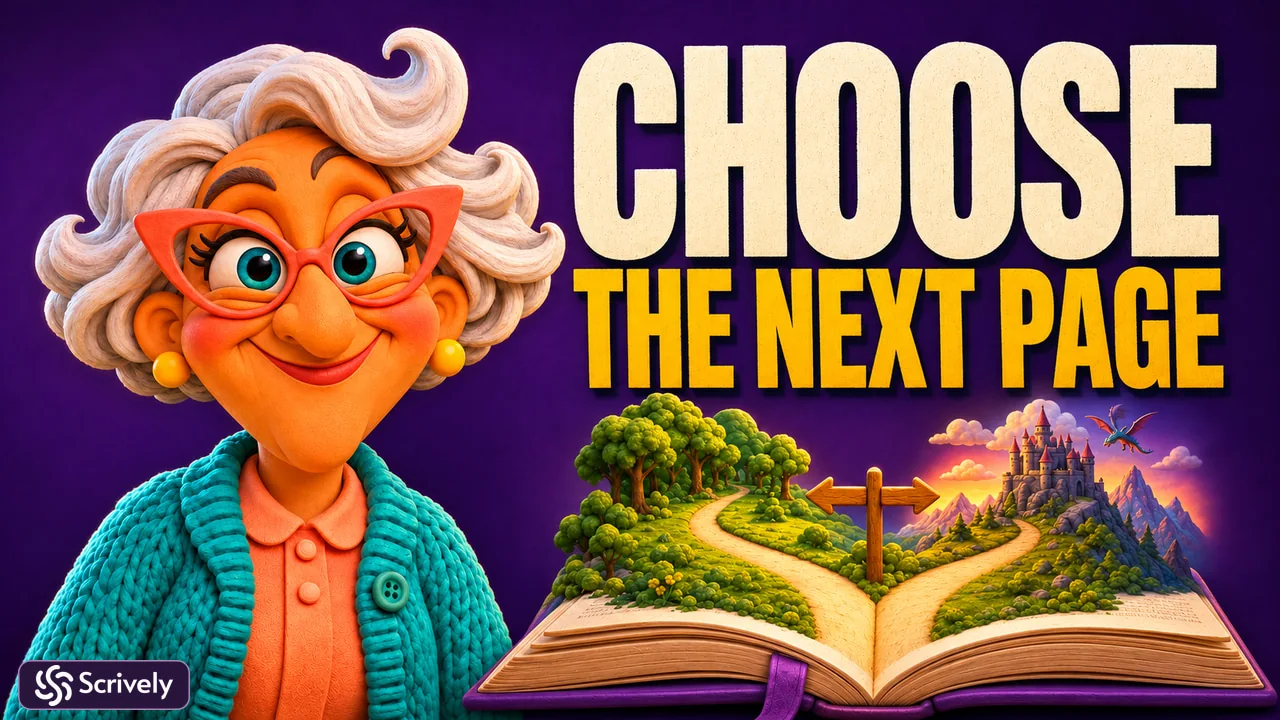 0:36
Try buttons and choices in a shared book
Check where each interaction takes a reader and test every available path.
 0:37
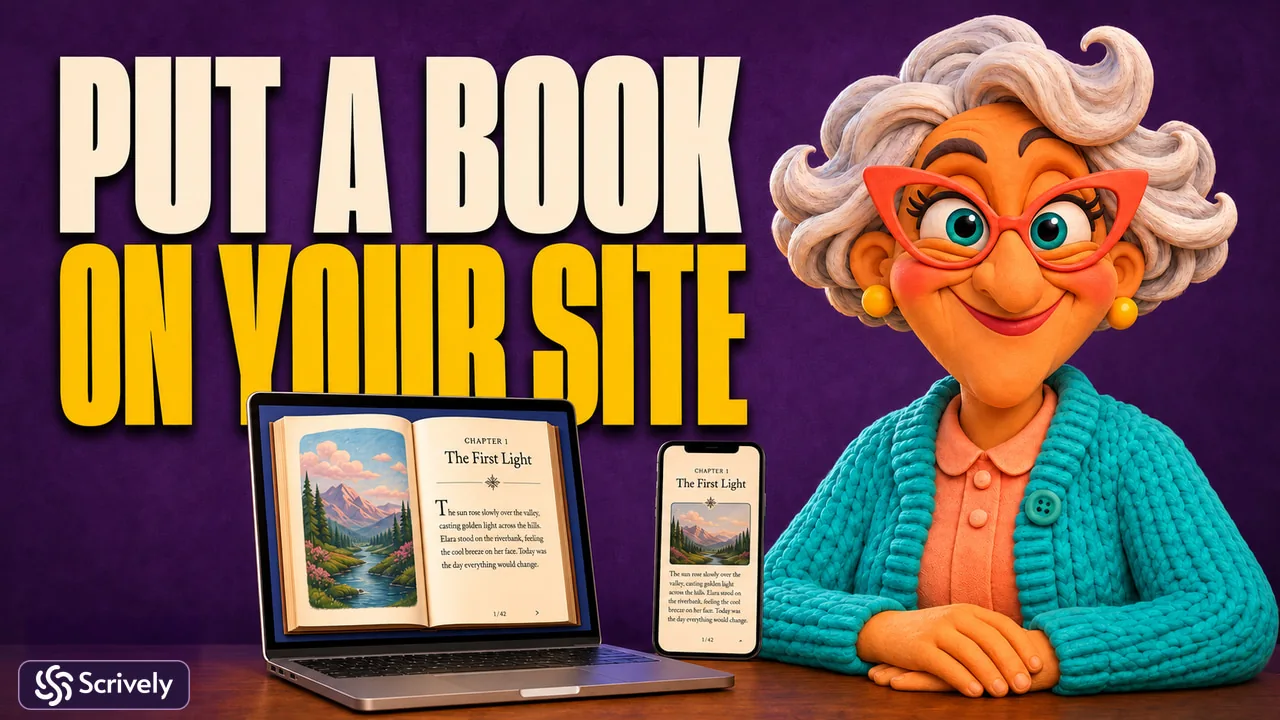
Embed your book on a website
Place the reading experience inside a page and check its controls on desktop and phone.
 0:38
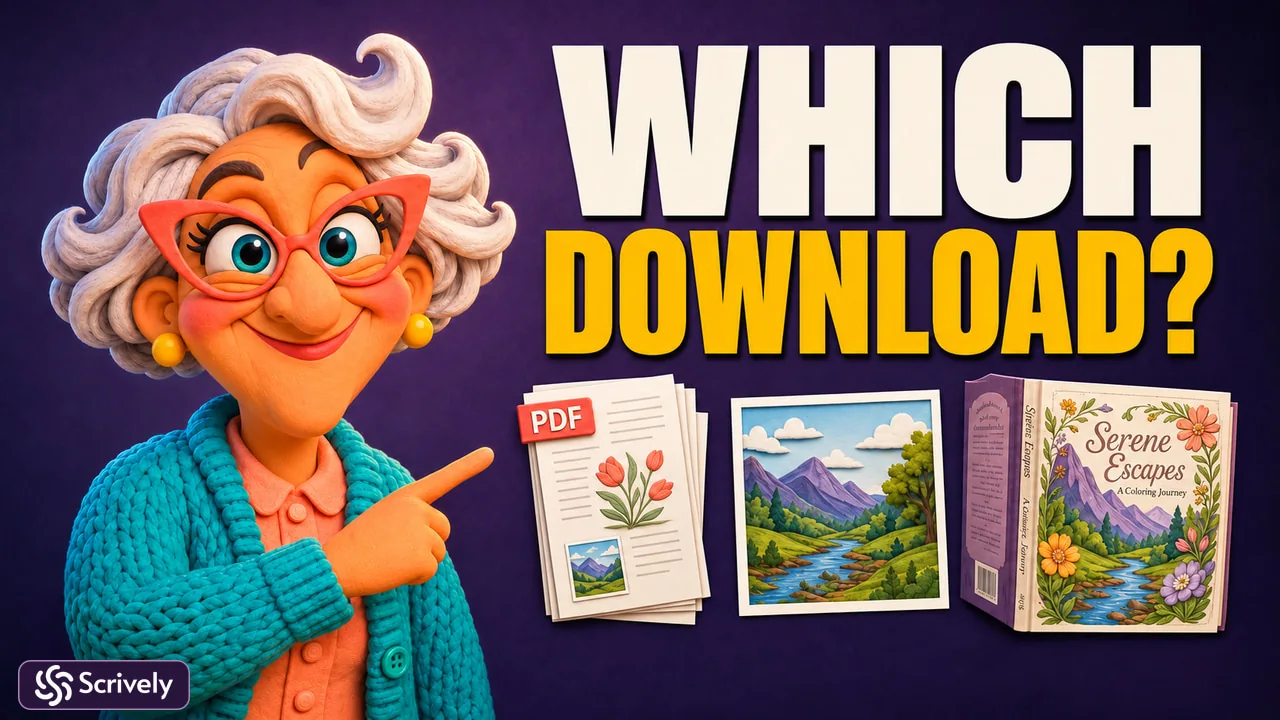
Choose a PDF, illustration, or publishing download
Start with the file's purpose so you download the right version.
 0:43
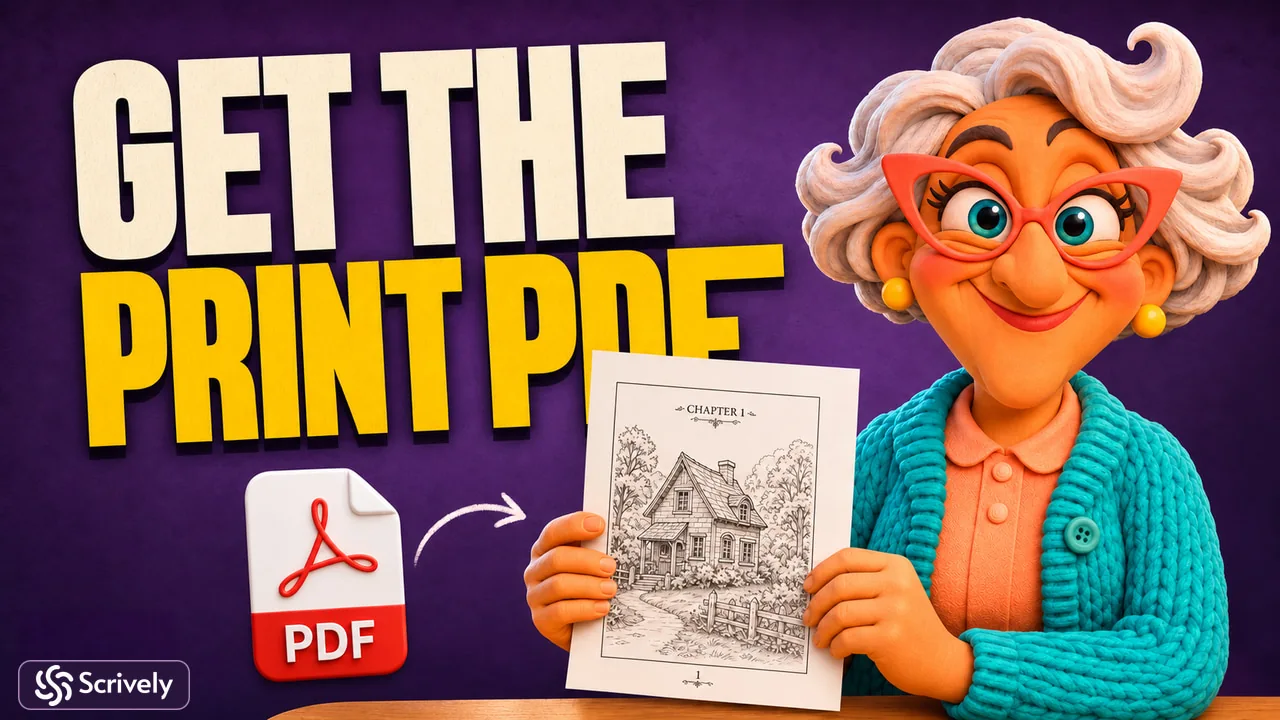
Download and inspect a print-ready PDF
Check the dimensions, interior pages, and file contents before sending it to a printer.
 0:38
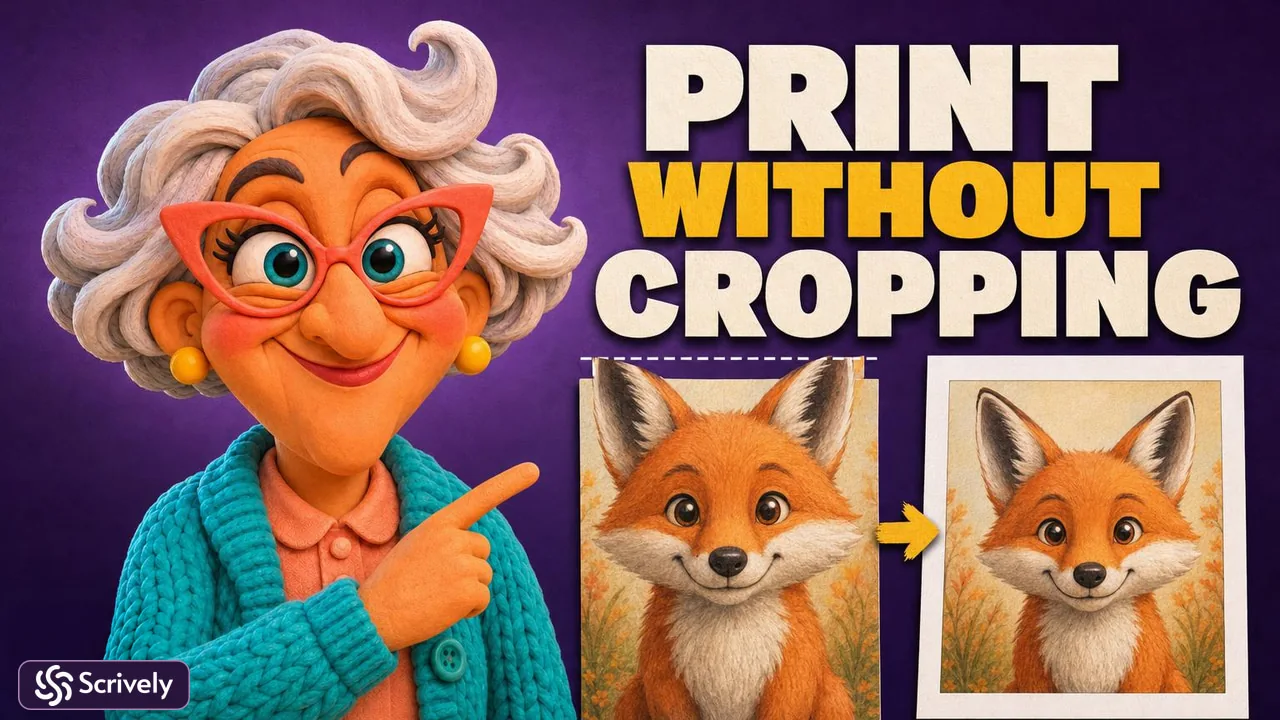
Print a PDF without clipping the edges
Compare print scaling and test one page before printing the whole book.
 0:37
Check a welcome print benefit before ordering
Compare your plan's benefit with the actual checkout quote before paying.
Every great story starts with a question.
Still need a hand? Our friendly support team is here for you.