

What would you like
to create today?
Find your answer. Learn a new trick. Make a little magic.
A guide for every part of your story.
Getting started
A little guidance for your first story.
3 tutorialsCreating a book
Turn photos, ideas, and drawings into books.
37 tutorialsCharacters & artwork
Create a cast that feels just right.
25 tutorialsEditing & page design
Fine-tune the words, pictures, and layout.
27 tutorialsAudio & StoryMovie
Bring stories to life with sound and motion.
27 tutorialsSharing & printing
Download, share, and hold your story.
34 tutorialsYour account & library
Find your books and manage your account.
21 tutorialsA little extra help
Get unstuck and keep your story moving.
20 tutorialsYour next little breakthrough
194 helpful tutorials, all in one place
 0:35
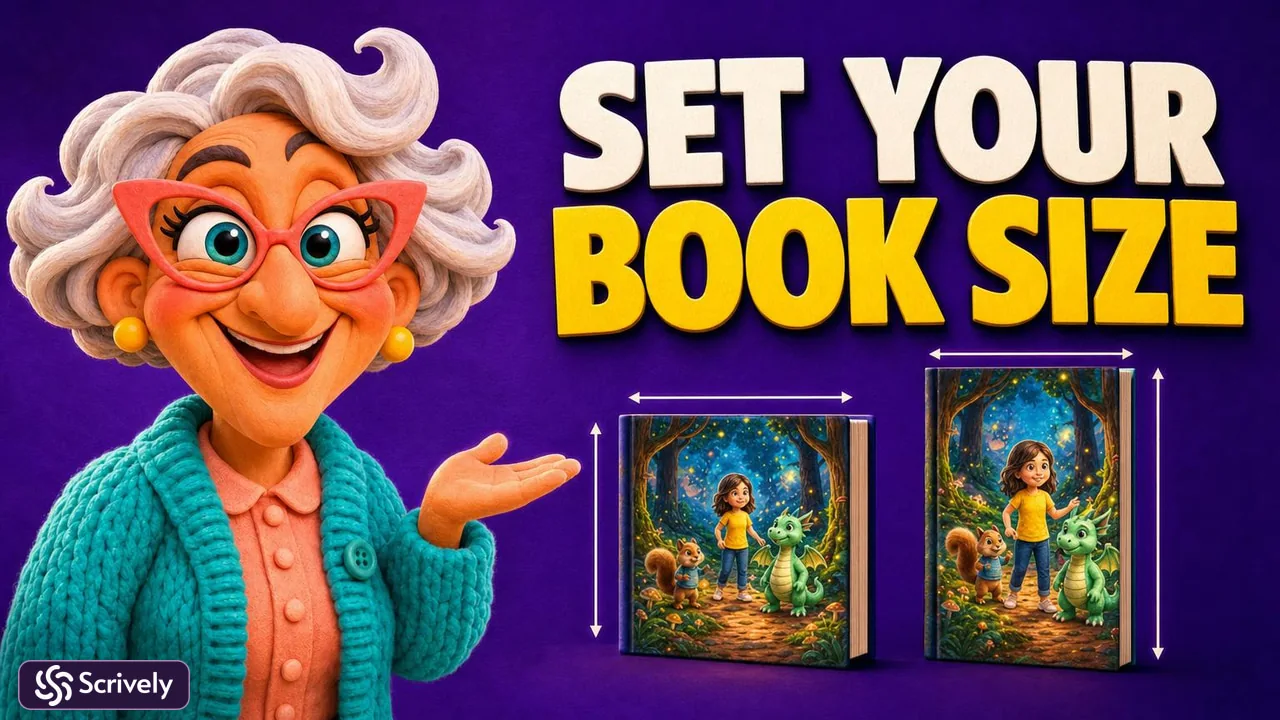
Set a default book size and layout
Choose the format new drafts should start with and verify it in a fresh book.
 0:32
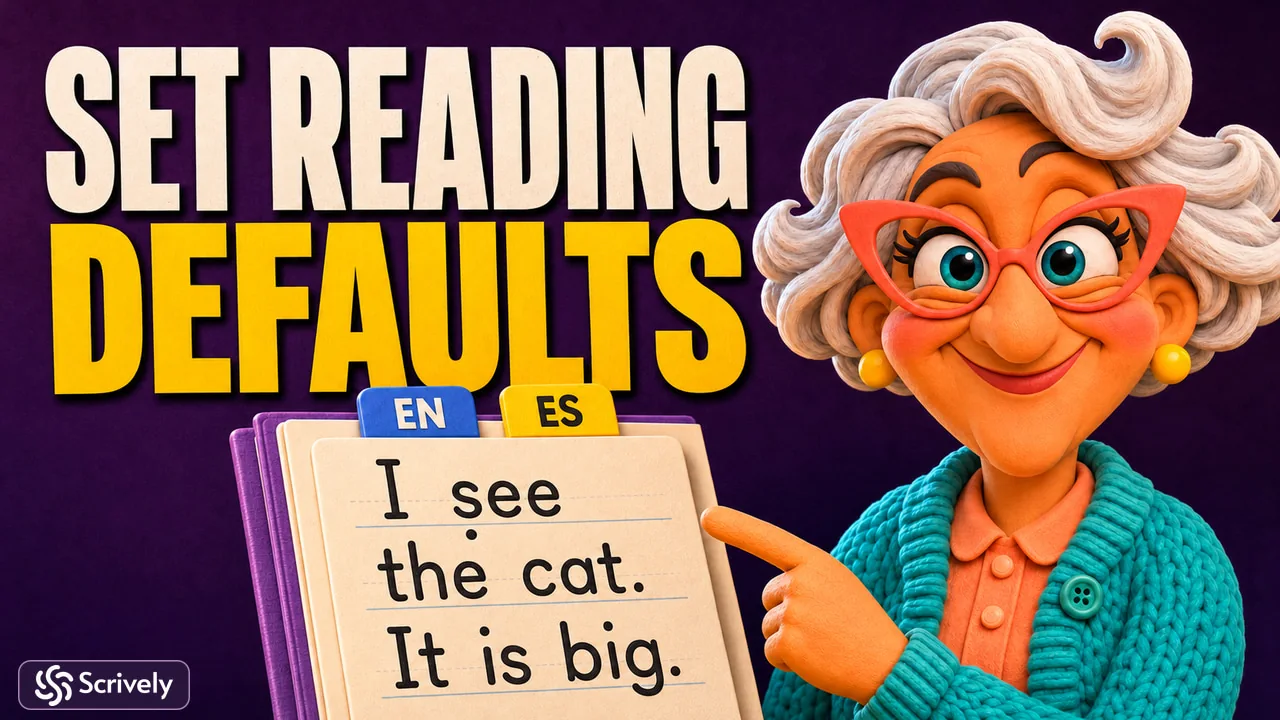
Set a default reading level and language
Save useful starting values for future stories.
 0:38
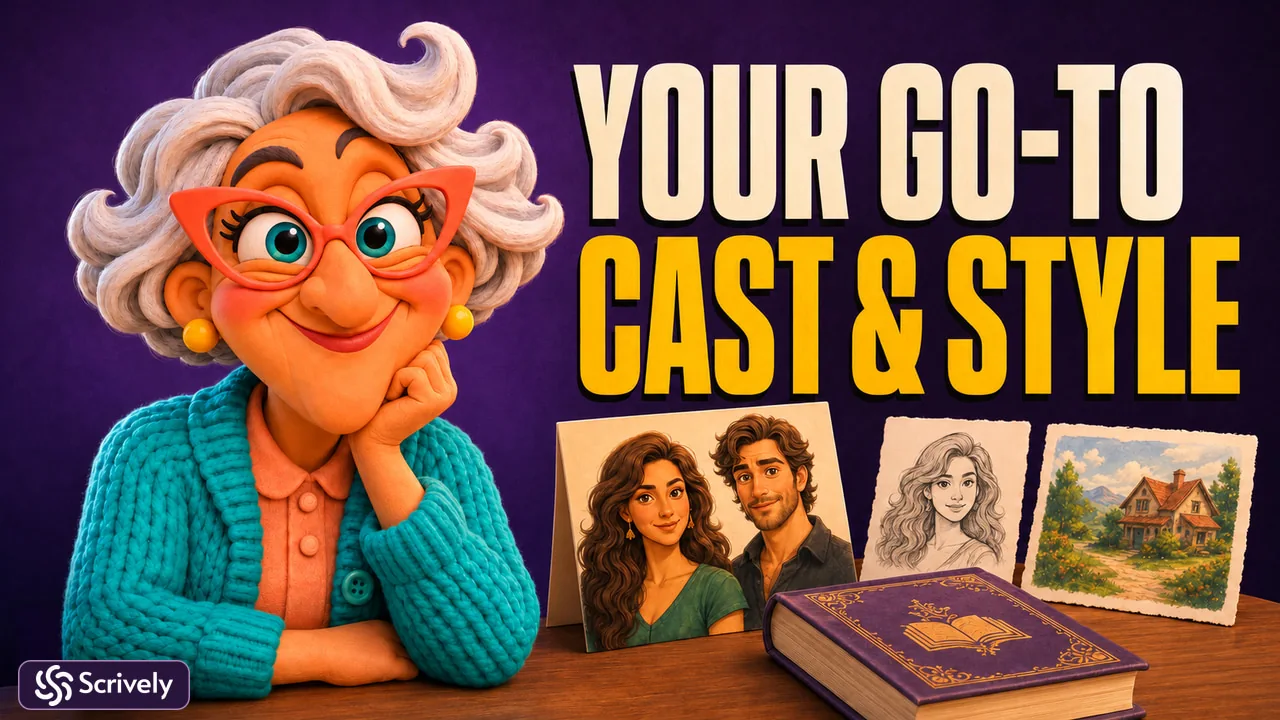
Set a default cast size and art style
Start new stories with your usual character count and visual style.
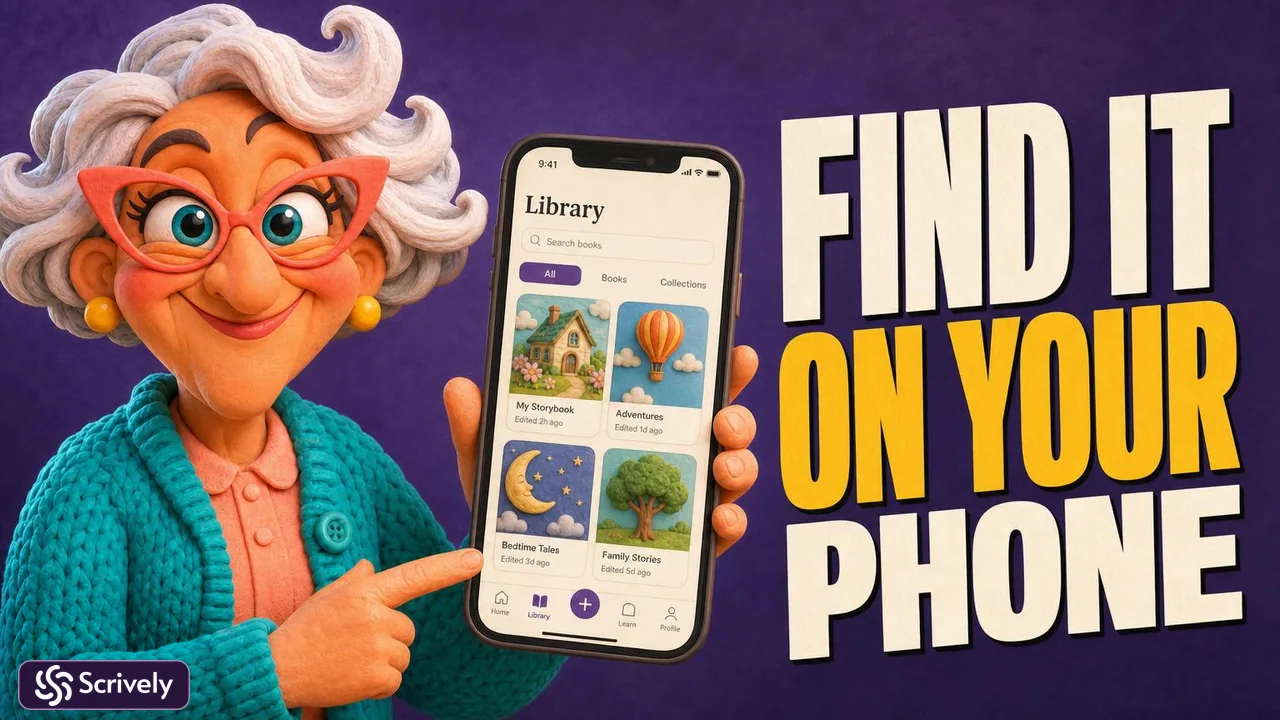 0:36
Find Scrively's main tools on a phone
Navigate the creation tabs, account menu, and library on a narrower screen.
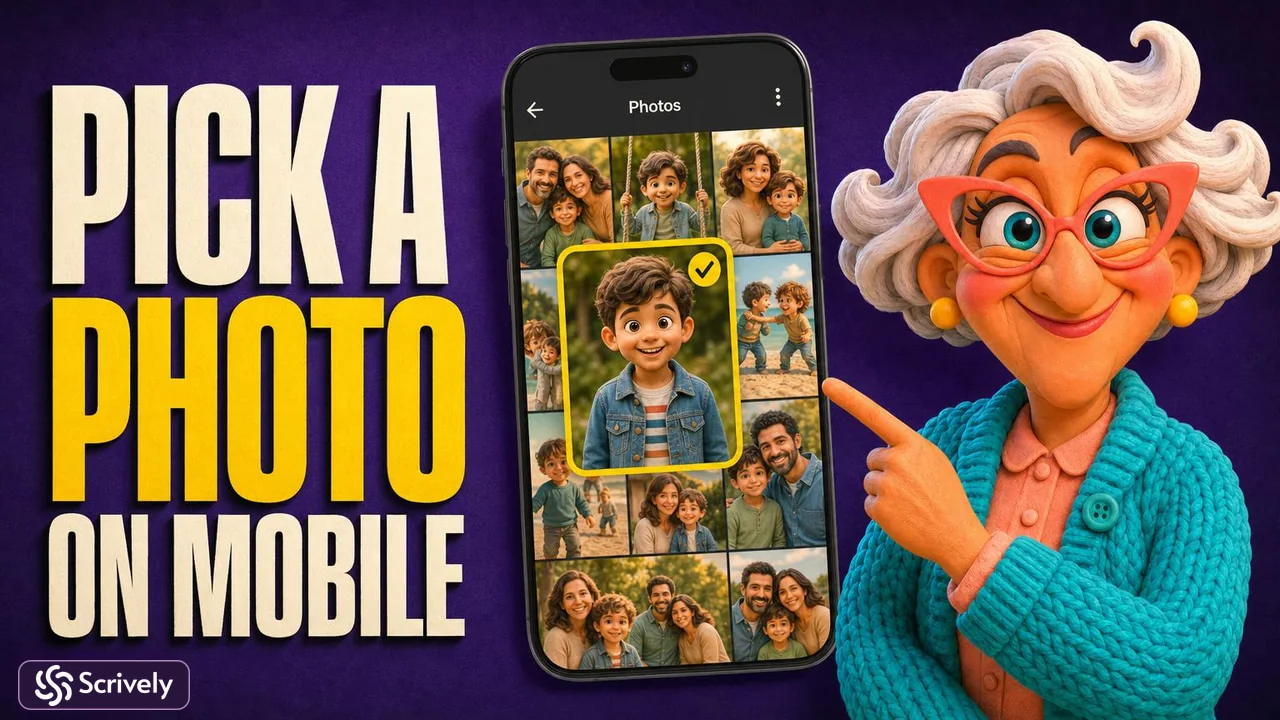 0:36
Upload a character photo from your phone
Choose a clear image, check the crop, and confirm the person before adding their name.
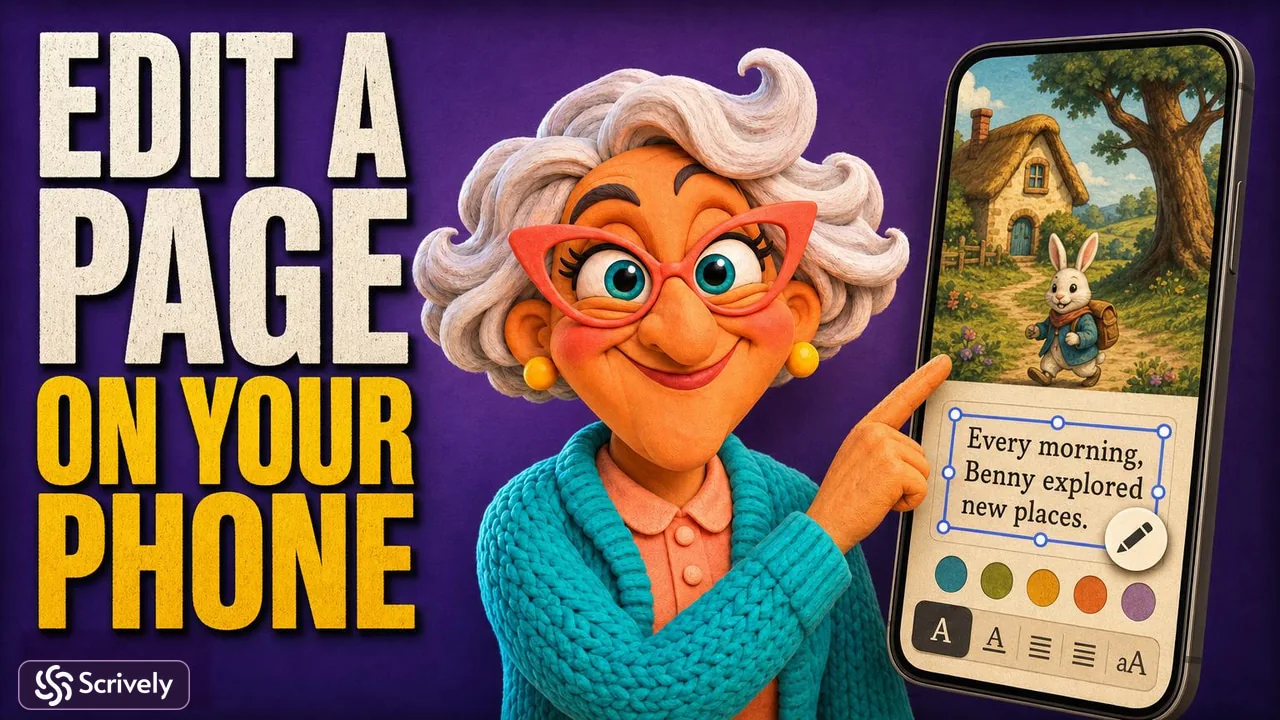 0:38
Edit a book page on your phone
Make a focused text change and review it at the size your phone displays.
 0:32
Find a downloaded book or movie on your phone
Locate the saved file in Downloads or Files and open it in the right viewer.
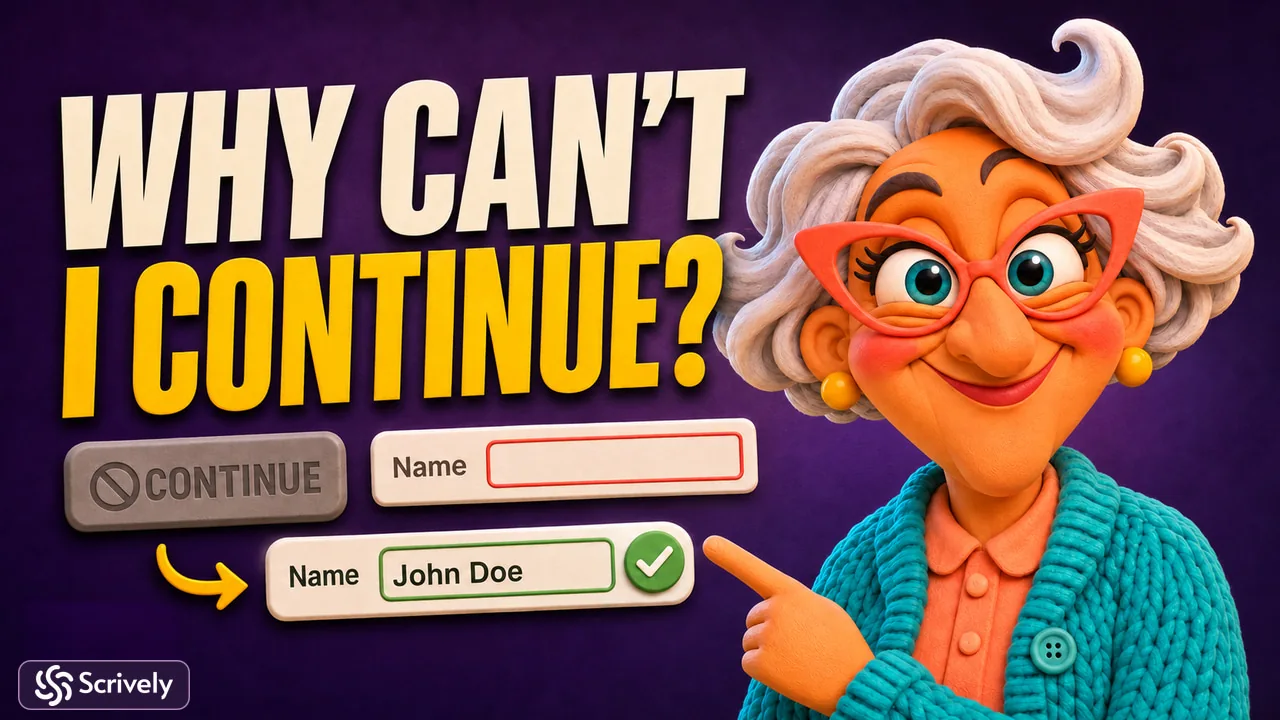 0:39
Check missing details when a book will not start on mobile
Read the message near the bottom of the form and supply the photo or name it requests.
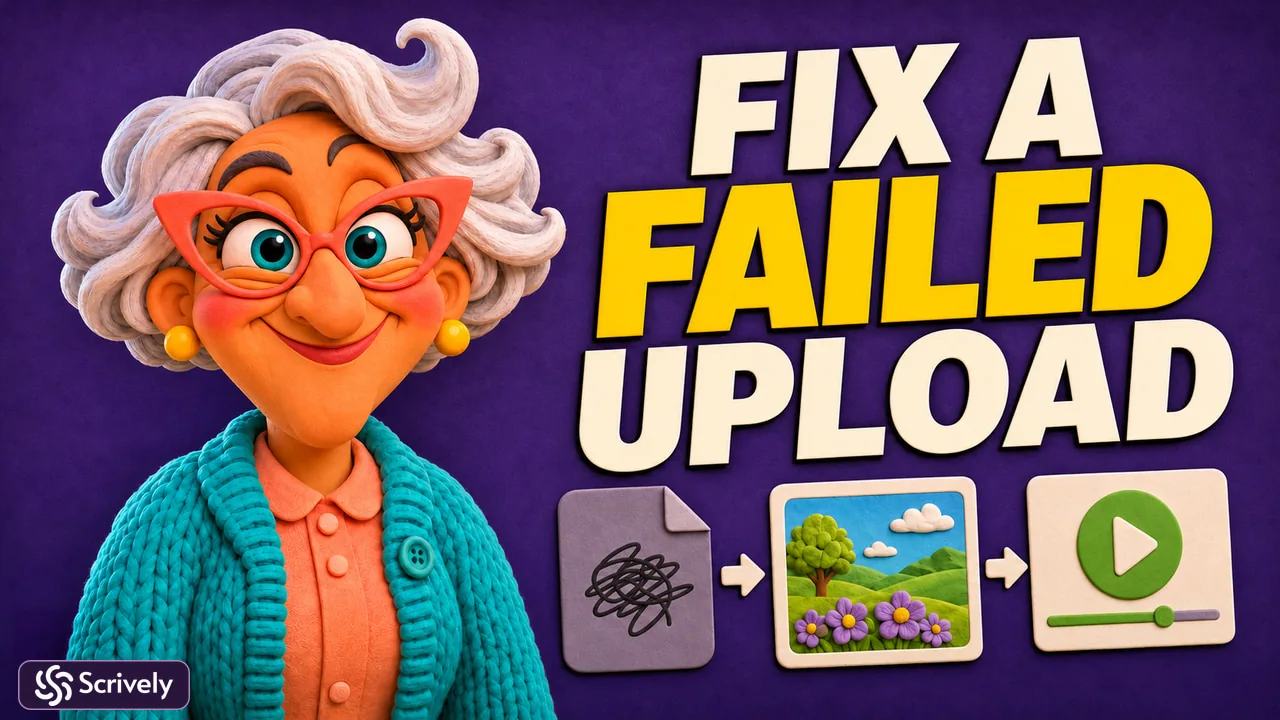 0:41
Fix a photo that will not upload
Check the file type, try the original image, and confirm that it reaches the builder.
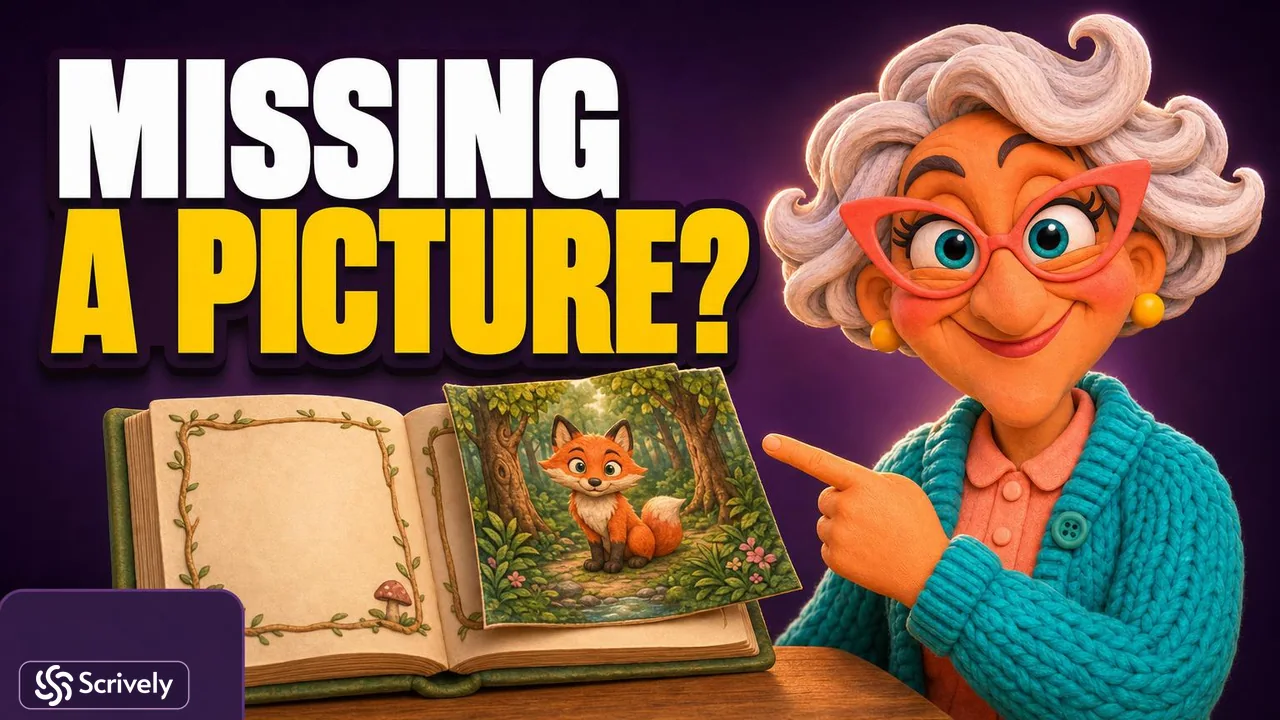 1:16
Check pictures that are still finishing
Follow the remaining-illustration count and inspect the final pages when the book is ready.
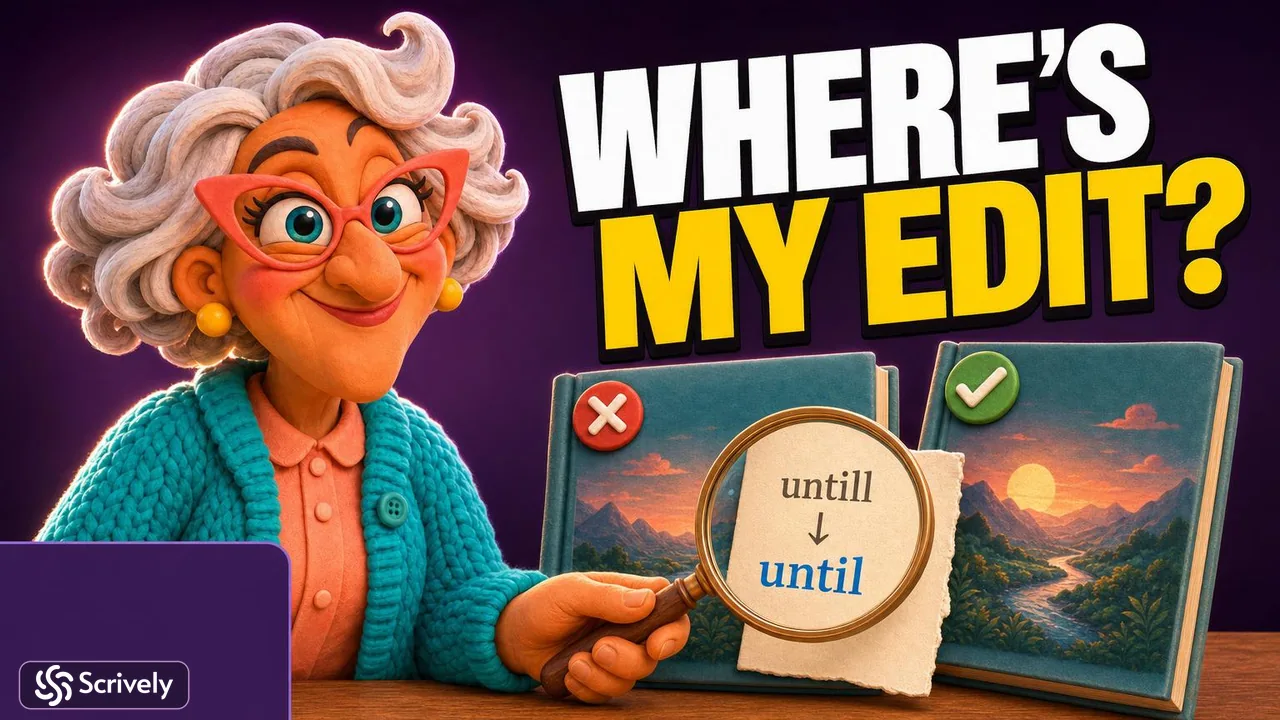 0:50
Find an edit after reopening your book
Check the same words on the same page of the same edition.
 0:52
Understand an upgrade prompt when you still have credits
Check which feature is locked and whether your purchase covers that tool and book.
Every great story starts with a question.
Still need a hand? Our friendly support team is here for you.